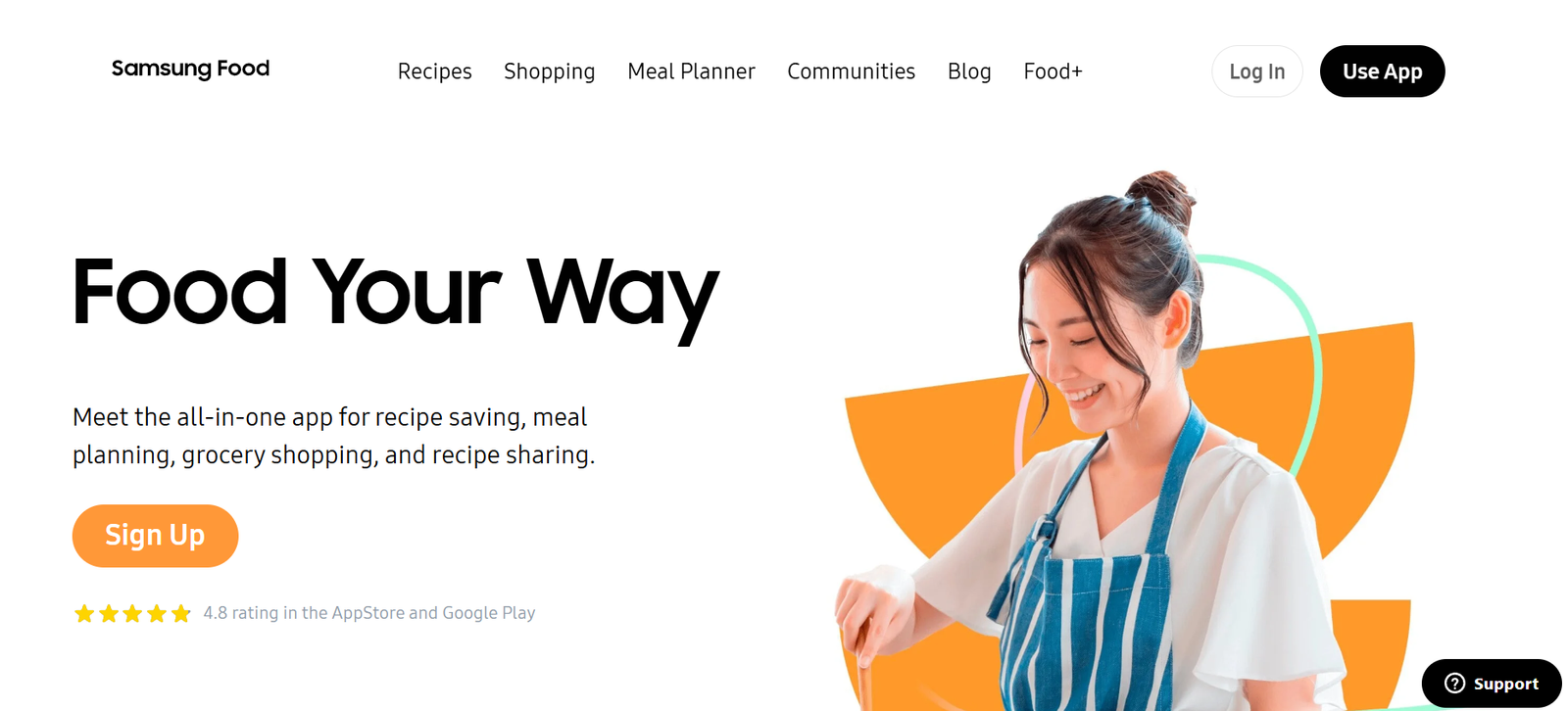
Samsung Food is a personalized food and recipe app powered by artificial intelligence. It helps users discover recipes, plan meals, track nutrition, and connect with smart kitchen devices to enhance their cooking experience. Originally known as Whisk before being rebranded, Samsung Food is part of Samsung’s broader smart home ecosystem, making it a natural fit for users who already own Samsung appliances or use Samsung Health.
The app acts as a comprehensive kitchen companion that brings together recipe discovery, meal planning, grocery list creation, and AI-based recommendations all in one platform. It’s designed to support healthy eating habits, reduce food waste, and make cooking more efficient and enjoyable.
Features of Samsung Food
One of the standout features of Samsung Food is its recipe saving and organization functionality. Users can save recipes from any website using the built-in browser or browser extension, and the app automatically formats them into clean, easy-to-follow steps. Recipes can be sorted into collections and categories, making them easy to access when planning meals.
The app offers personalized meal planning. After users set dietary preferences, allergies, and nutritional goals, Samsung Food’s AI suggests meals that align with those settings. It even allows users to adjust serving sizes and automatically updates ingredient quantities.
A built-in grocery list feature lets users generate shopping lists directly from their meal plans. Items are grouped by category, and users can add or remove products as needed. Grocery lists can be shared with others or synced with supported online grocery platforms, depending on the region.
Nutrition tracking is integrated with Samsung Health. Meals logged in Samsung Food can automatically sync with the health app, helping users stay on track with calorie and nutrient goals. This is especially helpful for those focused on weight loss, fitness, or managing specific health conditions.
Samsung Food also offers recipe personalization. The AI can suggest ingredient swaps based on dietary restrictions or preferences, helping users create healthier or allergen-free versions of their favorite dishes.
Integration with Samsung smart kitchen appliances allows for enhanced functionality. Users can send recipes directly to compatible ovens, receive cooking instructions, and monitor progress from their phone.
How Samsung Food Works
Samsung Food begins by learning about the user. During onboarding, users provide details about their dietary needs, allergies, health goals, and favorite cuisines. This information feeds into the app’s AI engine, which curates a personalized feed of recipes and meal suggestions.
Users can explore recipes through search or browse by category. When a recipe is saved, Samsung Food extracts the relevant information and stores it in a clean, readable format. This can include ingredients, instructions, cooking times, and nutritional data.
Meal plans can be built for a day, a week, or longer. Recipes are dragged and dropped into a meal planner calendar, which then links to the grocery list tool. The app keeps everything synchronized, so if you change a recipe or serving size, the grocery list updates automatically.
Users can log what they eat directly or mark recipes as “cooked” to track consumption. Nutritional data flows into Samsung Health, offering a complete picture of the user’s daily intake.
If paired with smart appliances, users can control cooking modes or timers directly from the app, making meal preparation even more hands-free.
Use Cases for Samsung Food
Samsung Food is ideal for users looking to organize their cooking and eating habits. It is especially helpful for busy individuals or families who want to streamline meal planning and grocery shopping.
Health-conscious users use Samsung Food to track their macronutrients, manage calories, and ensure that meals meet specific dietary needs such as keto, vegetarian, low-carb, or gluten-free.
Fitness enthusiasts benefit from the integration with Samsung Health, which allows for a complete view of activity levels and nutritional intake in one ecosystem.
Home cooks use the app to discover new recipes, plan weekly meals, and experiment with ingredient substitutions to make recipes healthier or fit personal tastes.
People managing chronic health conditions, such as diabetes or hypertension, can use Samsung Food to avoid ingredients that may cause health issues and monitor their food intake more closely.
Users with Samsung smart ovens and appliances can automate parts of the cooking process and receive guided instructions directly from the app, reducing the chance of mistakes and saving time.
Pricing of Samsung Food
Samsung Food is completely free to download and use. As of the time of writing, there are no subscription fees or in-app purchases required to access the core features.
Users can download the app on iOS or Android devices or use it via the web. Samsung does not currently charge for integration with Samsung Health or smart appliances, making it an excellent value for users already within the Samsung ecosystem.
The app’s free pricing model and full feature access make it accessible to a wide range of users, from casual home cooks to those managing advanced health and fitness routines.
Strengths of Samsung Food
Samsung Food excels at integrating recipe management, nutrition tracking, and meal planning into one seamless experience. Its AI-powered personalization ensures that meal recommendations are aligned with individual health goals and dietary preferences.
The interface is user-friendly and visually appealing, making it easy for both beginners and experienced users to navigate. Saving and organizing recipes from the web is simple and effective.
The synchronization with Samsung Health offers a valuable advantage for users who want a holistic view of their health data, including both activity and nutrition.
Smart kitchen integration provides added value for users with compatible Samsung appliances, enabling guided cooking and automation.
The app’s free pricing with no ads or subscription fees increases accessibility and makes it an appealing choice for anyone looking to improve their eating habits or kitchen efficiency.
Drawbacks of Samsung Food
One limitation is that while Samsung Food integrates well with Samsung products, its functionality may be more limited with other smart kitchen ecosystems. Users without Samsung appliances may not benefit from the full range of automation features.
Recipe discovery, while broad, may not always surface region-specific dishes unless users fine-tune their preferences. Some users may prefer more curated editorial content or expert recommendations alongside algorithmic suggestions.
Users who track detailed micronutrients or require advanced meal prep features may find Samsung Food’s tracking to be basic compared to apps built solely for fitness and nutrition.
Although the app supports online grocery integration, the feature availability depends on geographic region and local retailer partnerships.
Samsung Food is also dependent on consistent user engagement. Without regular input or interaction, the personalization engine may not provide optimal recommendations.
Comparison with Other Tools
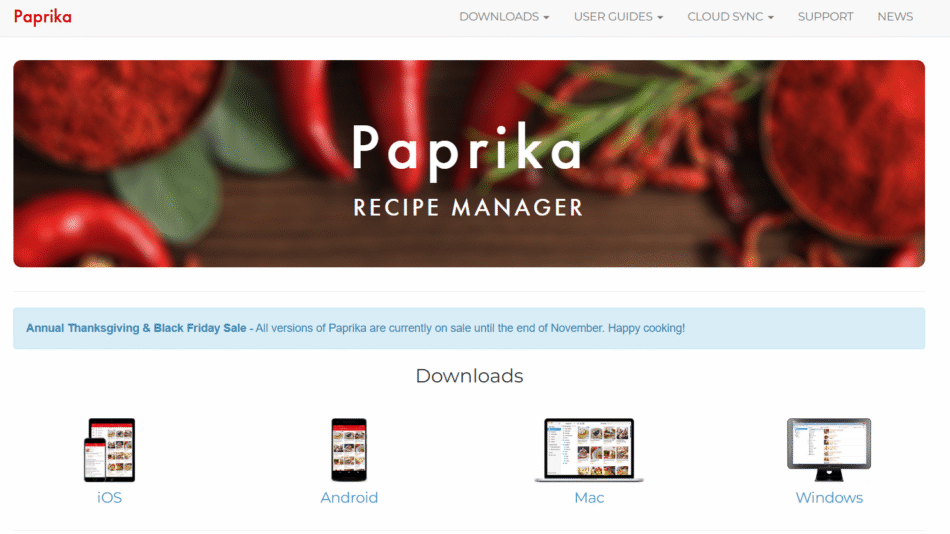
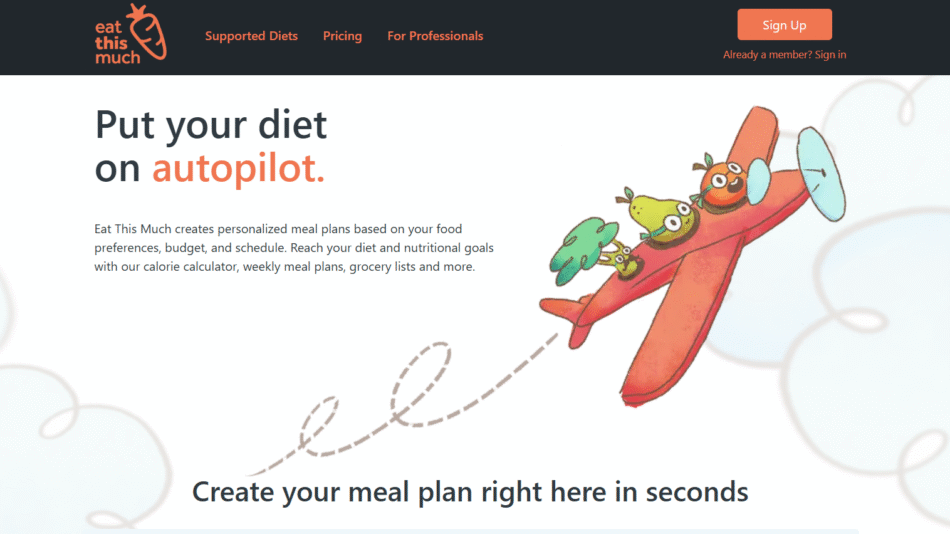
Samsung Food competes with other food and nutrition apps like Paprika, Yummly, MyFitnessPal, and Whisk. Unlike Paprika, which focuses mainly on recipe organization, Samsung Food integrates nutrition tracking, grocery planning, and health app syncing into one experience.
Compared to MyFitnessPal, which offers advanced tracking features and a strong fitness community, Samsung Food is more lifestyle-oriented and easier to use for general wellness and meal organization. However, it may lack the depth of nutritional analytics available in MyFitnessPal.
Yummly is strong in curated content and cooking videos, whereas Samsung Food focuses more on automation, personalization, and smart home integration.
Samsung Food’s roots in Whisk give it a strong foundation in recipe clipping and organization, while its integration with Samsung’s ecosystem gives it a unique edge in the growing smart kitchen market.
Customer Reviews and Testimonials
Samsung Food has received positive reviews from users for its simplicity, clean design, and practical functionality. Many users appreciate how easy it is to save recipes, create shopping lists, and plan meals for the week.
Health-focused users praise the app’s integration with Samsung Health and its ability to support specific dietary goals with personalized suggestions.
Samsung smart appliance users report a seamless experience when sending recipes to their ovens or receiving cooking instructions on their smart devices.
Some users note that the app could offer more variety in recipe recommendations or enhance its international cuisine options. However, updates are frequent, and the app continues to improve based on user feedback.
Overall, Samsung Food enjoys strong user satisfaction and continues to grow its user base as part of Samsung’s broader smart home offering.
Conclusion: Is Samsung Food Worth It?
Samsung Food is a robust and intelligently designed app that meets the needs of modern home cooks, health-conscious eaters, and smart home users. By combining personalized meal planning, recipe saving, grocery management, and nutrition tracking, it provides an all-in-one solution for organizing your kitchen life.
For users who own Samsung devices, the added integration with Samsung Health and smart kitchen appliances makes it an even more powerful tool. And with no cost to download or use, Samsung Food offers exceptional value for individuals and families looking to cook more efficiently, eat healthier, and stay organized.
Whether you’re tracking macros, managing allergies, cooking for a family, or just looking to save time during the week, Samsung Food is a smart companion in the kitchen.