
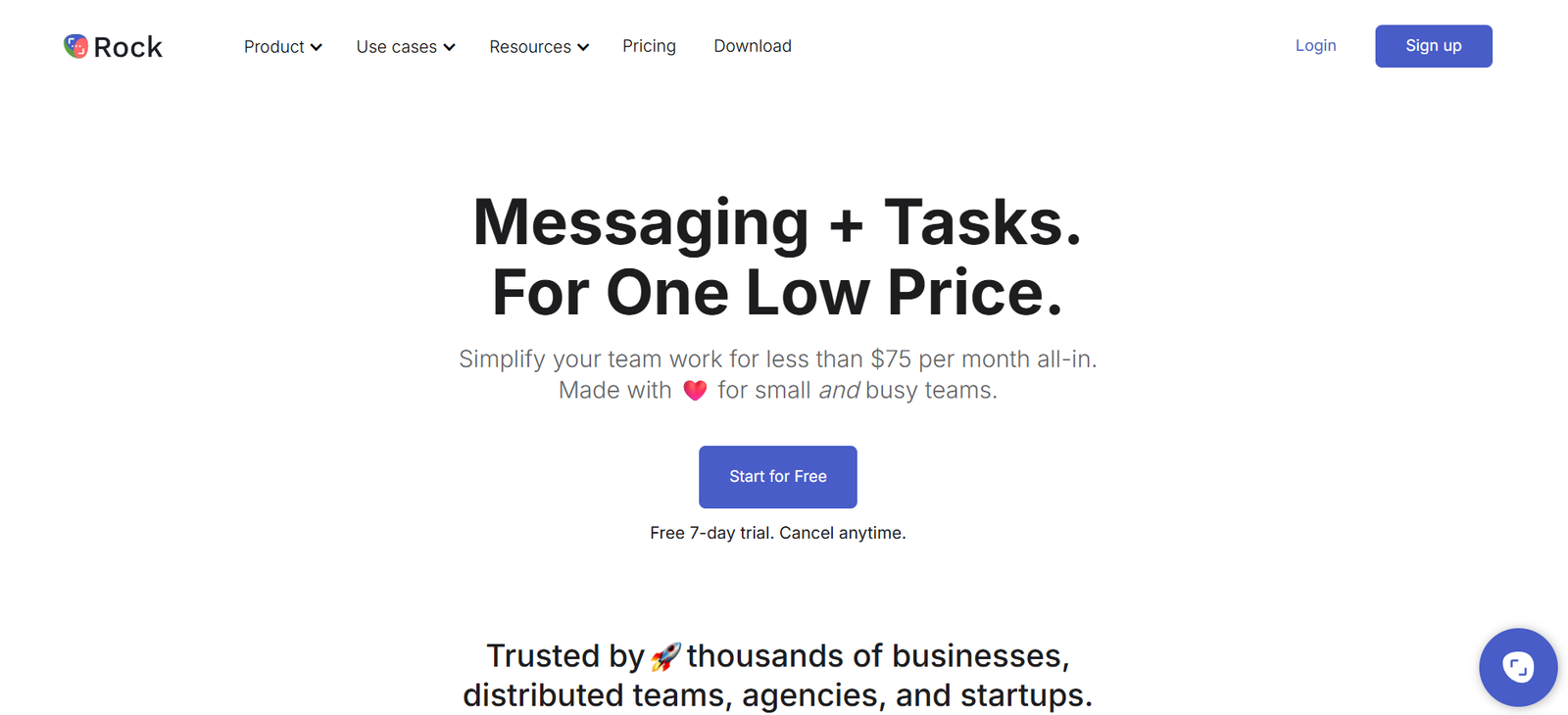
Rock is a collaborative platform that merges team messaging, task management, notes, file sharing, and video meetings into a single workspace. Designed for remote and hybrid teams, Rock offers a lightweight alternative to tools like Slack, Asana, and Zoom by replacing multiple platforms with one unified solution. The platform is optimized for asynchronous communication, helping teams reduce meetings and manage projects more efficiently.
By combining communication and productivity tools into a single interface, Rock aims to simplify work for teams of all sizes, making it easier to get things done without constantly switching between apps.
Features
Rock is built around core collaboration functions that allow teams to plan, communicate, and execute all in one place.
Messaging
Send direct messages and group chats with support for mentions, reactions, and file attachments. Every space includes a chat section to streamline discussions.
Tasks
Built-in task management system with support for lists, kanban boards, assignees, due dates, and labels. You can track project progress and assign work directly from the same space where conversations happen.
Notes
Collaboratively write and edit notes within each space. Useful for meeting summaries, project briefs, and documentation.
Video and Voice Calls
Integrated video conferencing powered by Jitsi, allowing teams to launch meetings directly from their workspace.
Files and Integrations
Upload and organize files or connect third-party services like Google Drive, Dropbox, Zoom, Notion, and more to manage documents and tools in one place.
Spaces
Each project or topic can be managed within a “space” that includes messaging, tasks, notes, files, and links—keeping everything related to a project together.
Unlimited Messages and Users
Even on the free plan, Rock offers unlimited messaging, tasks, and spaces, making it ideal for small teams or freelancers.
Asynchronous Workflows
Rock encourages fewer meetings with tools that support async updates, making it ideal for distributed teams.
Multi-Platform Support
Available on iOS, Android, macOS, Windows, and web browsers for flexible, cross-device collaboration.
How It Works
Rock works by organizing work into Spaces—each space is a shared workspace where team members can collaborate on a specific project or topic. Within a space, users have access to key tools like chat, tasks, notes, files, and meetings.
To get started, you create or join a space, invite collaborators, and begin working. For communication, chat messages can be sent and responded to in real time or asynchronously. For work planning, users can create tasks, assign them to team members, set due dates, and organize work using kanban views.
Meetings can be scheduled or started ad hoc via integrated video calls. Notes allow teams to document meeting summaries, project scopes, or brainstorms directly within the workspace. Files can be attached directly to tasks, chats, or notes, or pulled in from cloud integrations.
This modular approach allows teams to stay organized and focused without leaving the platform.
Use Cases
Rock is a versatile platform with practical applications for remote teams, agencies, freelancers, and startups.
Remote Teams
Coordinate across time zones with asynchronous messaging, task tracking, and shared notes. Reduce the need for live meetings by centralizing updates in spaces.
Marketing and Creative Agencies
Manage client projects, collaborate with external partners, and track deliverables with kanban task boards and project-specific spaces.
Freelancers and Consultants
Work with multiple clients simultaneously, each in their own space. Organize communication, deliverables, and notes all in one place.
Startups
Streamline internal communication and early product development workflows with integrated tasks and messaging.
Education and Nonprofits
Collaborate on grant writing, event planning, and student projects without needing multiple tools.
Cross-Functional Teams
Bring together people from different departments to collaborate in real time or asynchronously without app overload.
Pricing
Rock offers a freemium model with generous features in its free plan and additional capabilities in paid tiers. Pricing as per the official website:
Free Plan
Includes unlimited messages, tasks, notes, and spaces. Supports integrations with Google Drive, Zoom, and more. Allows up to 3 participants per 1:1 video call and up to 60 minutes per group call.
Pro Plan – $4.99 per user/month (billed annually)
Unlocks advanced permissions, larger file uploads, unlimited participants in video calls, recurring tasks, and deeper integrations.
Teams Plan – $8.99 per user/month (billed annually)
Includes everything in Pro, plus team-level management, analytics, higher usage limits, and priority support.
Enterprise Plan – Custom pricing
Tailored for large organizations with enterprise-level security, compliance, SSO, and onboarding support.
You can view the latest details and start a free trial from the Rock pricing page.
Strengths
All-in-One Platform
Replaces the need for multiple tools like Slack, Trello, Zoom, and Notion by combining them into one interface.
Generous Free Plan
Offers robust features such as unlimited messages, tasks, and spaces even in the free version.
Asynchronous Collaboration
Supports remote and distributed teams by minimizing the need for meetings.
Simple and Intuitive Interface
Clean design that is easy to navigate and use, even for teams with no technical background.
Built-in Video Calls
Native integration for meetings eliminates the need to jump to external platforms.
Cross-Platform Availability
Accessible across all major operating systems and devices, making remote collaboration seamless.
Integration-Friendly
Supports tools like Google Drive, Zoom, Dropbox, Notion, and more.
Drawbacks
Limited Advanced Project Management Tools
While Rock handles basic task management well, it may lack features like time tracking, Gantt charts, or workload management found in more advanced tools.
Fewer Third-Party Integrations
Compared to platforms like ClickUp or Asana, integration options are still growing.
No Built-in Time Tracking
Teams needing built-in timers for task duration or billable hours will need external tools.
Video Call Limitations on Free Plan
Free plan limits video call participants and durations, which may affect larger teams.
Still Growing in Popularity
As a newer platform, Rock has a smaller user base and community compared to established tools like Slack or Trello.
Comparison with Other Tools
Rock positions itself as an alternative to popular tools by combining their key features into one lightweight platform.
Versus Slack
Slack is great for communication but lacks native task and note management. Rock includes these features, reducing tool sprawl.
Versus Trello
Trello excels at visual task tracking but doesn’t include messaging or built-in meetings. Rock offers more functionality in one workspace.
Versus ClickUp
ClickUp has more advanced features but comes with a steeper learning curve. Rock is simpler and better for teams looking for ease of use.
Versus Asana
Asana is ideal for large-scale project management. Rock focuses on smaller teams looking to blend communication and productivity in one place.
Rock’s main advantage lies in its simplicity, cost-effectiveness, and its all-in-one approach to daily team collaboration.
Customer Reviews and Testimonials
Users across industries appreciate Rock for its simplicity, integrated features, and focus on async communication. Reviews highlight the platform’s ability to consolidate workflows and reduce reliance on multiple tools.
From user testimonials:
“We switched from using Slack, Trello, and Zoom to just Rock. It’s streamlined everything.”
“Rock makes async communication easy. We’re in five time zones, and it just works.”
“I love how everything lives in one place—chat, tasks, notes. No more searching across platforms.”
Rock is also featured on Product Hunt, where users praise its minimalist design and practical feature set for remote collaboration.
Conclusion
Rock is a modern, lightweight collaboration platform built for teams that want to simplify their workflows. By combining chat, task management, notes, files, and video calls into a single interface, Rock eliminates the need for juggling multiple apps. Its intuitive design and generous free plan make it a great option for small teams, freelancers, and remote workers looking to boost productivity without complexity.
While it may not yet match enterprise-level tools in terms of advanced project features, Rock delivers on its promise of simplicity, flexibility, and unified communication. It’s an ideal solution for teams that value asynchronous work, streamlined collaboration, and easy onboarding.
If your team is overwhelmed by too many tools and disjointed workflows, Rock offers a focused and effective way to bring everything into one place.














