
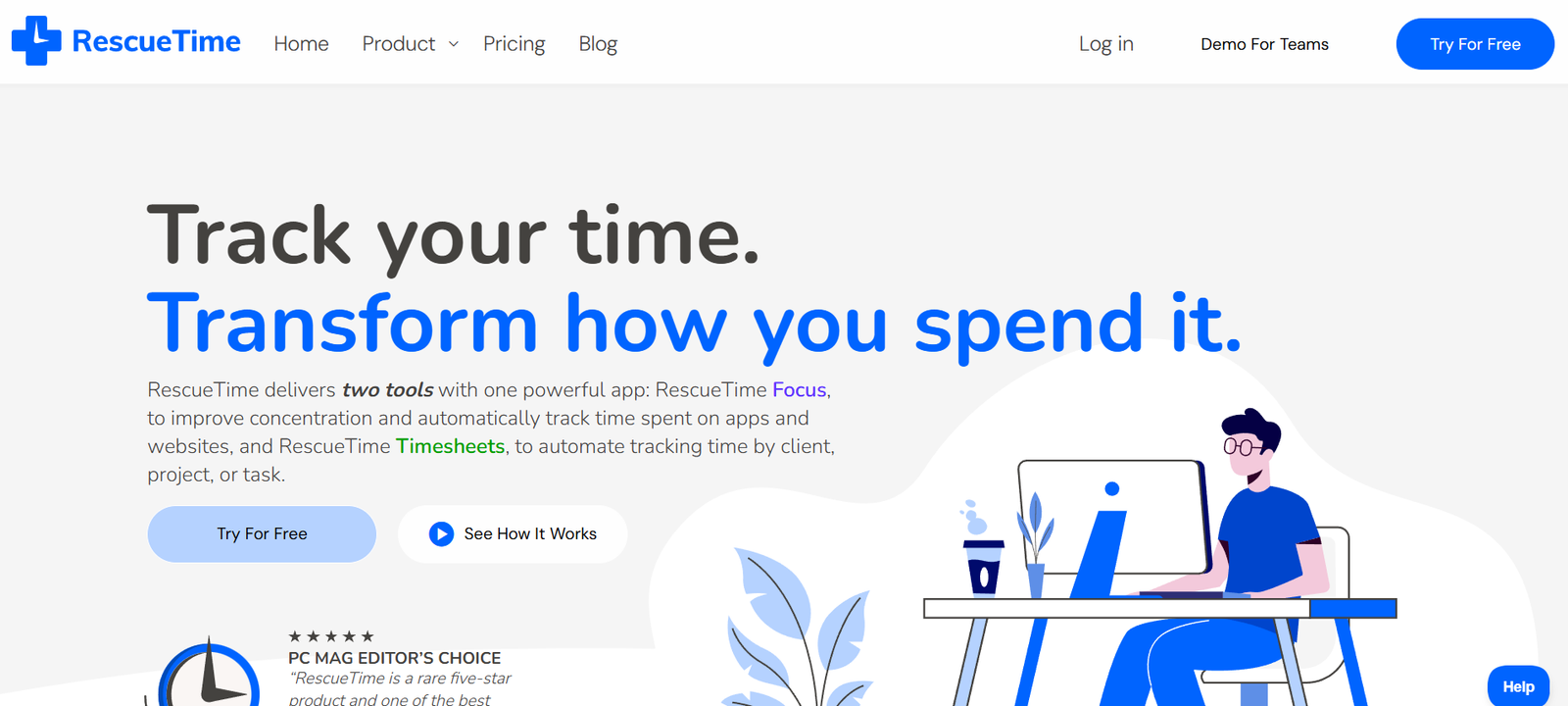
RescueTime is an intelligent time tracking and productivity management tool that helps individuals and teams understand how they spend their time, eliminate distractions, and create more focused workdays. By running in the background of your computer and mobile devices, RescueTime automatically monitors app and website usage, then delivers insights and coaching to help you manage your attention and energy better.
Unlike traditional time trackers that rely on manual input, RescueTime provides real-time, passive time monitoring, making it an excellent solution for professionals, freelancers, students, and anyone looking to improve focus and reduce digital distractions.
Features
RescueTime is packed with features that help users gain control of their time and increase productivity.
Automatic Time Tracking
Monitors which websites and apps you use throughout the day and categorizes them by productivity level, without any manual data entry.
Focus Sessions
Schedule distraction-free work periods with tools to block interruptions and stay in deep focus mode.
Real-Time Alerts
Receive notifications when you’re spending too much time on unproductive sites or when you’ve been focused for extended periods.
Daily Focus Work Goal
Set a target for focused work hours and track your progress throughout the day.
Distraction Blocking
Temporarily block websites that interfere with concentration using Focus Sessions.
Detailed Reports and Dashboards
Review how time is spent across applications, websites, categories, and even specific projects.
Custom Work Hours
Define your own work hours and track productivity during those specific times.
Goal Tracking
Set and monitor goals such as limiting time on social media or increasing time spent on focused work.
Mobile App Support
Track your focus habits on Android and iOS for a complete view of your day, across all devices.
Privacy Controls
All data is stored securely and is visible only to the user unless shared intentionally.
How It Works
RescueTime runs quietly in the background once installed on your device. It automatically tracks the websites, applications, and tools you use, assigning them productivity scores based on predefined categories. These scores are customizable, allowing users to define what “productive” means to them.
Each day, the platform collects this activity data and presents it through an intuitive dashboard that highlights time spent on various activities, focus time achieved, and distractions encountered. You can view trends, summaries, and insights that make it easier to identify time sinks and take action.
When you activate a Focus Session, RescueTime will block distracting websites and track how much time is spent in deep work. It also provides gentle nudges and coaching throughout the day, encouraging you to stick to your goals and avoid attention traps.
Use Cases
RescueTime is useful for a wide range of users who want to better understand their time habits and optimize for productivity.
Remote Workers
Maintain structure and avoid digital distractions when working from home.
Freelancers
Track billable hours, manage multiple clients, and ensure you’re spending time on high-value tasks.
Students
Stay focused while studying online, avoid social media distractions, and track time spent on coursework.
Corporate Professionals
Understand how work hours are distributed, reduce time spent on unproductive tools, and plan better workdays.
Writers and Creatives
Schedule deep work blocks for content creation, free from notifications and distractions.
Managers and Team Leads
Gain visibility into team productivity trends (for teams using the business version), enabling better support and planning.
Pricing
RescueTime offers both a free and premium plan. As listed on the official RescueTime website:
RescueTime Lite (Free Plan)
Includes automatic time tracking, productivity scoring, and weekly email reports. Ideal for individuals who want basic insights into their time usage.
RescueTime Premium – $12/month or $78/year
Includes everything in the free plan plus Focus Sessions, goal setting, real-time alerts, distraction blocking, detailed reports, and integrations.
RescueTime often provides a 14-day free trial for the premium version so users can explore all features before committing.
For more information and current pricing details, visit the official RescueTime pricing page.
Strengths
Automated Time Tracking
Removes the need for manual input and runs silently in the background.
Real-Time Productivity Coaching
Offers alerts and nudges based on your behavior to encourage better time habits.
Effective Distraction Blocking
Focus Sessions help enforce deep work by blocking time-wasting websites.
Personalized Reports and Goals
Data and insights are tailored to individual productivity goals and patterns.
Cross-Platform Compatibility
Works across macOS, Windows, Linux, Android, and iOS for a comprehensive time view.
Privacy-First Design
Your data is private and only visible to you unless you choose to share it.
Free Plan Available
Basic time tracking features are available at no cost.
Drawbacks
Limited Project-Level Tracking
While it tracks apps and sites, RescueTime does not offer detailed task or project-level management like traditional time tracking software.
No Manual Time Entry
Users who need to log time manually for specific tasks or clients may find RescueTime limiting.
Distraction Blocking Only Works on Desktop
Focus Session blockers do not currently apply to mobile apps.
Learning Curve for Customization
Configuring categories, goals, and productivity scoring takes time and may confuse new users.
No Collaboration Tools for Individuals
RescueTime is designed for personal use, and team features are only available in business plans.
Comparison with Other Tools
Compared to other productivity and time tracking tools, RescueTime focuses on automatic insights and real-time coaching rather than manual time entry or project management.
Versus Toggl
Toggl allows manual time tracking and is ideal for billing clients. RescueTime is better for passive tracking and focus improvement.
Versus Clockify
Clockify is built for project time tracking and team management. RescueTime is better suited for individuals seeking personal productivity insights.
Versus Focusmate
Focusmate pairs users for live co-working sessions. RescueTime offers automated distraction blocking and solo focus tools.
Versus Freedom
Freedom blocks distractions across devices on a schedule. RescueTime offers distraction blocking plus behavioral insights and coaching.
RescueTime is best suited for users who want to build awareness around their time usage, reduce distractions, and establish better digital habits.
Customer Reviews and Testimonials
RescueTime is well-reviewed on platforms like G2, Capterra, and Product Hunt, with users highlighting its automation, effectiveness, and ease of use.
Key praise includes:
Time tracking without effort
Insightful productivity reports
Positive impact on focus and digital wellbeing
Real-time feedback that helps change habits
From user feedback:
“RescueTime opened my eyes to how much time I was wasting online. Now I’m more mindful and productive.”
“The Focus Sessions feature changed how I work. I finally get real deep work done without checking distractions.”
“I love the daily focus goals and alerts. It keeps me honest and helps me stay on track.”
RescueTime has earned a loyal following among productivity enthusiasts, remote workers, and digital professionals who value data-driven improvement.
Conclusion
RescueTime is a smart, automated time tracking and focus management tool that helps users take control of their digital habits and optimize productivity. With passive monitoring, real-time coaching, and distraction blocking, it provides a comprehensive solution for individuals looking to reclaim their focus and build better work routines.
Unlike manual trackers or complex task managers, RescueTime makes it easy to get started and stay consistent without added friction. Whether you’re aiming to reduce screen time, increase focus, or simply become more aware of how you spend your day, RescueTime delivers powerful tools to help you succeed.
If you’re serious about improving your productivity through data, structure, and behavioral insights, RescueTime is a practical and effective tool to add to your daily workflow.














