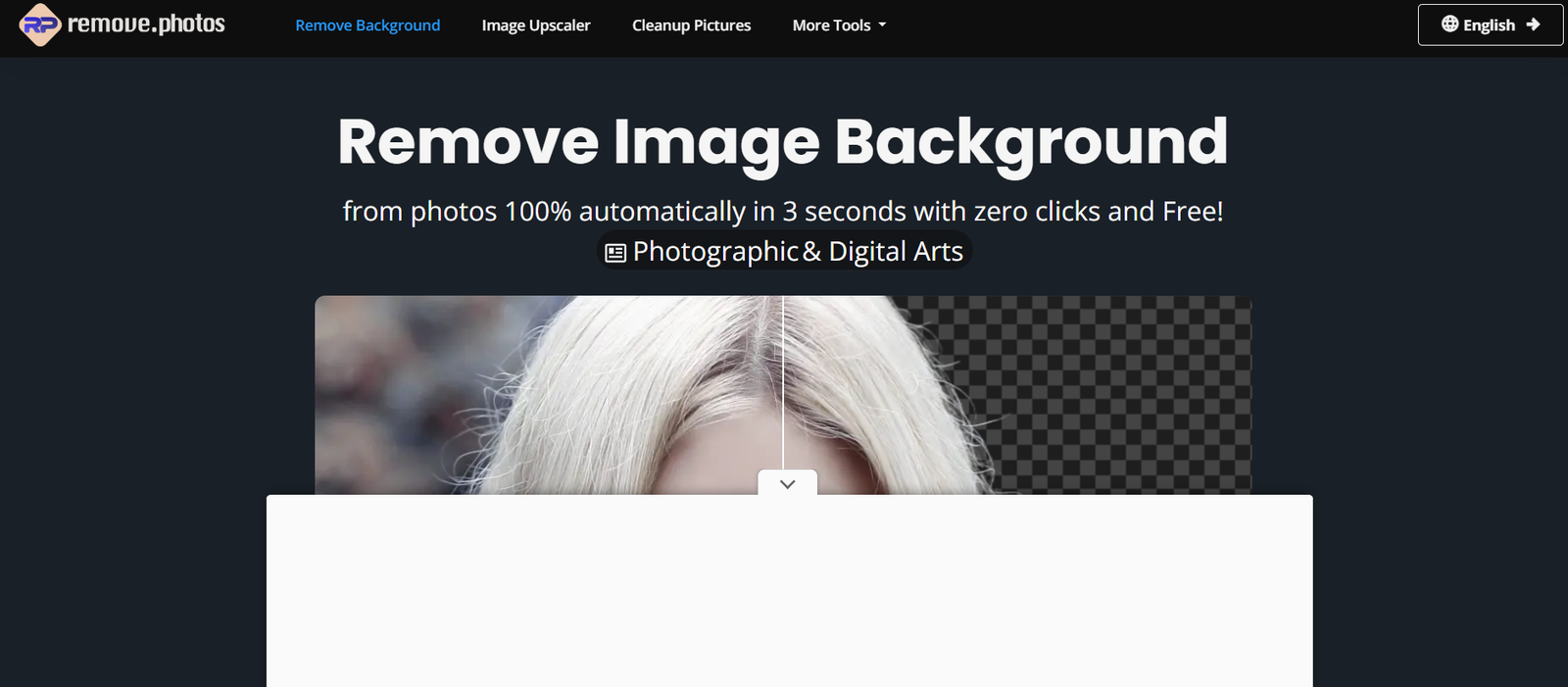
Remove.photos is an AI-powered online photo editing platform that automatically removes image backgrounds with just a few clicks. Using advanced AI segmentation technology, the platform detects the main subject of an image and creates a clean cutout with transparent or customized backgrounds in just a few seconds. It is designed for individuals, businesses, designers, photographers, and online sellers who need professional-looking images without advanced editing skills.
In addition to background removal, Remove.photos offers AI-powered object removal, allowing users to erase unwanted people, objects, text, or distractions from photos. The web-based platform requires no software installation and works directly in a browser, making it accessible from desktops, tablets, and mobile devices.
Features
AI Background Removal
The platform automatically removes image backgrounds in approximately three seconds using AI. It identifies the main subject and produces clean cutouts with minimal manual editing.
Transparent Background Export
Users can instantly download images with transparent backgrounds, making them suitable for websites, presentations, marketing materials, and product catalogs.
Custom Background Replacement
After removing the background, users can replace it with a white background, a solid color, or a custom image to create personalized visuals for different purposes.
High-Precision Edge Detection
The AI is designed to preserve fine details such as hair, fur, and intricate edges, producing smoother and more natural-looking cutouts.
AI Object Remover
The platform includes an object removal tool that allows users to erase unwanted people, objects, text, or other distractions using AI-powered inpainting technology.
Simple Online Editor
Users can make basic edits after background removal without installing additional software, simplifying the image editing workflow.
No Design Experience Required
The interface is beginner-friendly, allowing anyone to create professional-looking images without Photoshop or advanced editing knowledge.
Browser-Based Platform
Remove.photos works entirely online, making it compatible with most modern browsers and operating systems without requiring downloads.
How It Works
Visit the Remove.photos website.
Upload a JPG, PNG, or supported image.
Allow the AI to automatically detect the main subject.
Receive a transparent background within seconds.
Optionally replace the background with a new image or color.
Use the object removal tool if you want to erase unwanted elements.
Download the finished image for use in your projects.
Use Cases
E-commerce sellers can create professional product photos with transparent backgrounds.
Graphic designers can prepare images for advertisements, banners, and promotional materials.
Social media creators can produce attractive visuals for posts and campaigns.
Photographers can remove distracting backgrounds from portraits.
Marketing teams can create product catalogs and promotional graphics.
Students can prepare presentations and creative assignments.
Businesses can design logos, flyers, brochures, and website graphics.
Content creators can remove unwanted objects from travel, event, or lifestyle photos.
Pricing
According to the official website, Remove.photos offers a free version for background removal.
For users who need higher-resolution downloads and additional capabilities, the platform provides paid plans:
- Free: Unlimited photos with resolution up to 720p.
- Pro: US$4 per month, including full-resolution downloads, batch processing, and priority email support.
- Business: Custom pricing with full-resolution images, batch processing, priority support, and custom integrations.
Strengths
Fast AI-powered background removal.
Simple interface suitable for beginners.
Produces transparent images in seconds.
Supports custom background replacement.
Includes AI object removal.
No software installation required.
Works across desktop and mobile browsers.
Free version available.
Drawbacks
Free downloads are limited to lower resolution.
Advanced editing capabilities are limited compared to professional photo editing software.
Complex images with overlapping subjects may occasionally require manual adjustments.
Batch processing is available only in paid plans.
Comparison with Other Platforms
Remove.photos focuses on fast and automated background removal while also providing AI-powered object removal and basic editing capabilities. Compared with traditional photo editing software, it significantly reduces the time needed to create transparent product images and clean photo cutouts. Unlike full-featured graphic design applications, its primary strength lies in quick AI automation rather than comprehensive image editing, making it particularly useful for users who need efficient background removal without a steep learning curve.
Customer Reviews and Testimonials
Customer reviews and testimonials are not clearly available on the official website.
Conclusion
Remove.photos is a practical AI-powered image editing tool for anyone who needs quick and accurate background removal. Its ability to automatically create transparent images, replace backgrounds, and remove unwanted objects makes it valuable for e-commerce businesses, designers, marketers, photographers, and content creators. With an easy-to-use interface, free access, and affordable premium plans, it offers an efficient solution for everyday photo editing tasks.