
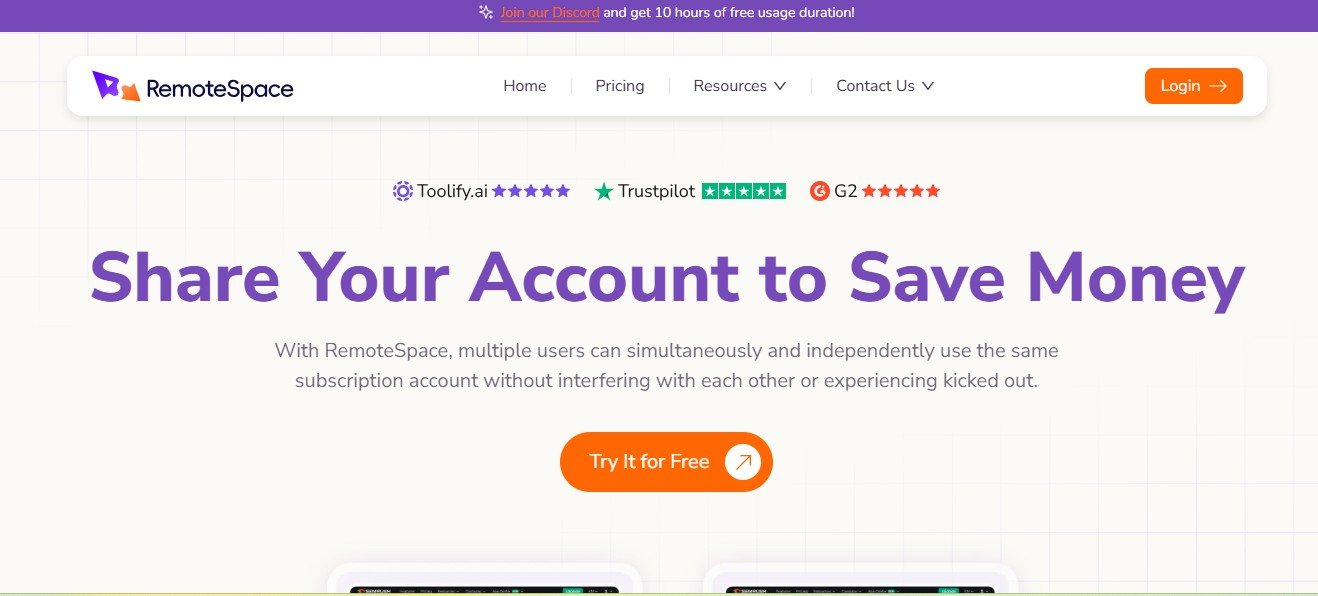
As remote work becomes the norm, businesses need efficient collaboration tools to manage teams, streamline workflows, and enhance productivity. RemoteSpace AI is an AI-powered virtual workspace designed to connect remote teams, automate tasks, and improve communication.
With features such as AI-powered task management, video conferencing, and smart workflow automation, RemoteSpace AI helps businesses create a seamless remote working environment while optimizing performance.
This article explores RemoteSpace AI’s key features, pricing, use cases, strengths, drawbacks, and comparisons with other remote collaboration tools.
Key Features of RemoteSpace AI
AI-Powered Virtual Workspace
- Provides a centralized digital workspace for remote teams.
- Uses AI to organize tasks, meetings, and team collaboration.
Smart Task & Workflow Automation
- Automates project tracking, approvals, and daily workflows.
- Uses AI to suggest priority tasks and optimize productivity.
Seamless Video Conferencing & Virtual Meetings
- Built-in video conferencing for real-time communication.
- AI-generated meeting summaries and action items.
AI-Powered Collaboration Tools
- Smart file sharing, document co-editing, and instant messaging.
- AI-driven team insights and performance analytics.
Time Tracking & Productivity Monitoring
- Helps managers track employee productivity and work hours.
- AI-generated performance reports and workload analysis.
Multi-Platform Integration
- Works with Slack, Microsoft Teams, Google Workspace, Trello, and Notion.
- Ensures seamless collaboration with third-party business apps.
How RemoteSpace AI Works
Step 1: Set Up Virtual Workspace
Teams create a shared digital workspace and integrate business tools.
Step 2: Automate Workflows & Task Management
AI assists with task assignments, scheduling, and prioritization.
Step 3: Collaborate & Track Productivity
Teams communicate via video meetings, file sharing, and real-time chat.
Step 4: AI Insights & Optimization
Managers use AI-powered analytics to track team performance and improve workflows.
Use Cases of RemoteSpace AI
Remote Team Collaboration
- Enables distributed teams to work efficiently with AI-powered tools.
Project & Task Management
- Automates project planning, progress tracking, and workflow approvals.
HR & Employee Productivity Monitoring
- Helps HR teams track employee engagement, attendance, and performance.
Virtual Meetings & AI-Generated Summaries
- Automates meeting notes, task delegation, and action items.
RemoteSpace AI Pricing
RemoteSpace AI does not publicly list its pricing details. Remote collaboration platforms typically offer:
- Free Plan – Basic virtual workspace and messaging features.
- Pro Plan – Advanced AI-powered automation, task management, and analytics.
- Enterprise Plan – Custom solutions for large teams and enterprise collaboration.
For exact pricing, visit RemoteSpace AI’s official website or contact their sales team.
Strengths of RemoteSpace AI
- AI-powered collaboration tools for remote teams.
- Seamless task automation to improve efficiency.
- Integrated video conferencing with AI-generated summaries.
- Real-time productivity tracking for performance insights.
- Multi-platform integration for smooth workflow management.
Drawbacks of RemoteSpace AI
- Pricing details are not publicly available.
- Requires onboarding and team training for best use.
- Internet-dependent for real-time collaboration and AI features.
Comparison with Other Remote Collaboration Tools
RemoteSpace AI vs. Slack
Slack focuses on instant messaging, while RemoteSpace AI offers a full virtual workspace with AI-powered automation.
RemoteSpace AI vs. Microsoft Teams
Microsoft Teams integrates with Office 365, whereas RemoteSpace AI provides advanced AI collaboration and workflow automation.
RemoteSpace AI vs. Zoom
Zoom specializes in video conferencing, while RemoteSpace AI includes video meetings, task management, and productivity tracking.
Customer Reviews and Testimonials
Since RemoteSpace AI is a relatively new AI-powered collaboration tool, user reviews are limited. However, early adopters highlight:
- “RemoteSpace AI has transformed our remote team’s productivity and communication.” – Project Manager
- “The AI meeting summaries and task automation save us hours every week!” – Operations Director
- “Great for virtual collaboration, but more third-party integrations would be useful.” – Startup Founder
For updated reviews, visit RemoteSpace AI’s official website or remote work software review platforms.
Conclusion: Is RemoteSpace AI Worth It?
RemoteSpace AI is an AI-powered virtual workspace and collaboration platform designed to help remote teams streamline communication, automate workflows, and improve productivity. With smart task management, AI-driven meeting summaries, and real-time team insights, it is a valuable tool for businesses, startups, and remote teams.
However, businesses should consider pricing details and integration options before fully adopting the platform.
For those looking for an AI-driven remote work solution, RemoteSpace AI is worth exploring.
Visit RemoteSpace AI’s official website to learn more.














