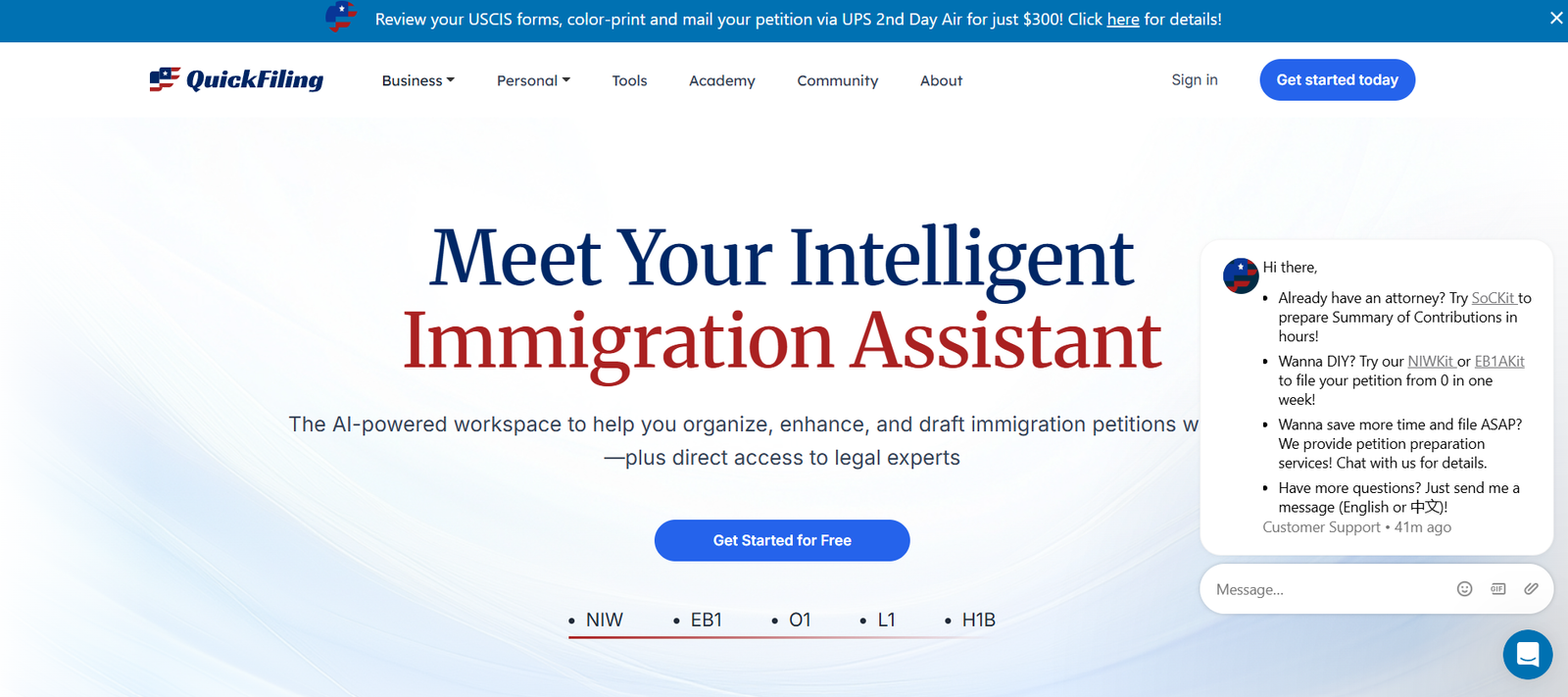
Managing tax documents and filing returns can be a time-consuming and complex task, especially for individuals and businesses handling large volumes of paperwork. QuickFiling is an AI-powered platform designed to simplify tax filing and document management by automating data entry, organizing financial records, and ensuring compliance with tax regulations.
This article explores QuickFiling’s features, how it works, pricing details, use cases, and comparisons with other tax automation tools.
What is QuickFiling?
QuickFiling is an AI-driven tax filing and document management solution that helps individuals, freelancers, and businesses automate their tax preparation processes. The platform uses artificial intelligence to scan, extract, and categorize financial data from documents, making tax filing more efficient and error-free.
By reducing manual data entry and automating compliance checks, QuickFiling ensures that users can file their taxes accurately and on time while minimizing the risk of errors and penalties.
Key Features of QuickFiling
AI-Powered Document Processing
QuickFiling scans and extracts data from tax forms, invoices, receipts, and other financial documents, eliminating the need for manual entry.
Automated Tax Filing
The platform auto-fills tax forms and prepares tax returns based on extracted financial data, ensuring accurate and hassle-free tax filing.
Compliance & Error Detection
QuickFiling detects discrepancies and ensures tax compliance by cross-checking data against tax regulations and filing requirements.
Secure Cloud Storage
Users can securely store, organize, and access financial documents in the cloud, reducing paperwork and improving accessibility.
E-Filing & Integration with Tax Agencies
The platform supports electronic filing (e-filing) and integrates with IRS-approved tax agencies for direct tax submission.
Multi-User Access & Collaboration
Businesses can grant access to multiple users, including accountants and financial teams, to streamline tax preparation workflows.
Financial Reports & Insights
QuickFiling generates financial summaries and reports, helping users track tax deductions, credits, and overall tax liabilities.
Integration with Accounting Software
The platform connects with popular accounting tools like QuickBooks, Xero, and FreshBooks for seamless data transfer and tax calculations.
How QuickFiling Works
Document Upload & Scanning
Users upload tax-related documents (W-2s, 1099s, invoices, receipts) into the platform. AI scans and extracts relevant data.
Automated Data Entry & Categorization
The AI categorizes financial data and pre-fills tax forms, reducing manual input.
Tax Compliance & Error Checks
QuickFiling reviews the data for inconsistencies, ensuring compliance with tax regulations.
Tax Return Preparation & E-Filing
Users can review the tax return, make necessary adjustments, and submit it directly to tax agencies.
Storage & Future Reference
All tax documents are securely stored for easy access and future filings.
Use Cases of QuickFiling
Individuals & Freelancers Managing Taxes
Freelancers and self-employed individuals use QuickFiling to automate tax calculations and ensure compliance with IRS regulations.
Small Businesses & Startups
Businesses use QuickFiling to manage financial documents, prepare tax filings, and reduce manual bookkeeping efforts.
Accounting Firms & Tax Professionals
Professional accountants and tax preparers use QuickFiling to streamline tax preparation for their clients.
E-Commerce & Online Sellers
Online sellers track sales, expenses, and tax deductions efficiently with QuickFiling’s automated tools.
Large Enterprises Handling High-Volume Tax Documents
Corporations use the platform for secure document storage, tax report generation, and regulatory compliance management.
Pricing Plans of QuickFiling
QuickFiling does not publicly disclose its pricing. Businesses and individuals interested in using the platform should request a customized quote based on their tax filing needs, document volume, and required features.
Strengths of QuickFiling
- AI-Powered Tax Automation – Reduces manual data entry and automates tax return preparation.
- Error Detection & Compliance Checks – Ensures tax filings are accurate and compliant.
- Secure Cloud Storage – Provides encrypted document storage for easy access and future tax filings.
- E-Filing Support – Direct integration with tax agencies for seamless tax submissions.
- Integration with Accounting Software – Connects with popular accounting tools for real-time tax calculations.
- Multi-User Access – Ideal for businesses and accountants handling multiple tax clients.
Drawbacks of QuickFiling
- No Transparent Pricing – Users need to request a quote for pricing details.
- Limited Customization for Industry-Specific Needs – Some users may require tailored automation features.
- Learning Curve for First-Time Users – New users may need time to understand the AI-driven tax preparation process.
Comparison with Other Tax Filing Tools
QuickFiling competes with popular tax automation platforms such as TurboTax, H&R Block, and TaxSlayer.
Compared to TurboTax, QuickFiling emphasizes AI-driven document processing and automation, while TurboTax provides more step-by-step guided tax filing assistance.
H&R Block offers both software and in-person tax assistance, whereas QuickFiling is designed for fully automated tax preparation.
TaxSlayer is known for affordability, but QuickFiling provides more advanced AI-powered features for document management and compliance checking.
While QuickFiling stands out with its AI-powered automation and tax document organization, the lack of transparent pricing may make it difficult for users to compare costs.
Customer Reviews & Testimonials
Publicly available customer reviews for QuickFiling are limited. However, users of AI-driven tax filing solutions often report:
- Time savings due to automated data extraction and tax calculations.
- Improved accuracy with AI-powered compliance checks.
- Convenient document storage for better tax organization.
- Seamless e-filing for faster tax submissions.
For real user feedback, businesses and individuals should check QuickFiling’s official website or review platforms like Product Hunt.
Conclusion: Is QuickFiling Worth It?
QuickFiling is a powerful AI-powered tax filing and document management tool that helps individuals and businesses automate tax preparation, reduce errors, and stay compliant with tax regulations. Its key strengths include automated document scanning, tax compliance checks, e-filing support, and accounting software integration.
However, the lack of transparent pricing and limited public reviews may be a concern for potential users. Businesses and individuals looking for AI-driven tax automation should request a demo and pricing details to determine if QuickFiling is the right fit for their tax needs.
Would you like assistance comparing QuickFiling with another tax automation tool? Let me know how I can help!