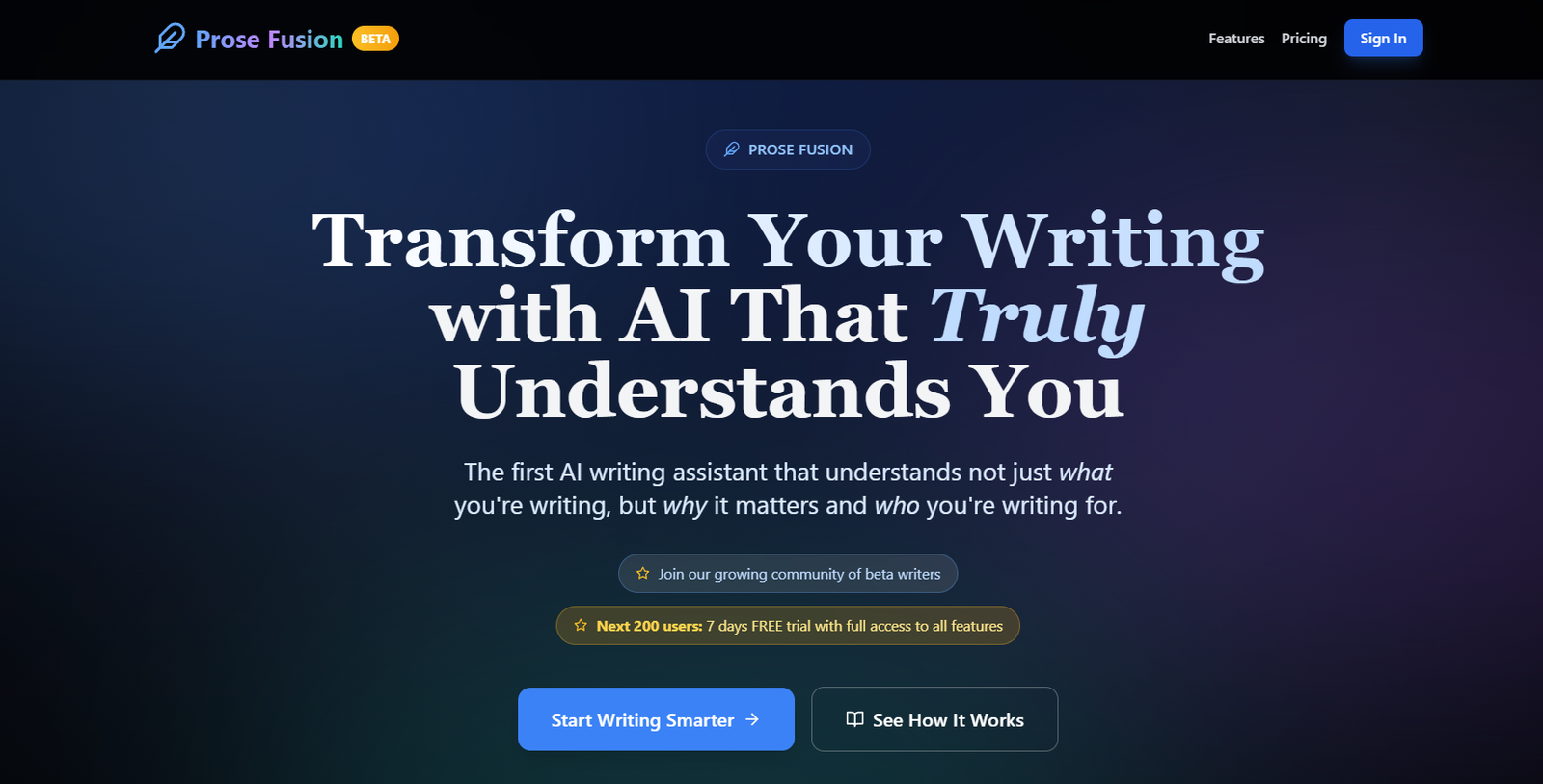
ProseFusion is an AI-powered writing enhancement tool built to improve the clarity, tone, grammar, and structure of written communication. Whether you’re drafting emails, reports, academic papers, or blog posts, ProseFusion helps you write more effectively by offering real-time suggestions that elevate your language and improve your message delivery.
Tailored for professionals, students, and teams, ProseFusion goes beyond simple grammar checks. It helps you adapt tone, tighten sentence structure, and eliminate redundancy—making your writing sharper and more impactful without compromising your voice.
Features
ProseFusion is packed with features to support clear, concise, and professional writing:
AI-Based Writing Enhancer: Refines your writing for clarity, coherence, and fluency.
Tone Adjustment: Modify the tone of your text to be more formal, persuasive, friendly, or concise.
Real-Time Suggestions: Instantly see grammar, punctuation, and stylistic improvements.
Clarity & Redundancy Checks: Highlights verbose phrases and suggests simplified alternatives.
Structure and Flow Analysis: Helps ensure logical flow in longer pieces like essays or reports.
Plagiarism-Free Output: All writing enhancements maintain originality—ideal for academic and professional use.
No Account Required: Start using the tool immediately with no login or downloads.
Privacy-Focused: Your text is not stored or reused for training.
How It Works
ProseFusion is designed to be fast and intuitive for anyone who writes:
Visit ProseFusion.com
Paste Your Text: Drop in your paragraph, email, essay, or report.
Click “Enhance”: The AI instantly analyzes the content and provides suggestions.
Review & Edit: Accept or ignore suggestions based on your preferences.
Copy Your Enhanced Text: Use the improved version in your desired platform or document.
It’s a one-click solution for cleaner, more impactful writing—no setup or registration needed.
Use Cases
ProseFusion is versatile and supports multiple writing needs across industries:
Business Professionals: Improve emails, proposals, and internal reports.
Students & Academics: Enhance clarity and tone in essays, research papers, and applications.
Marketers: Clean up social media captions, blog content, and email copy.
Content Creators: Refine articles, stories, and thought leadership pieces.
Non-native English Speakers: Polish grammar and improve fluency for clearer communication.
Pricing
As of the latest update on the official ProseFusion website, the platform is currently 100% free to use:
Free Access
Unlimited usage
All features included
No login required
No hidden fees or paywalls
This makes ProseFusion one of the most accessible writing enhancement tools available—ideal for anyone looking to write better without committing to a paid plan.
Strengths
ProseFusion stands out in the writing tools market due to its core strengths:
No-Frills Simplicity: Immediate access with no registration.
Advanced AI Feedback: More than just grammar—it helps improve clarity, tone, and structure.
Free to Use: Full functionality available at no cost.
Professional-Level Editing: Suitable for business and academic use.
Minimalist UI: Distraction-free interface keeps the focus on your text.
Drawbacks
While effective, ProseFusion may have a few limitations:
No User Accounts or History: You can’t save or revisit past edits.
No Browser Extension: Unlike Grammarly, it doesn’t integrate directly into writing platforms or web forms (yet).
Limited Language Support: Currently optimized for English text only.
Lack of Collaboration Tools: Not ideal for team editing or shared documents.
Comparison with Other Tools
Versus Grammarly: Grammarly includes a browser extension and plagiarism checker, but ProseFusion is more lightweight and fully free.
Versus Hemingway Editor: Hemingway focuses on readability scores and simplicity, while ProseFusion adds tone and structure enhancement.
Versus Quillbot: Quillbot focuses on paraphrasing; ProseFusion is built for clarity and tone in professional communication.
Versus ChatGPT: ChatGPT can help rewrite text but requires prompting; ProseFusion is purpose-built for immediate, AI-powered enhancements.
Customer Reviews and Testimonials
Although still growing, early users have praised ProseFusion for its simplicity and effectiveness:
“I use ProseFusion to polish my emails before sending them to clients—it’s like having a professional editor.”
“As a non-native speaker, this tool has been incredibly helpful in improving my writing tone.”
“No sign-up, no fluff—just great suggestions that make my writing clearer.”
These reviews reflect its appeal to professionals and students who need fast, effective writing support.
Conclusion
ProseFusion is a no-cost, high-quality AI writing assistant built for professionals, students, and content creators who want to communicate with clarity and confidence. With real-time suggestions for grammar, tone, and structure—without requiring an account or payment—ProseFusion is one of the most accessible tools for anyone looking to write better, faster.
If you’re searching for a simple, powerful, and free tool to elevate your writing, ProseFusion is a smart choice for improving clarity and professionalism in every message.