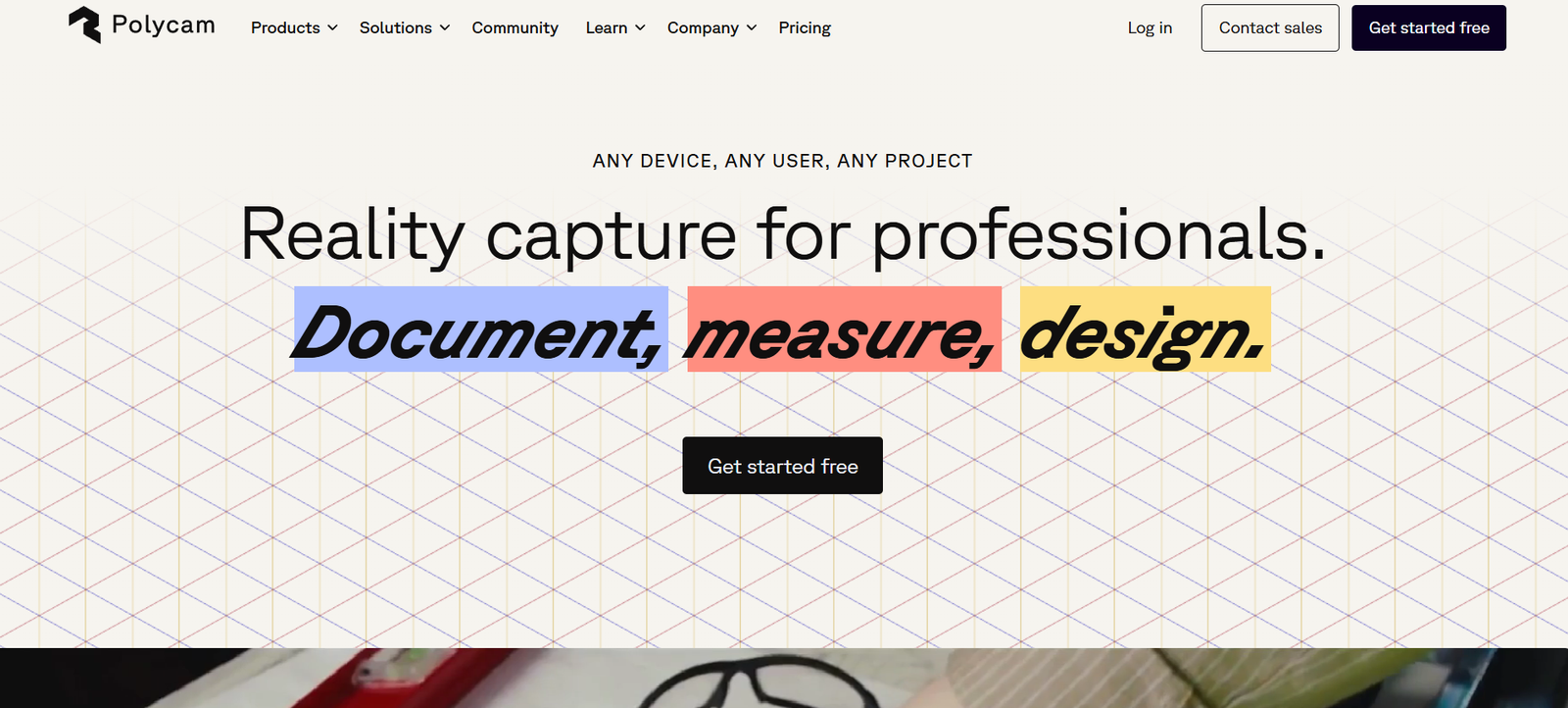
Polycam is a powerful 3D scanning and photogrammetry application that allows users to capture real-world environments and objects using a smartphone or tablet. Designed for creators, architects, engineers, game developers, and 3D enthusiasts, Polycam turns ordinary images into detailed, textured 3D models. It supports both LiDAR scanning (for devices with LiDAR sensors) and photogrammetry (photo-based modeling) to offer flexibility and accessibility.
The app simplifies the process of creating 3D models by letting users scan with just a few taps, then export and share their scans across design tools, game engines, and virtual environments. Whether you’re scanning a room for interior design or capturing assets for AR/VR projects, Polycam delivers high-quality, usable 3D content from real life.
Features
Polycam is packed with features that make 3D scanning accessible and effective for professionals and hobbyists alike:
LiDAR Scanning: For users with LiDAR-enabled iPhones or iPads, scan objects and spaces with accurate depth data in real time.
Photogrammetry Mode: Capture high-quality 3D models by uploading a set of photos. Ideal for devices without LiDAR.
Instant 3D Model Creation: Quickly process and generate 3D meshes directly on your device or in the cloud.
Detailed Texturing: High-resolution textures preserve realism, making scans suitable for visualization and design.
Multi-Platform Compatibility: Export models to formats like OBJ, GLTF, FBX, and STL for use in Blender, Unity, Unreal Engine, or CAD software.
Editing Tools: Clean up, crop, and enhance models inside the app before exporting.
AR and VR Ready: Models can be viewed in augmented or virtual reality settings, enabling immersive experiences.
Collaboration and Sharing: Share your scans via links, QR codes, or social media with just a few clicks.
Offline and Cloud Processing: Choose between local processing or uploading to Polycam’s servers for heavier jobs.
Web Viewer and Polycam Explore: Host and view 3D models online and explore a community-generated library of scans.
How It Works
Polycam works by leveraging your device’s camera and either LiDAR depth data or photogrammetry algorithms to reconstruct 3D models from real-world input.
In LiDAR mode, users simply walk around the object or room while the app captures spatial and depth information in real time. The scan is built as the user moves, producing an accurate mesh with minimal effort.
In photogrammetry mode, users take a series of overlapping photos from different angles around the subject. Polycam processes these images using advanced computer vision techniques to build a 3D representation.
After scanning, the model can be refined with in-app tools, labeled, and exported in multiple file formats. Models can also be shared online or used in professional workflows involving game development, architecture, 3D printing, and more.
Use Cases
Polycam supports a wide range of professional and creative applications:
Architecture and Interior Design: Scan rooms or entire buildings for renovation, space planning, and documentation.
3D Game Development: Capture realistic assets and props for use in gaming environments.
Augmented and Virtual Reality: Build AR-ready models and environments for immersive experiences.
Construction and Real Estate: Create digital twins of properties for walkthroughs, inspections, or planning.
Product Design and Prototyping: Digitize real-world objects to iterate or reverse engineer designs.
Education and Research: Preserve cultural artifacts, geological formations, or biological specimens in 3D.
E-Commerce and Retail: Showcase products in 3D on websites or in virtual stores.
3D Printing: Export clean models for prototyping and functional printing.
Creative Arts: Use 3D scans in visual storytelling, AR exhibitions, or digital art installations.
Pricing
Polycam offers a freemium model with multiple pricing tiers based on usage and feature needs. As per the official Polycam website:
Free Plan
Includes basic LiDAR scanning
Limited photo mode exports
Community model access
Basic editing and sharing features
Pro Plan – $12.99/month or $69.99/year
Unlimited photo mode exports
Higher resolution exports and photogrammetry processing
Additional export formats and editing tools
Priority processing on the cloud
Ideal for professionals and heavy users
Team and Enterprise Plans
Custom pricing for businesses
Includes team collaboration features
Centralized billing and user management
API and integration options available upon request
Polycam is available on iOS (iPhone and iPad), Android, and the web.
Strengths
Polycam offers several compelling advantages for 3D scanning and photogrammetry:
Ease of Use: User-friendly design makes it accessible for beginners and professionals alike.
High-Quality Output: Delivers detailed, textured models suitable for professional workflows.
Device Flexibility: Works with and without LiDAR, supporting most modern smartphones.
Wide Export Options: Supports industry-standard formats for use across multiple tools.
Affordable for Professionals: Pro features are competitively priced compared to traditional 3D scanning tools.
Community and Sharing: Polycam Explore enables access to a growing library of user-generated 3D content.
Cross-Platform Availability: Supports mobile and web use for flexibility and collaboration.
No Special Hardware Required: Makes advanced 3D capture possible without expensive equipment.
Drawbacks
Despite its capabilities, Polycam has a few limitations:
Cloud Processing Required for Photo Mode: Some scans require upload to Polycam’s servers, which may raise privacy concerns.
Accuracy Limits for Industrial Use: While great for general purposes, it may not match the precision of professional-grade 3D scanners.
Performance Depends on Device: Older smartphones may struggle with performance and processing speed.
Internet Connection Needed for Best Results: Cloud-based photogrammetry requires stable connectivity.
File Size Management: High-resolution models can be large and require storage space or compression.
Comparison with Other Tools
Polycam vs. Luma AI: Luma AI specializes in photorealistic video-based 3D capture. Polycam offers both LiDAR and photo mode with wider export and editing tools.
Polycam vs. RealityCapture or Agisoft Metashape: These are professional desktop photogrammetry tools. Polycam offers a simpler, mobile-first alternative suitable for rapid workflows.
Polycam vs. 3DF Zephyr: Zephyr offers advanced desktop capabilities. Polycam excels in ease of use and accessibility on mobile devices.
Polycam vs. Scaniverse or Trnio: These are other mobile 3D scanning apps. Polycam is more feature-rich with Pro export options and a growing online community.
Polycam vs. LiDAR-Only Apps: Apps that rely solely on LiDAR may not support photogrammetry. Polycam provides both modes for flexibility.
Customer Reviews and Testimonials
Polycam is widely praised by users across creative, technical, and industrial fields.
An interior designer noted:
“Polycam helped me scan client spaces quickly and import them into SketchUp with no extra equipment. It’s become a key part of my design workflow.”
A game developer commented:
“Capturing real-world assets for 3D games has never been easier. I just scan, clean, and drop into Unity. Polycam saves hours.”
Teachers and researchers also use it for educational purposes, citing its speed and simplicity.
Conclusion
Polycam stands out as one of the most accessible and versatile 3D scanning tools available today. Whether you’re an architect scanning rooms, a game developer building assets, or a hobbyist exploring the world in 3D, Polycam makes high-quality model creation easy and mobile.
With its dual scanning modes, wide export compatibility, and robust feature set, Polycam offers a powerful, portable alternative to expensive desktop photogrammetry solutions. For anyone seeking fast, user-friendly 3D scanning on the go, Polycam is a top-tier choice.