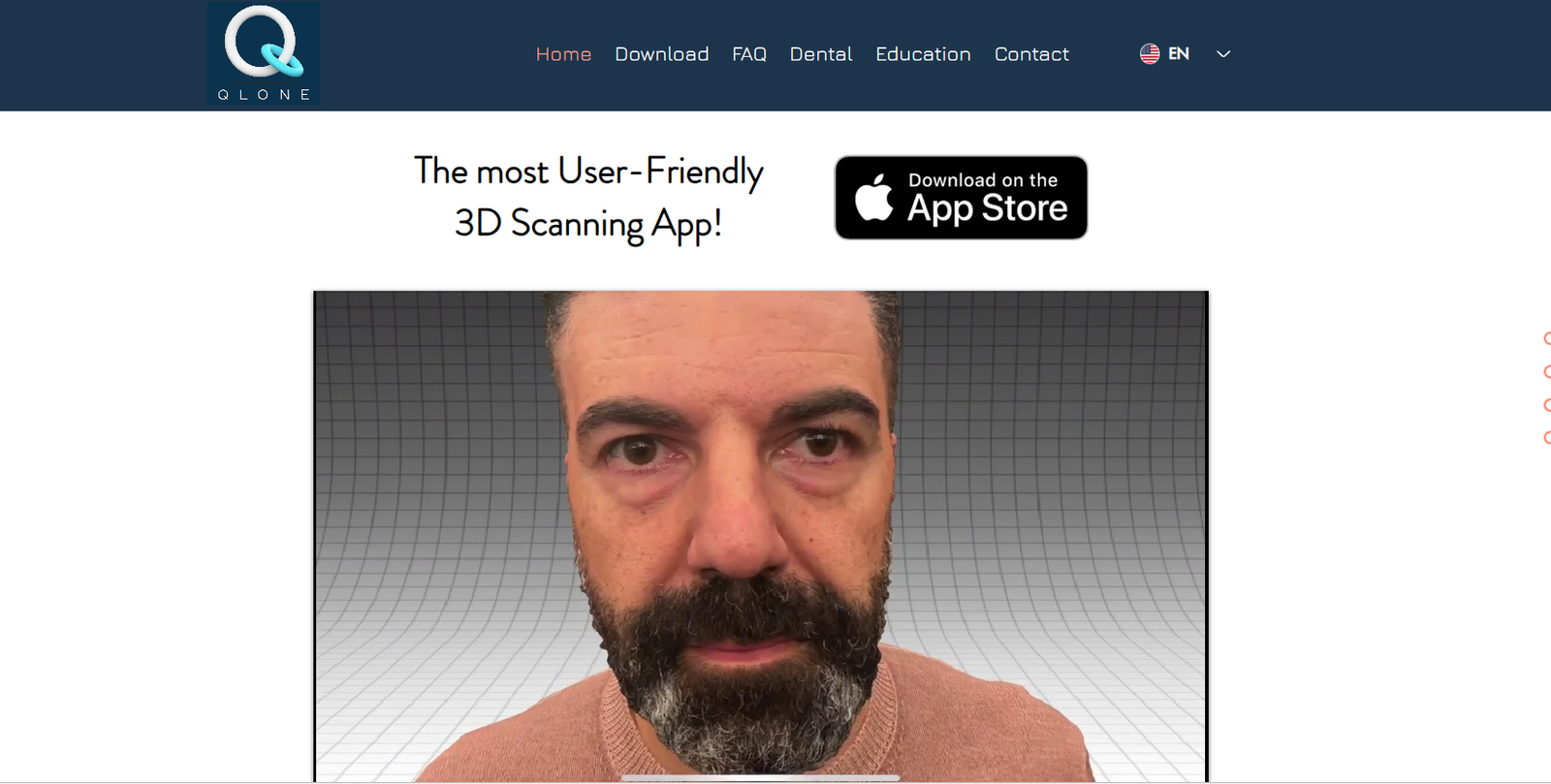
Qlone.pro is an advanced 3D scanning platform that enables users to create detailed, photorealistic 3D models from real-world objects using AI and computer vision. Built for designers, educators, developers, and product creators, Qlone.pro makes 3D modeling accessible without expensive hardware or complex software. Users can scan objects using a smartphone or tablet, automatically generate optimized 3D assets, and export them in multiple formats for use in AR/VR, gaming, eCommerce, and digital design. With its easy-to-use interface and powerful automation, Qlone.pro streamlines the process of digitizing physical objects into high-quality 3D content.
Features
Qlone.pro offers a full suite of features designed to make 3D scanning and model generation simple, fast, and high quality.
Mobile Scanning: Scan real-world objects using your smartphone or tablet camera directly through the app.
AI-Driven Processing: Advanced AI and photogrammetry automatically reconstruct 3D models from multiple images.
High-Resolution Textures: Generate detailed, texture-rich models ideal for photorealistic rendering and product showcases.
Multi-Platform Export: Export models in formats like OBJ, STL, FBX, and GLB for compatibility with Unity, Unreal Engine, Blender, and more.
Real-Time Preview: View your 3D scan in real time with full 360-degree visualization before exporting.
Editing Tools: Refine, crop, texture, and optimize your scanned models directly in the app.
Augmented Reality Preview: Place your scanned objects in real-world settings via AR for visualization and prototyping.
Cross-Platform Syncing: Work across mobile and desktop with cloud storage and syncing capabilities.
Privacy and Ownership: All scanned models remain the property of the user, with full control over sharing and usage.
Commercial License: Exported models are licensed for commercial use in eCommerce, games, and digital marketing.
How It Works
Qlone.pro uses a combination of computer vision, photogrammetry, and AI to generate accurate 3D models from physical objects.
To begin, users place the object they want to scan on a flat surface, ideally with Qlone’s printed mat for calibration (optional but recommended for accuracy). The mobile app guides users to capture multiple angles by circling around the object while taking photos or recording a short video.
Once the capture is complete, Qlone’s AI algorithms process the visual data to reconstruct the object into a 3D mesh. Textures are applied using the captured images, resulting in a high-quality model that closely matches the real object.
Users can then preview, edit, and export the model in various 3D file formats. The app also includes cleanup tools to refine mesh geometry and enhance visual quality before exporting or publishing.
Use Cases
Qlone.pro supports a wide variety of use cases across industries and creative fields.
eCommerce: Create interactive 3D product models to enhance online shopping experiences.
Education: Use 3D scanning in classrooms to digitize historical artifacts, biology specimens, or art projects.
Game Development: Quickly generate real-world assets for integration into Unity, Unreal Engine, or AR/VR environments.
AR/VR Content Creation: Build immersive experiences with real-life objects captured in 3D.
3D Printing: Scan and edit real objects for replication or modification using 3D printers.
Cultural Preservation: Digitally archive and preserve artifacts, artworks, or tools for museums and institutions.
Product Design and Prototyping: Turn handmade or physical prototypes into editable digital assets.
Interior Design: Scan furniture or décor items to use in digital room planners or AR staging apps.
Pricing
Qlone.pro offers a flexible pricing structure to accommodate individual creators, businesses, and educators.
Free Plan:
Limited scans per month
Access to basic model exports
Watermarked or non-commercial use only
Great for testing and casual users
Pro Plan (Subscription-Based):
Unlimited scanning and exports
Access to all editing tools
Commercial usage rights
Cloud backup and cross-platform access
Monthly or annual billing options
Enterprise/Custom Plan:
API access for integration into apps and workflows
Volume licensing for institutions or studios
Priority support and onboarding
Tailored to large teams or organizations
For the most accurate and updated pricing, visit Qlone.pro or contact their sales team directly.
Strengths
Qlone.pro stands out for its ease of use, high-quality output, and wide application in creative and commercial industries.
Mobile-First Access: No special equipment needed—just a smartphone or tablet.
Fast and Easy Scanning: Quick setup and real-time guidance make scanning intuitive for beginners.
AI Accuracy: Produces impressive mesh and texture quality using automated photogrammetry.
Multi-Format Exports: Works seamlessly with most 3D software and engines through standard file types.
Editing Capabilities: Built-in tools allow for model clean-up, texture adjustments, and refinement.
Affordable and Scalable: Accessible for individual users, with pro features for studios and businesses.
Commercial Licensing: Models can be used in professional projects without additional fees.
Drawbacks
While Qlone.pro is a powerful tool, it may not meet all needs depending on professional requirements.
Limited Complex Scans: May struggle with transparent, reflective, or ultra-detailed objects.
Mobile Limitations: While mobile scanning is convenient, results may vary based on lighting, camera quality, and object positioning.
Mat Dependency: Optimal results often require using the printed scanning mat, which can limit use in some environments.
Editing Constraints: Basic in-app editing is helpful but may not replace full 3D modeling software for advanced edits.
Export Restrictions on Free Plan: The free version limits output quality and file access.
Comparison with Other Tools
Qlone.pro competes with other mobile 3D scanning solutions such as Polycam, Luma AI, and RealityScan by Epic Games.
Compared to Polycam: Polycam supports LiDAR scanning (iOS only) and photogrammetry. Qlone focuses on camera-based scanning with guided motion and a structured mat.
Compared to Luma AI: Luma emphasizes neural rendering and cinematic-quality output. Qlone delivers fast, practical 3D assets with more control over file formats.
Compared to RealityScan: RealityScan provides Unreal Engine integration. Qlone offers broader compatibility across formats and use cases.
Qlone.pro is ideal for users looking for a quick, accessible, and accurate mobile-based 3D scanning solution with commercial-friendly output.
Customer Reviews and Testimonials
Qlone.pro has been well-received by creators and developers who value its simplicity and reliable output.
A product designer said, “Qlone makes it possible to turn real-world prototypes into digital assets in under five minutes. It’s part of our daily workflow now.”
An educator noted, “We use Qlone in our classrooms to teach students about 3D modeling and digital preservation. The results are surprisingly professional.”
Users consistently praise the app for reducing barriers to entry in 3D modeling and delivering excellent results for a mobile-first platform.
Conclusion
Qlone.pro is a powerful, user-friendly tool that makes 3D scanning and model generation accessible to anyone with a smartphone. By combining artificial intelligence, intuitive design, and support for industry-standard formats, it bridges the gap between physical objects and digital creation.
Whether you’re a game developer, eCommerce brand, educator, or hobbyist, Qlone.pro offers a practical, affordable, and efficient way to bring real-world objects into the 3D digital space. For fast, flexible, and accurate 3D scanning, Qlone.pro is a smart choice in today’s creative toolkit.