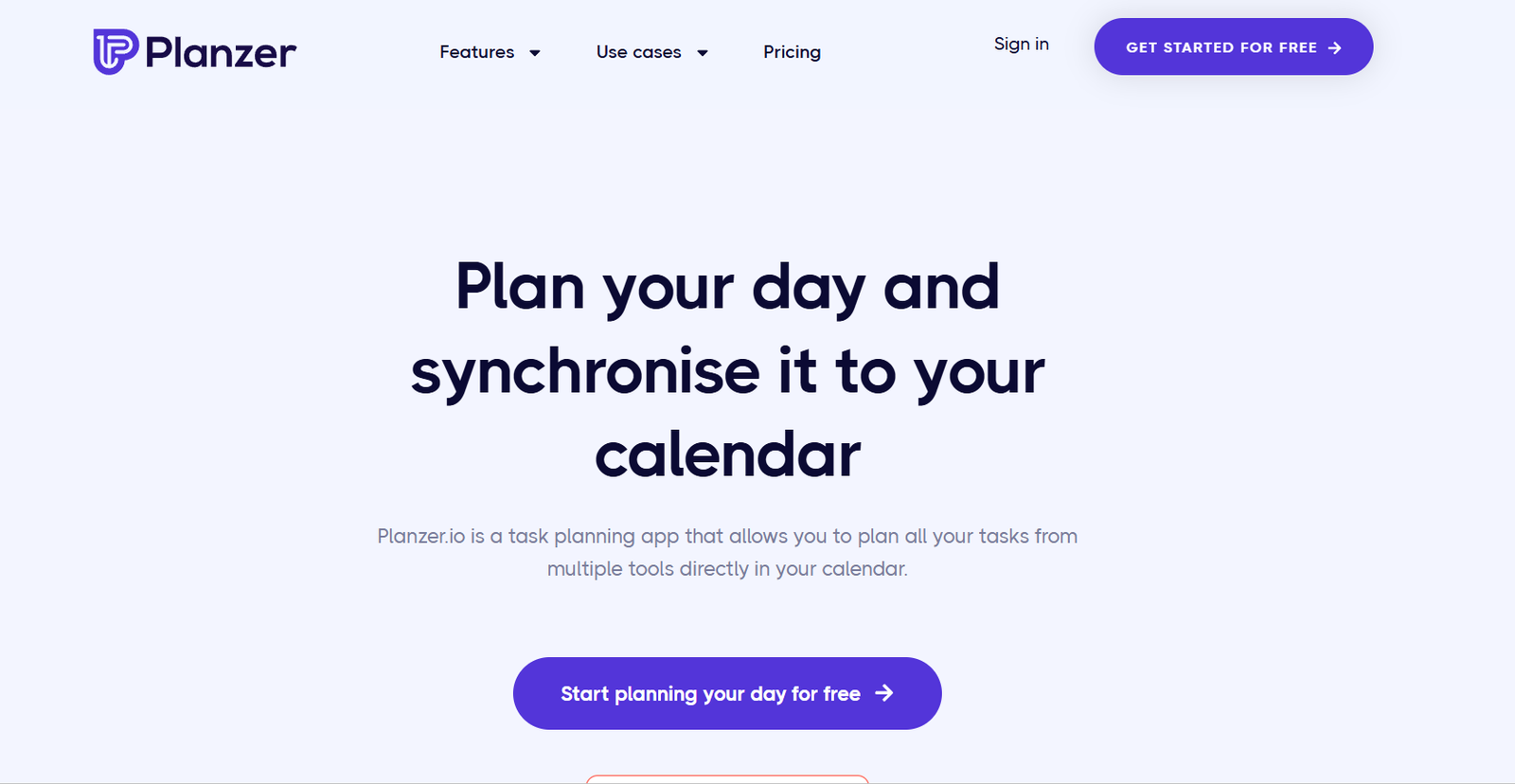
Planzer is a minimalist daily planning tool designed to help users prioritize tasks and stay focused throughout the day. It blends time-blocking with task management in a simple and distraction-free interface. Unlike traditional to-do apps that often encourage adding endless tasks, Planzer enforces intentional planning by limiting your daily entries. The goal is to encourage deep work, reduce decision fatigue, and help users feel more accomplished by completing what matters most. Whether you’re a freelancer, a student, or a busy professional, Planzer offers a calm digital space to manage your day effectively.
Features
Planzer is intentionally simple, offering just the right features to avoid clutter and cognitive overload:
Time-Blocking Interface
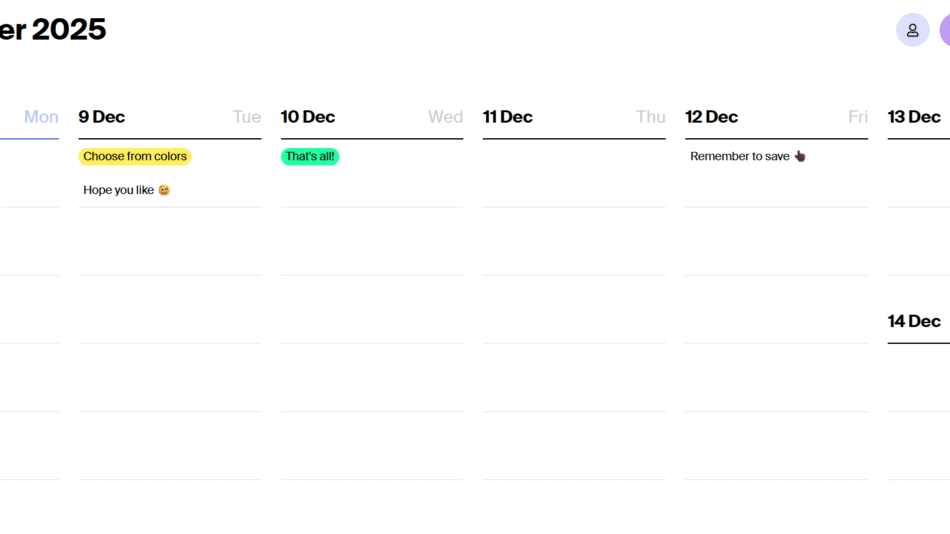
Plan your tasks directly in a visual daily timeline to allocate time efficiently.
Focus Mode
A distraction-free mode that helps you concentrate on one task at a time.
Daily Task Limit
Limit how many tasks you can add per day to encourage better prioritization.
Reminders and Notifications
Get notified about upcoming tasks to stay on track without constant checking.
Clean, Minimal Design
A sleek interface that reduces friction and enhances user experience.
Cross-Device Sync
Access your daily plan from desktop or mobile without losing progress.
Dark Mode
Switch to a dark-themed layout for a more comfortable viewing experience.
No Overwhelm Philosophy
Planzer avoids complex features to keep the experience focused and simple.
How It Works
Planzer is built around a daily planner concept. When you log in, you’re presented with a blank day and a timeline that allows you to allocate tasks into time blocks. You can manually enter tasks, assign them a time duration, and place them into specific parts of the day. The interface is designed to promote clarity by showing only what’s needed for today, rather than overwhelming you with future plans.
Once tasks are scheduled, Planzer encourages staying in focus mode, where only the current task is visible. This reduces distractions and helps maintain momentum throughout the day. The app sends gentle reminders about upcoming blocks and allows users to make real-time adjustments.
Planzer does not rely on complex productivity systems, instead promoting the simple habit of planning each day with intention.
Use Cases
Planzer serves individuals who value simplicity and structure in their daily routines:
Daily Planning
Helps users allocate time for top priorities and focus on deep work.
Freelancers
Ideal for managing project work without the distractions of large productivity suites.
Students
Helps plan study sessions and class schedules in a visual, easy-to-use format.
Remote Workers
Structure your workday and maintain discipline in a home office environment.
Entrepreneurs
Use Planzer to set daily intentions and execute them without getting lost in long task lists.
Burnout Prevention
By limiting tasks and promoting focus, Planzer supports a healthier approach to productivity.
Pricing
As of December 2025, Planzer is free to use. Users can access all core features without a subscription. There is no mention of a premium or paid version at this time. The tool is still evolving, and future updates may include optional upgrades or donations, but the current model is completely free.
You can create an account or sign in directly at https://planzer.io
Strengths
Planzer’s biggest strength lies in its simplicity. It avoids feature bloat and stays true to its purpose as a focused daily planner. The clean UI, task limits, and time-blocking approach make it ideal for users who often feel overwhelmed by traditional productivity tools. It also promotes healthy work habits by encouraging realistic planning and single-task focus.
The fact that it is free and does not require any onboarding or configuration also makes it extremely accessible for new users.
Drawbacks
Planzer is not suited for users who need long-term project planning, team collaboration, or advanced task management features like dependencies or integrations. It does not currently support syncing with third-party calendars or external productivity tools. Users looking for a more feature-rich platform for project or team use may find Planzer too basic. It is also better suited for individual use rather than for teams or organizations.
Comparison with Other Tools
Compared to tools like Todoist, Notion, or Trello, Planzer is much simpler and more focused. While Todoist allows project tracking and recurring tasks, Planzer centers on the current day with no clutter. Trello and Notion offer broader project and documentation features, but they can become overwhelming for users who only need a clean way to plan each day.
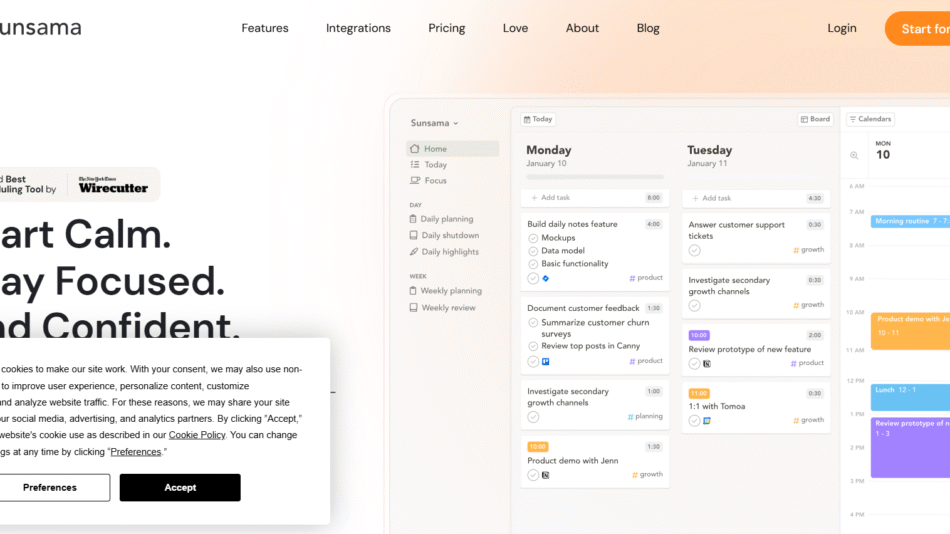
Planzer is closest in philosophy to tools like Sunsama or Daily Plan but with fewer features and a lighter interface. Its biggest advantage is its minimalist design and instant usability.
Customer Reviews and Testimonials
Planzer is a relatively new tool, so widespread public reviews are limited. However, early users appreciate its calming interface, focus-oriented layout, and the way it simplifies daily planning. In productivity forums and indie developer communities, users often mention that Planzer helps them avoid overcommitting and keeps their daily work intentional.
The product continues to grow organically, and user feedback is being incorporated into its design updates.
Conclusion
Planzer is an ideal tool for individuals seeking a minimalist, focused way to plan their day. It avoids the feature overload common in many productivity tools and instead offers a refreshing, calming experience designed for clarity and completion. While it lacks advanced integrations or project management capabilities, it excels at helping users prioritize, time-block, and complete what truly matters each day.
If you’re tired of cluttered task managers and just want a clean space to plan your day and focus on your work, Planzer is a smart and effective choice.