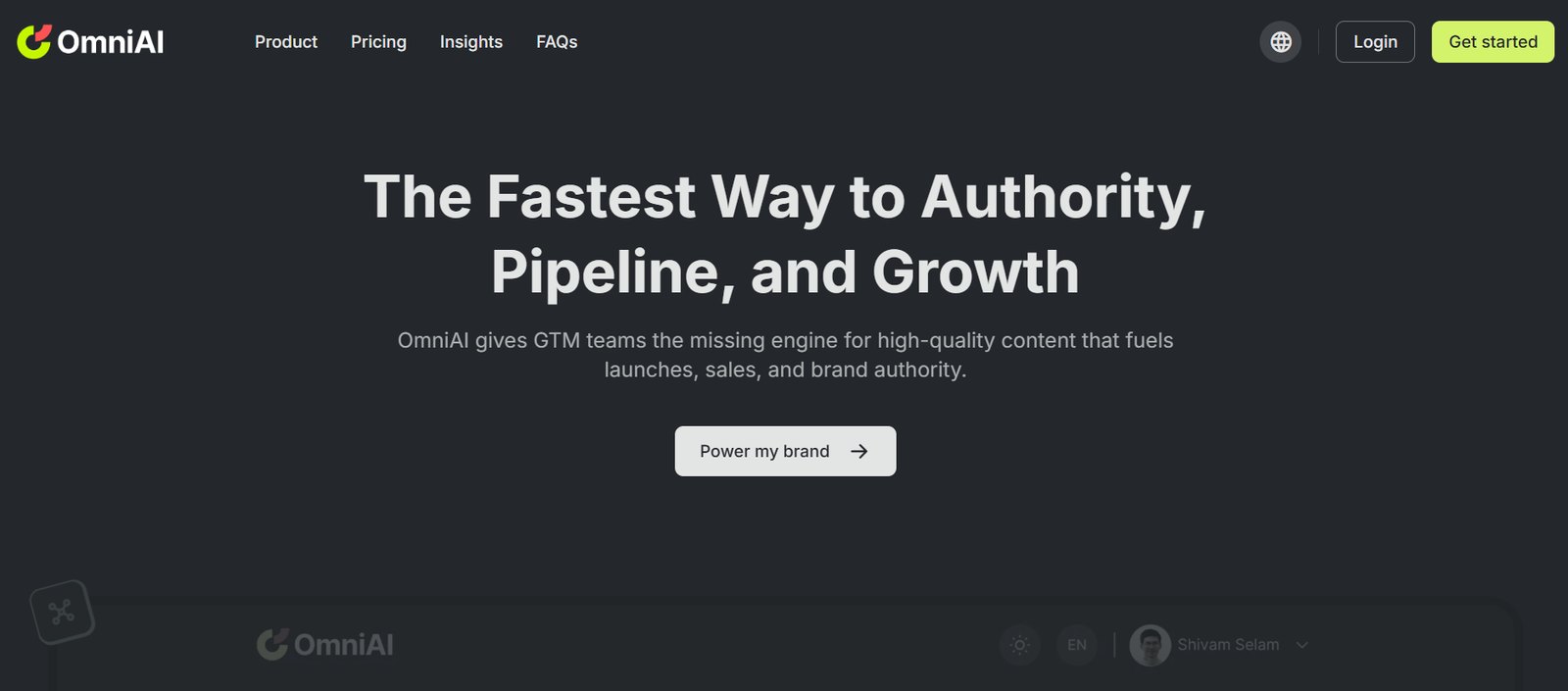
OmniAI is a multi-purpose AI platform offering a suite of tools designed to streamline content creation, automate workflows, and boost productivity. Built for creators, professionals, and teams, OmniAI combines powerful features such as AI chat, image generation, document creation, audio-to-text conversion, and code assistance—all within one user-friendly platform.
Unlike single-purpose AI tools, OmniAI centralizes diverse capabilities under one roof. This enables users to generate text, design visuals, code faster, convert speech, and engage with AI chat models—all from a unified interface. Whether you’re a marketer, student, developer, or business owner, OmniAI simplifies your digital tasks with smart AI support.
OmniAI stands out for its versatility, cost-effective subscription plans, and ease of use, making it a strong choice for individuals and teams who want an AI productivity assistant that does more than just generate text.
Features
AI Chat Assistant
Users can engage with various AI chat models for brainstorming, research, support, and conversation. The chat assistant is capable of answering questions, generating ideas, or summarizing content in real-time.
AI Writer
OmniAI includes a content generation tool that helps users write blog posts, social media content, ad copy, product descriptions, and more using AI prompts. It’s ideal for marketers and content creators.
Image Generator
Using AI text-to-image technology, users can create original images from prompts. This feature supports custom artistic styles and visual outputs that suit creative and commercial use.
Speech to Text
The audio-to-text tool allows users to upload audio files and convert them into readable and editable text. Useful for transcriptions, meeting notes, or content repurposing.
Code Assistant
Developers can use OmniAI to write, debug, or understand code snippets. The tool supports multiple programming languages and provides AI-generated code suggestions.
Documents
Users can quickly create structured documents such as resumes, business proposals, articles, or reports using customizable AI templates.
AI Chat Characters
OmniAI offers a library of AI characters that users can interact with for specific purposes—such as virtual mentors, developers, marketers, or wellness guides.
User Dashboard
All features are accessible through a single dashboard, where users can manage their credits, saved content, recent activity, and tool usage history.
Multi-Tool Access
OmniAI is designed as a complete toolkit, allowing users to switch between chat, writing, image generation, coding, and speech tools without leaving the platform.
How It Works
OmniAI is cloud-based and accessible via browser. Here’s how users typically interact with the platform:
Visit https://omniai.club and create an account
Choose a tool from the dashboard such as AI chat, writing, or image generation
Enter your prompt or upload a file (for transcription or code input)
OmniAI processes the input and returns results in seconds
Users can copy, download, or save the output for future use
Track usage, manage credits, or explore new features in the dashboard
There’s no technical knowledge required. The platform is designed to be intuitive and fast for all skill levels.
Use Cases
Content Creators
Generate blog articles, social media captions, and branded content quickly with the AI writing tools and image generation features.
Developers
Write and debug code, understand new programming languages, or automate documentation using the AI coding assistant.
Students and Researchers
Use AI chat and document creation to summarize material, write essays, generate citations, or transcribe lecture recordings.
Businesses
Automate marketing content, proposal writing, internal documentation, and customer support scripts using multiple AI tools.
Agencies and Teams
Equip teams with a unified AI platform that covers design, content, and communication—all while tracking usage from one dashboard.
Influencers and Podcasters
Convert spoken content into text for blogs, captions, or newsletters using the speech-to-text tool and AI writer.
Pricing
OmniAI offers a credit-based pricing system through subscription plans tailored for different usage levels. As of the latest update from the official website, here are the current plans:
Free Plan
Includes 100 credits
Limited access to core tools
No credit card required
Great for testing basic features
Basic Plan – $9.99/month
1000 credits per month
Access to all AI tools
Faster response speed
Priority processing for image generation
Pro Plan – $29.99/month
3000 credits per month
Full access to premium features
Unlimited chat interactions
Early access to new tools and updates
Credits are consumed based on tool usage (e.g., image generation may use more credits than writing text). Additional credits can be purchased as needed.
Strengths
All-in-one platform covering writing, visuals, code, and audio
Affordable subscription options for individuals and teams
No need to switch between multiple apps for different AI needs
User-friendly interface and credit-based system
Fast response times and consistent output quality
Open to a wide range of industries and users
Offers both utility tools and creative assistance
Free plan available to try out key features
Drawbacks
Credit-based usage may be limiting for high-volume users
Currently web-based only, no dedicated mobile or desktop app
No API or external integration support yet
Image generation styles may vary in consistency
Speech-to-text accuracy depends on input audio quality
Comparison with Other Tools
OmniAI competes with general AI platforms like Writesonic, Jasper, and Copy.ai, but offers a broader toolset that includes visuals, code, and audio features.
Jasper focuses heavily on content marketing but lacks built-in speech-to-text and code tools
Writesonic is a strong writer, but OmniAI offers more flexibility across different media formats
Copy.ai is content-centric, while OmniAI includes additional creative and developer support tools
Compared to Notion AI or ChatGPT, OmniAI combines structured features with a modular credit system, making it easier for users to manage output and cost across use cases
OmniAI is a practical alternative for users who want access to multiple AI functions in one place without juggling multiple subscriptions or platforms.
Customer Reviews and Testimonials
OmniAI does not currently display testimonials directly on the homepage, but early user feedback from product communities and forums has highlighted:
Impressive speed and variety of tools
Easy-to-use interface, even for beginners
Useful for content creators who also need images or code support
Good value for money compared to buying multiple AI tool subscriptions
Flexible credit system that fits casual and professional users alike
Users also report satisfaction with the AI’s response quality, particularly for content writing and image generation.
Conclusion
OmniAI is a versatile and affordable all-in-one AI platform that caters to content creators, developers, marketers, students, and teams. By offering a diverse set of tools—from AI chat and writing to image generation, speech transcription, and coding—it provides a comprehensive productivity hub for modern digital work.
Whether you’re managing a creative project, building software, writing content, or organizing tasks, OmniAI helps simplify the process with intelligent, responsive tools. Its clean interface, free trial, and affordable pricing make it accessible to anyone looking to boost output without increasing workload.