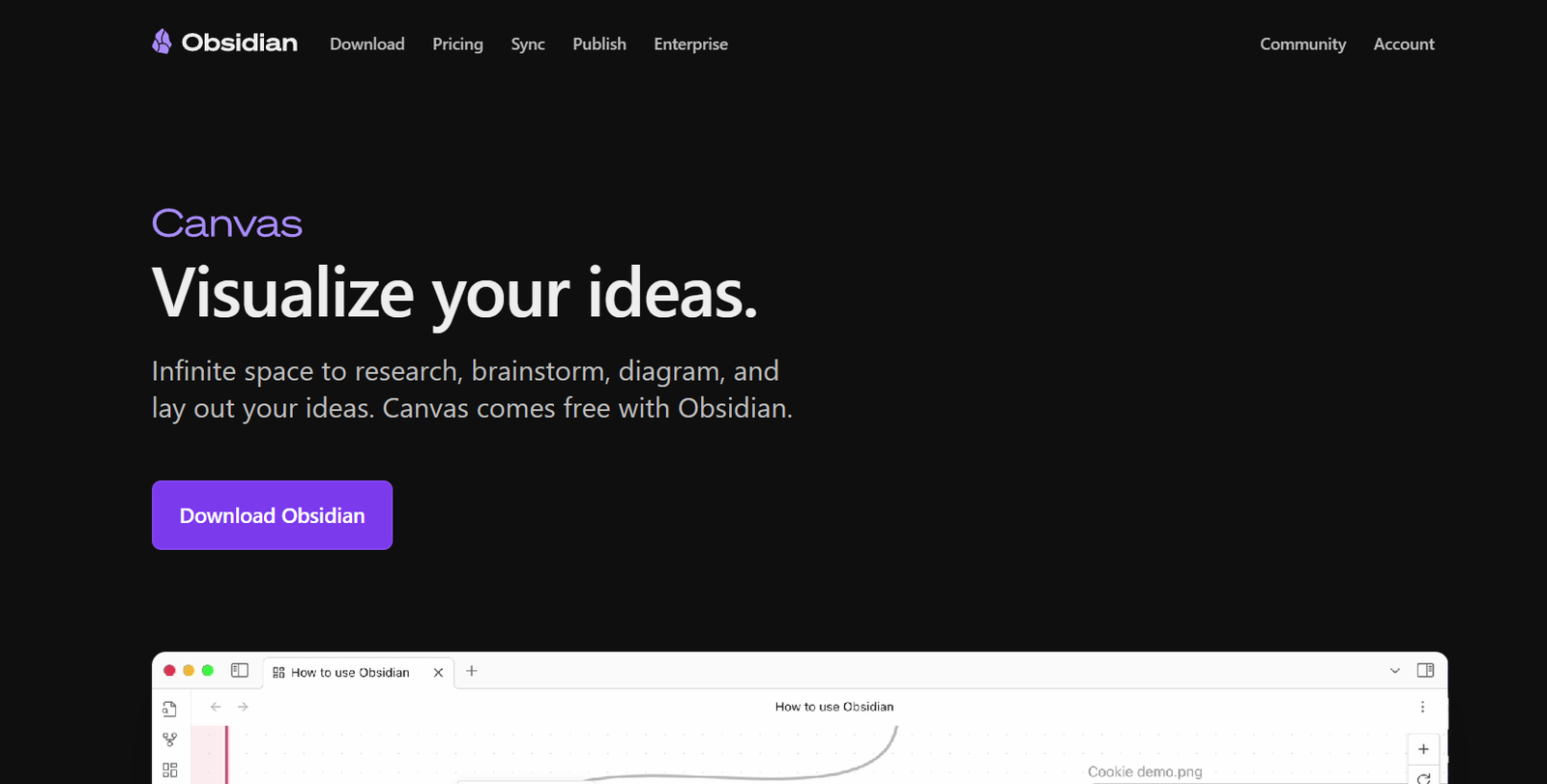
Obsidian is a powerful Markdown-based note-taking and knowledge management application that enables users to build a personal knowledge base using plain text files. It combines the flexibility of Markdown with the structure of linked notes, helping individuals organize and connect their thoughts in a highly customizable, local-first environment.
Unlike cloud-based note-taking apps that rely on proprietary databases, Obsidian stores notes locally as .md files. This ensures complete data ownership and long-term access. Obsidian’s true strength lies in how it links ideas using bi-directional links and a graph view, allowing users to see how their thoughts connect over time.
Designed for knowledge workers, students, researchers, and lifelong learners, Obsidian turns note-taking into a long-term thinking tool. Whether you’re building a Zettelkasten, second brain, or daily journal, Obsidian adapts to your workflow through community plugins and extensive customization.
Features
Obsidian offers a comprehensive set of features for powerful, flexible, and long-term knowledge work:
Markdown Editor
Create and edit notes using clean, distraction-free Markdown. All notes are stored as plain-text files.
Bi-Directional Linking
Link between notes using [[double brackets]], enabling seamless navigation and context building.
Graph View
Visualize your entire vault as a network of connected notes. Explore ideas and see how your thoughts evolve over time.
Backlinks
See all notes that link to the current note, allowing for contextual discovery and better idea tracking.
Daily Notes
Automatically create a new note each day for journaling, task management, or time-based tracking.
Templates
Save reusable content blocks for quicker note creation. Ideal for meetings, study notes, or writing outlines.
Tagging and Metadata
Organize notes with tags and frontmatter to support advanced sorting, filtering, and search functions.
Plugins Ecosystem
Access hundreds of community-developed plugins that add features like kanban boards, spaced repetition, citation management, and more.
Custom Workspaces
Define different workspace layouts with open panes, split views, and tabs tailored to your workflows.
Themes and CSS Customization
Personalize the look and feel of Obsidian with themes or custom CSS to suit your aesthetic and usability needs.
Hotkeys and Keyboard Navigation
Speed up your workflow with keyboard shortcuts for almost every action.
Version History (with Sync or Git)
Maintain a history of note changes using Obsidian Sync or external Git tools.
Offline-First
All notes are stored locally and accessible offline, with syncing available as an optional paid feature.
Encrypted Sync (Obsidian Sync)
Sync notes across devices with end-to-end encryption and no cloud vendor lock-in.
How It Works
Obsidian operates on a local folder of plain-text Markdown files, known as a vault. When you open the app, you choose a vault—either an existing folder or a new one—and begin adding notes. Each note is a .md file, which you can organize into folders, tag, and link to other notes.
The main interface includes panes for writing, previewing, searching, and managing plugins. You can open multiple notes side by side, rearrange your workspace, or use split screens for more complex workflows.
By using internal links like [[Note Title]], you create bi-directional links that connect your notes automatically. These connections are displayed in the graph view, giving you a visual map of your knowledge base.
Plugins allow you to extend Obsidian’s functionality, turning it into a writing studio, task manager, research tool, or anything else you need. Since everything is stored locally, you retain full control and can even back up or manage your notes using Git.
Use Cases
Obsidian supports a wide range of use cases, making it suitable for many types of users:
Personal Knowledge Management
Build a second brain to store, organize, and connect ideas for long-term knowledge growth.
Zettelkasten Note System
Create atomic notes and link them to foster non-linear thinking and deep understanding.
Academic Research
Take notes on papers, link related concepts, and manage references using plugins like Zotero integration.
Writing and Blogging
Outline, draft, and revise content within the same environment using folders, tags, and templates.
Daily Journaling
Track thoughts, ideas, and habits over time with daily notes and backlinks to recurring themes.
Project Planning
Manage tasks, research, and goals within a connected project workspace using task management plugins.
Technical Documentation
Develop internal or external docs in Markdown, easily searchable and linkable for dev teams.
Book Notes
Extract key insights and structure knowledge from books in a reusable and interconnected format.
Meeting Notes
Document meetings and link notes to projects, people, or decisions using consistent templates.
Creative Brainstorming
Use graph view and note linking to brainstorm ideas and find hidden connections between concepts.
Pricing
According to the official Obsidian pricing page, the app is free for personal use, with optional paid services:
Free Plan
Full access to core features
Local storage and offline access
Unlimited plugins and themes
Personal knowledge management
Catalyst License – Starts at $25 (one-time)
Supports development
Access to insider builds and exclusive community
No functional difference from free version
Obsidian Sync – $8/month billed annually
Encrypted sync across multiple devices
Version history and file recovery
Custom sync folders
Obsidian Publish – $16/month billed annually
Publish notes to a public website
Clean and mobile-friendly themes
Custom domain support
Obsidian is free to use forever for personal knowledge work. Businesses and commercial users require a commercial license.
Strengths
Obsidian is popular among productivity enthusiasts and professionals for several compelling reasons:
Local-first architecture with complete data ownership
Fast and lightweight performance on all systems
Advanced linking and graph features for connected thinking
Active plugin ecosystem for deep customization
Markdown-based for long-term portability
Fully offline-capable
Highly customizable interface and themes
Daily notes and Zettelkasten-friendly design
Flexible enough for writers, researchers, and developers
Constantly updated with community feedback
Drawbacks
Despite its powerful features, Obsidian does have some limitations:
Learning curve for new users unfamiliar with Markdown or linking
No built-in task manager or calendar (requires plugins)
Not ideal for collaborative editing (only one user edits at a time)
Mobile app less fluid than desktop for complex workflows
No cloud-based option by default (sync is paid)
Lacks out-of-the-box integrations with third-party services
Interface can feel cluttered when many panes or plugins are active
These drawbacks are generally outweighed by its customizability and plugin support, but beginners may take time to get comfortable.
Comparison with Other Tools
Obsidian vs Notion
Notion offers databases and collaboration but is cloud-based and slower. Obsidian is local, faster, and better for private, long-term thinking.
Obsidian vs Roam Research
Roam focuses on block-based writing and daily notes. Obsidian offers more control, markdown support, and extensibility.
Obsidian vs Evernote
Evernote has a long history in note-taking but lacks Obsidian’s linking and customization capabilities.
Obsidian vs Logseq
Both support local, linked notes. Obsidian uses file-based notes with more plugin options, while Logseq uses an outline-first approach.
Obsidian vs OneNote
OneNote is great for freeform note-taking and drawing, but lacks Obsidian’s Markdown and linking power.
Customer Reviews and Testimonials
Obsidian has gained a loyal user base and strong reviews on Product Hunt, Reddit, and across the productivity community:
“Obsidian completely changed how I take and connect notes.”
“The graph view helped me uncover connections I’d never seen before.”
“It’s like having a personal knowledge brain that grows with you.”
“Love the local storage. My notes are mine and always accessible.”
“The plugin ecosystem makes Obsidian infinitely adaptable.”
Conclusion
Obsidian is a powerful, flexible, and future-proof note-taking app designed for users who want full control of their information. By combining Markdown, local storage, and linked thinking, Obsidian helps you build a connected personal knowledge base that evolves over time. Whether you’re a student, researcher, creator, or thinker, Obsidian provides the tools to not just capture ideas—but to connect, explore, and grow them.
With a generous free tier, a thriving community, and robust plugin ecosystem, Obsidian continues to set the standard for personal knowledge management. If you’re ready to move beyond scattered notes and build a system that works the way your mind works, Obsidian is the tool to try.