
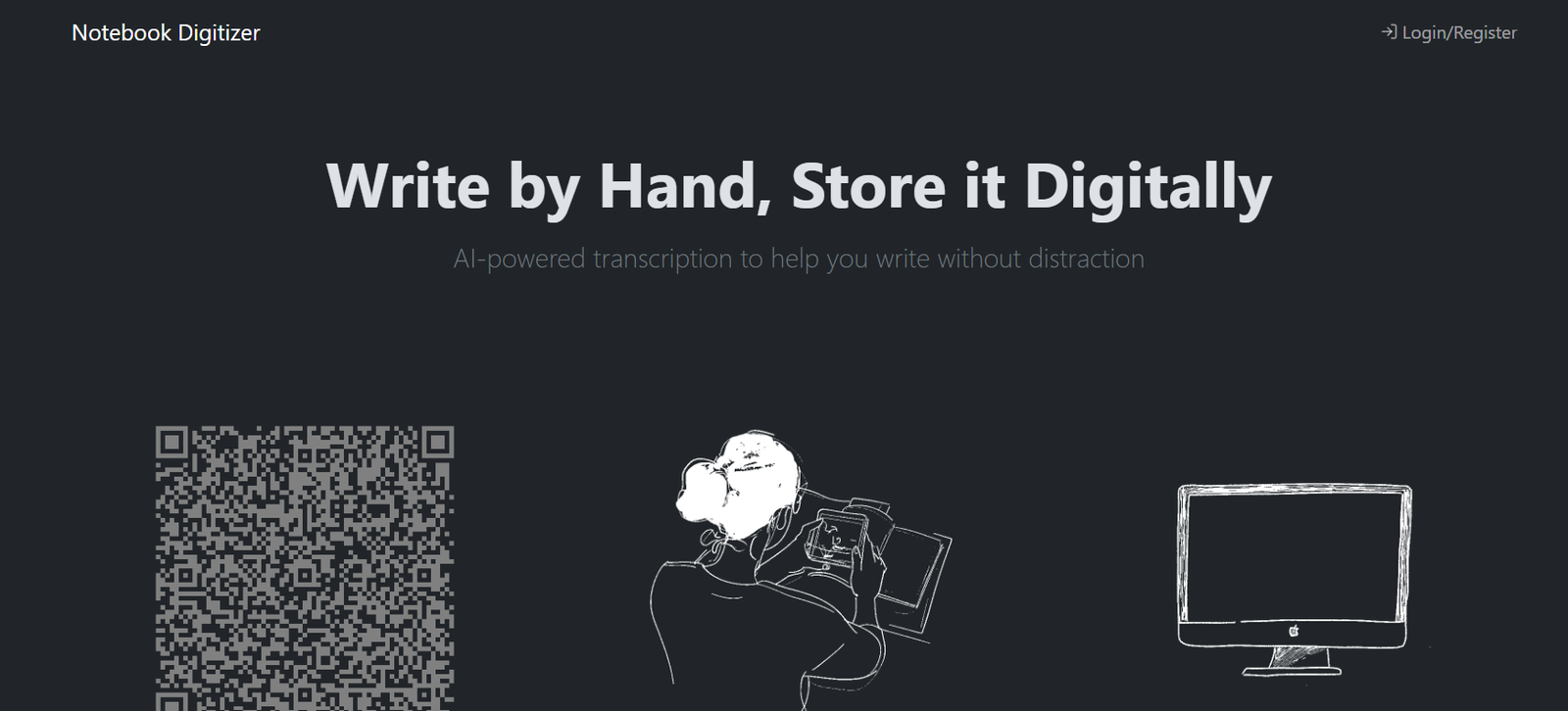
Notebook Digitizer is an AI powered tool designed to convert handwritten notebook pages into digital text. It allows people to continue writing naturally with pen and paper while gaining the convenience of searchable, organized and accessible digital notes.
Users can photograph or scan several notebook pages and let the platform process the handwriting using computer vision and artificial intelligence. The resulting transcription can then be accessed digitally rather than requiring users to manually retype their handwritten material.
The platform is useful for students, researchers, professionals, writers and anyone who prefers handwriting but wants to preserve important notes digitally. It can be used for lecture notes, meeting records, research observations, journals, brainstorming sessions and other handwritten material.
Notebook Digitizer also provides tools for organizing, searching and managing digitized notes. Users retain ownership of the content they upload and can export their notebooks into several digital formats.
Features
AI Handwriting Transcription
Notebook Digitizer uses artificial intelligence to read handwritten notebook pages and transform them into digital text. This can reduce the time required to manually type notes into a computer.
Computer Vision Processing
Uploaded notebook images are processed using computer vision technology before transcription. This helps the system identify and interpret handwritten information contained within photographs or scans.
Multi Page Scanning
Users can scan several notebook pages together instead of processing every page individually. This can be particularly useful when digitizing lengthy lecture notes, journals or meeting notebooks.
Instant Digital Notes
Once processing is completed, users can access the digitized version of their handwritten notes through the platform.
Searchable Notes
Digitized content can be searched, making it easier to locate information that might otherwise require manually flipping through many notebook pages.
Note Organization
Notebook Digitizer includes functionality for organizing and managing digitized notes. This can help users build a more structured archive of handwritten material.
AI Powered Content Similarity
The service generates vector embeddings from transcribed material to support content similarity features. This can help the system work with relationships between information contained in digitized notes.
Multiple Export Formats
Users can export notebooks in formats including PDF, EPUB, Markdown and plain text. This makes digitized material easier to reuse in writing applications, document systems and personal knowledge bases.
QR Code Access
The platform provides a QR code based way to begin the notebook scanning process, making it convenient to move from a desktop environment to a mobile device for photographing pages.
Secure Data Handling
Notebook Digitizer states that uploaded information is transmitted using encrypted connections and stored using encryption at rest. Access to user information is limited to authorized personnel.
User Content Ownership
Users retain ownership and copyright over the material they upload. This is important for writers, researchers and professionals digitizing original work.
Data Export and Deletion
Users can request their complete data archive and ask for deletion of their stored information. The platform states that deletion requests are completed within 30 days.
How It Works
First, users create an account or log in to Notebook Digitizer.
They can then scan the QR code provided by the platform to begin capturing notebook pages.
Users photograph or scan their handwritten notebook pages. Several pages can be scanned in one session.
The images are processed using computer vision technology to prepare them for transcription.
Notebook Digitizer then uses AI to interpret the handwriting and convert the information into digital text.
Once processing is complete, users can access their digitized notes.
The resulting information can be organized and searched within the platform.
When required, users can export their notebooks into formats such as PDF, EPUB, Markdown or plain text.
Users should review the generated transcription and correct any recognition errors before relying on the digitized version.
Use Cases
Students: Students can digitize handwritten classroom and lecture notes so they can search and organize information while preparing for examinations.
Researchers: Researchers can convert handwritten observations, field notes and research notebooks into digital archives.
Professionals: Meeting notes and handwritten business information can be converted into searchable text rather than remaining inside physical notebooks.
Writers: Authors can digitize handwritten drafts, story ideas, outlines and creative notes for further editing on a computer.
Journalists: Interview notes and handwritten observations can be preserved in digital form for easier retrieval.
Consultants: Notes collected during client meetings and workshops can be converted into digital records.
Project Managers: Handwritten planning notes, meeting discussions and project ideas can be stored digitally for later reference.
Journal Users: People who prefer maintaining handwritten journals can create digital copies for preservation and easier searching.
Students and Academics: Large collections of handwritten study and research notes can be converted into digital formats for long term organization.
Pricing
Pricing details are not clearly mentioned on the official website.
Public AI tool directories describe Notebook Digitizer as using a usage based pricing model, but specific current prices, page allowances or subscription options could not be verified from the official website.
Users should therefore check the service directly after registration for the latest pricing and usage limits.
Strengths
One of Notebook Digitizer’s biggest advantages is that users do not have to abandon handwriting to gain the benefits of digital note storage.
Multi page scanning can make the process more convenient when digitizing entire notebooks or lengthy sections of handwritten material.
Searchable digital notes can save significant time when users need to retrieve a particular idea or piece of information from older notebooks.
Multiple export formats are another useful feature. PDF, EPUB, Markdown and plain text provide flexibility for different workflows.
The platform also clearly states that users retain ownership and copyright over uploaded content.
Its privacy documentation provides useful information about data storage, encryption, processing and user deletion rights.
Drawbacks
AI handwriting recognition is not guaranteed to be completely accurate. The official terms specifically state that transcription quality can vary according to handwriting clarity and image quality.
Poor lighting, blurred photographs, unusual handwriting and complicated page layouts may reduce transcription accuracy.
Users are responsible for reviewing and verifying generated transcriptions before relying on them.
Notebook Digitizer advises that the service should not be used for official, legal or medical documentation.
The official website does not currently provide clear public pricing information, making it difficult to compare costs with competing handwriting recognition services before registration.
Automated or bulk uploading requires prior written permission, which may limit some high volume digitization projects.
Comparison with Other Platforms
Compared with traditional OCR tools, Notebook Digitizer is specifically focused on handwritten notebook content rather than only printed documents.
Compared with general note taking applications, it allows users to maintain a paper based writing habit and digitize their notes afterward. This may appeal to people who find handwriting more natural than typing on a laptop or tablet.
Compared with smart notebook systems that require a dedicated pen or specialized notebook, Notebook Digitizer uses scanned or photographed notebook pages. This can make it more practical for people who already have existing handwritten notebooks they want to digitize.
Some competing AI note platforms provide additional features such as AI summaries, flashcards, conversational chat and automatic task extraction. Users who require these broader AI productivity features should compare them carefully with Notebook Digitizer.
Its main appeal is the straightforward transition from physical handwriting to organized and searchable digital information.
Customer Reviews and Testimonials
Customer reviews and testimonials are not clearly available on the official website.
Conclusion
Notebook Digitizer is a useful AI tool for people who enjoy writing by hand but also want the accessibility and organization of digital notes.
Its combination of AI handwriting transcription, computer vision, multi page scanning, searchable notes and multiple export formats provides a practical bridge between traditional notebooks and digital information management.
Students can use it to preserve lecture notes, professionals can digitize meeting notebooks, researchers can organize handwritten observations and writers can transfer handwritten ideas into editable digital formats.
The quality of the final transcription will depend partly on handwriting and image clarity, so users should always review important converted information. For people with collections of handwritten notebooks who want to make their content easier to search, preserve and reuse, Notebook Digitizer provides a focused solution.


