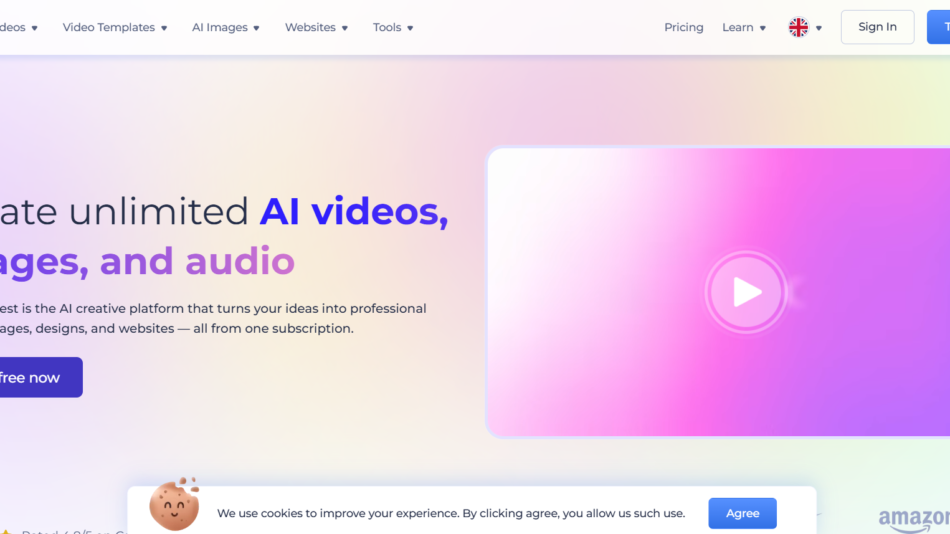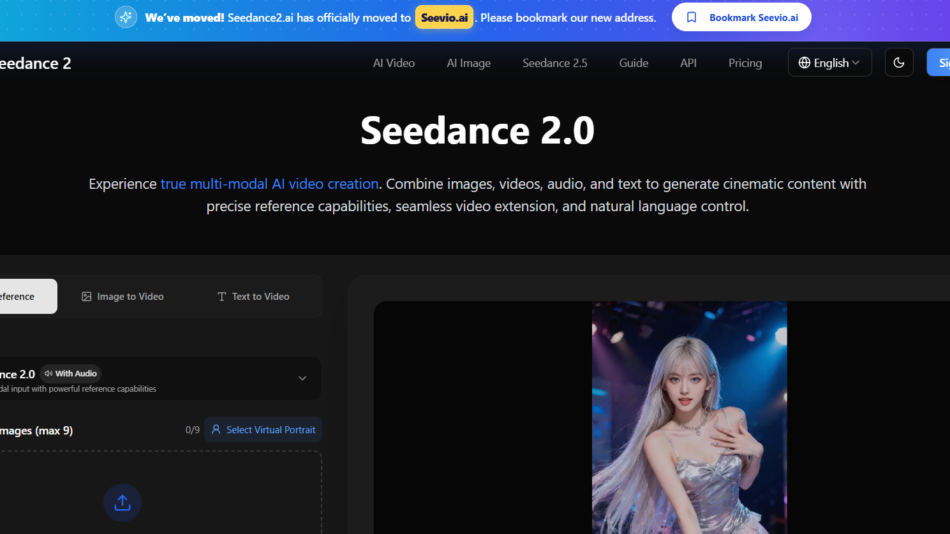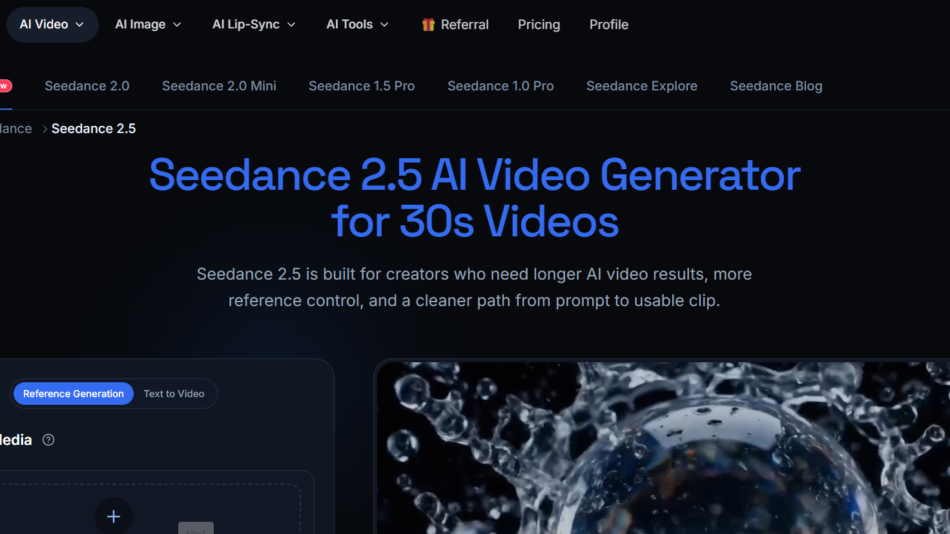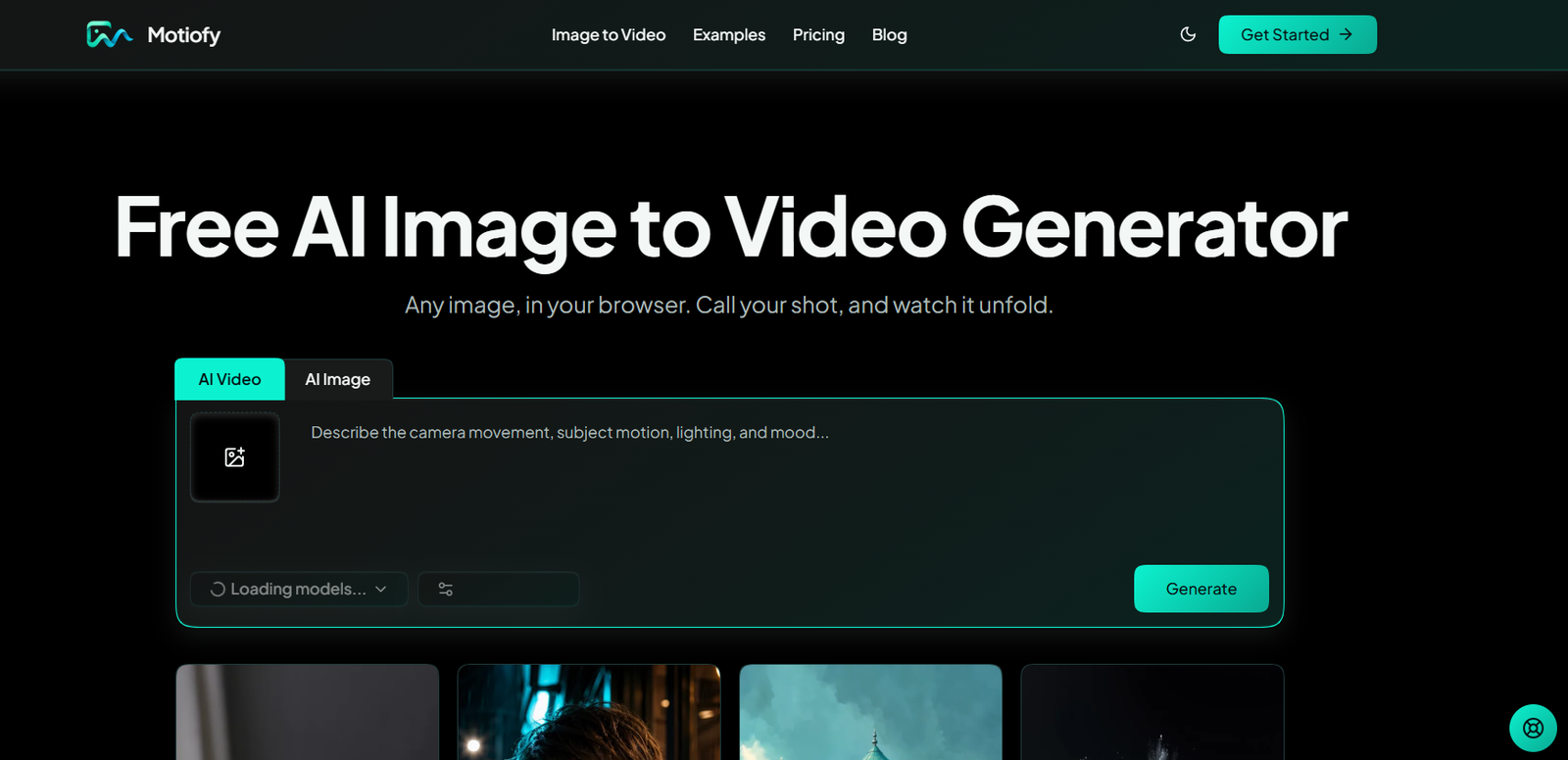
Motiofy AI is an online image to video generation platform that transforms still images into animated video clips. Users can upload a photograph, product image, portrait or artwork, describe how they want it to move, select an available AI video model and generate the final video directly in their browser.
The platform is designed to make AI video creation accessible to people who do not have professional video editing or animation skills. Instead of working with complex editing timelines, keyframes or traditional video production software, users can describe movement in simple language.
Motiofy provides access to multiple AI video models within one workspace. This gives creators greater flexibility to choose a model according to the visual style, motion or creative result they want.
The platform is particularly useful for e-commerce sellers, marketers, social media creators, artists and other users who want to turn existing visual assets into short-form video content without arranging a new video shoot.
Features
AI Image to Video Generation
Motiofy turns a single still image into a moving video. Users can animate subjects, products, portraits, illustrations and other visual content using a text description.
Natural Language Motion Prompts
Users describe how they want the scene to move using ordinary language. For example, they can request a slow camera movement, moving hair, drifting clouds or other visual actions.
Multiple AI Video Models
Motiofy brings several AI video models into one workspace. Users can compare available models and select the one that best matches their project rather than maintaining separate subscriptions for different generation services.
Start and End Frames
For supported models, users can provide both a starting image and an ending image. The AI generates the motion between the two frames, making this useful for transformations, reveals and before-and-after sequences.
Reference Image Guidance
Reference images can be used to guide the visual direction of a generation. This can help maintain the appearance of a product, character or overall visual style.
Camera Motion Control
Users can describe camera behavior as part of their prompts, providing greater control over how the generated video moves and feels.
Model-Aware Controls
The platform adjusts available controls according to the selected AI model. Users see settings relevant to the model they are currently using instead of dealing with unnecessary options.
Upfront Credit Estimates
Motiofy displays the estimated credit cost before a generation begins. This helps users understand how many credits a particular video will consume.
Free Trial Credits
New accounts receive 20 one-time free credits. These allow users to experiment with image to video generation before purchasing additional credits or subscribing to a paid plan.
Creation History
Generated videos are stored in the My Creations area for signed-in users. Users can return to previous generations, monitor their status and access retained results.
Download and Re-run
Users can download completed clips or modify an existing prompt and generate another variation.
Mobile Browser Support
Motiofy works through a web browser and can also be used on phones and tablets, allowing users to generate videos without installing desktop software.
Image Generation
The interface also presents AI image creation capabilities alongside its primary AI video workflow, giving creators additional options for developing visual assets.
How It Works
Create a Motiofy account and receive the available free trial credits.
Upload a JPG, PNG or WebP image.
Describe how you want the subject, environment or camera to move.
Choose an available AI video model.
Configure the model-specific settings where required.
Review the estimated credit cost before generating.
Start the AI generation process.
Once processing is complete, open the finished video from My Creations.
Download the clip or modify the prompt and generate another version.
Use Cases
E-commerce sellers can turn existing catalog and product photographs into short promotional video clips for online listings and advertisements.
Social media creators can animate photographs for Reels, Shorts, TikTok and other short-form content without recording new footage.
Marketing teams can create several motion concepts from a single product image and test different video advertising ideas.
Artists and illustrators can animate paintings, digital artwork and illustrations while retaining the original composition as visual guidance.
Small businesses can produce simple promotional videos without arranging traditional video shoots.
Content creators can turn existing photographs and visual assets into more engaging moving content.
Advertising teams can create different motion variations from the same creative asset for campaign testing.
Designers can experiment with movement, transitions and visual transformations before investing in more complex production.
Pricing
Motiofy uses a credit-based system. New accounts receive 20 one-time free credits to test the platform.
Paid plans are available with monthly and yearly billing. The official website currently shows a discount of approximately 17% when selecting annual billing.
Motiofy Starter
The Starter plan is listed at $20 per month when billed annually at $240.
It includes 2,000 credits per month, access to additional image and video models, watermark-free HD downloads, faster generation, early access to new models and experimental features, and priority support.
Motiofy Creator
The Creator plan is listed at $40 per month with monthly pricing, or approximately $33.33 per month when billed annually at $400.
It provides 6,000 credits per month, access to all models, watermark-free HD downloads and up to three concurrent generations. It also includes faster generation, early feature access and priority support.
Motiofy Pro
The Pro plan is listed at $100 per month with monthly pricing, or approximately $83.33 per month when billed annually at $1,000.
It includes 15,000 credits per month, access to all models, watermark-free HD downloads and up to ten concurrent generations. Pro users also receive priority consideration for feature requests.
Motiofy also provides separate credit packs for users who need additional generation capacity.
Credit consumption varies according to the selected AI model and settings such as video duration. The exact estimated credit cost is displayed before generation.
Strengths
Easy image to video workflow.
No traditional video editing experience is required.
Works directly through a web browser.
Provides access to multiple AI video models.
Supports single-image animation.
Supports start and end frame generation with compatible models.
Allows reference-guided visual direction.
Accepts natural language motion instructions.
Shows credit costs before generation.
Provides 20 free trial credits for new accounts.
Offers watermark-free HD downloads on paid plans.
Keeps a history of generated content.
Allows users to modify prompts and generate new versions.
Works on desktop, tablet and mobile browsers.
Suitable for product marketing, artwork and social media content.
Drawbacks
The free credits are a one-time allowance and do not renew monthly.
Regular AI video generation requires purchasing credits or subscribing to a paid plan.
Credit consumption varies according to the selected model and generation settings.
Generation times can vary depending on the model, resolution, duration and provider queue.
AI-generated movement may not always follow the prompt perfectly.
Users may need to generate several variations before obtaining the desired result.
The platform depends partly on third-party AI model providers.
Free-credit outputs are intended for personal, non-commercial use.
Users who need advanced timeline editing, manual keyframing or detailed post-production will still require dedicated video editing software.
Comparison with Other Platforms
Motiofy differs from traditional video editing platforms because users do not need existing video footage, an editing timeline or advanced animation knowledge. A single image and a simple motion description can be enough to begin creating a video.
It also differs from AI video platforms built around a single generation model. Motiofy brings multiple AI video models into one workspace, allowing users to choose different models according to the creative result they want.
For e-commerce and marketing users, one useful advantage is the ability to turn existing product photographs into several motion concepts without repeatedly arranging new shoots.
However, Motiofy is primarily a generation platform rather than a complete professional video editor. Users who require detailed manual editing, audio production, transitions and post-production may need to combine it with other video software.
Customer Reviews and Testimonials
Customer reviews and testimonials are not clearly available on the official website.
The website does provide practical examples showing how image to video generation can be applied to product advertising, portraits, artwork and social media content.
Conclusion
Motiofy AI is a practical image to video generation platform for users who want to turn still visuals into dynamic video content without learning complicated animation or editing software.
Its simple three-step workflow of uploading an image, describing the desired motion and selecting an AI model makes it accessible to beginners while still providing useful controls for more experienced creators.
The platform is particularly suitable for e-commerce sellers, social media creators, marketers, artists and small businesses that already have photographs or artwork and want to repurpose those assets into short videos. Multiple AI model options, reference guidance, start and end frames, upfront credit estimates and creation history make Motiofy a flexible option for experimenting with modern AI video generation.