
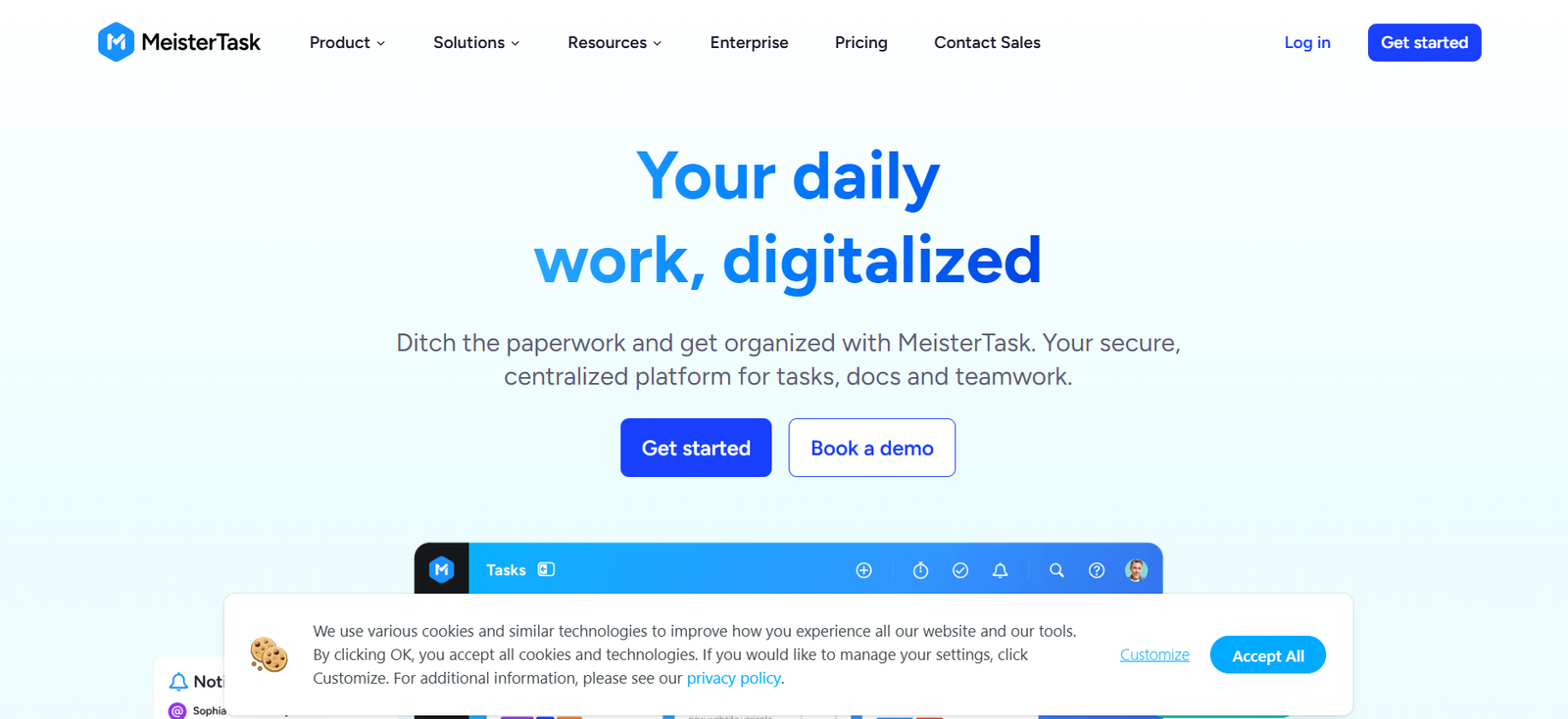
MeisterTask is a collaborative task and project management tool that helps teams stay organized, focused, and productive. It offers an intuitive, Kanban-style interface that allows users to manage tasks visually, making it easy to track progress and collaborate in real time.
Created by the team behind MindMeister, MeisterTask combines ease of use with robust functionality. It’s ideal for teams that need a flexible yet powerful platform to manage daily workflows, projects, and communication—all in one place. Whether you’re a small business, a creative agency, or an enterprise, MeisterTask offers the tools to streamline your workflow and stay on top of tasks.
Features
MeisterTask includes a comprehensive set of features to support task management and team collaboration:
Kanban Boards: Organize tasks into customizable sections for a clear visual overview of progress.
Automations: Set up rules to automate repetitive actions like task assignments, notifications, and due dates.
Time Tracking: Track how long tasks take and analyze team productivity.
Project Templates: Create reusable workflows to save time and ensure consistency.
Task Relationships: Link tasks to each other to manage dependencies effectively.
Recurring Tasks: Schedule tasks to repeat at regular intervals.
Checklists and Subtasks: Break complex tasks into smaller, actionable items.
Attachments and Comments: Collaborate on tasks with built-in file sharing and threaded discussions.
Permissions and Roles: Manage user access and project visibility with role-based controls.
Integrations: Connect with tools like Slack, Microsoft Teams, Google Workspace, GitHub, and Zapier.
How It Works
MeisterTask provides a simple and intuitive way to manage team workflows:
Create Projects: Start by creating a project board with customizable sections to reflect your workflow (e.g., To Do, In Progress, Done).
Add and Assign Tasks: Add tasks to the board, assign them to team members, set deadlines, and add descriptions, tags, or checklists.
Automate Workflows: Use built-in automations to reduce manual work. For example, when a task is moved to “Done”, it can automatically be marked complete and archived.
Track Progress: View tasks in different states, track time spent, and use dashboard widgets for high-level overviews.
Collaborate in Real-Time: Team members can comment on tasks, attach files, and receive notifications about updates instantly.
Everything syncs across devices, ensuring that teams stay aligned no matter where they work from.
Use Cases
MeisterTask is suitable for a wide range of industries and use cases:
Agencies: Manage creative projects, client deliverables, and content workflows.
Marketing Teams: Plan campaigns, manage editorial calendars, and track performance.
Product Development: Use agile boards to track sprints and development cycles.
IT and Support: Handle support tickets, maintenance tasks, and service requests.
Human Resources: Manage recruitment processes, onboarding, and employee reviews.
Education: Teachers and students can organize coursework, assignments, and collaborative projects.
Its flexibility makes it valuable for teams that require visual task tracking with strong collaboration features.
Pricing
MeisterTask offers several pricing plans suitable for individuals and teams:
Basic Plan (Free): For individuals. Includes up to 3 projects, basic task management, and limited integrations.
Pro Plan (€12.50/month per user): Adds unlimited projects, automations, timeline view, and recurring tasks.
Business Plan (€20.75/month per user): Adds roles and permissions, project groups, and priority support.
Enterprise Plan (Custom pricing): Includes advanced security, compliance features, and dedicated account management.
All paid plans include a free trial with no credit card required. Full pricing details can be found on the official pricing page.
Strengths
User-Friendly Interface: Clean, modern, and easy to use, even for non-technical users.
Customizable Workflows: Boards and tasks can be adapted to suit any workflow.
Reliable Automations: Reduces manual task management.
Mobile-Friendly: Available on iOS and Android with full functionality.
Integrations: Works well with common workplace tools for a seamless experience.
Drawbacks
Limited Reporting: Advanced analytics and reporting are only available in higher-tier plans.
Basic Free Plan: The free version is quite limited, especially for teams.
Not Built for Complex Projects: Lacks advanced Gantt charts or resource management tools found in more technical project management platforms.
Some Learning Curve: Users unfamiliar with Kanban boards may need time to adjust.
Comparison with Other Tools
MeisterTask competes with popular task management tools like Trello, Asana, and ClickUp.
Compared to Trello: MeisterTask offers similar Kanban-style boards but includes built-in time tracking and automation in its Pro plan, which Trello requires Power-Ups for.
Compared to Asana: Asana offers more detailed project planning features, such as Gantt charts and advanced reporting, but may feel overwhelming for small teams. MeisterTask is easier to use and quicker to set up.
Compared to ClickUp: ClickUp is highly customizable and feature-rich but has a steeper learning curve. MeisterTask offers a more focused and simplified experience ideal for teams looking for visual task management without unnecessary complexity.
MeisterTask is best suited for teams that want a straightforward, visual tool without sacrificing essential project features.
Customer Reviews and Testimonials
MeisterTask is well-reviewed on platforms like G2, Capterra, and Product Hunt.
Common themes in user feedback include:
Excellent UI/UX design.
Simple and effective task organization.
Reliable automation and reminders.
From user reviews:
“MeisterTask has helped our team stay on top of tasks and meet deadlines without getting bogged down in complex tools.”
“We switched from Trello to MeisterTask and love the time tracking and automation. It’s intuitive and looks great.”
On Product Hunt, MeisterTask is praised for its beautiful design and ease of use, especially among freelancers and creative professionals.
View it on Product Hunt.
Conclusion
MeisterTask is a sleek and effective task management platform that combines visual project tracking with team collaboration and automation. Its intuitive design and ease of use make it a top choice for teams that want to stay organized without dealing with feature overload.
While it may not be ideal for highly technical project planning or data-heavy workflows, it excels in providing a user-friendly space where teams can manage their day-to-day tasks and collaborate efficiently. If you’re looking for a modern alternative to Trello or Asana with a clean interface and smart automations, MeisterTask is worth exploring.














