
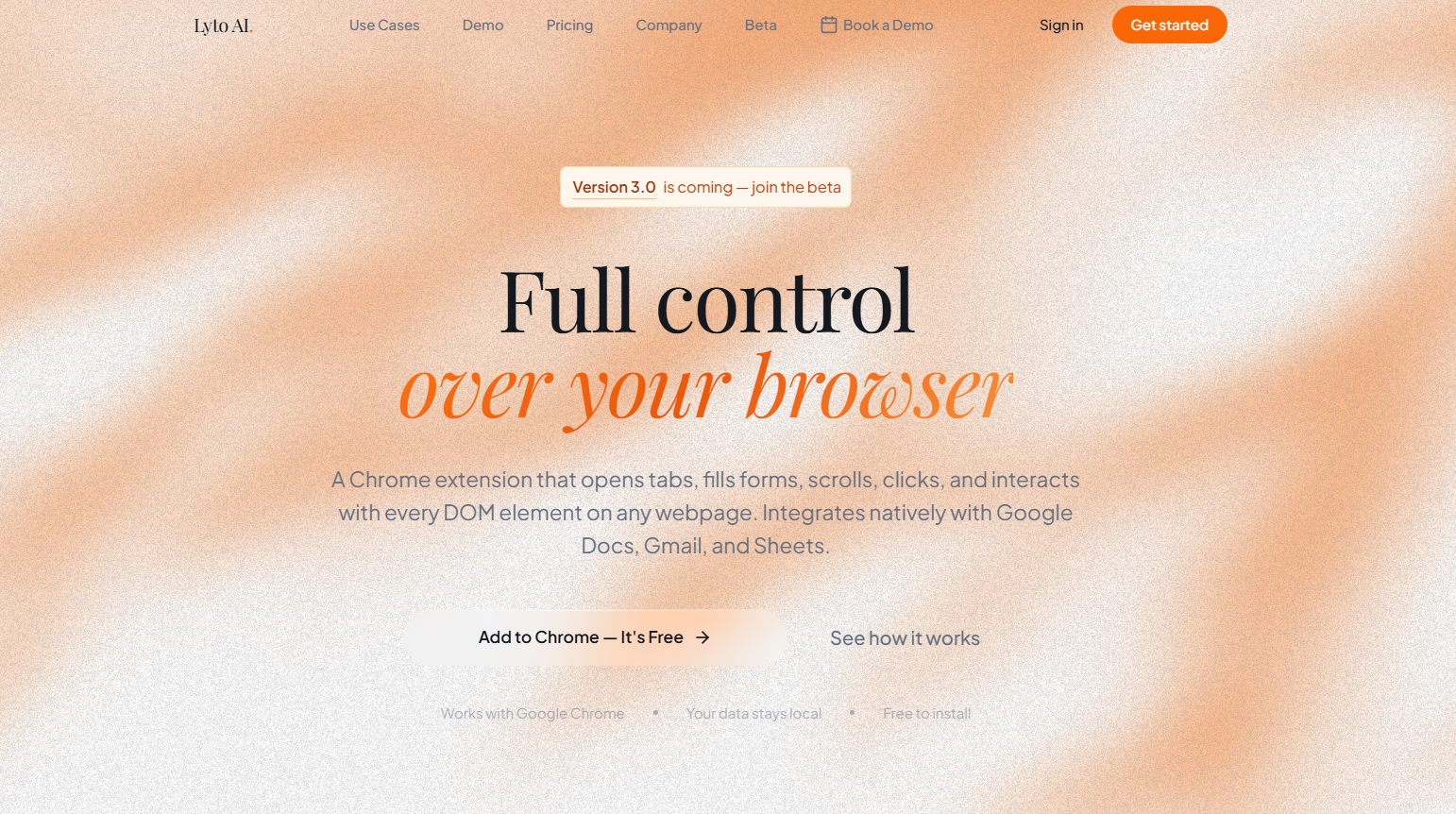
Lyto AI is an AI-powered browser automation assistant that gives users complete control over their browser through natural language commands. Available as a Chrome extension, it can open tabs, click buttons, fill forms, scroll pages, extract information, and automate repetitive browser tasks without requiring coding or manual scripting.
Beyond browser automation, Lyto integrates with popular productivity tools such as Google Docs, Gmail, Google Sheets, GitHub, Slack, Figma, WhatsApp, and Telegram. It also provides deep web research, document generation, spreadsheet creation, workflow automation, and persistent context memory, making it useful for professionals, students, developers, marketers, and business teams.
Features
Browser Automation
Control browser tabs, click elements, scroll pages, fill forms, highlight text, and interact with websites using simple natural language prompts.
Deep Web Research
Research topics across multiple websites, collect information, compare results, and generate summarized reports with cited sources.
Context Memory
Lyto remembers previous tasks and browser context, allowing users to continue workflows without repeatedly providing instructions.
Google Workspace Integration
Create Google Docs, build Google Sheets with charts, draft Gmail messages, and automate document workflows directly from the browser.
Messaging Support
Interact with Lyto through WhatsApp and Telegram to generate reports, summaries, PDFs, and other content from mobile devices.
Developer Integrations
Connect GitHub, Slack, and Figma to automate code reviews, design searches, notifications, and development workflows.
Website & Mind Map Generation
Generate simple websites, visual mind maps, and structured documents directly from prompts.
Workflow Automation
Automate repetitive business processes, customer operations, reporting, and internal coordination through AI-driven browser actions.
How It Works
Install the Lyto Chrome extension.
Create an account and activate your workspace.
Open any website and describe the task you want to perform.
Allow Lyto to control browser elements, collect information, or automate workflows.
Review the generated documents, spreadsheets, reports, or research results.
Continue working with persistent context across tabs and supported applications.
Use Cases
- Automating repetitive browser tasks.
- Researching competitors and market trends.
- Creating Google Docs and Sheets automatically.
- Managing Gmail communications.
- Reviewing GitHub repositories.
- Organizing design assets in Figma.
- Preparing reports and presentations.
- Supporting sales, operations, and customer service workflows.
Pricing
Lyto offers a 7-day free trial.
Paid plans include:
- Pro: $15/month (annual billing) or $25/month (monthly)
- Team: Starting from $120/month
The Team plan includes multiple users, custom integrations, dedicated support, and SLA guarantees.
Strengths
- Automates browser interactions using natural language.
- Integrates with popular productivity platforms.
- Supports deep web research and document generation.
- Maintains workflow context across tabs.
- Includes mobile messaging integrations.
- Suitable for individuals and business teams.
- Simple Chrome extension with minimal setup.
Drawbacks
- Currently focused on Chrome-based workflows.
- Advanced automation features require a paid subscription.
- Browser permissions may concern privacy-conscious users.
- Performance depends on supported integrations and browser compatibility.
Comparison with Other Platforms
Unlike traditional AI chatbots that primarily answer questions, Lyto actively performs browser actions on behalf of users. It combines browser automation, web research, workflow execution, and productivity integrations into a single assistant, making it more action-oriented than standard conversational AI tools.
Customer Reviews and Testimonials
The official website features testimonials from users who report faster research, improved writing productivity, easier competitor analysis, streamlined Gmail management, and significant time savings through browser automation. The Chrome Web Store also shows a 5.0-star rating from early users.
Conclusion
Lyto AI is a powerful browser automation assistant that goes beyond traditional AI chat by performing real actions inside your browser. With features such as browser control, deep research, workflow automation, Google Workspace integration, and persistent context memory, it helps professionals, developers, marketers, and business teams automate repetitive work and boost productivity. Its ability to interact directly with websites makes it a strong choice for users seeking an AI assistant that can both think and act.


