
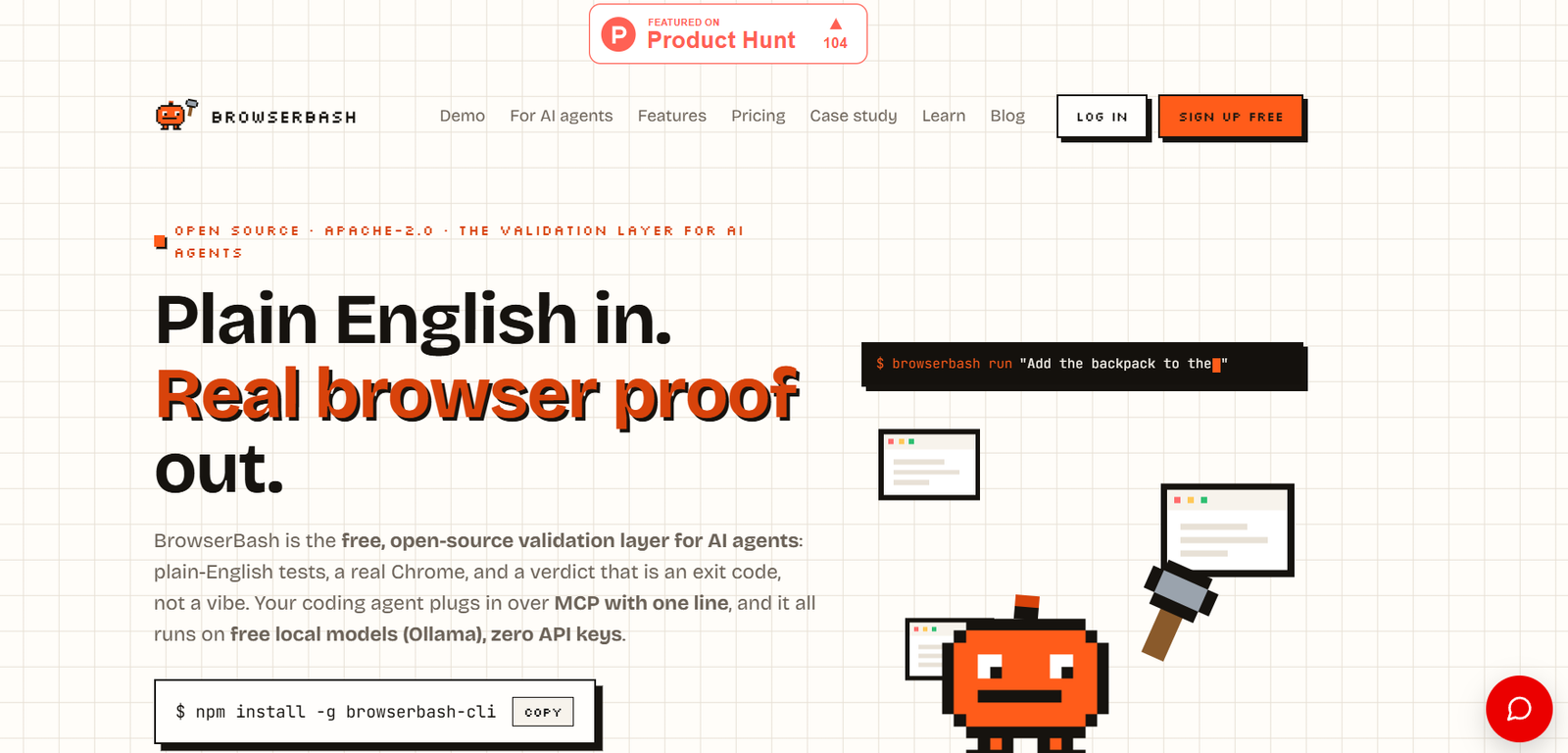
BrowserBash is an open-source AI browser automation and testing platform that enables developers and QA teams to create browser tests using plain English instead of writing automation scripts. Users simply describe what they want the browser to do, and the AI agent translates those instructions into real browser actions without relying on CSS selectors, XPath, or page objects.
Designed for software engineers, testers, and AI agent developers, BrowserBash works with real Chrome browsers, local AI models, and cloud browser providers. It integrates seamlessly into CI/CD pipelines while producing deterministic test results, screenshots, videos, and detailed execution logs. The platform is free, open source, and released under the Apache 2.0 license.
Features
Plain-English Test Creation
Create browser tests by describing user actions in natural language instead of writing Playwright, Selenium, or Cypress scripts. The AI determines the required browser interactions automatically.
Real Browser Automation
Run tests on real Chrome browsers locally or connect to BrowserStack, LambdaTest, Browserbase, CDP endpoints, and other browser providers.
Free Local AI Models
BrowserBash works with Ollama and other free local models, allowing users to run AI-powered browser automation without API keys or additional AI usage costs.
Markdown Test Files
Store browser tests in readable Markdown files with reusable imports, variables, and secrets, making test maintenance much simpler.
Deterministic Verification
Verify URLs, page titles, visible text, stored values, and other conditions using deterministic assertions that produce reliable pass or fail results.
MCP Server Support
Integrate BrowserBash with AI coding assistants such as Claude Code, Cursor, and Codex through the Model Context Protocol (MCP).
Session Recording
Capture screenshots and video recordings of every browser session to simplify debugging and issue reporting.
CI/CD Integration
Run browser automation in continuous integration pipelines with structured output, sharding, matrix testing, JUnit reports, and reliable exit codes.
How It Works
Install BrowserBash using the CLI.
Write your browser test in plain English or create a Markdown test file.
Choose a local AI model or connect a supported cloud model.
Run the test against a local or remote browser.
Review screenshots, logs, recordings, and verification results.
Integrate automated tests into your CI/CD workflow for continuous validation.
Use Cases
- Automating browser testing.
- AI-assisted QA workflows.
- Regression testing.
- End-to-end testing.
- Continuous integration pipelines.
- AI agent validation.
- Browser automation without writing selectors.
- Developer productivity improvements.
Pricing
BrowserBash is free and open source under the Apache 2.0 License. Users can run the platform with free local AI models or connect their own supported AI providers if desired. An optional cloud dashboard is also available.
Strengths
- Plain-English browser automation.
- No CSS selectors or XPath maintenance.
- Works with free local AI models.
- Supports real Chrome browsers.
- Open source and free to use.
- Strong CI/CD integration.
- Compatible with multiple cloud browser providers.
- MCP support for AI coding assistants.
Drawbacks
- Primarily focused on browser automation rather than desktop automation.
- Some advanced cloud integrations require external services.
- Users new to CLI tools may face a learning curve.
- Best suited for development and QA teams.
Comparison with Other Platforms
Unlike traditional browser automation frameworks such as Selenium or Playwright that require coding and selector maintenance, BrowserBash allows users to describe testing objectives in natural language. The AI interprets user intent, performs browser actions, and verifies outcomes while remaining compatible with existing testing workflows and CI pipelines.
Customer Reviews and Testimonials
Customer reviews and testimonials are not clearly available on the official website.
Conclusion
BrowserBash offers a modern approach to browser automation by combining AI agents with natural language testing. Its open-source model, support for local AI, real browser automation, CI/CD integration, and plain-English workflows make it an excellent solution for developers, QA engineers, and organizations looking to simplify browser testing while reducing maintenance effort.


