
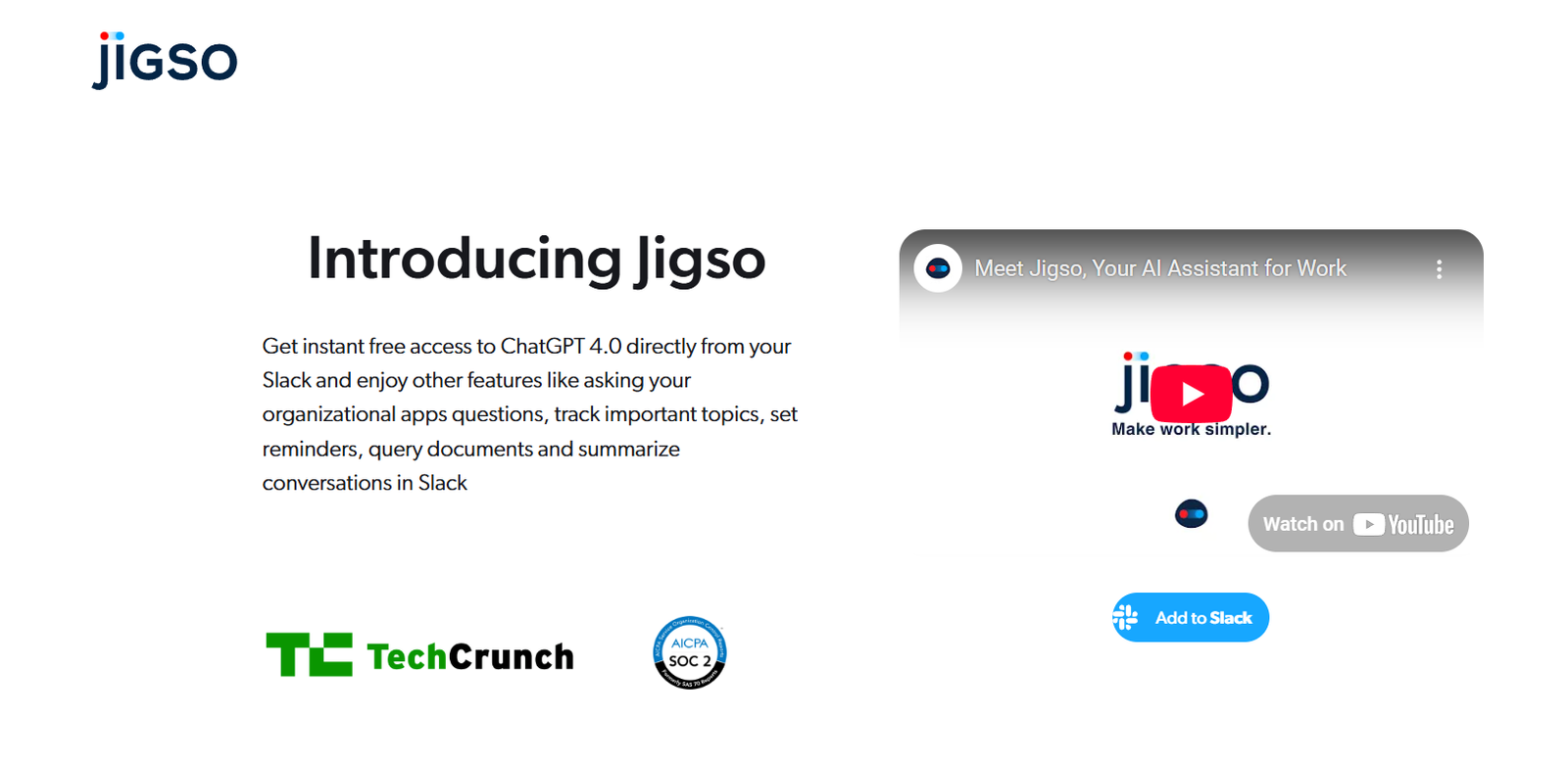
Jigso is an AI-powered productivity tool that acts as your Chief of Staff inside Slack, helping teams cut through noise, stay focused on priorities, and work more efficiently. By automatically surfacing the most important updates and blocking out distractions, Jigso empowers individuals and teams to make better, faster decisions without being overwhelmed by data or messages.
With integrations across tools like Jira, Monday.com, HubSpot, and Salesforce, Jigso delivers relevant insights in real time—turning Slack into a command center for operational excellence.
Features
Jigso combines AI automation and workplace intelligence to deliver powerful features for modern teams:
AutoAlerts
Automatically notifies you in Slack when critical updates occur in connected apps—like deal stage changes, overdue tasks, or new support tickets.Jigso Ask (AI Query Engine)
Ask questions in plain language and get answers from across your connected tools—like “What deals are at risk?” or “Show me overdue Jira tasks.”Priority Inbox
Filters out noise in Slack and organizes what truly matters into a single, digestible feed.Real-Time Data Sync
Connects with tools like Jira, Salesforce, HubSpot, Notion, Zendesk, and more to gather cross-platform insights.No-Code Integration Setup
Easily connect your business tools with a few clicks—no engineering support needed.Teamwide Visibility
Share insights and alerts with relevant team members to keep everyone aligned.Smart Reminders
Set reminders based on workflow conditions, like checking back on open tickets or overdue tasks.Secure & Compliant
Designed with enterprise security in mind, supporting SOC 2 compliance and data privacy protocols.
How It Works
Jigso embeds directly into your Slack workspace and connects with the tools your team already uses. Here’s how it works:
Install Jigso in Slack
Add Jigso via the Slack App Directory and authorize it to operate in your workspace.Connect Tools
Use Jigso’s simple UI to connect to platforms like Jira, Salesforce, Monday.com, Notion, and others.Set Alerts and Preferences
Configure AutoAlerts to monitor specific changes, like tasks becoming overdue or deals moving stages.Ask Jigso Anything
Use Jigso Ask to query your business data in natural language directly from Slack.Stay Updated, Not Overwhelmed
Jigso filters and delivers only the most relevant notifications, tasks, and insights to your Slack inbox.Collaborate Across Teams
Share summaries or insights in channels or DMs to support better decision-making and team alignment.
Use Cases
1. Sales Teams
Get instant updates when deals change stages, go cold, or require urgent follow-up—directly in Slack.
2. Product Managers
Track sprint progress, bug reports, and feature updates from tools like Jira or Monday without logging in.
3. Customer Support Leads
Receive alerts when high-priority tickets are opened or SLAs are at risk in tools like Zendesk or Intercom.
4. Operations and Project Management
Monitor task dependencies, overdue actions, and blocked work across systems with zero manual tracking.
5. Executive Reporting
Use Jigso Ask to generate summaries like “What are the top risks in Q2 projects?” in seconds.
6. Cross-Functional Alignment
Teams across functions stay in sync by surfacing shared insights and aligned priorities.
Pricing
As of June 2025, Jigso offers a freemium pricing model with scalable options:
Free Plan
Slack integration
Connect up to 2 tools
Basic AutoAlerts
5 Jigso Ask queries/day
Ideal for small teams and pilots
Pro Plan – Contact for Pricing
Unlimited tool integrations
Unlimited AutoAlerts & Ask queries
Priority inbox customization
Advanced permissions & team collaboration
Dedicated support and onboarding
Suitable for growth-stage or mid-sized teams
Enterprise Plan – Custom Pricing
SOC 2 compliance
Enterprise integrations (e.g., Okta, SSO)
Admin controls & audit logs
On-premise or private cloud support
Ideal for large, regulated organizations
To request a demo or get a quote, visit https://www.jigso.io.
Strengths
Slack-Native Assistant
Operates where teams already communicate—no context switching required.AI-Powered Query Engine
Retrieve insights from complex systems using natural language.Automated Signal Filtering
Reduces Slack noise and improves signal-to-noise ratio with real-time alerts.Cross-Tool Visibility
Provides a holistic view of priorities across sales, product, and operations tools.Enterprise-Ready
Offers security features, compliance support, and admin tools for large deployments.No-Code Setup
Easy to install and configure without needing IT or engineering help.
Drawbacks
Slack Dependency
Jigso is currently optimized for Slack and doesn’t support Microsoft Teams or email platforms yet.No Mobile App
As of now, Jigso does not have a standalone mobile app—though Slack’s mobile app provides partial access.Limited Custom Reports
Complex or highly visual reporting still requires external tools or dashboards.Learning Curve for Advanced Queries
Some users may need time to learn how to phrase effective queries in Jigso Ask.
Comparison with Other Tools
Jigso vs. Slack Workflows
Slack workflows require manual setup; Jigso provides smart, AI-driven alerts and search out of the box.
Jigso vs. Zapier
Zapier automates tasks between tools. Jigso curates insights and conversations, not just actions.
Jigso vs. Motion or Sunsama
Those tools focus on calendar and time management. Jigso focuses on team communication alignment and operational awareness.
Jigso vs. Asana or Trello
Jigso doesn’t replace task management tools—it aggregates and summarizes data from them in Slack.
Customer Reviews and Testimonials
Jigso has received positive early feedback from cross-functional users in tech startups and mid-size organizations:
“Jigso saves me hours of Slack scrolling. I get just what I need, when I need it.”
— Product Manager, SaaS Company
“With Jigso, we never miss deal movement alerts. Our sales process is tighter and faster.”
— VP of Sales, Tech Firm
“It’s like having an extra teammate watching everything for me—without actually adding headcount.”
— Head of Operations, Startup
Conclusion
Jigso is redefining workplace efficiency by turning Slack into a control center for priorities, alerts, and strategic insights. As an AI Chief of Staff, it empowers teams to stay focused, act faster, and reduce operational noise—without switching between tools or reading dozens of threads.
If you’re overwhelmed by updates, juggling multiple systems, or missing key Slack messages, Jigso is a smart, secure, and simple way to take back control and stay aligned.














