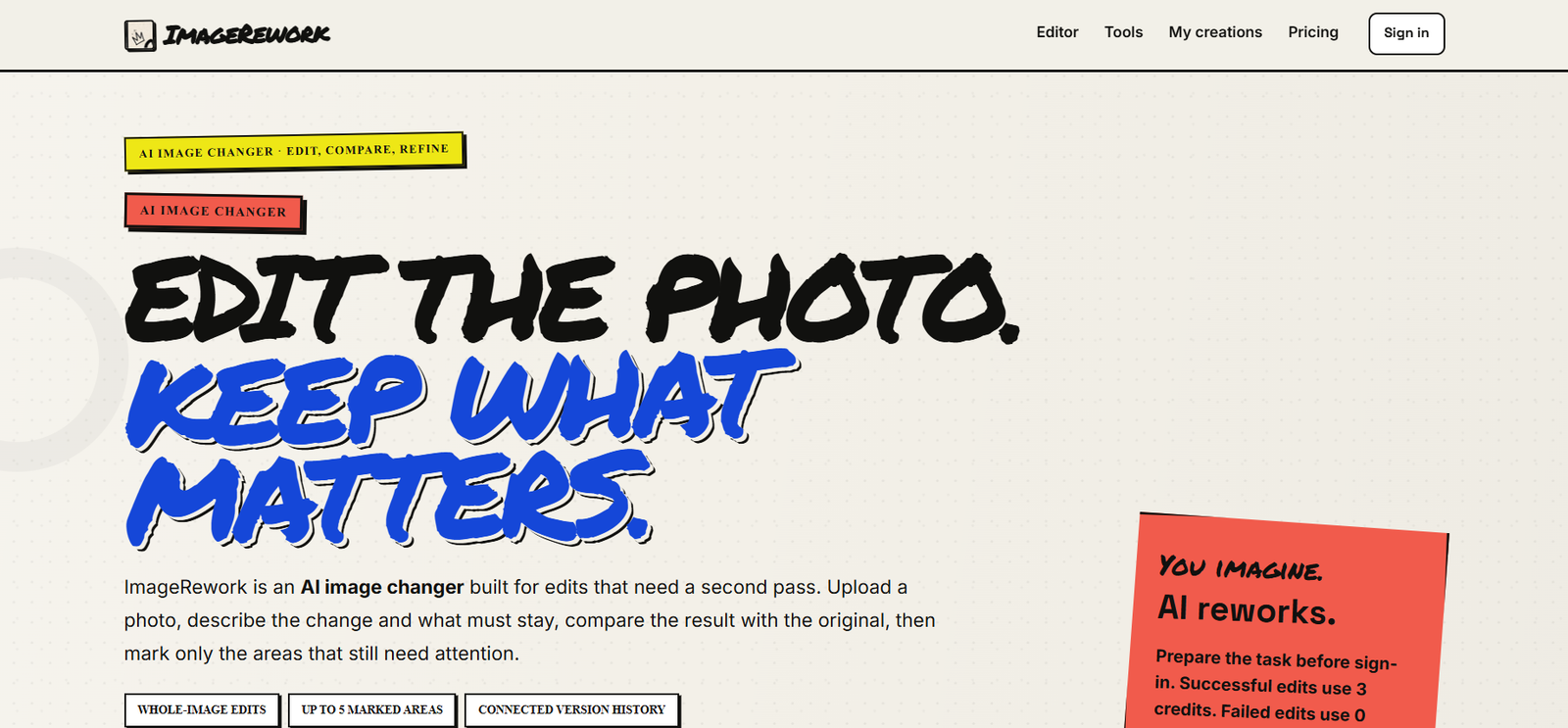
ImageRework is an AI-powered image editing platform that helps users enhance, restore, and transform photos using advanced artificial intelligence. The platform provides a collection of AI tools for improving image quality, removing backgrounds, upscaling low-resolution photos, restoring old pictures, and generating creative visual edits without requiring professional editing skills.
Designed for photographers, designers, marketers, e-commerce businesses, content creators, and everyday users, ImageRework simplifies photo editing through an intuitive web interface. Users can upload an image, choose an AI editing tool, and receive enhanced results within minutes.
Features
AI Image Enhancement
Improve image clarity, sharpness, colors, and overall quality with AI-powered enhancement while preserving natural details.
AI Upscaling
Increase image resolution without significant quality loss, making low-resolution images suitable for printing or high-definition displays.
Background Removal
Automatically detect and remove image backgrounds for product photos, portraits, and marketing materials.
Old Photo Restoration
Restore damaged, faded, or aged photographs by repairing scratches, improving details, and enhancing colors.
AI Object Removal
Remove unwanted objects, distractions, or imperfections from photos while maintaining a natural-looking background.
Portrait Enhancement
Enhance facial details, improve lighting, and refine portraits for professional-looking profile pictures and social media content.
Simple Web-Based Editor
Use AI editing tools directly from the browser without installing additional software.
Fast Processing
Generate edited images quickly using cloud-based AI processing, reducing the time required for manual photo editing.
How It Works
Visit the ImageRework website.
Upload the image you want to edit.
Choose the desired AI editing tool.
Adjust any available settings if needed.
Start the AI processing.
Preview the enhanced image.
Download the final edited version.
Use Cases
Photographers can improve image quality and restore old photos.
E-commerce businesses can create professional product images.
Graphic designers can prepare marketing visuals more efficiently.
Content creators can enhance social media photos.
Businesses can remove backgrounds for advertising materials.
Students can improve scanned images for presentations and projects.
Individuals can restore family photographs and improve personal pictures.
Pricing
Pricing details are not clearly mentioned on the official website. Users should visit the platform for the latest subscription or usage information.
Strengths
- Easy-to-use interface.
- Multiple AI image editing tools in one platform.
- Fast processing.
- Suitable for beginners and professionals.
- Supports photo restoration and enhancement.
- No advanced editing skills required.
Drawbacks
- Public pricing information is limited.
- Processing quality depends on the uploaded image.
- Some advanced features may require future premium access.
- Internet connection is required for cloud-based processing.
Comparison with Other Platforms
Compared with traditional photo editing software, ImageRework emphasizes automation through AI, allowing users to enhance, restore, upscale, and edit images with minimal manual effort. It offers a faster workflow for common editing tasks, making it especially useful for users who want professional-looking results without spending time learning complex editing software.
Customer Reviews and Testimonials
Customer reviews and testimonials are not clearly available on the official website.
Conclusion
ImageRework is a practical AI-powered photo editing platform for users who want to improve image quality quickly and efficiently. With tools for enhancement, restoration, upscaling, background removal, and object editing, it provides an accessible solution for photographers, businesses, designers, and content creators looking to simplify their image editing workflow.