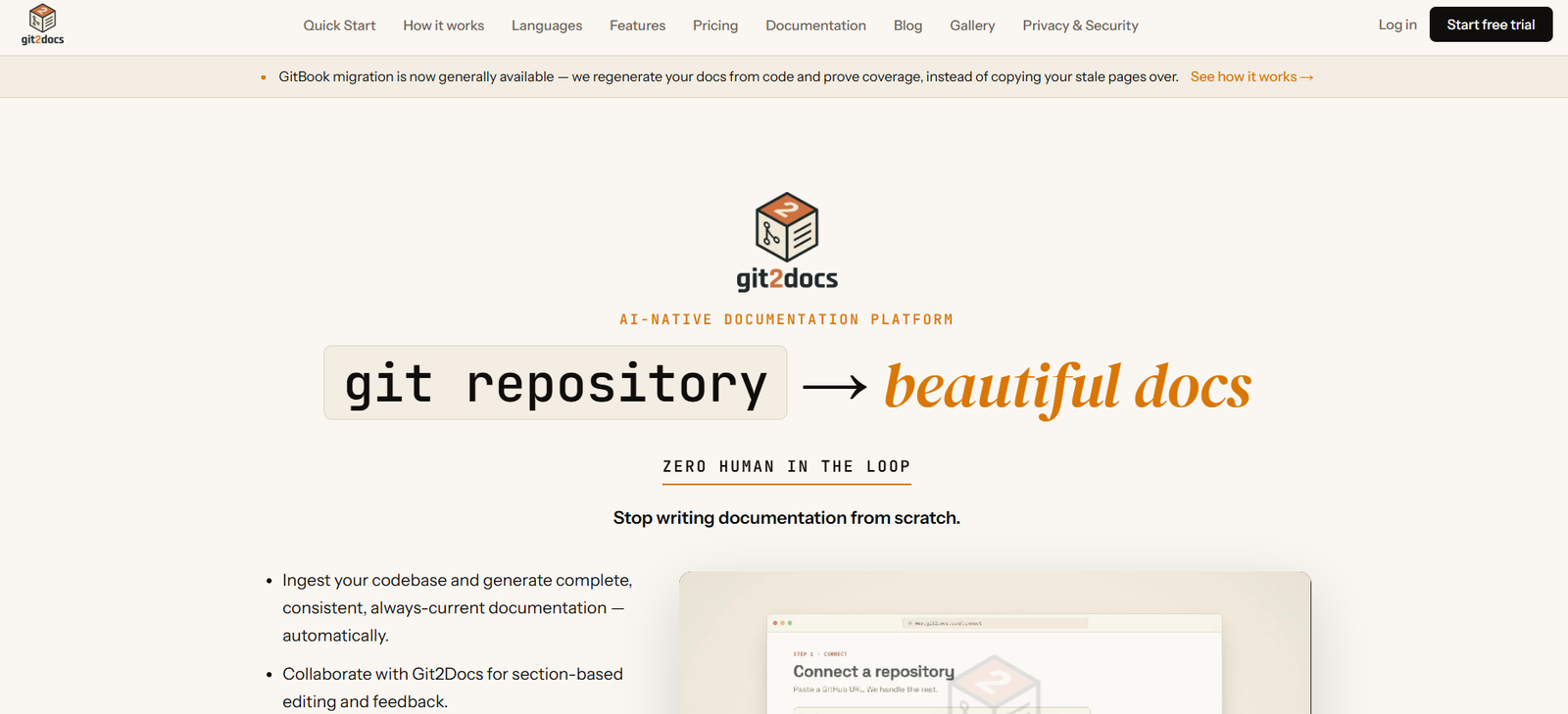
Git2Docs is an AI-powered documentation platform that automatically generates comprehensive documentation from software repositories. By connecting a GitHub, GitLab, or Bitbucket repository, the platform analyzes the codebase, creates structured documentation, and keeps it synchronized with every code update. It helps development teams reduce manual documentation work while improving accuracy and consistency.
The platform is designed for software developers, engineering teams, startups, product managers, DevOps professionals, and organizations that want high-quality documentation without dedicating significant engineering time. Git2Docs also includes AI-assisted editing, runtime validation, and an AI-powered support chatbot that uses published documentation as its knowledge source.
Features
AI Documentation Generation
Git2Docs automatically analyzes source code and generates well-structured documentation. Instead of manually writing documentation, users can produce developer guides, API references, and technical documentation directly from their repositories.
Repository Integration
The platform integrates with GitHub, GitLab, and Bitbucket repositories, allowing teams to generate documentation from their existing development workflows.
Automatic Documentation Sync
Whenever code changes are pushed to the repository, Git2Docs updates the documentation automatically. This helps ensure documentation remains aligned with the latest version of the software.
AI-Assisted Editing
Users can provide feedback on individual documentation sections, and the AI regenerates affected content while maintaining consistency across the documentation.
Runtime Validation
Git2Docs supports runtime validation through compatible coding agents, enabling teams to verify that documented API endpoints and CLI commands behave as expected.
AI Support Chatbot
Higher-tier plans include a retrieval-based AI chatbot trained on published documentation. The chatbot answers user questions using documentation as its source and provides citations for generated responses.
Documentation Coverage Dashboard
The platform provides visibility into documentation coverage, helping teams identify missing or incomplete sections before releasing products.
Branding and Custom Domains
Organizations can customize documentation with their own branding, logos, colors, and custom domains to create a professional documentation portal.
Multiple Documentation Spaces
Teams can organize documentation into separate workspaces for different products, versions, or projects, making information easier to manage.
How It Works
Step 1: Create a Git2Docs account and start the free trial.
Step 2: Connect your GitHub, GitLab, or Bitbucket repository.
Step 3: Allow Git2Docs to analyze your source code and project structure.
Step 4: Review the AI-generated documentation and request edits where necessary.
Step 5: Validate documentation using supported runtime validation tools if required.
Step 6: Publish your documentation and optionally enable the AI-powered support chatbot.
Step 7: Continue developing your software while Git2Docs automatically keeps documentation synchronized with future code updates.
Use Cases
Software development teams can automatically generate developer documentation.
Startups can launch professional documentation without hiring technical writers.
Product managers can maintain accurate release documentation.
DevOps teams can document infrastructure and deployment processes.
Open-source maintainers can improve project documentation with minimal effort.
Customer support teams can use the AI chatbot to answer common technical questions.
Engineering organizations can standardize documentation across multiple repositories.
API providers can generate and maintain consistent API documentation.
Pricing
Git2Docs offers a 30-day free trial.
The Builder plan starts at $69 per month and supports up to five repositories and approximately 30,000 lines of code.
The Team plan costs $99 per month and supports up to ten repositories, approximately 80,000 lines of code, an AI support chatbot with monthly usage limits, unlimited readers, and priority processing.
The Enterprise plan offers custom pricing with unlimited repositories, unlimited code capacity, SSO support, private cloud deployment, SLA guarantees, and higher chatbot limits.
Strengths
Git repositories integrate directly with the platform.
Documentation is generated automatically from source code.
Automatic synchronization keeps documentation current after code changes.
AI-assisted editing simplifies content refinement.
Runtime validation improves documentation accuracy.
Built-in AI chatbot enhances developer support.
Supports custom branding and multiple documentation spaces.
Suitable for teams of various sizes, from startups to enterprises.
Drawbacks
The platform is designed primarily for software documentation rather than general knowledge management.
Advanced features such as the AI chatbot are available only on higher-tier plans.
Very large codebases may require premium or enterprise subscriptions.
Some runtime validation features rely on external coding agents.
Comparison with Other Platforms
Git2Docs focuses on automatically generating and maintaining documentation directly from source code, reducing the need for manual writing. Unlike traditional documentation platforms that require users to create and update content themselves, Git2Docs emphasizes AI-powered generation, continuous synchronization with repositories, runtime validation, and integrated AI support. It is particularly suitable for development teams that want documentation to evolve automatically alongside their codebase.
Customer Reviews and Testimonials
Customer reviews and testimonials are not clearly available on the official website.
Conclusion
Git2Docs is a practical AI documentation platform for software teams seeking to automate technical documentation and keep it synchronized with their code. Its repository integrations, AI-assisted editing, runtime validation, and built-in support chatbot make it a valuable solution for developers, startups, DevOps teams, and enterprises looking to reduce documentation effort while improving accuracy and consistency.