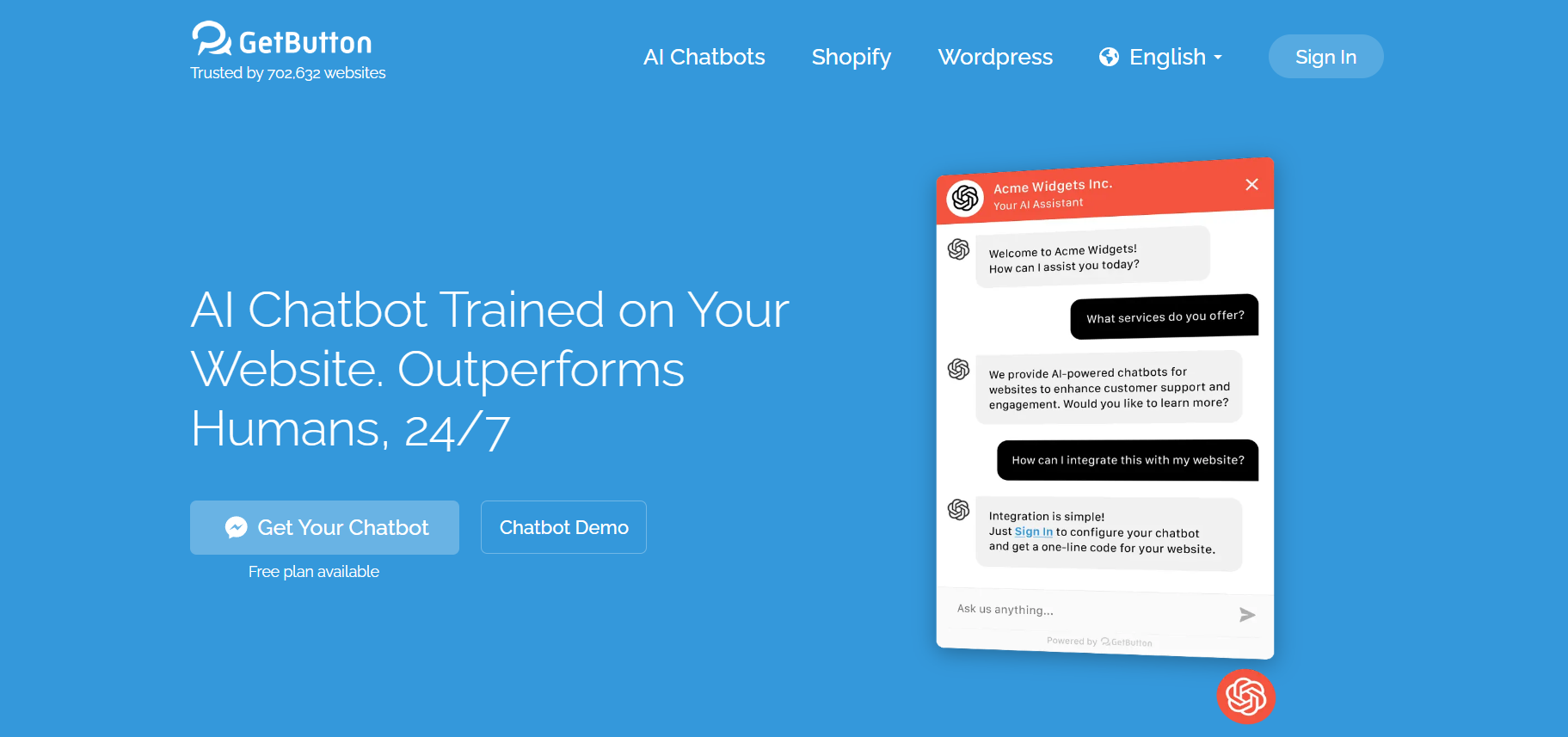
GetButton.io is a lightweight and easy-to-install chat widget tool that enables businesses to connect with website visitors via WhatsApp, Facebook Messenger, Telegram, Viber, SMS, and other messaging platforms. By adding a floating button to your website, GetButton.io allows customers to initiate conversations with you instantly—boosting conversion rates, response times, and overall engagement.
With its no-code setup, mobile responsiveness, and multilingual support, GetButton.io is ideal for small businesses, eCommerce stores, freelancers, and support teams who want to provide real-time, personal communication without building a complex live chat system.
Features
GetButton.io offers a robust feature set optimized for ease of use and effectiveness:
-
Multi-Platform Support: Connect WhatsApp, Messenger, Telegram, Viber, Line, Email, Phone, and SMS in one floating button.
-
Custom Call-to-Action: Customize the text, icon, and behavior of your button to fit your brand.
-
Mobile-Friendly Widget: Works seamlessly on both desktop and mobile websites.
-
No-Code Integration: Add the chat button to your site in under 2 minutes with simple embed code.
-
Multilingual Support: Automatically detects and displays button content in the user’s language.
-
Traffic Source Targeting: Show or hide the widget based on the visitor’s device, referrer, or page URL.
-
Google Analytics & Meta Pixel: Track user interactions with the chat button for campaign performance.
-
Custom Scheduling: Display the widget only during business hours or specific time ranges.
How It Works
GetButton.io is built for fast deployment and ease of use:
-
Visit GetButton.io
-
Choose Messaging Platforms: Select WhatsApp, Messenger, or any other platforms you want to include.
-
Customize Your Button: Add your logo, call-to-action, color, and alignment.
-
Generate Widget Code: Copy the provided script.
-
Paste Into Your Website: Add the code before the
</body>tag on your website.
Once installed, the chat button will appear instantly, giving users a clear and easy way to contact you directly.
Use Cases
GetButton.io serves a wide range of businesses and use cases:
-
eCommerce Stores: Offer real-time assistance to customers during checkout.
-
Local Businesses: Allow visitors to quickly reach you via WhatsApp or call.
-
Freelancers & Consultants: Give prospects an easy way to inquire about services.
-
Support Teams: Provide customer support through familiar messaging apps.
-
Event Organizers: Allow quick RSVP confirmations or guest questions through Messenger or Telegram.
Pricing
As per the official website, GetButton.io offers the following pricing plans:
Free Plan
-
1 messaging app button (e.g., WhatsApp only)
-
Basic customization
-
Unlimited usage
-
Ideal for small websites or freelancers
Premium Plan – $9/month
-
Up to 3 messaging apps per widget
-
Google Analytics & Facebook Pixel integration
-
Device and page targeting
-
Multilingual interface
-
Priority support
Business Plan – $25/month
-
Unlimited messaging buttons
-
Advanced scheduling
-
Multiple widgets for different pages
-
Team account access
-
Premium analytics and reporting
All plans come with a free trial and can be canceled anytime. No technical skills are required to set up or modify widgets.
Strengths
GetButton.io stands out for several reasons:
-
Fast Setup: You can install the widget and go live in under 2 minutes.
-
No Coding Required: Just copy and paste one line of code—no developers needed.
-
Multi-Platform Communication: Support multiple messaging apps in a single widget.
-
High Conversion Tool: Makes it easy for users to contact you, improving engagement and sales.
-
Free Forever Plan: Great for startups, individuals, or testing purposes.
Drawbacks
While highly effective, GetButton.io does have a few limitations:
-
Not a Full Live Chat Solution: Relies on external messaging apps, so conversations occur off-site.
-
Limited UI Customization: Branding options are somewhat basic in the free version.
-
No Internal CRM: Does not store messages or offer contact management—meant to redirect users to your chosen app.
-
Dependent on Messaging Platforms: Your support experience is limited by the third-party messaging platform’s features and reliability.
Comparison with Other Tools
-
Versus Tawk.to or LiveChat: GetButton.io is simpler and doesn’t require an internal chat system—ideal for redirecting to WhatsApp or Messenger.
-
Versus Intercom: Intercom offers full customer support software, while GetButton.io offers lightweight, affordable messaging redirects.
-
Versus Elfsight: Both offer embeddable widgets, but GetButton.io focuses exclusively on multi-app messaging buttons.
-
Versus Crisp Chat: Crisp has in-app chat and CRM tools; GetButton.io is better for external platform integration and simplicity.
Customer Reviews and Testimonials
GetButton.io has been widely adopted by small businesses and solopreneurs. Here’s what users are saying:
-
“I added the WhatsApp button to my Shopify store and saw a 22% boost in customer inquiries.”
-
“It took me less than 5 minutes to install and start receiving DMs.”
-
“Simple, affordable, and does exactly what I need—connects visitors with me instantly.”
Users praise the tool for its simplicity, speed, and effectiveness in converting visitors into conversations.
Conclusion
GetButton.io is an efficient, no-code tool that helps businesses connect with website visitors instantly through popular messaging apps like WhatsApp, Messenger, and Telegram. Whether you’re looking to boost conversions, improve support, or offer a personal touch on your site, this lightweight widget makes communication effortless.
For startups, small businesses, freelancers, and customer-first brands, GetButton.io is a smart, fast, and cost-effective solution to drive more conversations and close more deals.