
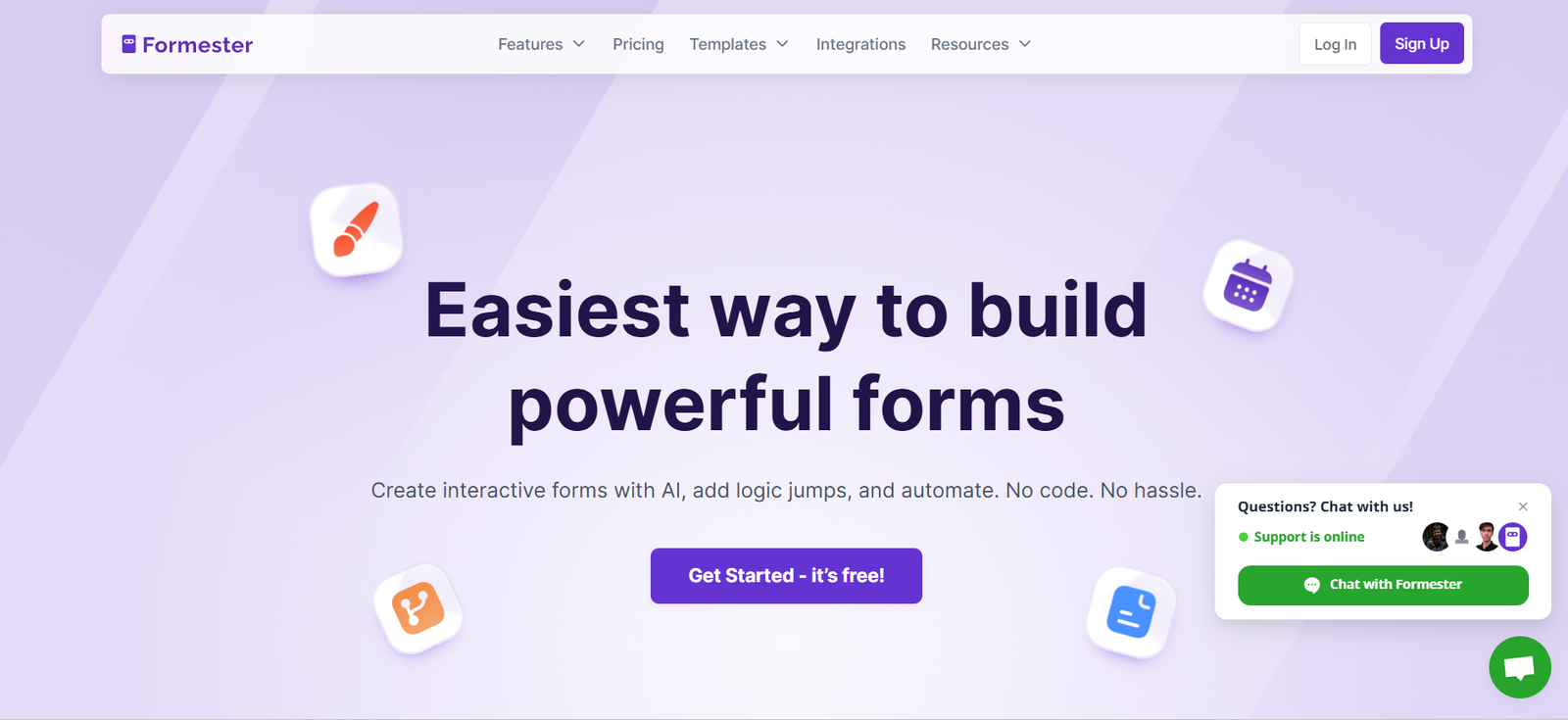
Formester is a no-code online form builder that enables users to create and manage forms for lead generation, surveys, feedback, registrations, and more. It is designed for marketers, developers, startups, and teams looking to collect data online without writing a single line of code.
The platform streamlines the process of form creation, making it possible to launch forms in minutes with a visual drag-and-drop interface or raw HTML for developers. Whether the goal is to build a contact form, event registration, job application, or feedback survey, Formester simplifies the entire workflow—from design to submission tracking.
Formester is cloud-based, which means forms are accessible from any browser without the need for installations or technical expertise. It supports advanced features like conditional logic, integrations, analytics, and email notifications, allowing users to automate workflows and make informed decisions based on real-time data.
Features
Formester is packed with modern features that cater to both non-technical users and developers.
Users can create forms using a drag-and-drop interface that includes multiple field types such as text input, dropdowns, checkboxes, radio buttons, file uploads, and more.
The builder allows real-time previewing of forms and supports responsive design, ensuring forms look good on any device.
Developers can opt for raw HTML forms and submit data to Formester endpoints using simple POST requests. This approach is ideal for fast integration into existing websites without JavaScript or backend configuration.
Conditional logic allows fields to be shown or hidden based on user input, enhancing the user experience and personalizing form responses.
Formester provides real-time analytics, showing form submissions, completion rates, and drop-off points to help optimize form performance.
Users can set up automated email notifications for submissions, ensuring immediate responses or alerts.
Form data can be exported as CSV, and the platform also supports direct integration with tools like Slack, Zapier, Webhooks, and more, making it easy to push data into existing workflows.
Spam protection through reCAPTCHA and custom form styling options are also included.
How It Works
Formester allows users to begin with no account or installation required. Users can start by selecting a pre-designed template or begin from scratch using the form builder.
The drag-and-drop interface lets users add fields, arrange elements, and customize form behavior through a simple side panel.
Once the form is built, it can be shared via a direct link or embedded into websites with copy-paste HTML or JavaScript snippets.
For developers, raw HTML forms can be built manually, and Formester captures the submitted data using secure form endpoints.
Submissions are visible in the dashboard in real-time. Users can view, search, filter, and export data from a centralized interface.
Notification settings can be configured so that users or teams receive email alerts upon every new submission.
Integrations with automation tools and webhooks allow users to forward form data directly into CRM, email marketing platforms, or custom APIs.
Use Cases
Formester is versatile and supports multiple real-world applications across industries.
Marketers use it to capture leads, run surveys, or launch contests with embedded forms or landing pages.
Startups and SaaS companies implement Formester for demo requests, beta signups, or feedback collection.
Human resources teams rely on it for job application forms, employee feedback, and onboarding questionnaires.
Educational institutions use Formester to register students, collect assignments, or run evaluations.
Event organizers depend on Formester for registration, RSVP, and session feedback forms.
Developers and agencies integrate it with websites for quick data capture without building custom backend endpoints.
For any scenario requiring structured data collection through the web, Formester offers a fast, secure, and customizable solution.
Pricing
As of December 2025, Formester offers both free and paid plans designed to scale with user needs.
The Free Plan includes:
1,000 form submissions/month
1 user
3 forms
Basic features including reCAPTCHA and CSV exports
The Starter Plan costs $12 per month (billed annually) and includes:
10,000 submissions/month
Unlimited forms
Custom branding
File uploads
Email notifications
The Professional Plan is priced at $35 per month (billed annually) and offers:
50,000 submissions/month
Multi-user support
Conditional logic
Zapier and Slack integrations
API and Webhooks
The Enterprise Plan is available upon request and offers:
Custom submission volumes
Dedicated onboarding
Advanced support
White-labeling options
All paid plans come with a 14-day free trial and priority support.
Strengths
Formester is strong in accessibility and ease of use.
Its no-code builder enables rapid form deployment without requiring technical expertise.
At the same time, developer-friendly endpoints offer flexibility for advanced use cases.
Conditional logic, real-time analytics, and integrations make the forms smarter and more connected to broader business workflows.
The platform’s support for both hosted forms and embedded forms gives users full control over presentation and branding.
Formester is GDPR-compliant and offers spam protection, ensuring data security and reliability.
Drawbacks
While feature-rich, Formester has a few limitations.
The free plan, while generous, may not meet the needs of high-volume users or larger teams.
Some integrations and advanced logic features are only available in the Professional or Enterprise plans.
Compared to tools like Typeform or Jotform, Formester currently has fewer design customization options and templates.
Multi-user collaboration is restricted to higher-tier plans, which may be a consideration for growing teams.
The platform is relatively new compared to long-established competitors, so its ecosystem and support resources may still be expanding.
Comparison with Other Tools
Formester competes with form builders like Typeform, Google Forms, Jotform, and Formspree.
Compared to Typeform, Formester offers a simpler UI and faster performance, although Typeform has more visual and conversational layouts.
Against Google Forms, Formester provides better branding options, developer access, and integrations.
Jotform offers a vast template library and widget ecosystem, but Formester is more lightweight and developer-oriented.
Formspree, like Formester, caters to developers, but Formester includes a more intuitive no-code builder in addition to form endpoints.
Formester is a middle ground—easy for beginners, yet flexible for developers—making it appealing for startups, marketers, and growing teams.
Customer Reviews and Testimonials
Formester is appreciated by users for its clean interface and ease of integration.
Users on developer forums and marketing communities often highlight how quickly they can launch forms with minimal code.
Marketers commend the analytics and automation capabilities, especially when integrated with email tools or CRMs.
Early users also appreciate responsive customer support and transparent pricing.
Testimonials emphasize the balance between simplicity and functionality—many users find Formester more flexible than Google Forms and less overwhelming than enterprise-level platforms.
Overall, it receives positive feedback for delivering essential features without bloated complexity.
Conclusion
Formester is a powerful and easy-to-use form builder that enables anyone to create professional forms quickly, whether through a visual builder or with HTML endpoints.
It caters to individuals, startups, teams, and developers by offering both no-code convenience and code-friendly flexibility. With a growing feature set, competitive pricing, and strong integration capabilities, Formester is well-positioned as a modern alternative to both simple and complex form platforms.
For businesses seeking a reliable, scalable, and user-friendly way to collect and manage online form data, Formester is a tool worth trying.














