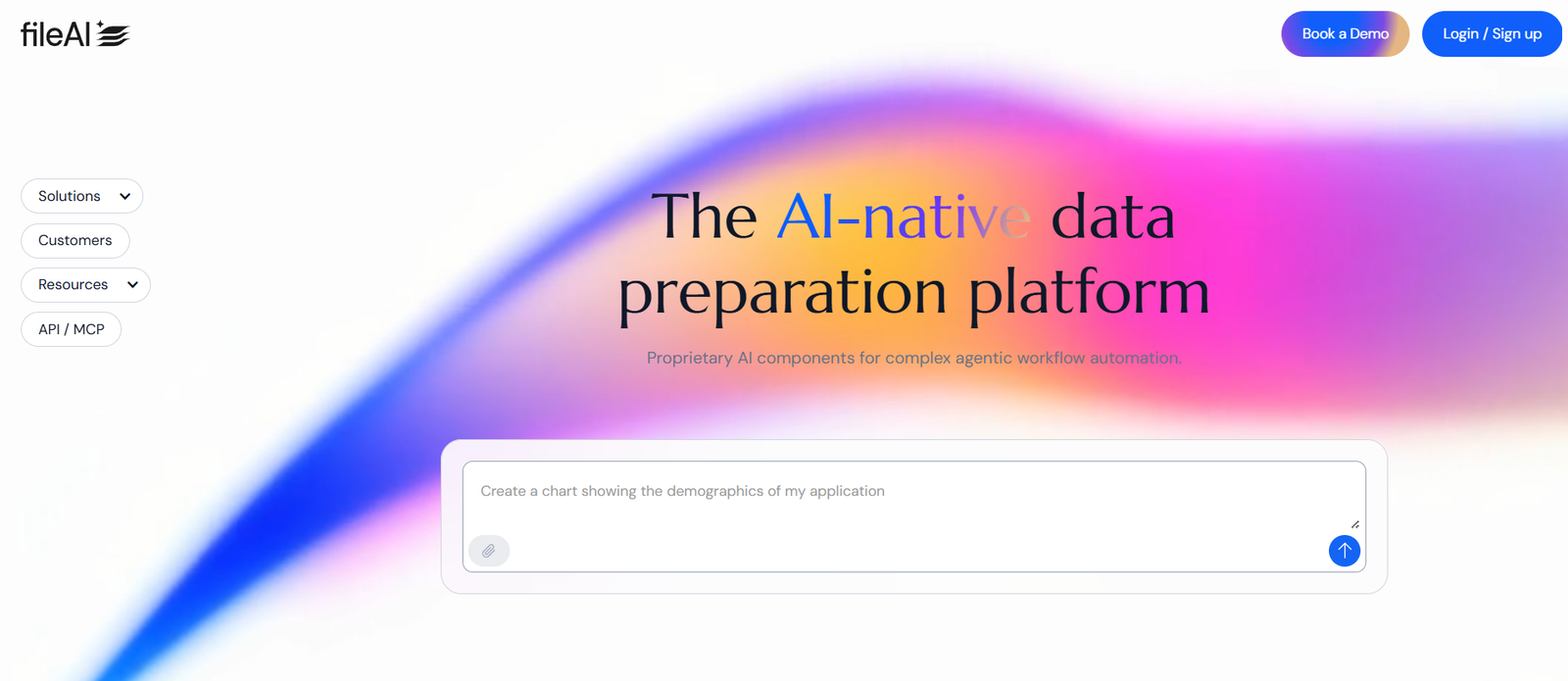
File.ai is an AI-powered document assistant that allows users to chat with any file to extract insights, summarize content, and collaborate smarter. Whether you’re working with PDFs, Word documents, PowerPoints, or spreadsheets, File.ai transforms static files into interactive, searchable, and intelligent resources.
Designed for knowledge workers, teams, researchers, and students, File.ai helps users understand, query, and act on the contents of their files using natural language. Instead of digging through long reports, manuals, or transcripts, you can simply ask your file a question—and get the answer instantly.
With support for over 100 file types, secure processing, and collaborative workspaces, File.ai is positioned as an advanced solution for anyone dealing with large volumes of documents or complex information.
Features
File.ai includes a robust set of features that turn traditional files into dynamic tools:
Chat with Your Files
Upload a file and ask questions in plain English. The AI responds based on the document’s content.Supports 100+ File Types
Compatible with PDFs, DOCX, TXT, XLSX, CSV, PPTX, EPUB, and more.Multi-File Intelligence
Ask questions across multiple documents at once—ideal for comparing reports, referencing multiple sources, or working with bundled data.AI-Powered Summaries
Automatically generate summaries of long documents for faster reading and understanding.Workspace Collaboration
Invite team members to collaborate on files, share insights, or discuss content within a shared workspace.Fast, Secure Uploads
All files are encrypted and processed in a privacy-first environment. Your data is not used to train external models.Organized File Management
Create folders, manage uploads, and track previous conversations with files easily.No Code or Setup Required
Just drag and drop a file, and you’re ready to chat.
How It Works
Using File.ai is simple and intuitive. Here’s how the process works:
Upload Your File
Go to https://www.file.ai, drag and drop your document, or browse to upload.Ask Natural Language Questions
Type your question in the chat interface—e.g., “What are the key findings of this report?” or “Summarize section 3.”Receive Instant, Contextual Answers
The AI scans your document and provides specific, sourced responses.Collaborate and Share
Create a shared workspace, invite collaborators, and collectively explore or annotate the file.Export Insights
Copy summaries, notes, or responses for use in your reports or presentations.
No integrations, plugins, or installations are required. File.ai works directly from your browser.
Use Cases
File.ai is valuable across many industries and professional roles. Common use cases include:
Market Research
Upload research reports and extract key trends, statistics, and strategic takeaways.Legal and Compliance
Summarize contracts, identify clauses, or compare terms across legal documents.Academic Study
Chat with textbooks, whitepapers, or lecture notes to prepare for exams or summarize readings.Content Review
Analyze brand guidelines, technical manuals, or whitepapers for specific information.HR and Policy Review
Search across employee handbooks or policy documents for relevant guidance quickly.Financial Analysis
Upload Excel or CSV files and ask for summaries of data, trends, or key changes.Client Onboarding and Training
Help new team members quickly grasp SOPs, manuals, or sales decks without reading everything line by line.
Pricing
As of the latest update, File.ai offers a free plan along with premium options for individuals and teams. Here’s a breakdown of available pricing tiers:
Free Plan
Up to 5 documents per month
Up to 10MB per file
Basic chat functionality
Limited history and workspace features
Pro Plan – $10/month
Unlimited file uploads
Up to 100MB per file
Multi-file analysis
Full access to chat history
Workspace management
Priority support
Team Plan – Custom pricing
Everything in Pro
Team collaboration tools
Admin controls
API access (coming soon)
SLA and enterprise-level support
Users can sign up and start using the free plan immediately at https://www.file.ai.
Strengths
File.ai brings several compelling strengths to the document AI space:
Highly Versatile File Support
With compatibility for over 100 file types, File.ai handles almost any document you throw at it.Easy to Use
No learning curve—just upload and chat. Perfect for non-technical users.Multi-Document Intelligence
Compare and reference multiple documents at once—rare in similar tools.Secure and Private
Files are encrypted and never used to train AI models.Speed and Accuracy
Responses are generated quickly and often with direct references to the original document content.Cost-Effective for Individuals
The $10/month Pro plan offers significant value for knowledge professionals.
Drawbacks
Despite its powerful feature set, File.ai has some limitations worth noting:
No Mobile App (as of now)
Currently limited to browser use. A mobile-friendly version would improve accessibility.Limited Integrations
No direct integrations yet with platforms like Google Drive, Notion, or Slack.No OCR (Optical Character Recognition)
Scanned documents or images with embedded text may not be fully processed unless pre-converted.Free Tier is Quite Limited
The free plan may not be sufficient for professionals handling more than a few documents per month.No Offline Mode
Requires an active internet connection to use.
Comparison with Other Tools
File.ai competes with a number of tools in the AI document assistant category:
Compared to ChatGPT
While ChatGPT can analyze documents via plugins or uploads, it doesn’t offer structured file management or multi-file querying.Compared to Humata.ai
Humata has similar capabilities, but File.ai’s interface and multi-file handling give it an edge for research and team workflows.Compared to PDF.ai
PDF.ai is document-specific. File.ai supports 100+ file formats, offering broader versatility.Compared to Notion AI
Notion is better for internal knowledge bases. File.ai focuses on dynamic, AI-assisted document exploration.
Customer Reviews and Testimonials
File.ai is gaining traction among professionals, researchers, and entrepreneurs. Early feedback includes:
“I used to spend hours scanning long reports. Now I just ask the file what I need.”
“The multi-file feature is a game-changer for comparing contracts and policy docs.”
“Clean UI, instant answers, and no fluff. File.ai is in my daily workflow now.”
“Perfect for anyone drowning in PDFs or old documents they don’t have time to re-read.”
You can find additional testimonials and user stories on Product Hunt and Twitter, where File.ai has been positively reviewed for its simplicity and utility.
Conclusion
File.ai is transforming how we interact with documents. Instead of scrolling through endless pages, you can now ask your files what they say—and get answers immediately. With support for over 100 file types, built-in AI summarization, multi-document querying, and collaboration features, File.ai is more than a file reader—it’s a true document assistant.