
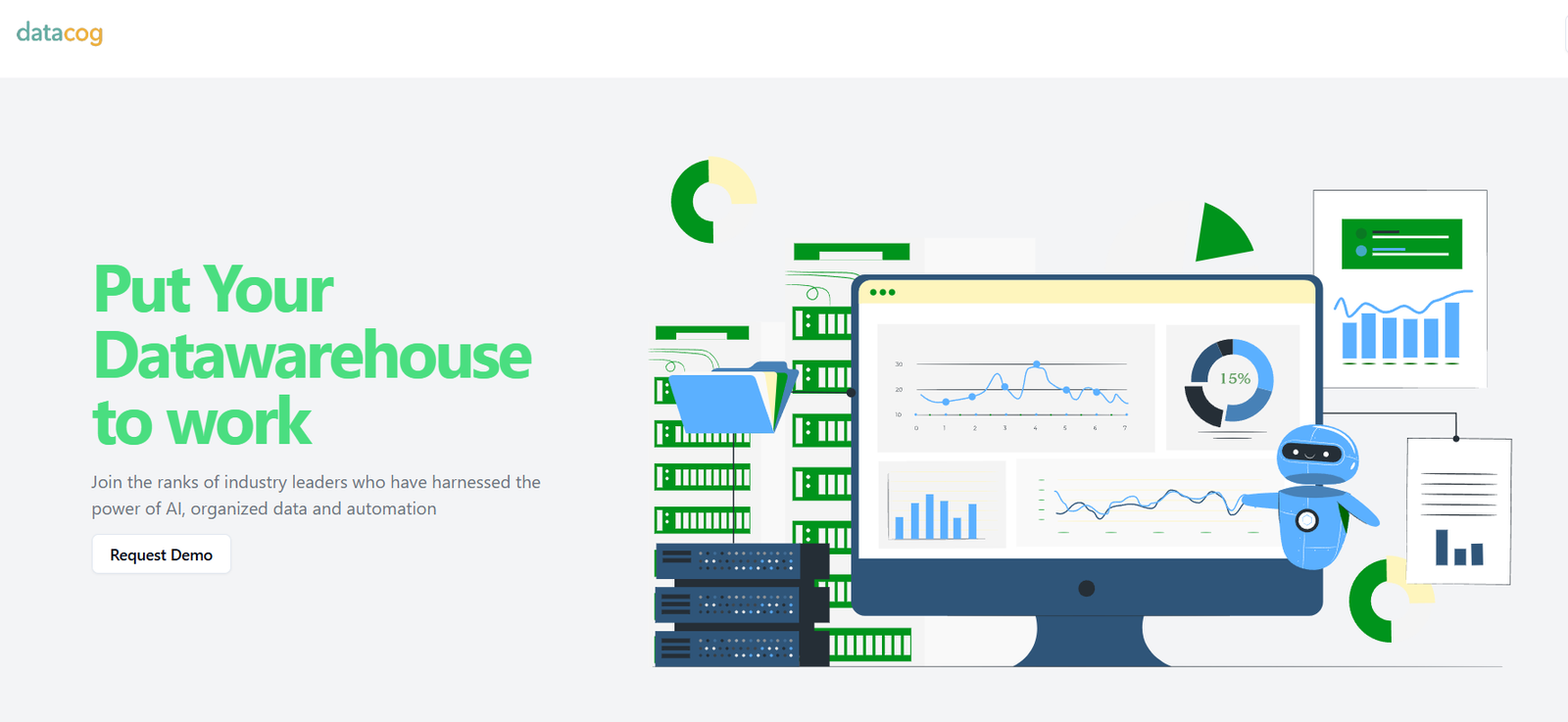
DataCog is an AI-powered platform that enables users to analyze, explore, and act on their data without writing code. It simplifies the process of data transformation, analysis, and automation through a natural language interface, helping teams across industries turn raw data into actionable workflows.
By combining AI, automation, and an intuitive interface, DataCog empowers non-technical users to generate insights, build dashboards, and even automate decisions using conversational prompts. It supports seamless integration with data sources like spreadsheets, databases, and APIs, allowing businesses to streamline operations and make data-driven decisions faster.
Whether you’re a startup, an enterprise, or an individual analyst, DataCog removes the friction of traditional data tooling and puts powerful analytics capabilities directly in the hands of users.
Features
DataCog is packed with features that make data handling easier, faster, and more intelligent. Its core functionality is centered around AI-powered natural language queries that let users ask questions about their data in plain English. The platform interprets these queries and performs instant analysis, returning results in the form of visualizations, summaries, or recommendations.
The no-code workflow builder allows users to create automated processes based on specific data triggers or insights. For example, if a sales metric drops below a threshold, DataCog can automatically send a Slack alert or trigger an email campaign.
DataCog also includes customizable dashboards where users can pin metrics, charts, and KPIs to monitor performance in real time. Data updates can be scheduled or triggered manually, and visualizations are responsive and easy to configure.
The platform integrates with tools like Google Sheets, Excel, SQL databases, REST APIs, and CRM systems, making it adaptable to existing business data ecosystems. Additionally, it offers role-based access controls to ensure secure collaboration across teams.
How It Works
DataCog operates as a cloud-based platform with an intuitive dashboard and AI assistant. Users begin by connecting their data sources—whether spreadsheets, databases, or APIs—to the platform. Once connected, they can ask questions like “Show me weekly sales trends” or “What products had the lowest return rates last month?”
The AI processes the request, runs the necessary analysis, and returns a visual or text-based response. If desired, users can save this insight to a dashboard, export it, or use it to create an automated workflow.
Workflows are built using a visual editor where users define triggers, actions, and conditions. These workflows can automate reports, notify teams of anomalies, or even push data to external systems.
Everything is done without writing code, making it ideal for non-technical users while still offering depth and flexibility for more advanced users.
Use Cases
DataCog is suitable for a wide range of use cases across departments and industries. In sales and marketing, teams use DataCog to track lead conversions, monitor campaign performance, and get alerts on KPIs.
Operations teams use the platform to identify bottlenecks, monitor inventory levels, and optimize logistics workflows. Finance departments leverage DataCog to automate monthly reports, forecast expenses, and analyze cash flow trends.
In customer support, managers can monitor ticket resolution times and identify service gaps. Product teams use DataCog to analyze user behavior, track feature adoption, and automate feedback workflows.
Because it works with diverse data formats and sources, DataCog also supports research, HR analytics, and executive decision-making.
Pricing
As of now, DataCog does not publicly list its pricing plans on the website. Interested users are invited to sign up for early access or request a demo to explore the platform’s capabilities and discuss custom pricing.
This suggests a flexible pricing model based on user needs, data volume, and feature requirements. Organizations can expect personalized plans depending on the size of their team, number of connected data sources, and desired automation features.
The early access model also indicates that the platform may currently be in a private beta or pre-launch phase, during which feedback from users will likely influence final pricing tiers and feature sets.
Strengths
DataCog’s biggest strength is its ease of use. By allowing users to interact with data using natural language, it eliminates the need for SQL, Python, or complex BI tools. This democratizes data access across the organization and empowers every team member to make informed decisions.
Its all-in-one approach—combining analysis, automation, and visualization—helps businesses reduce tool sprawl. The visual workflow builder adds value by enabling business process automation based on live data, a feature typically reserved for advanced platforms.
The platform’s integration capabilities allow users to unify data from multiple sources and automate cross-functional processes. Its modern, clean interface makes it suitable for fast-moving teams that value speed and agility.
Drawbacks
One limitation is the current lack of publicly available pricing and feature breakdown, which can make it difficult for businesses to evaluate the platform at a glance.
Since DataCog is in beta, some advanced features or integrations may still be under development or limited to early access users. Organizations with complex enterprise needs may need to confirm the platform’s scalability and compliance features before full adoption.
Another consideration is that while natural language queries simplify data exploration, highly technical users may still prefer direct query access or code-level customization, which may not be available in the no-code environment.
Comparison with Other Tools
Compared to traditional BI tools like Tableau, Power BI, or Looker, DataCog offers a more conversational, AI-first approach. While those platforms require technical setup and expertise, DataCog enables instant analysis through natural language prompts and no-code workflows.
When compared with newer AI analytics platforms like ThoughtSpot or Seekwell, DataCog differentiates itself by bundling workflow automation directly into the analytics process. This means users can go beyond insights and take action automatically based on data changes.
Unlike Zapier or Make, which specialize in general-purpose automation, DataCog focuses specifically on data-driven triggers and actions. It acts as a hybrid between an analytics engine and an automation platform, providing end-to-end coverage from insight to execution.
Customer Reviews and Testimonials
As of now, DataCog’s website does not include public customer testimonials or third-party reviews. Given that the platform appears to be in beta or early release, it’s likely building case studies and gathering feedback from pilot users.
Potential users are encouraged to request access and participate in early trials to experience the platform’s benefits firsthand and influence its roadmap. The company emphasizes user-centric design, suggesting that feedback from initial adopters plays a significant role in feature development.
Conclusion
DataCog represents a modern approach to data analysis and workflow automation by merging natural language processing, no-code tools, and AI-powered intelligence into a single platform. It empowers users to explore data, uncover insights, and build responsive business workflows—without writing a line of code.
While still in beta, DataCog promises to simplify how organizations work with data, especially for teams that want fast, flexible, and user-friendly tools. By turning everyday questions into automated actions, it positions itself as a valuable solution for businesses aiming to be more data-driven without expanding technical headcount.
For teams looking to reduce reliance on complex BI tools and unlock real-time, actionable insights, DataCog is a promising platform worth exploring.


