
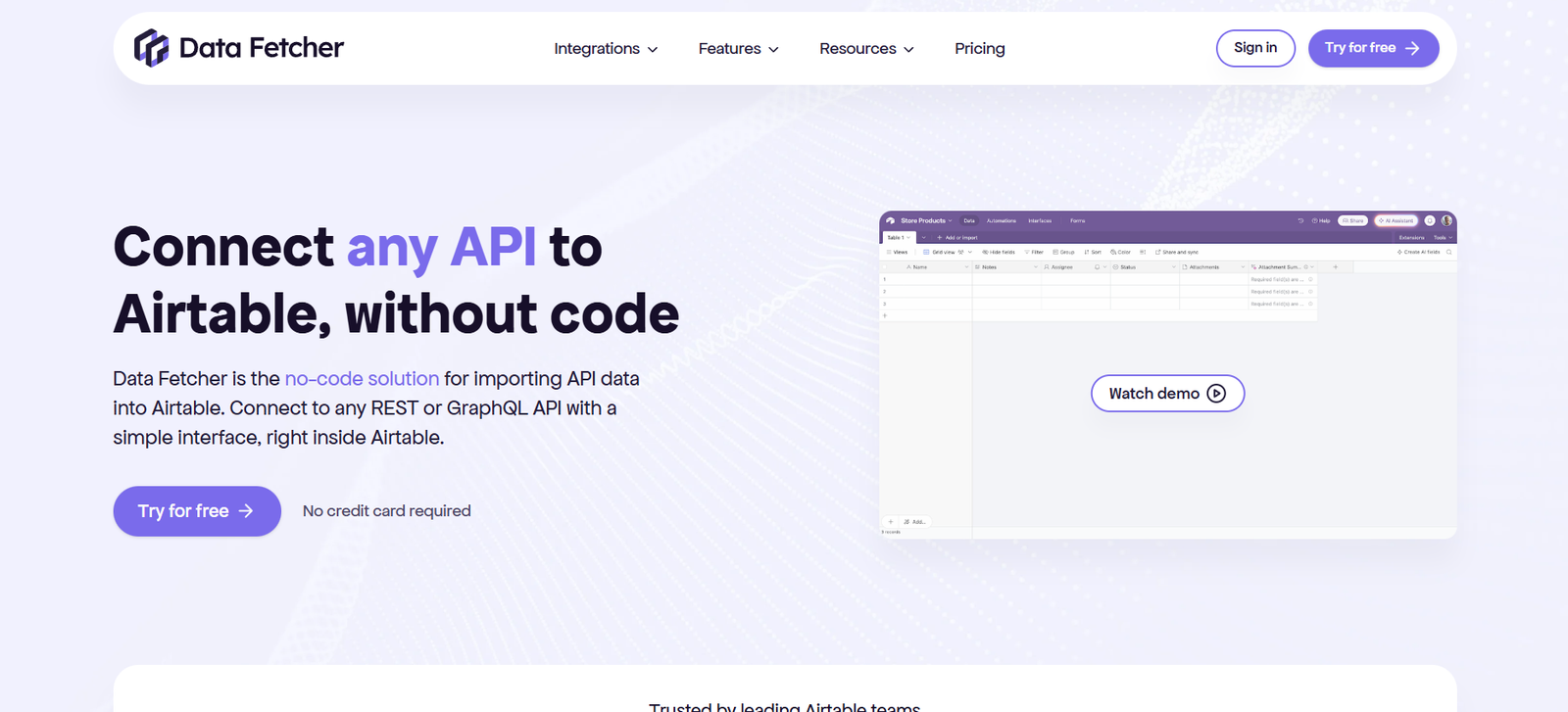
Data Fetcher is a no-code Airtable extension that allows users to import, connect, and sync data from external APIs directly into Airtable. Designed for professionals and teams who rely on Airtable for their workflows, Data Fetcher eliminates the need for custom scripts or complex backend solutions to connect with external data sources.
Whether you need to pull in weather data, financial market stats, SEO metrics, or social media insights, Data Fetcher offers a simple, reliable interface to fetch and update that data in real-time or on a schedule. It’s ideal for marketers, analysts, developers, and operations teams who want to automate and centralize their data without writing code.
Features
Data Fetcher is packed with robust features that make working with APIs inside Airtable seamless.
Users can create API requests using a visual interface within Airtable. You can connect to any REST API using methods like GET, POST, PUT, or DELETE.
It supports dynamic URLs, headers, request bodies, and authentication methods such as API keys, Basic Auth, OAuth 2.0, and Bearer tokens.
Fetched data can be mapped directly to Airtable fields, allowing users to pull in text, numbers, images, or any other supported format.
You can run API requests manually or schedule them to run automatically at set intervals (e.g., every hour, daily, or weekly).
Data Fetcher supports pagination, making it easy to retrieve large datasets spread across multiple API pages.
For common APIs like OpenWeather, Google Maps, Facebook Ads, YouTube, and more, Data Fetcher provides ready-made templates that simplify setup.
It also supports webhooks, allowing API requests to be triggered by external systems or workflows.
Detailed logging is available to help track request history and debug issues when necessary.
How It Works
To use Data Fetcher, you start by installing the extension inside your Airtable base. Once installed, users can create API requests directly from the Data Fetcher interface embedded in Airtable.
You begin by selecting the API method (GET, POST, etc.) and entering the endpoint URL. Authentication credentials, headers, and request parameters are added through form fields, eliminating the need for raw code.
Once configured, you choose how the returned data should be mapped to Airtable columns. For example, if an API returns a list of blog posts, you can map the title, author, and date fields directly to Airtable fields.
After the request is saved, it can be run instantly, and results will populate the designated fields. You can also set up a schedule to automate this task so the data refreshes periodically without manual input.
Webhook triggers or button fields can also be used to run requests based on specific user actions or changes in the base.
This process gives users a powerful way to connect Airtable to the broader internet of APIs, automating repetitive imports and keeping databases up to date.
Use Cases
Data Fetcher is flexible and widely applicable across industries and workflows.
Marketing teams use it to pull in campaign data from platforms like Facebook Ads, Google Ads, or HubSpot into Airtable dashboards for real-time performance tracking.
Product managers use it to retrieve product reviews, customer feedback, or third-party app data directly into Airtable for analysis.
Sales teams sync lead data from CRMs or form tools via APIs to centralize contact records and pipeline stages.
Operations teams automate importing of shipping data, inventory levels, or weather reports to streamline logistics and planning.
Finance teams use Data Fetcher to pull in stock prices, currency exchange rates, or crypto data from external APIs to create real-time financial dashboards.
Developers and analysts benefit from having an automated data layer inside Airtable, reducing the need for backend infrastructure or third-party services.
Pricing
As of December 2025, Data Fetcher offers four pricing tiers, with a free plan and scalable premium options.
The Free Plan includes:
100 runs/month
5 API requests
Manual runs only
Community support
The Starter Plan is priced at $19 per month (billed annually) and includes:
2,000 runs/month
50 API requests
Scheduled runs
Email support
The Professional Plan costs $39 per month (billed annually) and includes:
10,000 runs/month
Unlimited API requests
Webhooks and button-triggered runs
Priority support
The Business Plan is priced at $99 per month (billed annually) and includes:
50,000 runs/month
Dedicated onboarding
Advanced logging
SLAs and enhanced support
Data Fetcher offers a 14-day free trial on premium plans so users can explore advanced features without commitment.
Strengths
Data Fetcher brings powerful API integration into Airtable without requiring users to write any code.
Its intuitive visual interface makes it easy to build complex API requests with dynamic parameters and map responses to Airtable fields.
Support for all major HTTP methods and advanced authentication methods makes it compatible with nearly any modern API.
Scheduling and automation capabilities allow for regular data updates without user intervention.
Pre-built templates and integration examples reduce setup time and lower the learning curve.
Strong support options and detailed documentation help users resolve issues quickly.
Data Fetcher’s flexible pricing makes it accessible for individuals, small teams, and larger enterprises alike.
Drawbacks
Despite its strengths, Data Fetcher has some limitations.
It only works within Airtable, which means users dependent on other platforms cannot use it unless Airtable is part of their workflow.
The free plan is limited to 100 runs per month and does not support scheduling, which can be restrictive for users needing regular automation.
There is currently no mobile version of the extension, so all setup and management must be done via desktop.
Some advanced API behaviors, such as non-standard pagination or multipart file uploads, may be challenging to implement without developer knowledge.
While the visual interface is simple for most use cases, complex APIs with deeply nested JSON may require more advanced configuration and testing.
Comparison with Other Tools
Data Fetcher is most often compared with tools like Zapier, Integromat (Make), Parabola, and Airtable Scripts.
Zapier supports thousands of app integrations but is more focused on app-to-app workflows and may not offer the same field-level mapping inside Airtable.
Integromat (Make) is powerful for multi-step workflows but has a steeper learning curve and is not Airtable-specific.
Parabola is strong in data transformation and e-commerce use cases but is more suitable for tabular or spreadsheet-oriented users.
Airtable Scripts require JavaScript knowledge, whereas Data Fetcher eliminates the need for any coding while achieving similar API connectivity.
For users specifically looking to bring external API data into Airtable without writing code, Data Fetcher is a more targeted and streamlined solution.
Customer Reviews and Testimonials
Data Fetcher receives high praise from users for simplifying API work in Airtable.
Marketers and analysts often highlight how it saves hours of manual importing and increases the reliability of their reports.
Startups and growth teams use it to automate the flow of critical business data into Airtable, describing the tool as a “game-changer” for internal dashboards.
Developers appreciate the ability to offload basic API tasks to non-technical team members using the intuitive builder.
Users on platforms like G2 and Reddit mention that support is responsive, and setup is easy even for those without technical backgrounds.
The general sentiment is that Data Fetcher enables more advanced Airtable use cases with minimal effort, making it a must-have extension for serious Airtable users.
Conclusion
Data Fetcher is a powerful and accessible Airtable extension that unlocks the full potential of API integrations without requiring code. It gives individuals and teams the ability to automate external data collection, stay up to date with real-time information, and manage workflows more efficiently inside Airtable.
With support for multiple HTTP methods, dynamic parameters, scheduling, and integrations, Data Fetcher stands out as one of the most versatile tools in the Airtable ecosystem.
Whether you’re managing marketing data, syncing CRM entries, or creating financial dashboards, Data Fetcher simplifies what used to be a complex task.
For teams seeking to automate and scale their Airtable databases with external data, Data Fetcher is an essential tool worth integrating.














