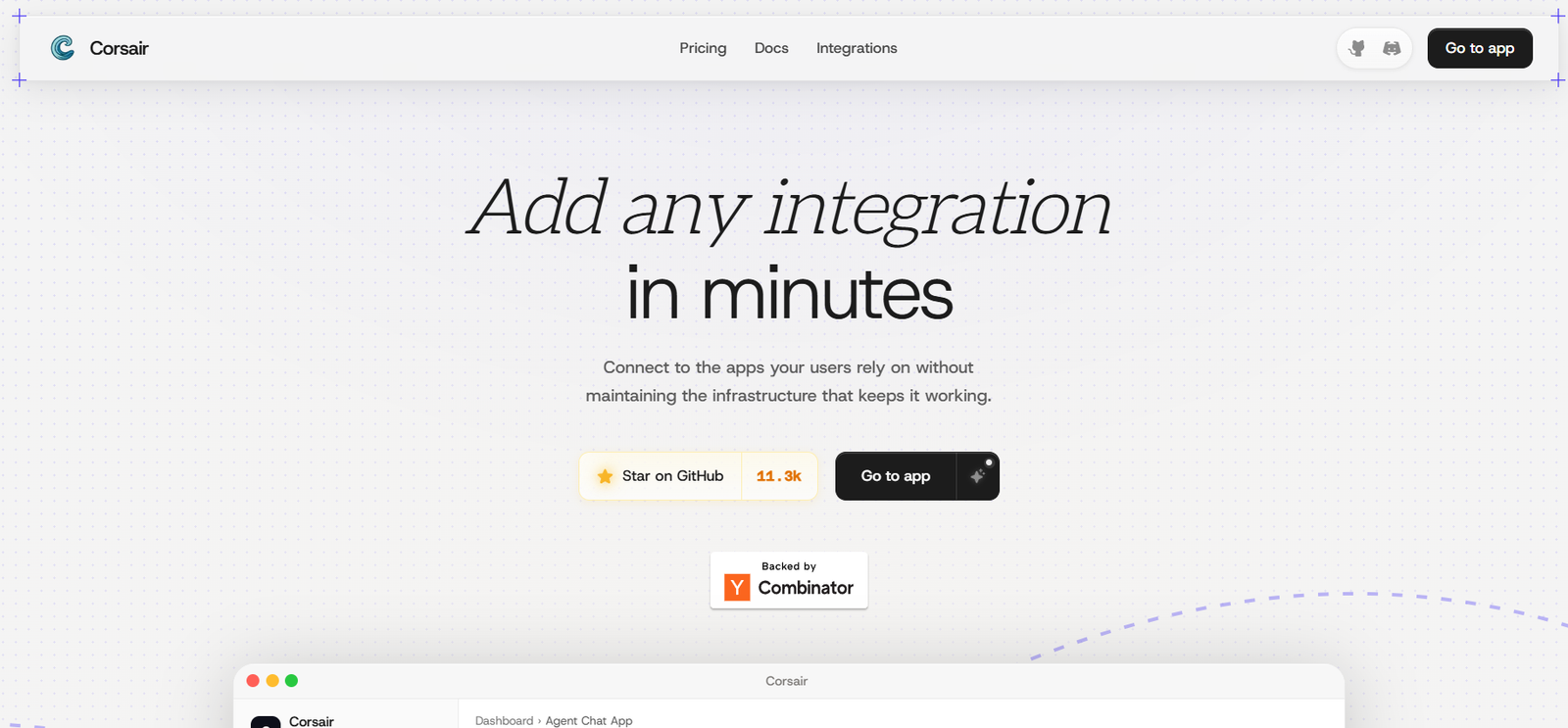
Corsair is an open-source integration infrastructure platform designed to help developers connect AI agents and applications with the external software their users already rely on.
Instead of manually building and maintaining separate integrations for Gmail, Slack, GitHub, Notion, Stripe, HubSpot, Linear, Google Calendar, and hundreds of other services, developers can use Corsair as a common integration layer.
The platform handles difficult infrastructure problems such as authentication, OAuth token refresh, webhook verification, API changes, rate limits, multi-tenant credential isolation, caching, and permissions for sensitive actions.
Corsair is particularly relevant to AI agent development. An agent can use connected applications as tools while Corsair manages credentials and execution behind the scenes. The AI agent does not need direct access to the user’s API keys.
Corsair can also be used without an AI agent. Developers can use it as a typed integration library to build conventional application features such as syncing data, creating calendar events, sending messages, updating CRM records, or responding to external webhooks.
The platform is open source and uses the Apache 2.0 license. Developers can self-host the full SDK for free or use Corsair’s managed infrastructure for production applications.
Features
Large Integration Library
Corsair provides an extensive catalog of integrations covering productivity, communication, development, CRM, marketing, databases, analytics, payments, AI, cloud infrastructure, and many other categories.
Available integrations include Gmail, Slack, GitHub, Notion, Stripe, Linear, Jira, HubSpot, Microsoft Teams, LinkedIn, Instagram, Facebook, YouTube, Supabase, Vercel, Sentry, Intercom, Zendesk, Calendly, Figma, Webflow, WhatsApp, and many more.
AI Agent Integration Layer
Corsair is specifically designed to allow AI agents to interact with external applications. Agents can search information, send messages, update records, create events, and perform other actions through supported integrations.
Open Source
Corsair’s integration infrastructure is open source. Developers can inspect the implementation, contribute new integrations, modify existing ones, or fork the project.
Self-Hosting
Teams can run the full SDK on their own infrastructure without paying Corsair subscription fees.
This approach can be useful for organizations that want greater control over infrastructure, data, and integration costs.
OAuth Management
Corsair handles authentication workflows required when users connect external accounts to an application.
This reduces the amount of OAuth infrastructure developers need to create themselves.
Secure Credential Handling
API keys and OAuth credentials are resolved internally when a tool is called. The AI agent receives method names and results rather than direct access to the underlying credentials.
Multi-Tenant Architecture
Corsair is designed for applications serving multiple customers. Credentials and cached data can be isolated by tenant.
This is particularly important for SaaS products and AI agents used by many different organizations.
Managed Permissions
Developers can configure permission modes for integrations.
Sensitive or destructive operations can require explicit user approval before execution.
Approval Links
When an operation requires confirmation, users can receive a review link and approve the action rather than allowing the agent to execute it automatically.
Webhooks
Corsair supports webhooks across many integrations, allowing applications and agents to respond when something changes in an external service.
For example, an agent could react when a file is uploaded, a payment occurs, a message arrives, or a record changes.
Triggers and Workflows
Webhooks and integrations can be combined to create event-driven workflows.
This makes Corsair useful for agents that need to act when a future event occurs rather than only responding to direct prompts.
Data Caching
Data flowing through Corsair can be cached and kept current through webhooks and polling.
Repeated reads can then query the application’s database rather than calling the external API every time, helping reduce rate-limit pressure.
Typed SDK
Developers can call Corsair like a conventional typed software library rather than requiring every integration to operate through an AI agent.
MCP Support
Corsair supports Model Context Protocol workflows, allowing compatible AI systems to access integrations as MCP tools.
OpenAI MCP Adapter
Developers can expose Corsair through an MCP HTTP endpoint and connect it with OpenAI applications that support MCP tools.
Custom Integrations
If an integration is missing, developers are not limited to waiting for Corsair to build it.
They can create a new plugin, submit a pull request, or maintain their own implementation.
Integration Operations
Individual integrations can expose many different operations. For example, the current catalog lists more than 100 operations for several supported services.
Authentication in Chat
Corsair supports connection and authentication flows that can be incorporated into conversational AI experiences.
An agent can recognize that an account connection is required and guide the user through authentication.
How It Works
Step 1: Add Corsair to the Application
Developers install and configure the Corsair SDK in their application.
Step 2: Select Integrations
Choose the services the application needs, such as Gmail, Slack, Notion, GitHub, Stripe, or Google Calendar.
Step 3: Configure Authentication
Corsair handles the required connection and OAuth infrastructure so end users can authorize their accounts.
Step 4: Configure Multi-Tenancy
SaaS developers can associate credentials and data with individual customers or tenants.
Step 5: Define Permissions
Developers decide which operations can execute automatically and which sensitive actions require user approval.
Step 6: Expose Tools to the Agent
Supported integration operations can be made available to an AI agent through the application’s tool architecture or MCP.
Step 7: Let the Agent Select an Action
When a user makes a request, the AI agent determines which integration and operation are needed.
Step 8: Resolve Credentials Securely
Corsair retrieves the required credentials internally rather than exposing API keys to the agent.
Step 9: Execute the Operation
The selected integration performs the required action against the external service.
Step 10: Use Webhooks for Future Events
Applications can listen for supported webhook events and trigger workflows when relevant changes occur.
Use Cases
AI Assistants
Developers can build assistants capable of interacting with email, calendars, messaging platforms, CRMs, databases, and other business systems.
AI Agents
Autonomous or semi-autonomous agents can use Corsair integrations to take real actions rather than only generating text responses.
SaaS Products
Software companies can add third-party integrations to their products without building every connection independently.
Customer Support Agents
An agent can combine integrations with CRM, ticketing, messaging, and internal knowledge systems to assist customers.
Sales Agents
AI agents can interact with CRM systems, calendars, email, and communication tools to support sales workflows.
Developer Agents
Agents can work with GitHub, Linear, Jira, Sentry, Vercel, and other development tools to assist engineering teams.
Marketing Automation
Applications can connect with CRM, email, social media, analytics, and marketing platforms to automate repetitive marketing activities.
Workflow Automation
Developers can create event-driven workflows involving multiple services without maintaining separate integration infrastructure for each provider.
Internal Business Tools
Companies can create custom applications that connect internal processes with communication, project management, databases, and productivity software.
MCP Applications
Developers building around Model Context Protocol can expose Corsair’s integration capabilities to compatible AI systems.
Pricing
Corsair currently offers Hobby, Pro, and Enterprise options.
Hobby: $0 per month
The Hobby plan is designed for small projects.
It currently includes unlimited tool calls, up to 50 connections, up to 100,000 webhook events, unlimited managed permission and authentication pages, and up to three team members.
No credit card is required to start.
Pro: $200 per month
The Pro plan is designed for teams running production applications.
It currently includes unlimited tool calls, unlimited connections, unlimited webhook events, unlimited managed permission and authentication pages, and unlimited team members.
Enterprise: Custom Pricing
Enterprise pricing is customized according to organizational requirements.
Connections, webhook capacity, managed permissions, authentication pages, and team arrangements can be configured according to enterprise requirements.
Self-Hosted: Free
Developers can also self-host the open-source Corsair SDK on their own infrastructure for free.
The company states that self-hosting has no per-seat pricing and no vendor markup on API calls that developers already pay for directly.
Third-party services connected through Corsair may have their own API charges, subscriptions, or usage fees.
Pricing and plan limits may change, so developers should confirm current information before deploying production applications.
Strengths
Open-Source Architecture
Developers are not completely dependent on a closed integration catalog or vendor roadmap.
Extensive Integration Coverage
The large and growing integration library covers many of the applications commonly needed by AI agents and SaaS products.
Built Specifically for Agents
Corsair addresses the authentication, permissions, credentials, and execution problems that arise when AI agents interact with external software.
Secure Credential Design
Agents do not directly receive API keys or OAuth credentials.
Sensitive Action Approval
Potentially destructive actions can require explicit user approval before execution.
Self-Hosting Option
Organizations can operate the SDK on their own infrastructure without paying for the managed platform.
MCP Compatibility
Support for MCP makes Corsair relevant to the rapidly expanding ecosystem of AI agents and compatible AI development frameworks.
Webhook Support
Applications can respond to real-world events rather than depending only on user prompts.
Works Without AI
Corsair can also serve as conventional integration infrastructure for standard software applications.
Developer Extensibility
Teams can create integrations themselves when a required service is missing.
Drawbacks
Corsair is developer infrastructure rather than a consumer AI application. Users need software development knowledge to implement it effectively.
Although the integration catalog is extensive, individual integrations provide different numbers of operations and webhooks. Developers should confirm that a specific service supports the exact actions their application requires.
Self-hosting removes Corsair subscription costs but transfers infrastructure, maintenance, deployment, security, and operational responsibility to the development team.
The Pro plan costs $200 per month, which may be significant for very small projects once they outgrow the free Hobby limits.
Third-party API costs are also separate from Corsair. A developer may still need paid subscriptions or usage-based API access for connected services.
AI agents that can take actions in external systems introduce security and operational risks. Developers should carefully configure permissions and approval requirements for actions involving messages, payments, deletion, account changes, or other sensitive operations.
Comparison with Other Platforms
Corsair competes with integration infrastructure platforms, unified APIs, workflow automation systems, and tool layers designed specifically for AI agents.
Traditional workflow automation platforms generally allow users to connect applications through predefined triggers and actions. Corsair takes a more developer-oriented approach, allowing integrations to become programmable tools inside software products and AI agents.
Compared with closed integration platforms, Corsair’s major differentiator is its open-source architecture. If a required integration is unavailable, developers can build it themselves rather than depending entirely on the provider’s product roadmap.
Corsair also places considerable emphasis on agent security. Credentials remain hidden from the AI agent, while sensitive actions can require explicit user approval.
Its MCP support further positions the platform for modern agent development, where AI systems increasingly need standardized ways to discover and use external tools.
Corsair is therefore most suitable for developers and software companies that want an extensible integration layer rather than a no-code automation product for ordinary end users.
Customer Reviews and Testimonials
Customer reviews and testimonials are not clearly available on the official website.
Corsair does provide public documentation, an open-source repository, integration listings, and community development resources that technical users can examine before adopting the platform.
The official website currently reports more than 11,000 GitHub stars for its open-source project, indicating notable developer interest. However, GitHub stars should not be interpreted as equivalent to verified customer reviews or satisfaction ratings.
Conclusion
Corsair is an open-source integration layer built for a world in which AI agents need to do more than generate text.
It gives developers a way to connect agents and software products with hundreds of external applications while addressing difficult infrastructure issues such as OAuth, credential management, permissions, webhooks, caching, API maintenance, and multi-tenant isolation.
Its open-source architecture is one of its strongest differentiators. Developers can self-host the SDK, modify integrations, create new plugins, and avoid being completely dependent on a closed provider’s integration roadmap.
The combination of secure credential handling, user approval for sensitive actions, MCP support, extensive integrations, webhooks, and conventional typed-library access makes Corsair useful beyond purely conversational AI.
For developers building AI agents, SaaS products, workflow systems, or applications that need to interact securely with many third-party services, Corsair provides a flexible alternative to building and mainta