
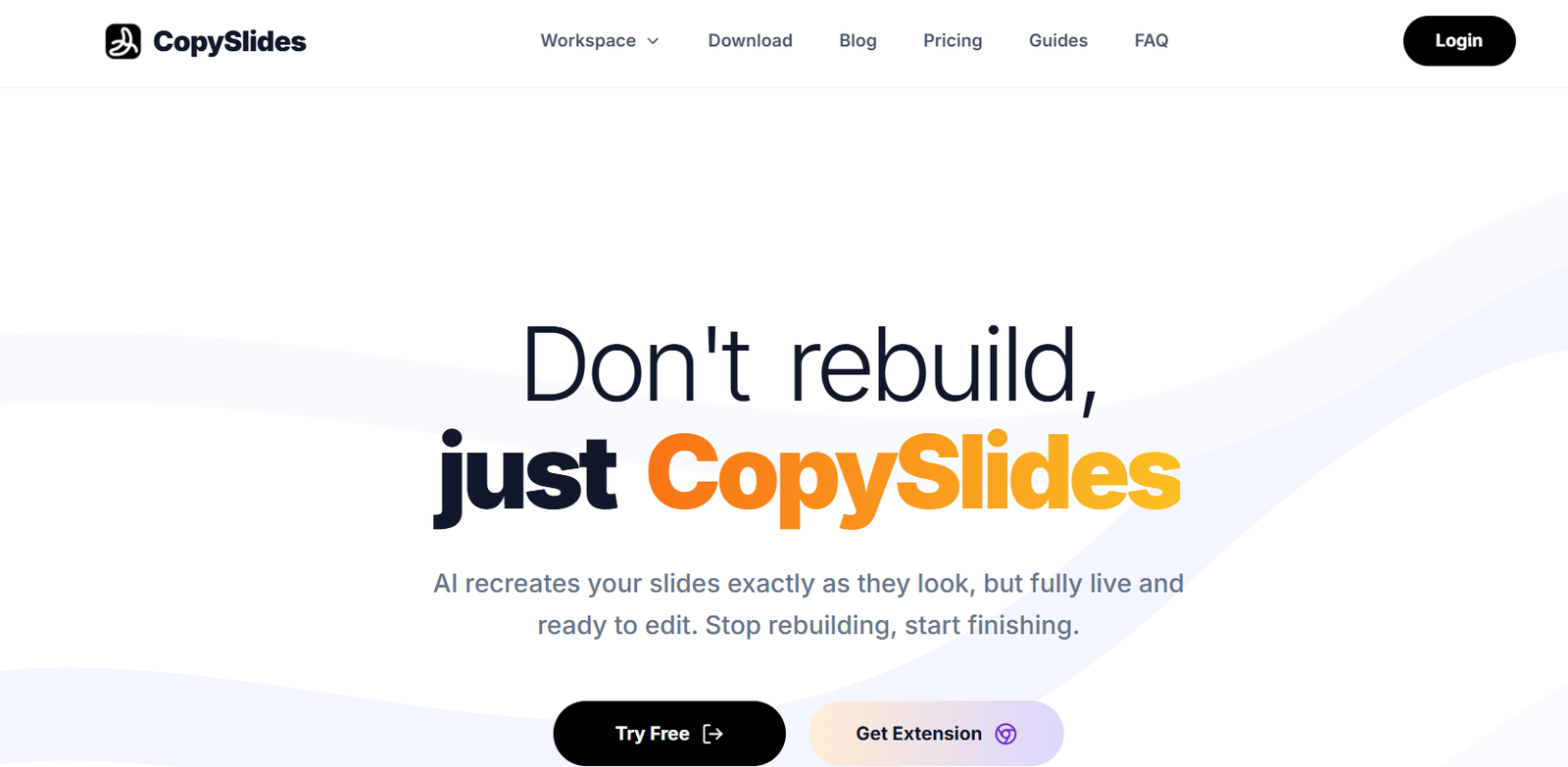
CopySlides is an AI-powered presentation conversion platform that transforms PDFs, screenshots, images, and videos into fully editable PowerPoint presentations. Instead of manually recreating slides, users can upload their content and let the AI rebuild layouts, text, shapes, colors, fonts, and other design elements as editable PowerPoint objects.
The platform is designed for business professionals, educators, consultants, marketers, and students who frequently work with presentation materials. It also offers specialized tools for converting NotebookLM exports into editable PowerPoint decks, making it easier to reuse AI-generated content in presentations. CopySlides is available as a web application, Chrome extension, and desktop application with offline capabilities.
Features
AI Slide Reconstruction
Recreates complete presentation slides while preserving layouts, fonts, colors, spacing, and design elements as editable PowerPoint objects.
PDF to Editable PowerPoint
Converts PDF presentations into fully editable PPTX files without rebuilding slides manually.
Image to PPTX Conversion
Transforms screenshots and images into editable PowerPoint slides with separate text boxes, shapes, and graphics.
Video to Slides
Extracts presentation slides from videos and converts them into editable PowerPoint files for reuse and editing.
NotebookLM Support
Provides dedicated tools for converting NotebookLM-generated PDFs and videos into editable presentations while removing NotebookLM watermarks when supported.
Intelligent Layout Recovery
Uses AI vision technology to recover slide structures, vector elements, charts, and formatting with high accuracy.
Desktop Application
Offers a desktop version that performs offline conversions locally without uploading files to the cloud, improving privacy and reducing internet dependency.
Chrome Extension
Allows users to capture and convert NotebookLM slides directly from the browser into editable PowerPoint presentations.
How It Works
Visit the CopySlides website.
Upload a PDF, image, screenshot, or video.
Allow the AI to analyze and reconstruct the presentation.
Review the generated editable slides.
Download the finished presentation as a PPTX file.
Open and edit the presentation in Microsoft PowerPoint as needed.
Use Cases
Business professionals can convert client presentations into editable PowerPoint files.
Consultants can recreate proposal decks without rebuilding layouts manually.
Students can convert lecture notes and educational PDFs into editable presentations.
Educators can transform teaching materials into reusable PowerPoint slides.
Marketing teams can edit presentation screenshots for campaigns and client pitches.
Researchers can convert NotebookLM-generated study materials into presentation decks.
Content creators can extract slides from webinars and presentation videos.
Pricing
Starter – $9/month
- Up to 200 slides per month
- High-fidelity editable PPTX conversion
- NotebookLM watermark removal
- Cancel anytime
Plus – $19/month
- Up to 600 slides per month
- Includes Starter features
- Email support
Lifetime – $199 (one-time payment)
- Unlimited desktop conversions
- 10,000 web conversion credits
- License for up to three devices
- Lifetime software updates
- Founder-level support
Strengths
- Produces fully editable PowerPoint files.
- Preserves layouts, fonts, colors, and formatting.
- Supports PDFs, images, screenshots, and videos.
- Includes offline desktop conversion.
- Dedicated NotebookLM conversion tools.
- Chrome extension available.
- Lifetime purchase option.
- Fast and easy workflow.
Drawbacks
- Higher-fidelity Pro processing is currently available through the web service rather than offline.
- Heavy users may require paid plans.
- Complex presentations may still need minor manual adjustments.
- Primarily focused on PowerPoint workflows.
Comparison with Other Platforms
Unlike many OCR-based PDF-to-PowerPoint converters that only extract text, CopySlides reconstructs presentations as fully editable PowerPoint objects while preserving layouts, fonts, colors, charts, and design elements. It also supports screenshots, videos, NotebookLM exports, browser extensions, and offline desktop processing, making it a more comprehensive solution for presentation reconstruction.
Customer Reviews and Testimonials
Customer reviews and testimonials are not clearly available on the official website.
Conclusion
CopySlides is a practical AI-powered presentation conversion platform for professionals, educators, consultants, and students who need editable PowerPoint presentations from PDFs, screenshots, images, or videos. Its accurate slide reconstruction, NotebookLM support, offline desktop application, and multiple conversion options help users save significant time while maintaining presentation quality.


