
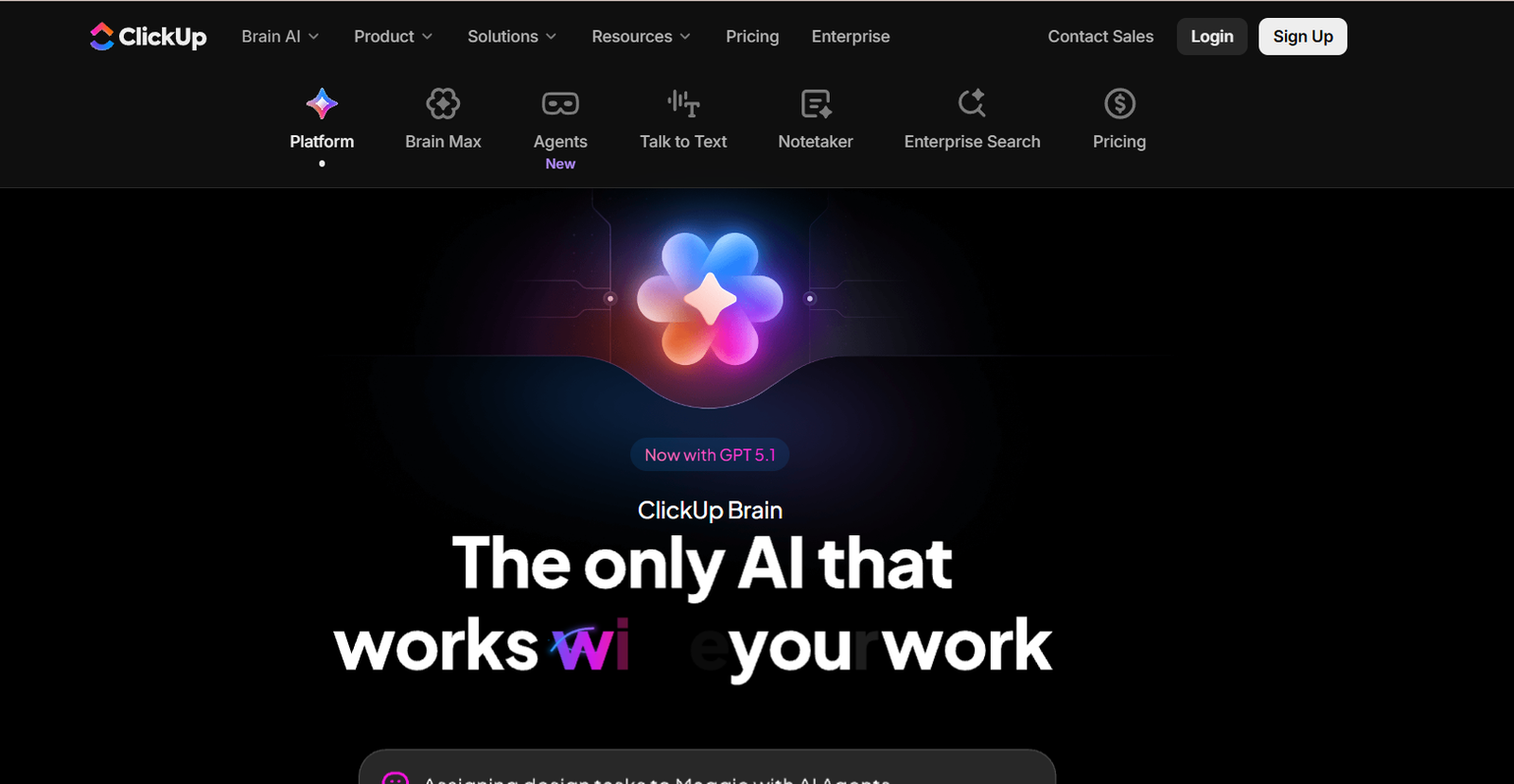
ClickUp is an all-in-one productivity platform that brings together task management, docs, goals, time tracking, and team collaboration into a unified workspace. Designed to replace multiple tools, ClickUp helps individuals and organizations centralize their work, improve efficiency, and gain visibility into every aspect of a project.
With a strong emphasis on customization and scalability, ClickUp is used by teams of all sizes—from startups to enterprises—to manage everything from software development and marketing campaigns to HR operations and customer support.
ClickUp’s mission is to make the world more productive by offering a flexible platform that adapts to any workflow. Whether you’re tracking sprints, planning content, or managing clients, ClickUp provides the structure and tools needed to streamline your operations in one place.
Features
ClickUp offers a robust set of features that go far beyond basic task tracking.
Users can create tasks, subtasks, checklists, and dependencies to break down complex work into manageable parts. Views can be customized with options like List, Board (Kanban), Gantt, Calendar, Timeline, and more, allowing teams to visualize projects in their preferred format.
Built-in docs allow teams to write, edit, and collaborate in real time. These documents can be linked directly to tasks or goals, turning planning into action.
ClickUp Goals let teams set OKRs or performance metrics and track progress over time. Milestones and custom targets make it easy to measure success.
The platform includes native time tracking, as well as integrations with tools like Toggl and Harvest, allowing users to monitor time spent on tasks.
Custom fields, statuses, automation, and templates provide endless ways to tailor ClickUp to different industries and teams.
Inbox, notifications, and comments help facilitate communication across tasks, keeping all collaboration in one platform.
Integrations with over 1,000 tools, including Slack, Google Drive, GitHub, Zoom, and Microsoft Teams, enable seamless workflows across ecosystems.
How It Works
ClickUp is available as a web app, desktop app, and mobile app. After signing up, users can create a Workspace and begin organizing their work using the platform’s hierarchy: Workspace → Spaces → Folders → Lists → Tasks.
Each task can have assignees, due dates, priorities, tags, custom fields, comments, attachments, and relationships with other tasks.
Users choose how they want to view their work using multiple visualization options. For example, a content team might prefer Board view, while a development team might use Gantt or List view.
ClickUp allows for agile project management with features like sprints, burndown charts, workload view, and agile dashboards.
Automation lets users eliminate repetitive tasks by setting up triggers and actions (e.g., move task to “In Progress” when assigned).
Real-time reporting helps users and managers monitor project performance and identify bottlenecks.
ClickUp Docs and Whiteboards support collaborative brainstorming and documentation, which can be connected to tasks and projects for context.
All work is synced across devices and updated in real time, enabling remote and hybrid teams to stay aligned.
Use Cases
ClickUp is highly versatile and supports use cases across industries and departments.
Marketing teams use ClickUp to manage content calendars, campaign planning, and creative production workflows.
Product teams organize roadmaps, track sprints, manage releases, and collect feedback all within the same platform.
Sales and CRM teams use ClickUp to track leads, manage pipelines, and align sales activities with team goals.
Designers collaborate on visual projects with approvals, task linking, and file management in one place.
Agencies coordinate client projects, assign work to internal teams, and monitor deadlines and budgets through shared dashboards.
HR teams rely on ClickUp for onboarding processes, employee documentation, and performance review cycles.
ClickUp is also widely used by freelancers and entrepreneurs who need a centralized place to manage tasks, notes, deadlines, and goals.
Pricing
As of December 2025, ClickUp offers several pricing tiers based on team size and feature needs.
The Free Forever Plan includes:
Unlimited tasks
Unlimited members
100MB storage
2FA
Collaborative docs
Whiteboards
Real-time chat
The Unlimited Plan is priced at $7 per member/month (billed annually) and includes:
Unlimited integrations
Unlimited dashboards
Gantt charts
Goals & portfolios
Time tracking
Workload view
The Business Plan is $12 per member/month (billed annually) and adds:
Advanced time tracking
Timeline and workload views
Goal folders
Private spaces
Custom exporting
The Enterprise Plan includes everything in Business plus:
White-labeling
Advanced permissions
Enterprise API
Single Sign-On (SSO)
Dedicated success manager
Custom contract & legal review
A free trial is available for paid plans. Pricing is competitive, especially for organizations looking to consolidate multiple tools.
Strengths
ClickUp’s main strength is its all-in-one approach to productivity.
It replaces the need for separate apps for project management, time tracking, documentation, goals, and collaboration.
Its highly customizable structure allows teams to tailor ClickUp to any workflow, department, or industry.
Frequent updates and feature releases show the company’s commitment to innovation and user feedback.
The free plan is generous, making ClickUp accessible for startups, freelancers, and small teams.
Scalable pricing and enterprise-grade features also make it suitable for large businesses with complex needs.
Cross-platform availability ensures consistent productivity on desktop, mobile, and web.
Drawbacks
While ClickUp is powerful, it can feel overwhelming to new users.
The abundance of features and customization options may result in a steeper learning curve compared to simpler tools like Trello or Todoist.
Initial setup takes time, especially for larger teams needing to migrate data or build complex workflows.
Some users have reported occasional performance issues when using large workspaces or views with high volumes of tasks.
Customization requires thoughtful planning; poorly structured workspaces can lead to confusion or duplication.
Advanced features like automations and dashboards may take time to fully configure and use effectively.
Comparison with Other Tools
ClickUp is frequently compared with tools like Asana, Monday.com, Notion, Trello, and Jira.
Compared to Asana, ClickUp offers more views, customizations, and features like Docs and Whiteboards at a lower price point.
Against Monday.com, ClickUp provides more flexibility and a stronger free plan, though Monday’s UI may appeal more to visual teams.
Notion combines documents and databases well but lacks ClickUp’s full project and task management capabilities.
Trello is easier to learn but limited in functionality and best suited for simpler workflows.
Jira is ideal for software teams needing issue tracking, but ClickUp’s broader appeal makes it better for cross-functional collaboration.
ClickUp strikes a balance between flexibility, power, and value, making it a top contender in the productivity space.
Customer Reviews and Testimonials
ClickUp is widely praised on platforms like G2, Capterra, and Product Hunt for its feature depth, affordability, and user-centric design.
Users highlight the ability to consolidate tools, eliminating the need for switching between apps.
Small business owners appreciate the flexibility to scale without incurring high software costs.
Project managers often cite ClickUp’s reporting, dashboards, and automation as key advantages.
Some users note the initial setup time but agree that the payoff in improved productivity is worth it.
ClickUp’s customer support is rated highly, with many users reporting helpful responses and a strong knowledge base.
Overall, ClickUp enjoys a strong reputation as a reliable, scalable, and innovative project management platform.
Conclusion
ClickUp is a powerful, flexible, and affordable all-in-one productivity platform designed to help teams and individuals work smarter. By combining task management, document collaboration, goal tracking, and real-time communication in one place, ClickUp eliminates the need for multiple tools and improves overall workflow efficiency.
Its customizable nature allows users to mold the platform to fit any use case, making it suitable for startups, enterprises, and freelancers alike.
While it comes with a learning curve, ClickUp rewards users with unmatched versatility and productivity gains.
For those seeking to streamline their work and bring all operations under one digital roof, ClickUp is a top-tier solution worth adopting.














