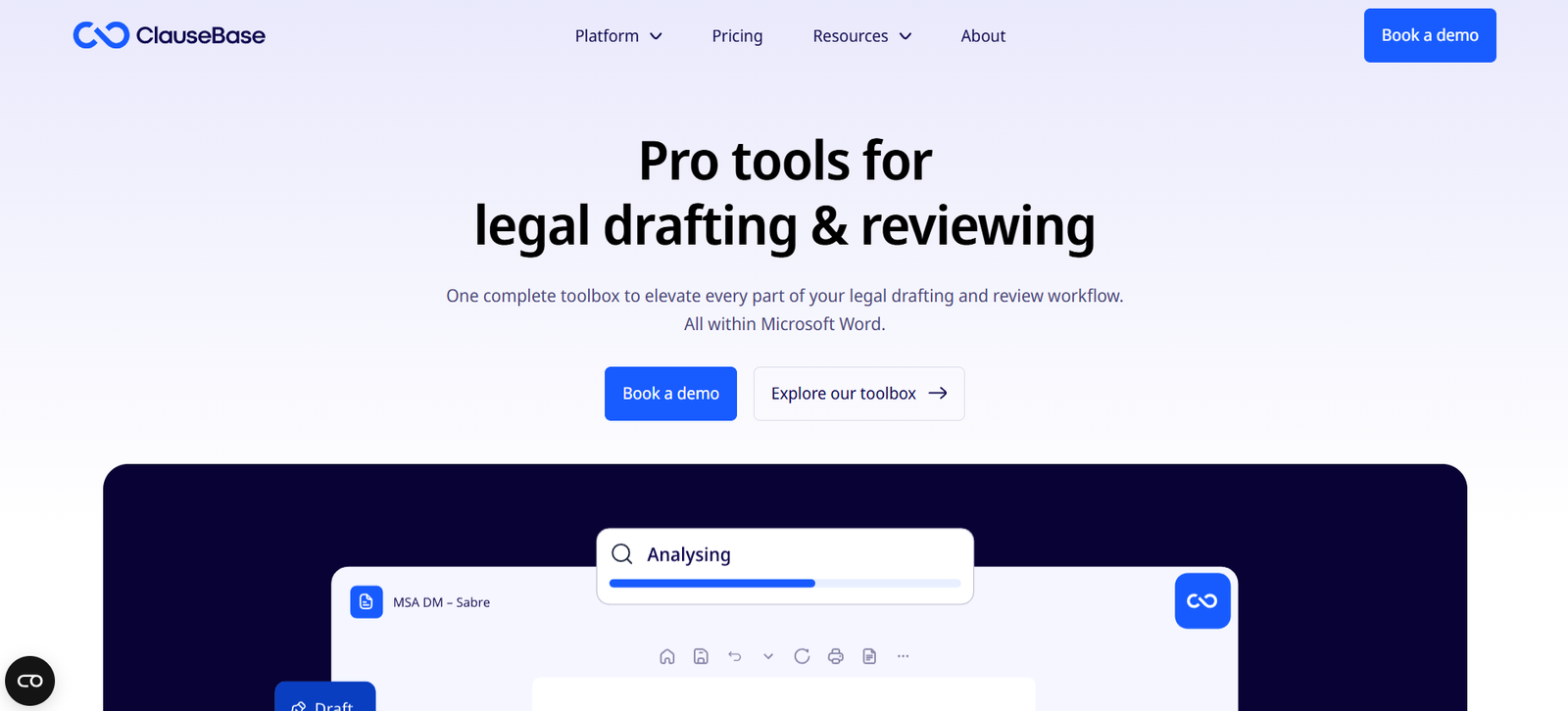
ClauseBase is a smart document automation platform designed specifically for legal professionals. It transforms how lawyers, legal teams, and in-house counsel draft contracts and legal documents by allowing them to create dynamic, reusable content blocks—called clauses—that adapt automatically to different legal contexts.
With ClauseBase, legal teams can automate complex documents and generate customized drafts faster, without sacrificing quality or compliance. Unlike traditional templates in Word, ClauseBase uses a data-driven approach where legal logic and business rules are built into the content itself. This makes the drafting process more intelligent, flexible, and scalable.
ClauseBase is used by law firms, in-house legal departments, and legal publishers looking to streamline document production, reduce risk, and maintain consistency across their legal content.
Features
ClauseBase offers a wide range of features to support advanced document automation tailored for legal workflows.
Clause-Based Drafting
Documents are built using individual clauses that are smart and reusable. Clauses adapt automatically to context, such as language preferences, gender, number, and legal system.
Dynamic Templates
ClauseBase allows users to create dynamic document templates that adjust based on user input, jurisdiction, or contractual party information. This reduces the need to maintain multiple versions of the same document.
Legal Logic Integration
Users can embed logical conditions, dependencies, and variations directly within clauses. This ensures that only relevant text appears based on answers to pre-set questions.
Multilingual Support
ClauseBase supports drafting in multiple languages within the same system, making it suitable for international contracts and multilingual jurisdictions.
Q&A Mode
The platform allows users to generate legal documents by answering a series of guided questions. The answers control how the document is assembled in real time.
Clause Libraries
Users can build and manage libraries of approved clauses, ensuring consistency and compliance across all documents within the organization.
Document Styling
Legal teams can create professional documents with consistent formatting, logos, and styles, without relying on external Word formatting.
Version Control and History
ClauseBase tracks all changes and offers full version history, making it easy to monitor document updates and ensure compliance with internal standards.
Collaboration Tools
Multiple team members can collaborate on documents, with user permissions, access control, and comment features to streamline legal drafting.
Cloud-Based Access
ClauseBase is fully web-based, allowing access from anywhere with a browser, without software installation or complex IT requirements.
How It Works
ClauseBase works by combining intelligent clauses with legal logic and user inputs to generate customized legal documents.
The user begins by creating a clause or selecting one from an existing library. Clauses are written in a markup language that allows them to include smart variables, logic, and formatting. These clauses are then used to build dynamic templates that serve as the foundation for full legal documents.
When a user needs to generate a document, they can either manually select the necessary clauses or use Q&A mode to answer questions that automatically populate the document with the appropriate content.
Behind the scenes, ClauseBase applies the embedded logic in each clause—such as conditional language, gender adaptation, singular/plural switches, and legal references—so that the final document is fully tailored to the given context.
Once the document is complete, users can export it to Microsoft Word or PDF, send it for review, or continue editing in ClauseBase.
Use Cases
ClauseBase is suited for a variety of legal automation needs across different industries and organizational sizes.
Law Firm Document Drafting
Law firms use ClauseBase to automate frequently used contracts, NDAs, employment agreements, and shareholder documents, reducing repetitive work and turnaround time.
In-House Legal Teams
Corporate legal departments automate service agreements, vendor contracts, and internal policy documents, ensuring compliance and consistency across departments.
Legal Publishers
Legal content publishers use ClauseBase to maintain libraries of clauses and generate customized contracts for clients or subscribers.
Multilingual Legal Drafting
Firms operating in multiple jurisdictions use ClauseBase to draft contracts in multiple languages from the same clause library, improving translation consistency.
Regulatory Compliance
ClauseBase helps teams create compliant templates that update easily when legal rules or internal policies change, reducing regulatory risk.
Client Self-Service Portals
Law firms and legal tech providers use ClauseBase to build client-facing interfaces where clients can generate simple contracts through Q&A workflows.
Pricing
ClauseBase follows a subscription-based pricing model that varies based on user type and feature needs. As of the latest information on the official website, ClauseBase offers the following plans:
Starter Plan
Intended for individual users and small teams. Includes basic drafting, clause libraries, and Q&A functionality.
Professional Plan
Designed for law firms and legal departments. Offers full clause customization, logic integration, version control, and styling options.
Enterprise Plan
For large organizations or publishers. Includes API access, white-labeling, advanced user management, and custom onboarding.
ClauseBuddy Integration
ClauseBuddy is a Microsoft Word add-in that integrates ClauseBase’s clause library directly into Word. It is offered as a standalone product or bundled with ClauseBase.
Pricing is customized based on the number of users, required features, and integration needs. Interested organizations are encouraged to contact ClauseBase directly for a demo and quote.
Strengths
ClauseBase delivers significant advantages in legal document automation, particularly for teams that handle high volumes of customized drafting.
True Clause-Based Architecture
Unlike template systems that rely on static blocks, ClauseBase uses intelligent clauses that adapt automatically to the drafting context.
Legal Logic Support
Embedded logic, such as conditions and dependencies, enables dynamic and error-free document creation.
Multilingual Drafting
Support for multilingual clauses is ideal for firms that operate across jurisdictions or produce contracts in several languages.
Q&A Mode
Even non-lawyers can generate documents quickly through guided Q&A forms, improving accessibility and efficiency.
Reduced Risk
By centralizing clause libraries and controlling drafting logic, ClauseBase reduces the risk of legal inconsistencies or non-compliant documents.
Seamless Integration
ClauseBase integrates with Microsoft Word via ClauseBuddy, allowing lawyers to maintain their familiar editing environment while accessing automated tools.
Cloud-Based and Secure
As a browser-based platform, ClauseBase offers easy access and updates while maintaining strong data security practices.
Drawbacks
Despite its advanced features, there are a few considerations when evaluating ClauseBase.
Learning Curve
The system’s flexibility and logic-based structure may require initial training for legal teams unfamiliar with document automation platforms.
No Public Pricing
ClauseBase does not list pricing on its website, which may create friction for budget-conscious firms looking for transparent cost comparisons.
Limited Market Awareness
Compared to legacy tools like ContractExpress or HotDocs, ClauseBase is still growing its market presence, which may affect buy-in from larger firms.
Requires Structured Content
ClauseBase works best when organizations commit to organizing and structuring their clause libraries, which can take time initially.
Comparison with Other Tools
ClauseBase competes with other legal automation tools like ContractExpress, HotDocs, Avvoka, and Juro.
ContractExpress, developed by Thomson Reuters, offers deep Word integration and legal logic, but typically involves higher licensing costs and longer implementation times.
HotDocs is a longstanding document automation platform with a strong focus on complex forms but lacks modern web-based collaboration tools.
Avvoka and Juro offer contract lifecycle management (CLM) in addition to automation, making them more suitable for end-to-end contract workflows rather than deep legal drafting.
ClauseBase distinguishes itself with its clause-centric, multilingual, and logic-rich design, offering unmatched flexibility in legal content automation.
Customer Reviews and Testimonials
ClauseBase has been well received by both law firms and corporate legal teams. Testimonials on the official website highlight:
Faster contract turnaround times
Reduced drafting errors
Improved knowledge sharing
Easier onboarding for junior lawyers
Enhanced productivity across the legal team
Users have praised the Q&A functionality, multilingual clause control, and integration with Word through ClauseBuddy. Early adopters include law firms, academic institutions, and international legal publishers.
For client stories and success cases, visit: https://www.clausebase.com/testimonials/
Conclusion
ClauseBase is a powerful document automation platform built specifically for legal professionals who need flexible, intelligent drafting tools. By focusing on reusable clauses, embedded legal logic, and smart templates, ClauseBase enables faster and more accurate legal document creation.
Whether you’re part of a law firm, in-house legal team, or publishing organization, ClauseBase helps you reduce risk, improve consistency, and increase efficiency across your legal drafting processes.
With support for multilingual content, advanced automation, and deep Word integration, ClauseBase is a forward-thinking solution for legal teams seeking to modernize their document workflows.