
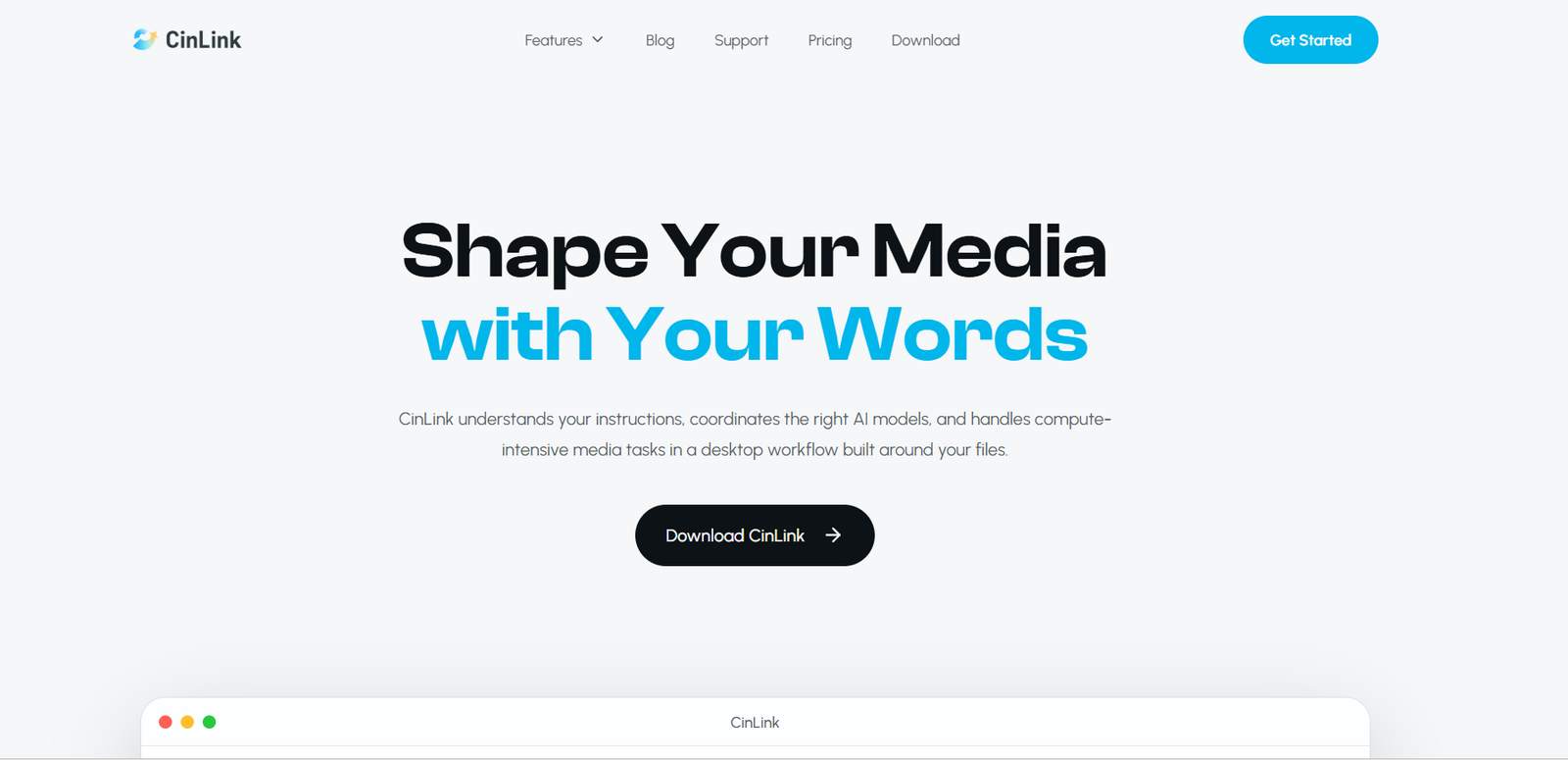
CinLink is an AI powered media creation and video editing platform designed to help users create, understand, edit, translate and repurpose video content through simple natural language instructions.
Instead of requiring users to perform every editing task manually, CinLink allows them to describe what they want to achieve. The platform can then coordinate different AI processes needed to complete the job. For example, a user can ask it to shorten a video, add captions, change the aspect ratio, translate the content or create different versions for social media.
CinLink combines video generation, image generation, transcription, subtitles, translation, dubbing, video search, summarization and content repurposing within one workflow. It is primarily built around a desktop workspace where users can organize local media files and work with AI generated results.
The platform is suitable for content creators, small businesses, educators, freelancers, podcasters, marketers and small teams that regularly work with video and want to reduce repetitive production tasks.
Features
AI Video Creation
CinLink can generate video content from text instructions, images or existing footage. Users can describe a scene, animate an image, generate missing footage or create a first video cut from their existing clips.
Natural Language Video Editing
Users can tell CinLink what they want changed instead of navigating through numerous editing controls. Tasks can include trimming clips, combining footage, changing aspect ratios, transcoding files, adding watermarks and improving picture quality.
AI Image Generation
CinLink can create images from text prompts or reference images. This can be useful for thumbnails, covers, storyboard frames and other visual assets required during content production.
AI Subtitle Generator
The platform converts spoken audio into timed subtitles. Users can review and edit the generated text, adjust timing, change caption styles and prepare subtitles for publishing.
SRT Export
Subtitles can be exported as SRT files for use on video platforms or in other editing applications. Users can also burn styled subtitles directly into their finished videos.
Video Transcription
CinLink can convert spoken content from videos into editable text. Transcripts can then support subtitles, summaries, translations and other content repurposing tasks.
Video Translation
Users can translate spoken video content and subtitles into other languages. CinLink keeps transcription, translation and video localization connected within the same workflow.
AI Video Dubbing
CinLink can turn translated scripts into voice tracks for localized versions of videos. Users can review voice timing against the original footage before preparing the final output.
Subtitle Translation
Existing or AI generated subtitle tracks can be translated into other languages, helping creators prepare multilingual content without rebuilding subtitles manually.
Video Search
CinLink can search within project media for spoken words, people, scenes, actions and on screen text. Search results include relevant timecodes, making it easier to locate useful moments in long recordings.
Long Video to Short Clips
Long recordings can be transformed into shorter highlights suitable for social media and other platforms. This is particularly useful for podcasts, interviews, educational videos and presentations.
AI Video Summarizer
CinLink can analyze a long video and generate an organized summary containing important topics, key points, highlights and timestamps. This helps users understand lengthy recordings without watching every minute.
Multiple Aspect Ratios
Approved content can be converted into formats such as 16:9, 9:16 and 1:1, making it easier to prepare versions for YouTube, Reels, Shorts and other platforms.
Batch Video Processing
Higher level plans support batch processing, which can help creators and teams working with larger numbers of videos.
How It Works
Step 1: Download CinLink
CinLink is designed primarily as a desktop workspace. Users can download the application and begin working with their local media files.
Step 2: Add Media
Import or select videos, images and other project files that need to be processed.
Step 3: Describe the Task
Tell CinLink what you want to achieve using normal language. For example, users can request subtitles, shorter clips, a translated version, a different aspect ratio or improvements to the existing footage.
Step 4: Let CinLink Build the Workflow
CinLink determines which AI processes are needed and coordinates tasks such as audio extraction, transcription, editing, translation or rendering.
Step 5: Review the Result
Users can review the generated version before finalizing it. This provides an opportunity to check subtitles, translations, cuts and other changes.
Step 6: Request Changes
If something needs improvement, users can describe the required changes and create another version.
Step 7: Export
Once satisfied, users can approve and export the finished media in the required format.
Use Cases
Content Creators
Creators can turn raw footage into finished videos, create thumbnails, add captions and prepare vertical or square versions for different social platforms.
YouTubers
YouTube creators can transcribe videos, generate subtitles, translate existing content, create short clips and summarize long videos.
Podcasters
Podcasters can search long interviews for important conversations and transform selected moments into captioned social media clips.
Small Businesses
Businesses can create product visuals, promotional videos and short advertisements without requiring a large media production setup.
Marketing Professionals
Marketing teams can prepare multiple campaign versions, create translated content and adapt the same video for different channels and audiences.
Educators
Teachers, trainers and experts can transform lectures, presentations and screen recordings into shorter educational clips with subtitles and translated versions.
Freelancers
Freelance video creators can use CinLink to prepare first cuts, captions and multiple aspect ratios for client review.
Teams and Agencies
Teams handling larger volumes of media can use batch processing and keep project media, revisions and AI generated outputs within a connected workflow.
International Content
Creators and businesses targeting viewers in different countries can use transcription, subtitle translation and dubbing to create localized versions of existing videos.
Pricing
CinLink uses a credit based pricing system.
Free: $0
The Free plan provides 100 one time credits. It allows users to try subtitles, transcription and basic translation, as well as export short test videos. No credit card is required.
Creator: $19 per month
The Creator plan includes 2,500 credits per month. It provides AI subtitles, transcription, subtitle translation and basic video localization. It is primarily intended for individual creators working with short videos and social media content.
Studio: $59 per month
The Studio plan includes 8,500 credits per month. It includes the Creator features along with higher volume subtitle and translation processing and batch video processing. It is intended for frequent creators, small teams and agencies.
Enterprise: Custom Pricing
The Enterprise plan provides custom credit packages along with team seats, workspace management, private deployment options, API integration, dedicated support, SLA and contract support.
Subscription credits renew with each monthly billing cycle. Additional credit packs can also be purchased when users require more processing capacity.
Strengths
Multiple Media Tasks in One Platform
CinLink combines creation, editing, transcription, subtitles, translation, dubbing, summarization and repurposing rather than focusing on only one video task.
Natural Language Workflow
Users can describe what they want to change in normal language, which can make common editing tasks more approachable.
Strong Repurposing Capabilities
A single long video can be transformed into short clips, captioned versions, different aspect ratios and multilingual versions.
Useful Localization Tools
Translation, subtitles and AI dubbing are connected within the same workflow, making CinLink potentially useful for creators targeting international audiences.
Search Inside Video Projects
Searching by dialogue, visual elements, people and on screen text can save time when working with large amounts of footage.
Human Review Before Export
Users remain involved in the process by reviewing, refining and approving AI generated results before final export.
Free Plan Available
The 100 one time free credits allow new users to test some of the platform’s capabilities before subscribing.
Drawbacks
CinLink primarily begins as a desktop based workflow, so users looking specifically for a completely browser based video editor may prefer other options.
The Free plan provides only 100 one time credits rather than a recurring monthly free allowance, which may limit continued free use.
AI processing consumes credits, so frequent video creation, translation and processing may require a paid plan or additional credit packs.
AI generated subtitles, translations, edits and dubbing should still be reviewed before publishing, especially when working with names, technical terminology or important professional content.
Some planned capabilities, including broader mobile workflows, CLI functionality and agent related integrations, may not yet offer the same availability or maturity as the main desktop experience.
Comparison with Other Platforms
CinLink operates in the growing category of AI assisted video creation and editing platforms. Many competing tools specialize in individual areas such as automated captions, text based editing, AI video generation, translation or turning long videos into short clips.
CinLink takes a broader workflow approach by connecting several of these tasks. Users can work with their existing media, generate new visual assets, search footage, edit through instructions, create subtitles, translate content, generate dubbed versions and repurpose finished videos.
Compared with traditional professional video editors, CinLink places greater emphasis on AI automation and natural language instructions rather than detailed manual timeline editing.
Compared with specialized subtitle or translation platforms, it offers additional creation, editing and repurposing capabilities.
The better option therefore depends on the user’s workflow. Professional editors who need precise manual control may still prefer advanced editing software, while creators who want AI to handle several repetitive production steps may find CinLink more convenient.
Customer Reviews and Testimonials
Customer reviews and testimonials are not clearly available on the official website.
The website states that CinLink is used by creators and teams worldwide, but detailed independently verifiable customer testimonials or review scores are not clearly presented.
Conclusion
CinLink is a versatile AI media platform for people who want to simplify video creation, editing, localization and content repurposing.
Its strongest value is the ability to connect multiple media tasks within one workflow. A creator can start with raw footage, generate a transcript, add subtitles, find important moments, create short clips, translate the content, prepare dubbed versions and export videos for different platforms.
CinLink may be particularly useful for YouTubers, podcasters, educators, marketers, freelancers, small businesses and content teams that regularly turn the same source material into multiple pieces of content.
For users who prefer giving simple instructions instead of manually managing every stage of video production, CinLink provides an interesting AI assisted approach to modern media workflows.


