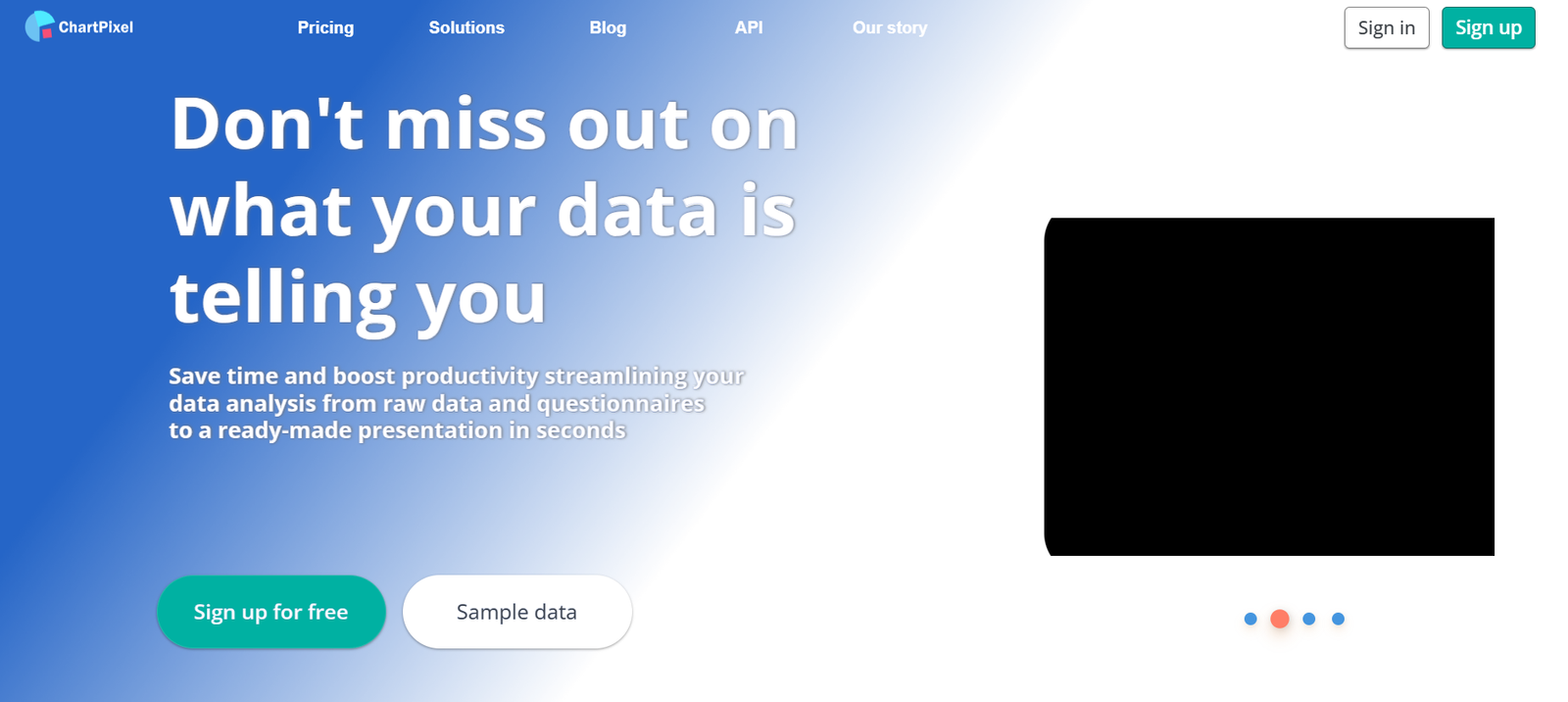
ChartPixel is an AI data analysis and visualization tool that allows users to upload raw datasets and generate visual insights automatically. The platform is designed for professionals who need to quickly understand and present data—without requiring technical skills or data science experience.
ChartPixel uses AI to detect patterns, trends, and outliers in the data and recommends relevant charts to best represent those insights. From basic descriptive analysis to more nuanced trend exploration, the platform helps users explore data quickly and visually.
It’s particularly useful for teams in business, product, marketing, and research who frequently deal with spreadsheets and reports but lack the time or expertise to build custom visualizations or dashboards.
Features
ChartPixel includes a range of features designed to make data visualization fast, smart, and user-friendly:
AI-Powered Chart Generation
Automatically analyzes your dataset and suggests the best visualizations to represent patterns, relationships, and anomalies.
Drag-and-Drop Data Upload
Upload CSV or Excel files directly into the platform for instant analysis.
Insight Summaries
In addition to visual charts, ChartPixel provides natural language summaries that explain what the charts mean in plain English.
Exploratory Data Analysis (EDA)
Built-in EDA tools allow users to understand data distributions, correlations, and descriptive statistics automatically.
Outlier and Anomaly Detection
The platform flags outliers and unusual values in your dataset for further investigation.
Customizable Visualizations
Users can edit chart types, labels, axes, and styles to better match their presentation needs.
No-Code Interface
No programming or spreadsheet formulas are required—ChartPixel handles everything through an intuitive UI.
Secure Data Handling
All uploaded data is encrypted and processed securely with privacy in mind.
How It Works
ChartPixel is designed to be fast and simple to use. Here’s how it works in just a few steps:
Upload Your Data File
Start by uploading your dataset (CSV or Excel) via the browser-based interface.Automatic Data Analysis
The AI engine scans the dataset, identifies variables, detects column types, and runs preliminary analysis.AI-Generated Charts and Insights
Within seconds, the platform generates relevant charts (bar, line, scatter, heatmaps, etc.) and provides written summaries of the key findings.Explore and Customize
Users can dive deeper into the dataset, apply filters, adjust chart settings, or export visuals for reporting.Export or Share Results
Download charts or insights as images or text for use in presentations, documents, or reports.
No installation is needed, and users can get started directly from the browser.
Use Cases
ChartPixel is ideal for a wide range of business and analytical tasks. Some of the most common use cases include:
Marketing Analytics
Quickly analyze campaign performance data, customer survey results, or web analytics without relying on analysts.
Product Usage Insights
Understand how users interact with features, identify drop-off points, or detect usage trends over time.
Customer Feedback and Survey Analysis
Visualize qualitative and quantitative survey data to identify common pain points, sentiments, and suggestions.
Business Intelligence Reporting
Create data-driven charts for monthly reports, KPI tracking, or executive dashboards—no need for BI tools.
Academic and Research Data Analysis
Academics and researchers can visualize experimental or survey data instantly, aiding faster hypothesis testing.
Operations and Sales Monitoring
Upload sales or inventory spreadsheets to detect trends and optimize performance.
Pricing
As of March 2025, ChartPixel offers the following pricing tiers:
Free Plan
1 project
Limited dataset size
Basic chart suggestions
No account required to try
Pro Plan – $19/month
Up to 10 projects
Larger datasets supported
Full chart customization
Download/export charts
Insight summaries
Team Plan – $49/month per team
Unlimited projects
Team collaboration features
Priority support
Advanced AI insights
Early access to new features
Enterprise Plan – Custom pricing
Unlimited users and projects
Custom feature requests
SSO and security compliance
Dedicated onboarding and support
You can start using the tool for free at https://www.chartpixel.com with no credit card required.
Strengths
ChartPixel provides numerous advantages for data-driven professionals:
Intuitive and fast data visualization with no learning curve
AI-generated insights save time and increase accuracy
Natural language summaries make insights easy to understand
No-code, browser-based interface
Works seamlessly with Excel and CSV files
Affordable plans for individuals and teams
No need for advanced analytics knowledge or tools
Drawbacks
Despite its strengths, there are a few limitations to consider:
Limited customization compared to full BI platforms (e.g., Tableau, Power BI)
Focuses mainly on exploratory data analysis—not ideal for predictive modeling
Not designed for continuous data syncing or live dashboards
May not support very large datasets in the free tier
Integration with external tools (e.g., Google Sheets, databases) is limited as of now
Comparison with Other Tools
ChartPixel vs. Tableau
While Tableau is a powerful BI platform, it requires technical setup and expertise. ChartPixel is focused on speed and simplicity, offering instant chart generation with AI and a no-code interface.
ChartPixel vs. Excel Charts
Excel provides basic charting features but requires manual setup. ChartPixel automates the process, detects insights, and visualizes data more intelligently.
ChartPixel vs. Google Looker Studio
Looker Studio is ideal for building interactive dashboards, but it’s more complex. ChartPixel is better suited for quick insights and one-time analyses.
Customer Reviews and Testimonials
ChartPixel is growing quickly among data professionals, marketers, and startup founders who need a lightweight analytics tool. Early users praise:
The ease of use and ability to get insights within minutes
The clarity of AI-generated summaries alongside charts
Its usefulness for data exploration without spreadsheets or code
Many users highlight the tool’s ability to reduce their dependency on data teams or analytics platforms for day-to-day insights.
Example testimonial from an early adopter:
“ChartPixel saved me hours of time. I uploaded a CSV and had clear, beautiful charts and summaries in under five minutes.”
Conclusion
ChartPixel is a game-changing AI tool for professionals who need to turn raw data into meaningful insights—fast. It democratizes data visualization by offering a simple, no-code interface powered by AI to handle everything from analysis to presentation.
For marketers, analysts, founders, and business teams who regularly deal with spreadsheets but lack technical skills, ChartPixel is a smart, affordable, and easy-to-use solution that makes data-driven decisions more accessible than ever.
To try it out for yourself, visit the official website at https://www.chartpixel.com.