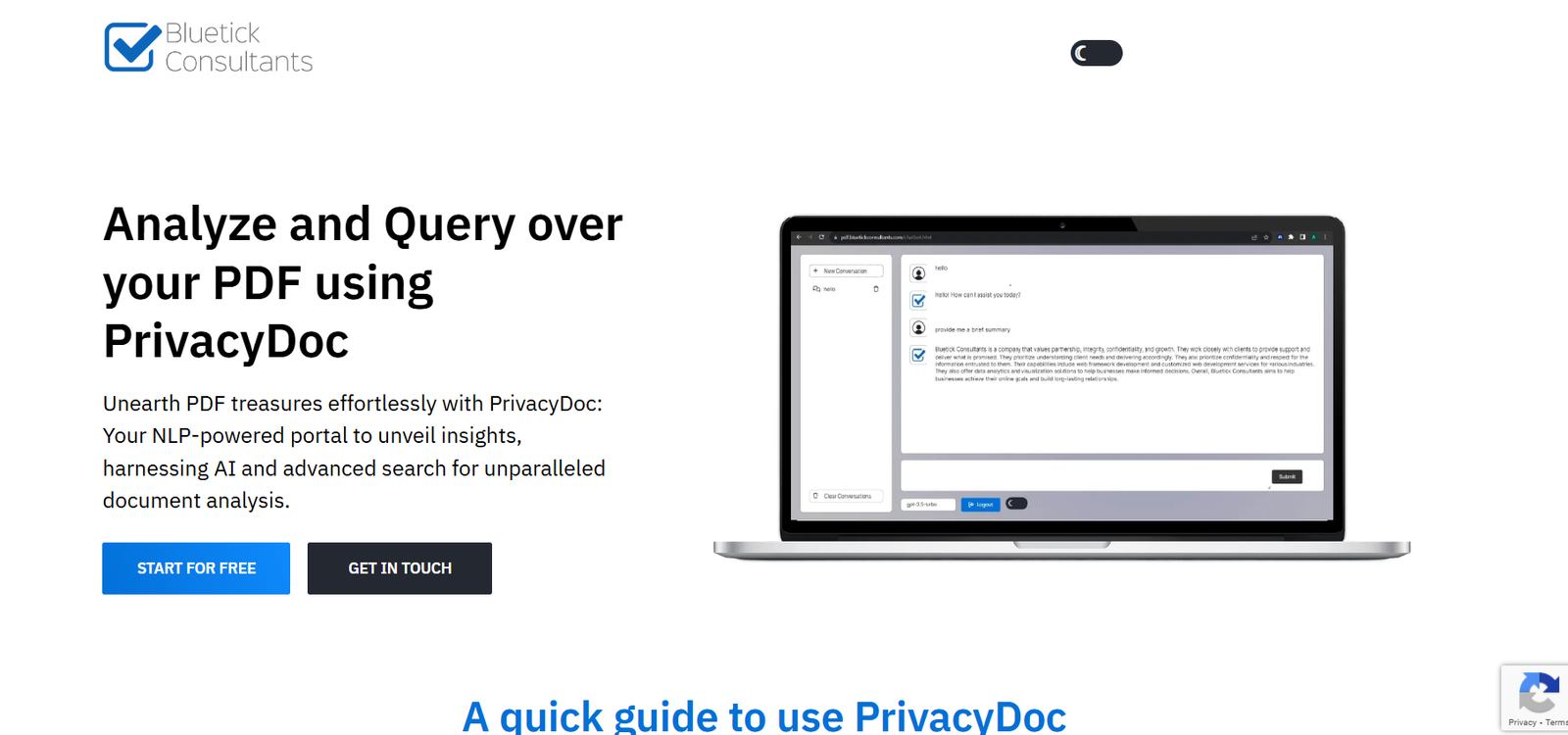
BlueTick PDF is an advanced AI solution developed by BlueTick Consultants to extract structured data from unstructured PDF documents. Designed for businesses and enterprises handling high volumes of document processing, BlueTick PDF automates the extraction of tables, text, and key-value pairs from complex PDFs — even those with inconsistent formatting or embedded images.
The platform is built to solve a common pain point across industries like finance, insurance, legal, and logistics: manual data entry from documents. With BlueTick PDF, organizations can eliminate repetitive tasks, reduce errors, and unlock data trapped inside PDFs, invoices, reports, and scanned documents.
BlueTick PDF combines optical character recognition (OCR), natural language processing (NLP), and deep learning to offer high-accuracy document parsing with minimal human input.
Features
BlueTick PDF offers a rich set of features built specifically for automated PDF data extraction at scale.
Its core feature is AI-based data extraction, which converts unstructured PDF files into machine-readable formats like JSON, XML, or Excel. The system understands complex layouts, nested tables, multi-column formats, and documents that don’t follow standard templates.
The tool includes table extraction capabilities that can detect and accurately capture tables of varying structures, even those split across pages or with merged cells. It supports extraction from both native and scanned PDFs.
Another key feature is key-value pair extraction, where the system identifies labeled fields (such as “Invoice Number: 12345”) and extracts the value intelligently. This is especially useful in invoices, forms, and contracts.
BlueTick PDF supports multi-language OCR and can extract data from scanned PDFs written in different languages, expanding its use in global document processing.
The platform also offers field mapping and template configuration. Users can train the system to identify specific data points relevant to their business process. Once a template is configured, it can be reused across batches of similar documents.
Integration with REST APIs allows enterprises to incorporate BlueTick PDF into their existing workflows, ERPs, or data pipelines.
How It Works
Using BlueTick PDF begins with uploading a PDF document via the platform interface or through an API. The system first analyzes the document using OCR and machine learning algorithms to detect layout elements like headers, tables, fields, and paragraphs.
The AI engine then classifies components of the document, extracting tables, labels, numbers, and free text. The results are returned in a structured format like JSON, CSV, or Excel, ready for use in downstream systems.
For enterprise use, BlueTick PDF allows template training. Users can annotate or define required fields, and the system learns to extract them in future uploads automatically. This hybrid approach of AI and human-in-the-loop makes the tool both accurate and adaptable.
The entire process — from upload to output — is typically completed in seconds, depending on file size and complexity. The platform supports bulk processing, enabling hundreds or thousands of PDFs to be parsed at once.
Use Cases
BlueTick PDF is suited for industries where large volumes of unstructured or semi-structured PDFs are common.
Banks and financial institutions use it to extract data from loan documents, KYC forms, and transaction reports for compliance and record-keeping.
Insurance companies automate claims processing by extracting values from scanned forms, policy documents, and adjuster reports.
Legal firms use BlueTick PDF to parse contracts, identify clauses, extract legal terms, and automate the creation of summaries or databases.
Healthcare providers extract information from medical records, prescriptions, and lab reports, improving EMR data entry and patient record management.
Logistics and shipping companies use it to extract details from delivery notes, bills of lading, customs forms, and shipping manifests.
Government agencies automate digitization of tax forms, census documents, or scanned records for analytics and archiving.
Pricing
BlueTick PDF does not publish public pricing details on its website as of October 2025. Pricing is likely based on usage volume, customization needs, API access, and enterprise features such as deployment options and support.
Organizations interested in the platform are encouraged to request a demo or contact BlueTick Consultants for a customized quote and technical walkthrough. This approach allows for tailored pricing based on specific document types, processing scale, and integration complexity.
BlueTick PDF is designed for medium to large enterprises, and pricing models may include per-page fees, monthly subscriptions, or enterprise licensing.
Strengths
One of the strongest advantages of BlueTick PDF is its high accuracy in complex scenarios. Unlike simple text scrapers, the AI is trained to recognize patterns and extract structured data from documents with varying layouts and low quality.
Its support for scanned documents and image-based PDFs using OCR is a critical feature for businesses dealing with legacy records or printed forms.
The platform is highly scalable and designed for batch processing, making it ideal for companies processing hundreds or thousands of documents per day.
Its customization and template training offer flexibility to handle different document formats within a business. Once configured, the system performs consistently without needing per-document rules.
The API access and integration capabilities allow seamless adoption in digital transformation projects, making BlueTick PDF a core component of automation pipelines.
Drawbacks
BlueTick PDF is a high-end solution, and it may not be suitable for small businesses with very limited document processing needs. The lack of transparent pricing may make it hard for small teams to evaluate fit without direct contact.
Initial template training and setup may require technical assistance, especially for businesses with very specialized document types or use cases.
Currently, the platform focuses heavily on data extraction and does not offer end-to-end document management features like signing, archiving, or workflow approval systems. Users would need to integrate those separately.
There is also no self-serve portal available for immediate signup, making the onboarding process dependent on sales and support engagement.
Comparison with Other Tools
Compared to tools like Adobe Acrobat Pro or Smallpdf, which offer basic text or table extraction from PDFs, BlueTick PDF is significantly more powerful. It handles structured data extraction with AI, not just layout recognition.
In comparison to Docparser, Rossum, or Nanonets, BlueTick PDF offers deeper customization and more enterprise-focused integrations. Docparser and Nanonets are effective for mid-market use cases, but BlueTick PDF’s machine learning engine is geared toward more complex and large-scale document environments.
BlueTick PDF also compares favorably to open-source tools like Tabula or Camelot, which are useful for table extraction but require significant manual setup and coding skills.
Customer Reviews and Testimonials
While BlueTick PDF’s website does not include detailed customer testimonials, the parent company, BlueTick Consultants, is known for delivering enterprise-grade AI and data engineering solutions. Clients include businesses in finance, insurance, and logistics, suggesting trust and use in high-compliance industries.
Industry feedback and case studies available via BlueTick Consultants show measurable ROI from automating document workflows, reduced manual effort, and improved data accuracy.
Technical teams highlight the platform’s ease of integration and the reliability of its APIs for production deployment.
Conclusion
BlueTick PDF is a powerful, AI-driven document extraction platform built for enterprises dealing with high volumes of complex, unstructured PDF files. By combining OCR, NLP, and machine learning, it transforms static documents into structured data ready for automation, analytics, or compliance workflows.
With strong capabilities in table recognition, field extraction, and API integration, it helps organizations reduce manual processing time, eliminate errors, and unlock new levels of operational efficiency.