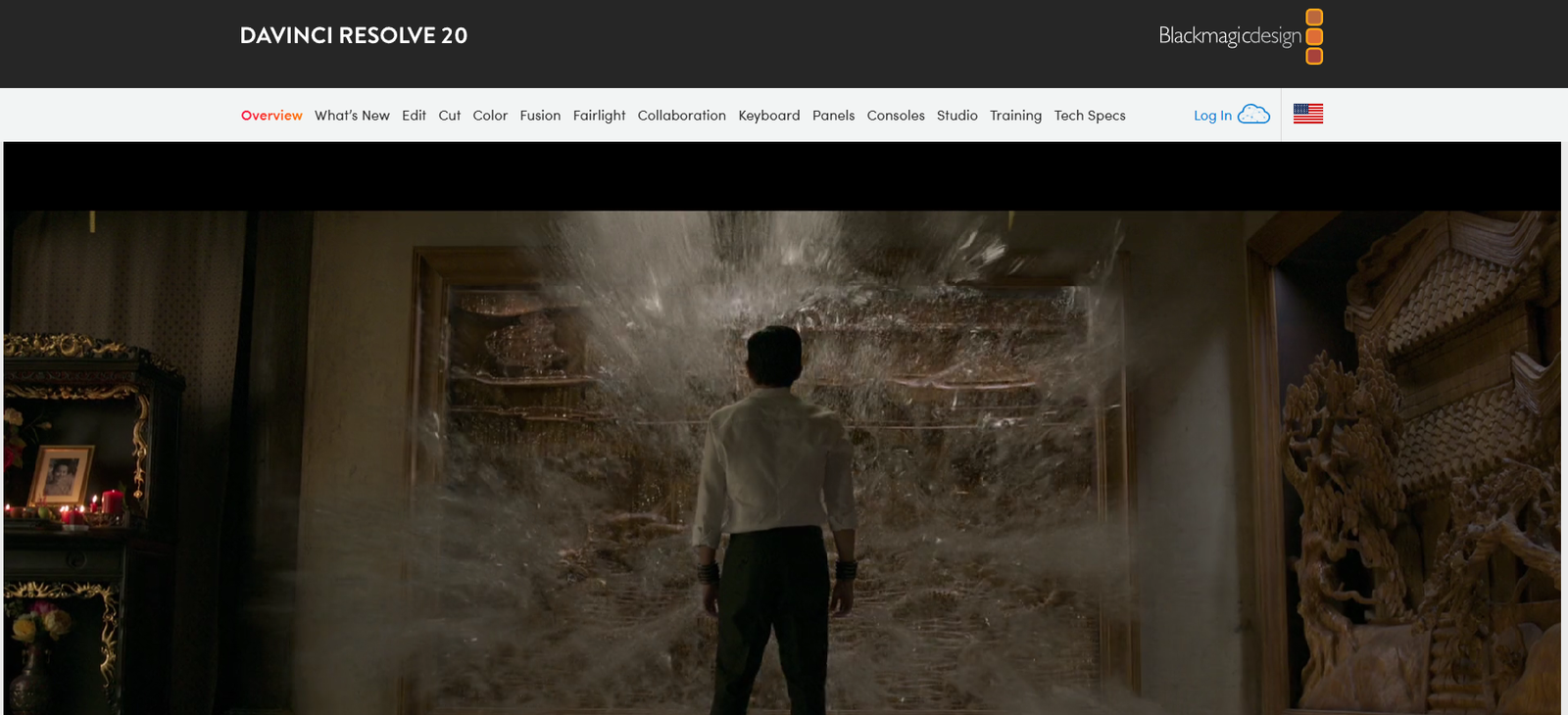
Blackmagic Design is a globally renowned company that develops some of the most advanced video production tools for filmmakers, broadcasters, and content creators. Known for combining high-end quality with accessible pricing, Blackmagic Design offers a wide portfolio that includes digital film cameras, video editing software, color grading solutions, switchers, and capture cards.
From Hollywood post-production houses to YouTubers and live streamers, professionals across the media spectrum trust Blackmagic Design to deliver cinema-grade visuals and robust live production workflows. Its most recognized product, DaVinci Resolve, has become a standard in color correction and editing suites worldwide.
Features of Blackmagic Design’s Ecosystem
DaVinci Resolve
A complete post-production software suite combining editing, color correction, visual effects (Fusion), motion graphics, and audio post (Fairlight) in a single interface. It’s available in a free version and a paid Studio version.
Blackmagic URSA, Pocket Cinema & Studio Cameras
A series of digital film cameras that shoot in RAW and ProRes, offering exceptional image quality. These are widely used in independent filmmaking, documentaries, and commercial shoots.
ATEM Live Production Switchers
Hardware switchers that support multi-camera live broadcasts, ideal for streaming, corporate events, education, and professional broadcasts.
DeckLink and UltraStudio Capture Cards
High-performance capture and playback solutions for post-production, VFX, and live broadcasting.
Blackmagic Cloud
A cloud-based collaboration platform allowing editors, colorists, and VFX artists to work together on DaVinci Resolve projects in real time from anywhere.
Fusion Visual Effects
Integrated into DaVinci Resolve, Fusion offers node-based compositing for advanced VFX, motion tracking, 3D text, and animation.
Fairlight Audio Post
Also built into Resolve, Fairlight offers professional-grade tools for multi-track mixing, ADR, noise reduction, and sound design.
Smart Panels and Control Surfaces
Dedicated hardware panels for Resolve, including the DaVinci Resolve Speed Editor, Mini Panel, and Advanced Panel, optimized for faster workflows in editing and color grading.
How Blackmagic Design Works
Blackmagic Design delivers an integrated workflow from camera acquisition to final delivery:
Shoot with Blackmagic Cameras
Record in cinematic quality using RAW or ProRes formats, with full metadata control.Edit and Grade in DaVinci Resolve
Import footage into Resolve for multi-track editing, professional color grading, VFX, and audio post-production—all in one app.Collaborate in the Cloud
Use Blackmagic Cloud to allow remote teams to work simultaneously on the same project.Stream Live with ATEM Switchers
For live productions, use ATEM switchers to mix multiple camera feeds, apply graphics, and stream in real time.Deliver
Export your content in formats suitable for cinema, television, social media, or online streaming platforms.
Use Cases for Blackmagic Design
Independent Filmmaking
Affordable, cinema-quality cameras and color grading tools make Blackmagic a favorite among indie filmmakers.
Commercial and Corporate Video Production
Agencies use DaVinci Resolve for high-end edits, VFX, and color matching in brand videos, ads, and internal communications.
Broadcast and Live Events
Live producers rely on ATEM switchers for concerts, church services, eSports, and online events.
YouTubers and Content Creators
Content creators benefit from DaVinci Resolve’s free version for editing, color, and effects—all without monthly subscriptions.
Education and Training
Film schools and universities integrate Blackmagic gear and software into their curriculum to teach industry-standard workflows.
Post-Production Studios
Colorists and editors in professional studios use Blackmagic hardware panels and Resolve Studio for collaborative workflows.
Pricing of Blackmagic Design Products
Blackmagic Design products range from free software to professional-grade hardware. Pricing is transparent and typically one-time, without recurring subscriptions.
DaVinci Resolve
Free Version: Available for Windows, macOS, and Linux
Studio Version: $295 (lifetime license) – includes advanced effects, HDR grading, noise reduction, and collaboration tools
Hardware Examples
DaVinci Resolve Speed Editor: ~$395
ATEM Mini Pro Switcher: ~$295
Blackmagic Pocket Cinema Camera 6K Pro: ~$2,495
URSA Mini Pro 12K: ~$5,995
DeckLink Mini Recorder: ~$145
Pricing may vary slightly by region or reseller. Most hardware can be purchased directly via the Blackmagic Design website or authorized distributors.
(Source: https://www.blackmagicdesign.com)
Strengths of Blackmagic Design
Comprehensive ecosystem from cameras to software to live production
Industry-standard color grading and post-production tools
One-time pricing with no subscriptions
Offers free professional-grade software (DaVinci Resolve)
Hardware and software tightly integrated for optimized workflows
Cloud collaboration built into Resolve Studio
Constantly updated with new features and tools
Drawbacks of Blackmagic Design
Hardware has a learning curve for beginners
Cameras may require external accessories for full functionality (rigs, audio, power)
Resolve may be resource-intensive on older or low-spec computers
Some features (e.g., collaboration tools, advanced effects) are limited to the Studio version
Cloud services depend on high-speed internet for real-time collaboration
Comparison with Other Tools
Blackmagic Design vs. Adobe Creative Cloud
Adobe offers a broader suite (Photoshop, Premiere Pro, After Effects), but it is subscription-based. Blackmagic provides an all-in-one post-production solution in Resolve for a one-time fee.
Blackmagic Cameras vs. Canon/Sony
Canon and Sony offer better autofocus and photo-video hybrids. Blackmagic’s cameras are built specifically for filmmakers who prioritize cinematic image quality and RAW control.
Blackmagic ATEM vs. OBS Studio
OBS is a free software tool for streaming. ATEM is a professional hardware switcher offering more robust live production capabilities for multi-camera workflows.
DaVinci Resolve vs. Final Cut Pro
Final Cut is limited to macOS, while Resolve is cross-platform and offers superior color grading and audio post tools.
Customer Reviews and Testimonials
Professionals across industries consistently praise Blackmagic Design for democratizing access to high-end production tools:
“DaVinci Resolve is a game-changer. I switched from Premiere and never looked back.” – Freelance Video Editor
“Our entire live production runs on ATEM Mini. It’s rock solid and easy to scale.” – Live Event Producer
“As an indie filmmaker, I couldn’t afford $10K rigs. Blackmagic gave me cinema quality without breaking the bank.” – Documentary Director
User reviews across platforms like G2, TrustRadius, and Product Hunt highlight value for money, robust features, and professional reliability.
Conclusion
Blackmagic Design stands out as a company that has successfully bridged the gap between high-end video production and accessibility. Whether you are an independent filmmaker, live streamer, educator, or a major post-production studio, Blackmagic offers a seamless, scalable ecosystem to capture, edit, grade, and deliver professional content.
With the award-winning DaVinci Resolve, industry-leading cameras like the URSA Mini Pro, and ATEM switchers for live workflows, Blackmagic Design continues to innovate at the intersection of technology and creativity. If you want to produce stunning visuals without subscription costs, Blackmagic Design is a top-tier solution.