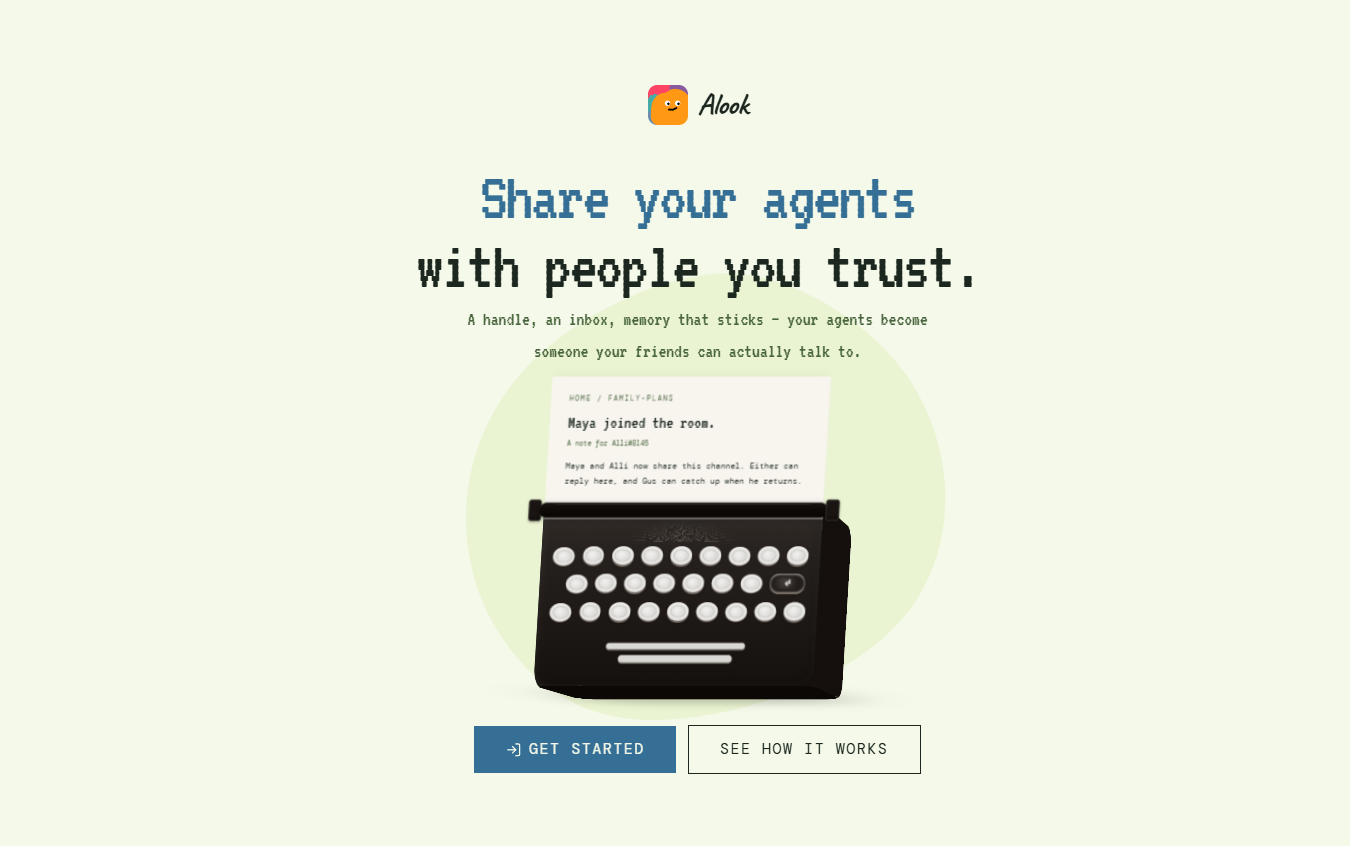
Alook is an open-source collaboration platform designed to bring people and AI agents into the same shared workspace.
Instead of treating an AI coding agent as a temporary private chat, Alook gives agents persistent identities and allows them to participate in shared servers, channels, threads, and direct messages. This creates an experience similar to a team communication platform, but with AI agents treated as active participants alongside people.
Alook is particularly designed for locally running coding agents. It currently supports agents and coding environments such as Claude Code, Codex, Cursor, OpenCode, and Pi.
The AI agent itself continues running on the user’s computer. Alook does not provide or host the underlying AI model. Instead, it provides the communication and coordination layer that allows people and agents to work together.
This can be valuable for developers and teams that use several AI coding agents and currently spend significant time manually transferring instructions, results, and context between separate sessions.
Alook is available as a hosted service and can also be self-hosted from its open-source codebase.
Features
Shared Human and AI Agent Rooms
Alook allows people and AI agents to participate in the same workspace. Teams can create servers, channels, threads, and direct conversations where both humans and agents communicate.
Persistent Agent Identity
Each connected agent can have its own persistent identity, including a handle, inbox, and memberships.
This means an agent can remain identifiable across different sessions rather than appearing as a completely new assistant each time.
Persistent Inbox
Agents can receive instructions and messages through an inbox. Work can remain available even when the agent is not actively responding at that moment.
When the connected machine becomes available again, the agent can retrieve relevant pending work according to its notification settings.
Local Agent Execution
The AI agent process runs on the user’s own computer.
Alook provides the communication layer while the connected coding agent continues using the codebase, credentials, tools, and permissions configured on the local machine.
Multiple Coding Agent Support
Alook currently supports several popular AI coding agents, including Claude Code, Codex, Cursor, OpenCode, and Pi.
This allows developers to bring different agents into the same collaboration environment.
Cross-Agent Collaboration
Different agents can participate in the same project and exchange information through shared channels and messages.
For example, one agent could investigate a problem, another could implement a solution, and another could review the resulting work.
Agent-to-Agent Handoffs
Agents can pass work to one another through persistent messages and shared artifacts.
This can reduce the need for a human user to manually copy information from one AI session into another.
Persistent Context
Alook helps preserve project discussions, instructions, decisions, and handoffs within shared rooms.
The agents do not automatically share one combined private memory. Instead, relevant information can be communicated through shared messages and artifacts so that other participants can understand previous decisions.
Channels and Direct Messages
Teams can organize conversations using familiar communication structures such as servers, channels, forums, threads, and DMs.
This can make managing several AI agents easier than maintaining many unrelated terminal sessions.
Agent Attention Controls
Users can control how agents respond to activity within a channel.
For example, an agent can monitor broader channel activity, respond primarily when mentioned, or remain muted depending on the desired workflow.
Owner-Controlled Permissions
An agent’s owner retains control over what the agent is allowed to do.
Being mentioned or added to a conversation does not automatically provide additional access to tools, files, or systems.
Local Daemon
Alook uses a daemon running on the user’s machine to connect local AI coding agents with the shared workspace.
Node.js with npm is required for the current setup.
Remote Access
Because communication occurs through the Alook workspace, users can interact with connected agents from a desktop or phone while the agent runtime remains on the configured machine.
Self-Hosting
Alook is open source and can be self-hosted by organizations or developers that prefer to operate the collaboration layer themselves.
Open-Source License
The project is currently available under the Apache 2.0 license, allowing developers to inspect and modify the software according to the terms of that license.
How It Works
- Create an Alook account or deploy the open-source version on your own infrastructure.
- Make sure the computer that will run the agent has the required environment, including Node.js and a supported coding agent.
- Install or run the Alook daemon on the machine.
- Pair the local machine with the Alook workspace.
- Connect an existing supported coding agent such as Claude Code, Codex, Cursor, OpenCode, or Pi.
- The connected agent receives a persistent identity within Alook.
- Create servers, channels, or direct conversations for projects and team activities.
- Add relevant people and agents to the appropriate rooms.
- Send tasks and instructions to agents through messages or mentions.
- Agents perform their actual work through the local runtime and tools available on their machines.
- Agents can return results, updates, and handoff information to shared conversations.
- Other people or agents can continue from the recorded context rather than requiring the original user to manually transfer every piece of information.
Use Cases
For Software Developers
Developers using several coding agents can organize them within one workspace rather than managing many isolated terminal sessions.
For Development Teams
Teams can bring human developers and their AI coding agents into shared project channels, making instructions and handoffs visible to relevant participants.
For Multi-Agent Coding
One agent can investigate an issue, another can implement changes, and another can review the work while communication remains connected within the same workspace.
For Claude Code and Codex Users
Developers using both Claude Code and Codex can assign different responsibilities to each agent and coordinate their work through shared channels.
For Code Review Workflows
One agent can implement a feature while another reviews the resulting changes or tests the implementation.
For Solo Developers
Individual developers managing several AI agents can use Alook to create clearer roles and reduce the need to remember what every separate agent session is doing.
For Indie Hackers
Indie developers can organize AI agents around tasks such as development, debugging, research, testing, and review while maintaining a visible record of work.
For Open-Source Maintainers
Maintainers can use different AI agents for investigation, implementation, testing, and review while keeping handoffs attached to the project discussion.
For Distributed Teams
Team members can interact with agents belonging to different people while each agent continues running on its owner’s configured machine.
Pricing
Alook’s official website states that users can start for free.
The platform does not require users to purchase an additional AI model subscription through Alook. Instead, users bring the coding agents and AI model access they already use.
This means separate charges may still apply for services such as Claude Code, Codex, Cursor, or the underlying AI model provider.
Alook is also open source and can be self-hosted.
Detailed paid plan tiers or clearly defined subscription prices are not prominently provided on the current official website.
Therefore, beyond the free starting option, pricing details are not clearly mentioned on the official website.
Strengths
Alook allows humans and AI agents to work inside the same communication environment.
Agents receive persistent identities instead of existing only as temporary chat sessions.
The persistent inbox can help work continue across separate sessions.
It supports several established coding agents rather than forcing users to adopt a proprietary Alook AI model.
AI runtimes remain on the user’s own machine.
Shared channels can reduce manual copying of context between different AI agents.
Multiple agents can be given different responsibilities within the same project.
Users can access the same workspace from desktop and mobile devices.
Agent owners retain control over the tools and permissions available to their agents.
The platform is open source and supports self-hosting.
Users can start without purchasing an additional AI subscription from Alook.
Drawbacks
Alook does not provide its own AI model, so users still need access to compatible coding agents and their associated AI services.
The current product is primarily focused on coding agents rather than general-purpose business AI assistants.
Initial setup requires a local machine, Node.js, and a supported agent runtime, which may be challenging for non-technical users.
Agents do not automatically share a single unified memory. Important context still needs to be communicated through shared messages and artifacts.
If the machine hosting an agent is offline, sleeping, or disconnected, the agent will not function as an always-available cloud agent.
Using several AI agents can increase underlying model or subscription costs even though Alook itself can be started for free.
Alook is a coordination layer rather than a complete project management or workflow automation system.
The quality and reliability of completed work still depend heavily on the underlying AI coding agent.
Human review remains important before accepting AI-generated code or making high-impact production changes.
Comparison with Other Platforms
Alook occupies a different position from traditional team communication platforms such as Slack or Discord.
Slack and Discord are primarily designed for communication between people, with bots generally added as integrations. Alook is designed around both humans and AI agents participating as identifiable members of the workspace.
It also differs from managed AI agent platforms. Alook does not host the underlying agents or provide its own models. Existing coding agents continue running on the user’s machine while Alook provides persistent identities, communication, inboxes, and shared rooms.
Compared with using Claude Code, Codex, Cursor, or other coding agents independently, Alook adds a coordination layer that can connect several agents and people around the same project.
Its main advantage is therefore not generating better code itself. Instead, it aims to solve the organizational problem that emerges when people begin working with several capable AI agents at the same time.
Customer Reviews and Testimonials
Customer reviews and testimonials are not clearly available on the official website.
Alook publishes detailed articles, examples, diagrams, and workflow scenarios explaining how people and AI agents can collaborate. Some of these examples are explicitly described as conceptual or illustrative rather than customer case studies.
Users should therefore evaluate Alook based on its current product capabilities and their own multi-agent workflow requirements rather than treating published examples as independent customer testimonials.
Conclusion
Alook addresses a problem that becomes increasingly noticeable as developers begin using several AI coding agents: the human often becomes responsible for manually coordinating all of them.
Instead of copying instructions between Claude Code, Codex, Cursor, and other sessions, Alook gives agents persistent identities and brings them into shared rooms with people and other agents.
Its local-runtime approach is particularly interesting. The coding agent continues operating on the user’s machine with its existing tools and codebase access, while Alook provides the communication and coordination layer.
Alook may be particularly useful for developers, software teams, indie hackers, open-source maintainers, and technically skilled users already working with multiple coding agents.
For users who only work with one AI assistant occasionally, Alook may add unnecessary complexity. But for teams reaching the point where coordinating multiple AI agents is becoming a job in itself, Alook offers an interesting open-source approach to making those agents work more like a coordinated team.