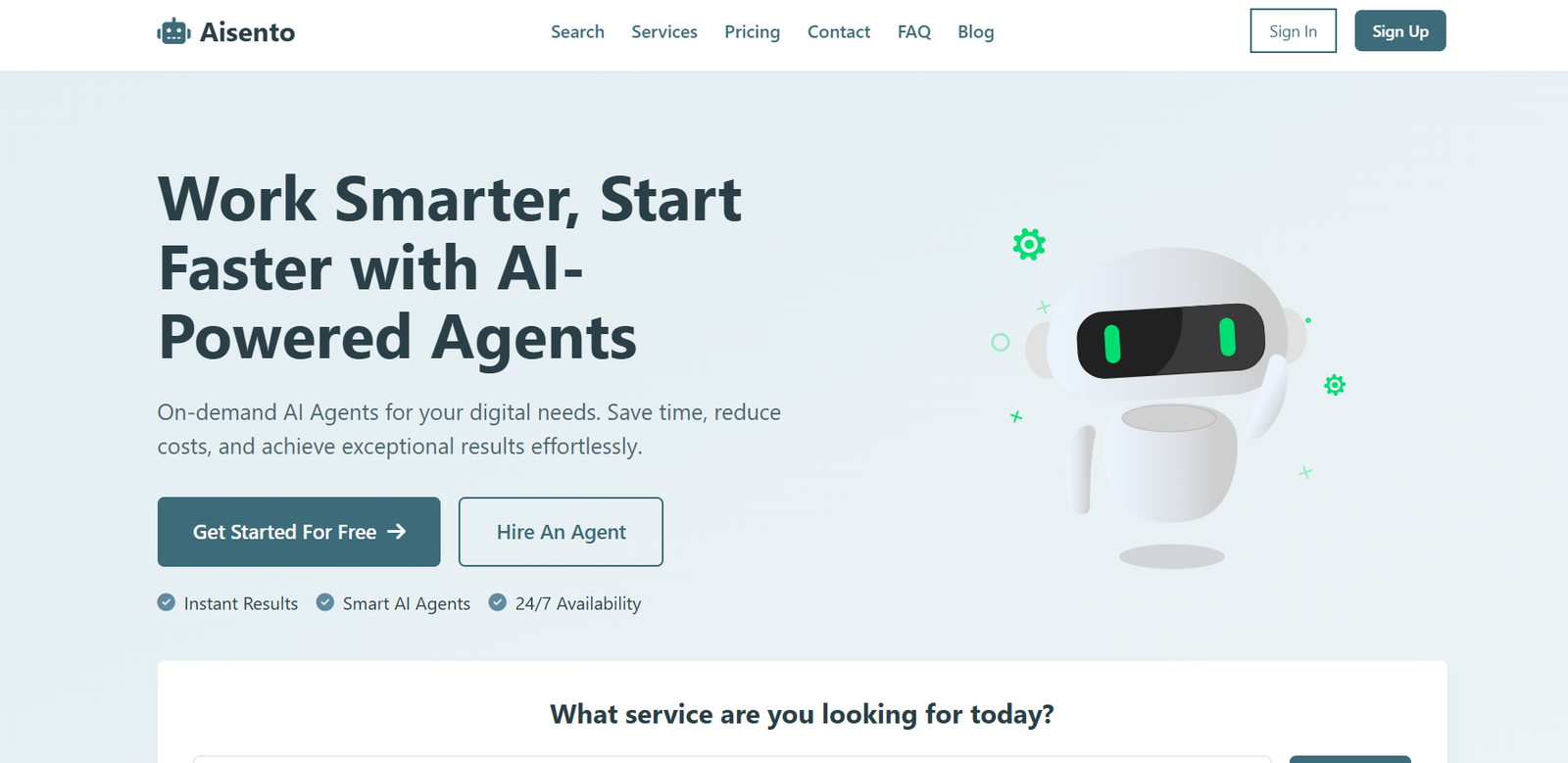
Aisento is an AI email assistant designed to help professionals and teams manage their inboxes more efficiently by generating smart, context-aware email replies. Built for busy founders, executives, and high-volume email users, Aisento uses AI to understand the content of incoming messages and suggest polished, professional responses in seconds.
Whether you’re handling customer support, client communication, or internal threads, Aisento streamlines email workflows and reduces time spent on repetitive messaging—while ensuring tone, context, and clarity are maintained. It’s an ideal productivity tool for anyone overwhelmed by their inbox.
Features
Aisento is packed with features that simplify daily email tasks:
AI-Powered Reply Suggestions: Generate email replies instantly based on the context of the incoming message.
Tone Selection: Choose from different tones like professional, friendly, casual, or concise to match your communication style.
Quick Editing Tools: Easily tweak and customize AI-generated replies before sending.
Context Awareness: Understands full email threads to craft relevant and intelligent responses.
Browser Extension Support: Use Aisento directly inside Gmail and other popular email clients.
Data Privacy: No emails are stored or used to train models—your messages stay private and secure.
One-Click Workflow: Insert replies into your draft or compose window with one click.
How It Works
Aisento is designed to be fast, non-intrusive, and easy to use:
Install the Browser Extension: Aisento currently works as a Chrome extension compatible with Gmail.
Open Any Email: Once installed, open any message in your inbox.
Click ‘Reply with Aisento’: The assistant reads the context and generates a few reply suggestions.
Select and Edit: Choose the most suitable reply, edit if needed, and hit send.
No complex setup, integrations, or AI prompt engineering—just smarter emailing.
Use Cases
Aisento is designed for individuals and teams who deal with high email volume and need efficient communication:
Startup Founders & Executives: Respond to investor, partner, or internal emails without delay.
Customer Support Teams: Draft consistent, helpful replies to common inquiries faster.
Freelancers and Consultants: Maintain professionalism while saving time in client communications.
HR & Admin Teams: Handle scheduling, policy updates, and candidate replies more efficiently.
Remote Teams: Manage asynchronous communication across time zones with reduced friction.
Pricing
As of the latest update on the official Aisento website, the tool offers a freemium model:
Free Plan
Limited email replies per day
Access to tone selection
Basic browser extension functionality
Great for personal use or occasional email assistance
Pro Plan – $12/month
Unlimited AI-generated replies
Full tone and style customization
Priority support and future feature access
Ideal for professionals and daily users
All plans come with a 7-day free trial. Billing is monthly, with the option to cancel anytime.
Strengths
Aisento delivers several advantages for modern professionals:
Saves Time: Drafts replies in seconds, reducing email fatigue.
Smart Context Handling: Understands full email threads and responds accordingly.
Professional Tone: Maintains clarity and tone consistency across messages.
No Learning Curve: Simple interface with intuitive controls.
Privacy-Focused: Your email content stays secure and is never used for AI training.
Drawbacks
Despite its strengths, Aisento may have some limitations:
Gmail-Only (Currently): Works only with Gmail through a Chrome extension.
Reply-Only Focus: Primarily assists with replies—not for composing original outbound emails.
No Mobile App: Currently limited to desktop browser use.
Comparison with Other Tools
Versus Superhuman: Superhuman is a premium email client focused on speed; Aisento adds AI-powered replies to your existing inbox.
Versus GrammarlyGO: GrammarlyGO offers writing help but lacks full email thread understanding. Aisento is more tailored for conversation context.
Versus ChatGPT: ChatGPT requires manual context entry; Aisento reads your emails and generates replies automatically.
Versus Gmail Smart Reply: Gmail offers basic suggestions; Aisento provides richer, tone-customized responses.
Customer Reviews and Testimonials
Aisento is gaining popularity among startup teams and productivity enthusiasts. Here’s what users say:
“This tool cut my email time in half. I now spend minutes, not hours, on my inbox.”
“Aisento understands the tone I want. I just click and send.”
“Perfect for staying on top of investor and partner replies during launch weeks.”
The tool is especially praised for balancing automation with personal touch—crucial for meaningful communication.
Conclusion
Aisento is a smart, lightweight, and privacy-first email assistant designed to help busy professionals respond faster, with less mental load. By integrating directly into your inbox and delivering context-aware suggestions, it saves time while enhancing the quality of your communication.
For founders, teams, and freelancers looking to tame their inbox and maintain a sharp, professional tone—Aisento is the AI productivity companion your email deserves.