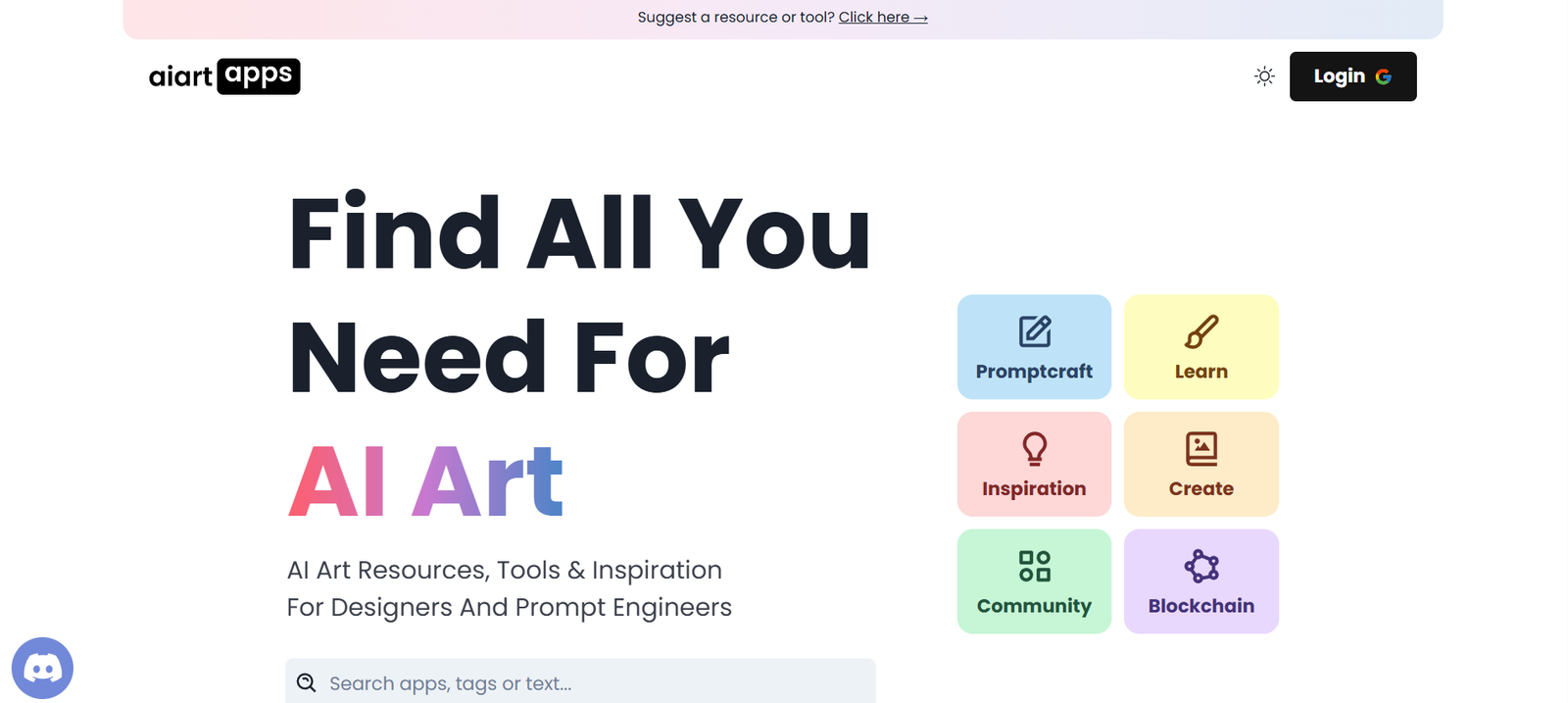
AI Art Apps is a platform designed to help users transform simple text prompts into beautiful digital artwork using AI. With a growing collection of mobile apps tailored for art generation, photo transformation, and image-to-art conversion, AI Art Apps is making creative expression more accessible than ever.
Whether you’re an artist exploring AI styles, a marketer creating quick visuals, or someone just experimenting with creativity, the suite of apps from AI Art Apps offers intuitive tools to produce unique, high-quality images in just seconds. No artistic skills are needed — just your imagination and a prompt.
The platform brings together multiple AI-driven tools under one brand, focusing on transforming everyday users into digital creators through mobile-first experiences.
Features
AI Art Apps offers a variety of apps, each focused on different aspects of AI creativity. Some of the key features include:
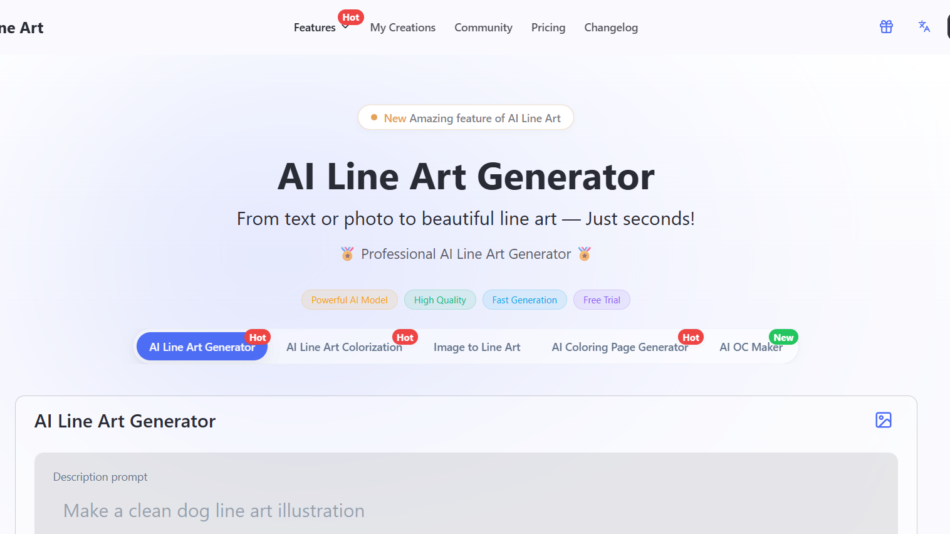
Text-to-Art Generation
Enter a simple text prompt and generate high-resolution digital artwork in seconds.
Photo to Art Transformation
Upload your photo and convert it into AI-enhanced portraits, fantasy themes, anime styles, or abstract art.
Multiple Art Styles
Choose from dozens of aesthetic styles including cyberpunk, anime, surreal, watercolor, oil painting, pixel art, and more.
HD Export and Downloads
Download AI-created images in high quality suitable for printing, wallpapers, and social media use.
AI Avatars and Profile Pictures
Generate custom avatars and profile images from selfies using different themes and filters.
User-Friendly Mobile Apps
Available on iOS and Android with a simple interface that requires no design or technical experience.
Frequent Updates
New styles, models, and features are regularly added to keep the creative possibilities fresh.
How It Works
Using AI Art Apps is as simple as opening the app and typing your idea. Here’s how the process works:
Download one of the apps from the AI Art Apps website or app store.
Choose your creative mode: text prompt, image upload, or avatar creation.
Enter your input (e.g., “a mystical castle in the clouds”) or select an image to enhance.
Select an art style or theme you want applied to your image.
Tap generate. The AI engine processes your input and delivers a digital artwork in seconds.
Save or share your creation directly from the app.
The apps are built to be fast and fun, allowing anyone to experiment with digital art regardless of skill level.
Use Cases
AI Art Apps caters to a broad audience of creators, hobbyists, and everyday users:
Social Media Creators
Create eye-catching content and unique visuals for Instagram, TikTok, and YouTube thumbnails.
Artists and Designers
Use AI-generated inspiration to kickstart new projects or enhance traditional workflows.
Content Marketers
Quickly create banners, blog visuals, and digital assets without hiring a designer.
Gaming and Anime Fans
Turn your selfies into game characters, anime avatars, or fantasy illustrations.
NFT Creators
Generate one-of-a-kind AI artwork for NFT collections or digital galleries.
Students and Educators
Explore creativity and technology in art education settings using simple tools.
Personal Use
Create wallpapers, greeting cards, posters, or gifts using AI-generated art.
Pricing
Each app under the AI Art Apps umbrella has different pricing models depending on features and platforms. While many offer free trials or limited free features, most follow a freemium model with optional upgrades:
Free Access
Basic prompt-to-image generation
Standard resolution downloads
Limited style selections
Premium Plans
Unlock full style library
Faster rendering speeds
HD and ultra-HD image export
Priority access to new features
Ad-free experience
Pricing typically ranges from $4.99/month to $29.99/year, depending on the app and level of access. Some apps also offer pay-per-image options for users who prefer not to subscribe.
You can find app-specific pricing on the AI Art Apps website or within each mobile app store listing.
Strengths
Fast and Intuitive
Create complex visuals in seconds with no learning curve.
Variety of Art Styles
Supports dozens of unique themes and filters, from realistic portraits to fantasy illustrations.
Affordable and Accessible
Free to try and competitively priced for personal and professional use.
Great for Non-Artists
No creative background needed — just ideas and curiosity.
Mobile-First Design
Optimized for mobile devices, making it convenient to create art anywhere.
Continuous Innovation
Regular updates and new features keep the platform fresh and engaging.
Drawbacks
Limited Editing Control
Users cannot fine-tune details like in advanced graphic design software.
Output Can Vary
Results may not always match user expectations due to AI model interpretation.
Internet Required
Most apps need an active internet connection to generate images.
App-Based Access Only
Currently available through mobile apps only — no web-based generation tool.
Usage Limits in Free Version
Free users may face daily generation caps or lower image resolution.
Comparison with Other Tools
AI Art Apps sits alongside other popular AI art platforms but differentiates itself through its mobile-first approach and suite of specialized apps.
Versus Lensa AI
Lensa focuses primarily on AI portrait editing. AI Art Apps offers more flexibility in creative styles and prompt-based art.
Versus WOMBO Dream
WOMBO also creates AI art from prompts, but AI Art Apps includes additional tools like avatar generators and style-specific apps.
Versus Midjourney or DALL·E
These are more advanced and often web-based with a steeper learning curve. AI Art Apps is built for quick, casual, and fun creativity on mobile.
Versus Canva AI Tools
Canva is geared toward design and layout. AI Art Apps is focused purely on creative AI image generation.
Customer Reviews and Testimonials
Users across app stores have left positive feedback about the ease of use and creativity unlocked by AI Art Apps:
“I never thought I could make art like this. It’s so fun and easy to use.”
“The anime filters are amazing. My avatar looks like it belongs in a movie.”
“This is my go-to app for creating profile pictures and digital posters.”
Ratings average between 4.5 and 4.8 stars on major app platforms, with users praising speed, variety, and the overall experience.
Conclusion
AI Art Apps delivers a powerful yet accessible way to create stunning digital artwork using the power of artificial intelligence. Whether you’re a casual user looking to generate fun avatars or a creator needing fast visuals for content, the platform offers a range of mobile apps that turn simple prompts into art instantly.
With its mobile-first design, wide style selection, and simple interface, AI Art Apps brings creativity to your fingertips—no artistic background required. As AI continues to reshape how we create, platforms like AI Art Apps make sure that anyone, anywhere, can become an artist.