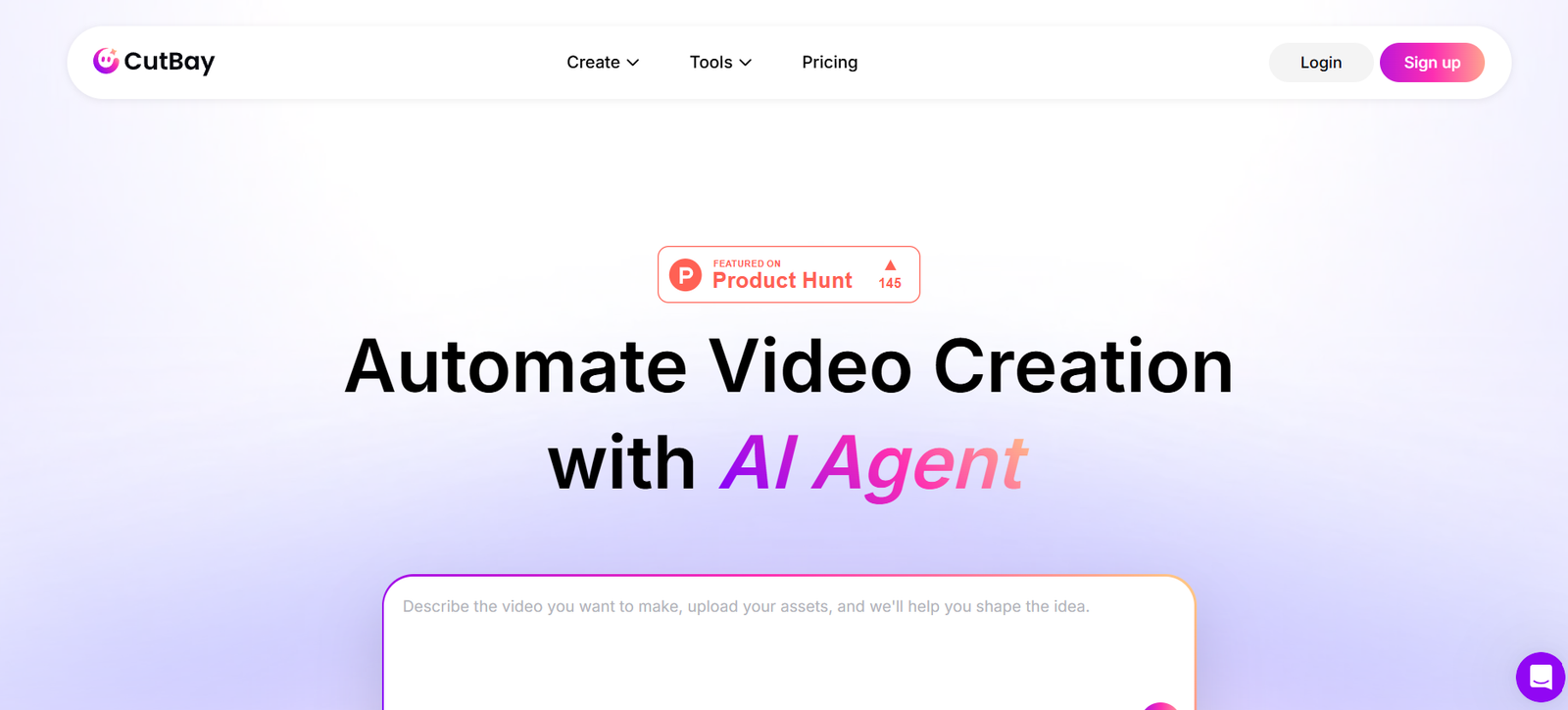
CutBay is an AI Video Agent that helps users transform ideas, documents, presentations, images, videos, web pages, and data into complete videos through natural language conversations. It simplifies video production by allowing users to describe what they want to create rather than managing every editing task manually.
Unlike traditional video editors that often require technical skills and experience with timelines, effects, and layouts, CutBay uses AI to plan scenes, organise visual elements, and create dynamic effects automatically. This makes it easier for beginners, content creators, marketers, and businesses to produce engaging videos without extensive design experience.
The platform combines AI-powered video editing with a flexible canvas, giving users the convenience of automation while retaining creative control over their projects. Users can refine their videos through conversational instructions and adjust the visual presentation to suit their needs.
CutBay also provides a collection of scene templates that users can use to recreate established video structures and visual styles. This can help streamline production and maintain a consistent look across multiple videos.
Whether you want to turn a presentation into an explainer video, transform a web page into promotional content, or create motion graphics from an idea, CutBay offers an AI-assisted approach to video creation.
Features
AI Video Agent
CutBay uses an AI Video Agent to help users move from an initial idea to a complete video. Users can explain their requirements in natural language, allowing the AI to assist with planning, scene creation, visual arrangement, and editing.
Multiple Content Sources
The platform accepts different types of input, including text, documents, presentations, images, video clips, web pages, and data. This flexibility allows users to develop videos from existing materials instead of starting every project from scratch.
Natural Language Video Editing
Users can communicate their editing requirements through ordinary conversation. Rather than relying entirely on complex editing controls, they can describe the changes they want and let the AI assist with implementing them.
Automatic Scene Planning
CutBay can organise video content into scenes and arrange the visual elements to support a coherent presentation. This helps users structure their ideas and develop videos without manually planning every scene.
Dynamic Visual Effects and Motion Graphics
The platform can create dynamic visual effects and motion graphics as part of its automated video creation process. This makes visually engaging content more accessible to users who do not have professional animation or design skills.
Flexible Editing Canvas
CutBay combines AI automation with a flexible canvas that allows users to retain creative control over their work. This approach provides a balance between automated production and the ability to refine the visual presentation.
Scene Templates
The platform offers a collection of high-quality scene templates that users can use as a starting point for their projects. These templates help users reproduce particular video structures and visual styles, making it easier to create consistent content.
AI-Assisted Video Production
By combining scene planning, layout organisation, visual effects, and conversational editing, CutBay aims to simplify several stages of video production within one workflow.
How It Works
Describe Your Idea
Start by explaining the video you want to create. You can provide a written prompt, upload source materials, or supply a web page or other supported content.
Add Your Source Materials
Provide the documents, presentations, images, videos, or data you want to incorporate. These materials give the AI context for developing the video.
Let the AI Plan the Video
CutBay analyses your input and helps organise the content into scenes. It can arrange layouts and apply suitable visual treatments to develop a structured video.
Refine the Visual Design
Use natural language instructions and the flexible canvas to refine the generated content. You can adjust the presentation, change visual elements, and use scene templates to achieve your preferred style.
Review and Finalise
Review the completed video and make any additional changes required. Once satisfied, use the available export options to prepare the video for your intended platform or audience.
Use Cases
Content Creators
YouTubers and social media creators can develop videos from ideas, articles, images, and existing footage. Scene templates and automated visual effects can help them produce content more efficiently.
Digital Marketers
Marketing professionals can create promotional videos, campaign content, product explainers, and branded visual material without manually building every scene.
Businesses and Startups
Businesses can transform presentations, reports, company information, and product data into videos for communication, marketing, employee training, and customer education.
Educators and Trainers
Teachers and trainers can turn learning materials, presentations, and written explanations into structured videos with visual elements that help communicate complex information.
Designers and Motion Graphics Creators
Designers can use CutBay to accelerate scene creation and explore visual styles. Its automated layout planning and dynamic effects may also help users who want to create motion graphics without building every element manually.
Bloggers and Website Owners
Website owners can repurpose articles and web pages into video content, creating additional ways to share information and reach audiences who prefer watching videos.
Freelancers and Small Businesses
Freelancers and small business owners can create visual content without needing advanced video editing skills or a dedicated production team.
Strengths
CutBay combines conversational AI with video creation, helping users develop videos through instructions rather than relying entirely on manual editing.
Its support for multiple input types makes it useful for transforming existing content into new video formats.
Automated scene planning and layout arrangement can reduce the effort required to structure a video.
Dynamic visual effects and motion graphics can help users create visually engaging content without extensive design experience.
The flexible canvas offers creative control alongside AI-powered automation.
Scene templates provide reusable starting points for consistent video structures and visual styles.
Drawbacks
AI-generated scenes and visual effects may require review and refinement to meet specific creative requirements.
Users who need precise control over every frame, animation, or visual detail may still prefer a traditional editing application for complex projects.
The quality of the final video may depend on the clarity of the instructions and the quality of the supplied source materials.
Users should verify the availability of particular export formats, resolution options, and advanced editing capabilities before choosing CutBay for a professional production workflow.
Pricing and usage limits should be checked on the official website before committing to regular use.
Comparison with Other Platforms
CutBay differs from traditional video editors by placing natural language interaction and AI-assisted scene planning at the centre of the video creation process. Rather than requiring users to build every scene manually, it helps automate scene arrangement, layouts, and visual effects.
Compared with AI video creation platforms that primarily generate videos from prompts or scripts, CutBay also emphasises the ability to work with varied source materials, use scene templates, and refine projects through a flexible canvas.
Compared with conventional motion graphics tools, CutBay aims to make visual effects and scene design more accessible to users who lack specialised animation skills.
Its approach may appeal to content creators, marketers, educators, and businesses seeking a balance between automation and creative control. However, users should compare available features, output quality, pricing, and editing flexibility before deciding which platform best fits their workflow.
Conclusion
CutBay is an AI Video Agent designed to make video creation more accessible by combining natural language conversations, automated scene planning, dynamic visual effects, and flexible editing controls.
Its ability to work with ideas, documents, presentations, images, videos, web pages, and data makes it relevant to a wide range of content creation tasks. The addition of scene templates and a flexible canvas provides users with ways to develop consistent visual styles while retaining control over the final result.
CutBay is worth exploring for content creators, marketers, educators, businesses, and designers who want to simplify video production without relying entirely on traditional editing techniques. It is particularly relevant for users who want to turn existing content into structured videos or create motion graphics without extensive design experience.