
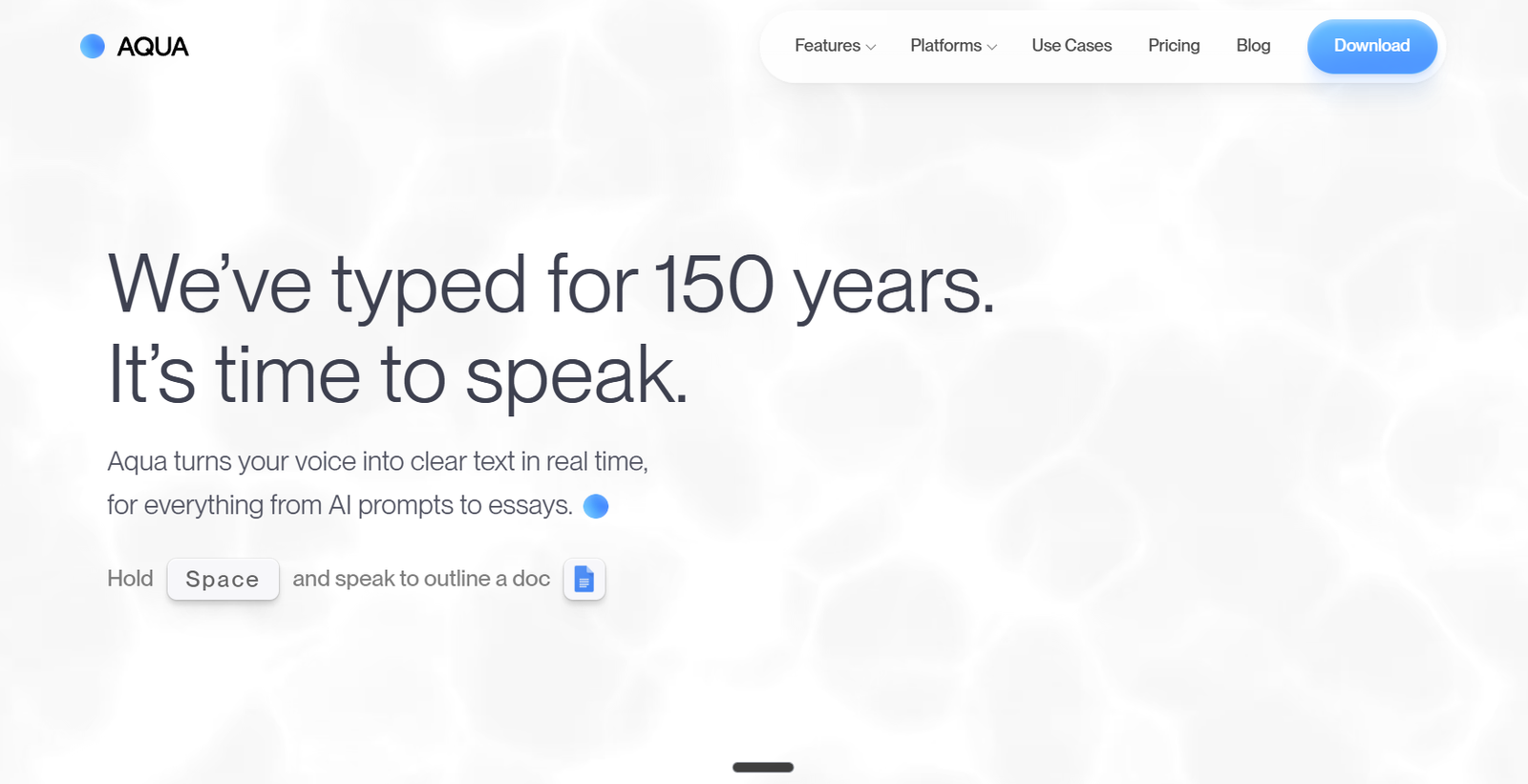
Aqua Voice is an AI powered voice dictation tool that turns spoken words into clean, formatted text across applications on Mac, Windows, and iPhone.
Instead of simply transcribing speech word for word, Aqua uses AI to refine spoken language as users dictate. It can correct grammar, add punctuation, improve formatting, and adapt the resulting text to the application where the user is working.
This makes Aqua useful for writing emails, documents, messages, AI prompts, notes, and technical instructions without relying heavily on a keyboard.
The platform is powered by Avalon, Aqua’s proprietary speech recognition model. Aqua reports 97.3% accuracy on the AISpeak benchmark and supports dictation in 49 languages.
Aqua is designed to work across applications rather than inside one dedicated editor. Users can dictate into tools such as email clients, messaging applications, browsers, document editors, coding environments, and AI assistants.
It is particularly useful for professionals, writers, developers, students, creators, and people who produce large amounts of text and want to reduce the time spent typing.
Features
AI Voice Dictation
Aqua converts natural speech into written text while automatically handling elements such as punctuation, grammar, and formatting.
Avalon Speech Recognition Model
The platform uses its proprietary Avalon model for speech recognition. Aqua states that Avalon reaches 97.3% accuracy on its AISpeak benchmark.
Up to 230 Words Per Minute
Aqua is designed for rapid voice input and states that users can dictate at speeds of up to approximately 230 words per minute.
Works Across Applications
Aqua can type into the active text field across supported applications. This allows users to dictate into documents, email, messaging apps, browsers, AI tools, coding environments, and other software.
49 Languages
Aqua currently supports dictation in 49 languages, including English, Hindi, Bengali, Marathi, Tamil, Urdu, French, German, Spanish, Portuguese, Mandarin, Cantonese, Japanese, Korean, Arabic, and many others.
Automatic Language Detection
Users can select Auto-Detect and allow Aqua to switch automatically between supported languages.
Custom Dictionary
Users can add names, brands, technical terms, product names, abbreviations, and other specialized vocabulary to improve transcription accuracy.
Custom Instructions
Paid users can give Aqua instructions about how their dictated text should be formatted or written.
For example, a user may want informal messages to remain conversational while work documents follow a more structured style.
Context-Aware Writing
Aqua adapts its output according to where the user is dictating. This helps it produce text suited to different applications and communication contexts.
Realtime Mode
Max subscribers can see their words appear on screen while they are still speaking rather than waiting until the end of the dictation.
Voice Commands
Realtime Mode also supports commands such as “Send it,” allowing users to dictate and send certain messages with less keyboard interaction.
Edit Mode
Aqua includes voice-based editing capabilities that help users modify existing text using spoken instructions.
Transcript History
Users can access previous transcripts, making it easier to recover or reuse earlier dictated content.
Privacy Mode
Users who enable Privacy Mode can prevent transcript content from being stored on Aqua’s servers.
Technical Vocabulary
Aqua is positioned for technical dictation as well as ordinary writing. Its custom dictionary can be useful for software development terms, product names, frameworks, libraries, and other specialized vocabulary.
Multi-Device Access
A single Pro account can be used across supported devices, with settings such as dictionaries and custom instructions synchronized between them.
Avalon API
Developers can also access Aqua’s Avalon speech recognition technology through an API for integration into their own applications.
How It Works
Step 1: Download Aqua Voice
Install Aqua on a supported Mac or Windows computer, or use the iPhone version.
Step 2: Grant Required Permissions
The application requires microphone access. Additional system permissions may be required depending on the operating system.
Step 3: Choose an Activation Key
Desktop users select a hold-to-talk key in Aqua’s settings.
Step 4: Open Any Text Field
Place the cursor in an email, document, chat, browser, AI assistant, coding environment, or other supported text field.
Step 5: Hold the Dictation Key
Press and hold the selected activation key while speaking naturally.
Step 6: Speak Normally
Users do not need to dictate punctuation manually in every sentence. Aqua processes the speech and converts it into structured text.
Step 7: Release the Key
After the user finishes speaking, Aqua inserts the processed text into the active application.
Step 8: Customize the Dictionary
Frequently used names, technical terms, brands, and specialized vocabulary can be added to the custom dictionary.
Step 9: Set Writing Preferences
Pro users can use Custom Instructions to tell Aqua how they want their text formatted and styled.
Step 10: Use Realtime Mode
Max subscribers can enable Realtime Mode to see words appear while speaking and access additional voice commands.
Use Cases
Business Professionals
Professionals can dictate emails, reports, project updates, proposals, meeting notes, and other workplace communication.
Writers
Writers can speak ideas, drafts, articles, outlines, and notes instead of typing everything manually.
AI Users
Aqua can be used to dictate longer prompts into AI assistants such as ChatGPT, Claude, Gemini, and Perplexity.
Speaking can make it easier to provide detailed context that users might otherwise omit when typing.
Software Developers
Developers can dictate prompts and instructions into tools such as Cursor, Claude Code, Codex, VS Code, and other development environments.
Students
Students can dictate notes, assignments, research ideas, study material, and AI prompts.
Content Creators
Creators can speak drafts for scripts, social posts, captions, newsletters, and other content.
Email Users
People who spend substantial time writing emails can dictate responses rather than typing each message manually.
Messaging
Aqua can be used in messaging and communication applications to turn speech into editable text instead of sending traditional voice notes.
Multilingual Users
Support for 49 languages makes Aqua useful for people who regularly dictate in languages other than English.
Accessibility and Reduced Typing
People who prefer voice input or want to reduce repetitive keyboard use can use Aqua as an alternative text-entry method.
Pricing
Aqua Voice currently offers Starter, Pro, Max, Team, and Business plans.
Starter: Free
The Starter plan includes 1,000 free words.
It provides access to the Avalon transcription model and allows users to test Aqua without entering a credit card.
The 1,000 words are a lifetime allowance rather than a recurring monthly allocation.
Pro: $8 per month with annual billing
Pro provides unlimited dictation.
It also includes Custom Instructions and an expanded Custom Dictionary.
The month-to-month Pro price is currently $10 per month.
One Pro account provides access to both the desktop and iOS applications.
Max: $24 per month with annual billing
Max includes everything available in Pro.
It also provides Realtime Mode, voice commands such as “Send it,” and early access to new features.
The month-to-month Max price is currently $30 per month.
Team: $12 per user per month
Team is designed for organizations with approximately 2 to 9 users.
It includes Pro features along with centralized billing, team-wide settings, and the ability to enforce Privacy Mode.
Business: Custom Pricing
Business is designed for organizations with 10 or more users.
Features include SSO/SAML and SCIM, advanced reporting, Zero Data Retention, team-wide dictionaries, and volume discounts.
Student Discount
Students with an eligible .edu email address can currently receive a 70% discount on Pro and Max.
With the student discount, Pro is listed at $3 per month or $2.40 per month when billed annually.
Max is listed at $9 per month or $7.20 per month when billed annually.
Pricing and promotional discounts can change, so users should check the current official pricing before subscribing.
Strengths
Works Across Apps
Aqua is not restricted to one writing editor. Users can dictate into many of the applications they already use.
High Reported Accuracy
Aqua reports 97.3% accuracy on the AISpeak benchmark for its Avalon speech recognition technology.
49 Languages
Broad multilingual support makes the platform relevant to users around the world.
Custom Vocabulary
The dictionary feature is particularly valuable for users who frequently dictate specialized terminology.
Context-Aware Output
Aqua attempts to adapt the resulting text to the application and writing context instead of producing only a raw transcript.
Useful for AI Prompts
Speaking detailed prompts can be faster and more natural than typing them, particularly when users need to provide substantial context.
Realtime Dictation
Max users can see words appear while speaking, creating a more immediate voice typing experience.
Privacy Controls
Privacy Mode allows users to prevent transcript content from being stored on Aqua’s servers.
Mac, Windows and iPhone Support
Aqua works across major desktop platforms and iOS.
Drawbacks
Aqua currently does not offer an Android application.
The free plan is limited to 1,000 lifetime words, so regular users will need a paid subscription relatively quickly.
Some advanced capabilities, including Realtime Mode and the “Send it” voice command, require the more expensive Max subscription.
Like all speech recognition systems, accuracy can vary according to microphone quality, accent, background noise, speaking style, and specialized vocabulary.
Users working with confidential information should review Aqua’s privacy settings carefully. When Privacy Mode is disabled, transcript data may be stored to the extent described in Aqua’s privacy policy.
Aqua is primarily a dictation and voice input tool rather than a complete transcription platform for meetings, interviews, podcasts, or large collections of recorded audio.
Comparison with Other Platforms
Aqua Voice competes with built-in operating system dictation, general speech-to-text services, and specialized AI voice input applications.
Standard dictation tools can provide basic speech-to-text functionality at no additional cost. However, they may offer fewer options for custom vocabulary, AI based text refinement, cross-application workflows, and personalized writing instructions.
Aqua differentiates itself by combining transcription with AI based refinement. Instead of only recording exactly what the user says, it attempts to turn natural spoken language into cleaner written communication.
Its support for 49 languages, custom dictionaries, Custom Instructions, Realtime Mode, and broad application compatibility further distinguishes it from basic system dictation.
Developers may also find Aqua particularly useful because it can recognize technical terminology and work directly inside AI coding tools and development environments.
However, users who only need occasional basic dictation may find the voice input already included with their operating system sufficient.
Customer Reviews and Testimonials
Aqua Voice displays multiple user testimonials on its official website.
The featured feedback comes from professionals, developers, creators, and other users who describe using Aqua as their regular dictation solution.
Several testimonials specifically highlight the convenience of Aqua’s voice input, transcription accuracy, Realtime Mode, and usefulness for AI-assisted coding and everyday communication.
The official website also displays comments from users who report switching from built-in system dictation to Aqua because of its overall voice input experience.
These testimonials are selected and displayed by Aqua Voice itself. They should therefore be treated as company-presented user feedback rather than independent review data.
Conclusion
Aqua Voice is a capable AI dictation platform for people who want to replace a significant amount of keyboard typing with natural speech.
Its strongest advantage is that it does more than basic speech transcription. Aqua uses AI to refine spoken language, correct grammar, format text, recognize specialized vocabulary, and adapt output to different writing situations.
Support for 49 languages, custom dictionaries, personalized writing instructions, Realtime Mode, Privacy Mode, and compatibility with Mac, Windows, and iPhone make it suitable for a wide range of professional and personal workflows.
It may be particularly valuable for writers, business professionals, developers, students, content creators, and heavy AI users who regularly produce long prompts, documents, emails, or messages.
The limited free allowance means frequent users will probably need a subscription, and Android users are not currently supported. However, for people who spend a large part of their working day typing and want to move toward voice-first text input, Aqua Voice provides a polished and flexible alternative.


