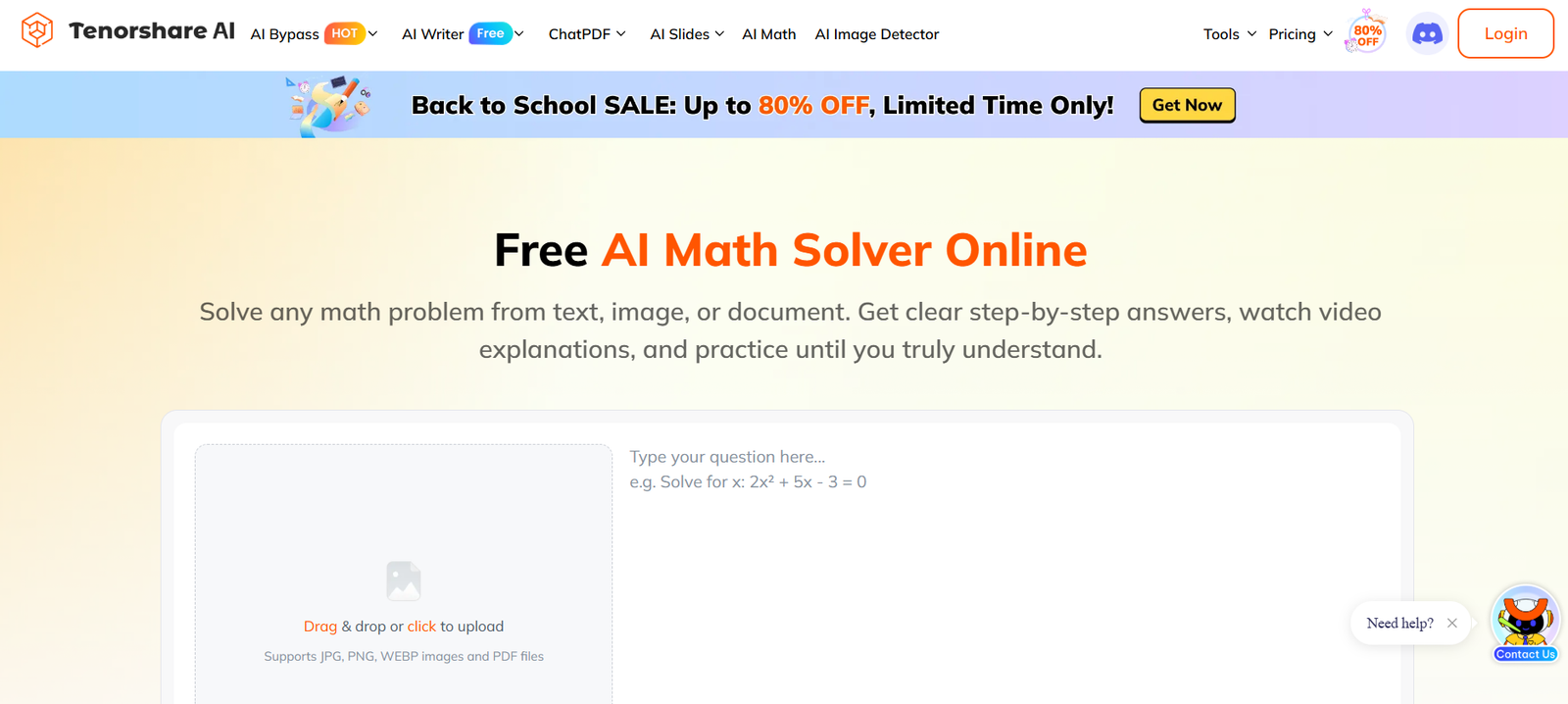
Tenorshare AI is a collection of online AI tools designed to help users with writing, document analysis, presentations, studying, translation, content editing, and other everyday productivity tasks.
Instead of concentrating on one AI function, the platform provides several specialized products. Its current suite includes AI Writer, AI Bypass and Humanizer, AI PDF, ChatPDF, ChatDOC, AI Slides, AI Math, AI Image Detector, and Diagrimo.
Writers and marketers can use its writing tools to generate, rewrite, translate, proofread, and improve content. Students and researchers can upload PDFs and documents, generate summaries, ask questions, and extract important information. Presentation users can create slides with AI, while the math product provides step-by-step solutions and study resources.
Tenorshare AI also provides AI content and image detection capabilities. Its AI Image Detector can analyze images for AI generation, deepfakes, and NSFW content.
The platform is primarily browser based, making it accessible to students, researchers, content creators, marketers, educators, business professionals, and other users looking for practical AI assistance without building their own AI workflows.
Features
AI Writer
Tenorshare AI Writer provides more than 120 AI writing tools. It can help users produce blog content, articles, advertisements, emails, paragraphs, speeches, social content, and other written material.
AI Humanizer
The Humanizer rewrites AI generated text to make the language sound more natural. It analyzes the original meaning while changing wording, sentence patterns, and overall flow.
Built-In AI Detector
Tenorshare provides AI detection capabilities for checking whether text appears to have been generated by AI models.
AI detection results should be treated as estimates rather than definitive proof of authorship.
AI PDF
Tenorshare AI PDF allows users to upload PDF documents and interact with them through conversational questions.
It can summarize long documents, identify important information, and answer questions based on uploaded content.
ChatPDF
ChatPDF provides conversational document analysis with structured summaries and source-based answers. The current service supports PDF, DOC, and DOCX files.
ChatDOC
ChatDOC is designed for reading, summarizing, searching, and analyzing documents through an AI chat interface.
AI Slides
Tenorshare AI Slides helps users generate presentations using AI. Users can create presentations of up to 30 slides on paid plans and export them to PowerPoint and other supported formats without a watermark.
AI Math
AI Math is an educational problem-solving tool that provides AI generated solutions, explanations, video lessons, practice tests, quizzes, and study guides.
AI Translator
The AI Translator supports more than 100 languages. Users can translate text and choose between different tones depending on whether they need professional, academic, creative, or other writing styles.
Grammar Checker
The writing suite includes grammar checking to identify and correct common writing errors.
Paraphrasing
Users can rewrite existing text while preserving its main meaning, making the feature useful for editing and improving drafts.
AI Email Writer
Tenorshare AI Writer includes tools for producing and refining email content.
Sentence Shortener
Long sentences can be condensed into shorter and clearer versions.
Paragraph Generator
Users can provide a small amount of information and generate structured paragraphs around a selected topic.
AI Image Detector
Tenorshare AI Image Detector analyzes images for signs of AI generation. It also includes deepfake and NSFW image detection.
Diagrimo
Diagrimo is Tenorshare’s AI visual and diagram tool. It is designed to turn ideas and text into visual diagrams that users can customize and share.
Multilingual Support
Several Tenorshare AI tools support multiple languages, making the platform useful for international users.
Browser-Based Access
Most tools can be accessed online without installing a dedicated desktop application.
How It Works
Step 1: Choose a Tenorshare AI Tool
Users first select the product that matches their task, such as AI Writer, AI PDF, AI Slides, AI Math, ChatPDF, or AI Image Detector.
Step 2: Provide the Input
The required input depends on the selected product. Users may enter text, upload a document, upload an image, provide a presentation topic, or enter a mathematical problem.
Step 3: Configure the Request
Where available, users can specify options such as language, tone, writing style, presentation requirements, or other preferences.
Step 4: Let AI Process the Content
The selected Tenorshare AI product analyzes the input and generates the requested output.
Step 5: Review the Result
Users should review generated text, summaries, translations, mathematical answers, and other outputs for accuracy before relying on them.
Step 6: Refine When Necessary
Writing can be rewritten or paraphrased, while document users can continue asking follow-up questions about uploaded files.
Step 7: Export or Use the Content
Depending on the product, results can be copied, downloaded, exported, or incorporated into another workflow.
Use Cases
Students
Students can summarize reading material, ask questions about documents, solve mathematics problems, generate study guides, and create presentations.
Researchers
Researchers can use AI PDF and document tools to examine lengthy papers and quickly locate relevant sections or concepts.
Writers
Writers can brainstorm ideas, generate drafts, paraphrase passages, check grammar, shorten sentences, and improve existing text.
Content Creators
Creators can prepare scripts, social media content, captions, articles, and other material with AI assistance.
Marketing Professionals
Marketing teams can use AI Writer for advertisements, emails, blog content, social posts, and other campaign material.
Business Professionals
Professionals can summarize reports, examine business documents, prepare presentations, draft emails, and translate material.
Teachers and Educators
Educators can use AI Math, presentations, document analysis, and writing tools when preparing educational materials.
International Users
Translation across more than 100 languages can assist people working with multilingual content.
Document-Heavy Workflows
People working with reports, manuals, contracts, ebooks, academic papers, and similar documents can use conversational document analysis to find information more efficiently.
Pricing
Tenorshare AI does not have one universal subscription covering every product. Individual AI tools have their own free and paid plans.
Tenorshare AI Writer
The Basic monthly plan is currently listed at $4.99 per month and includes up to 200,000 words per month.
The Pro monthly plan costs $19.99 per month and provides up to 1,000,000 words per month.
An Unlimited yearly option is also listed at $39.99 per month and includes unlimited words under its stated plan conditions.
Tenorshare AI PDF
A Free plan provides 30 questions per day, 3 files per month, up to 30 pages per file, a 36 MB file size limit, and 20,000 tokens per day.
Pro costs $4.99 per month.
The yearly Pro plan is listed at an equivalent $4.16 per month, billed at $49.95 annually.
Paid plans currently support 500 questions per day, 500 files per month, up to 2,000 pages per file, and 1,000,000 tokens per month.
Tenorshare ChatPDF
ChatPDF offers a Free plan with 20 questions per day and 3 files per month.
Pro costs $4.99 per month or an equivalent $4.16 per month when billed annually at $49.95.
The paid plan supports up to 500 questions per day and 500 files per month.
Tenorshare ChatDOC
ChatDOC also has a Free plan.
Pro currently costs $4.99 per month or an equivalent $4.16 per month with annual billing of $49.95.
Tenorshare AI Slides
The Free plan provides limited AI credits and allows presentations of up to 15 slides. Free exports contain a watermark.
Pro costs $9.99 per month.
The yearly plan is listed at an equivalent $4.99 per month, with $59.88 billed annually.
Paid users receive unlimited AI credits under the stated plan conditions, can create up to 30 slides, and can export without a watermark.
Tenorshare AI Math
The Free plan currently allows up to 5 questions per day, 3 video explanations per day, limited practice tests, and unlimited graphs.
Pro costs $9.99 per month.
The yearly option is listed at an equivalent $4.99 per month, billed at $59.88 annually.
Tenorshare AI Image Detector
A Free option includes 10 image checks.
The Basic annual plan is listed at an equivalent $2.99 per month, billed at $35.88 annually, and provides 150 image checks per month.
The Pro annual plan is listed at an equivalent $4.99 per month, billed at $59.88 annually, and provides 450 image checks per month.
Taxes may apply depending on the user’s location. Pricing and promotional discounts can change, so users should check the current pricing page for the individual product they intend to use.
Strengths
Broad AI Toolkit
Tenorshare AI covers writing, document analysis, presentations, mathematics, translation, humanization, diagrams, and image detection.
Free Options
Several products provide limited free usage, allowing users to test their main capabilities before subscribing.
Useful Document Tools
AI PDF, ChatPDF, and ChatDOC provide practical options for people who frequently work with lengthy documents.
120+ Writing Tools
The AI Writer offers a large collection of specialized writing functions rather than only a general-purpose text box.
Presentation Creation
AI Slides adds presentation generation to the platform, making Tenorshare AI useful beyond text creation.
Educational Features
AI Math combines problem solving with explanations, practice exercises, study guides, and video learning.
Multilingual Capabilities
Translation and multilingual writing features make the platform useful across different languages.
Simple Online Access
The browser-based approach lowers the technical barrier for ordinary users.
Drawbacks
Tenorshare AI consists of multiple products with separate pricing structures. Users who need several premium tools may therefore have to evaluate multiple subscriptions rather than purchasing one simple all-inclusive package.
Some product pages also contain promotional pricing and discounts, so users should carefully check renewal terms and final checkout prices.
AI generated writing, summaries, translations, and mathematical solutions can contain errors. Important academic, professional, legal, financial, or technical information should be independently verified.
AI detection should also be interpreted cautiously. No AI detector can reliably establish authorship in every case, and false positives or false negatives are possible.
The platform promotes its humanization features partly around reducing AI detection. Students and professionals should ensure their use complies with academic, workplace, publishing, and disclosure requirements.
Comparison with Other Platforms
Tenorshare AI differs from single-purpose AI services because it provides a collection of specialized tools within one broader AI ecosystem.
A dedicated writing platform may provide deeper content marketing or brand management capabilities, while specialized PDF assistants may concentrate entirely on document research. Similarly, dedicated presentation or mathematics platforms may offer more advanced functionality within their individual categories.
Tenorshare AI’s advantage is breadth. A user can move between writing, document analysis, translation, presentations, mathematics, diagrams, humanization, and image detection while remaining within the same product family.
This makes it particularly suitable for users who prefer several straightforward AI utilities rather than a highly specialized professional application.
However, users with advanced requirements in one specific category should compare the relevant Tenorshare product with dedicated alternatives before choosing a paid plan.
Customer Reviews and Testimonials
Tenorshare’s official AI pages display ratings, usage statistics, awards, and other trust indicators for its products.
For example, the company states that Tenorshare received recognition in the G2 Best Software Awards 2024 and holds ISO 27001 information security certification. It also presents large user and download figures across the wider Tenorshare ecosystem.
Some individual tools display user ratings on their official pages. However, company-displayed ratings and statistics should be distinguished from independent reviews of each specific Tenorshare AI product.
Prospective users may therefore want to test the available free versions and consult independent reviews when evaluating a particular paid tool.
Conclusion
Tenorshare AI is best understood as a growing collection of AI productivity tools rather than a single AI application.
Its suite covers several common tasks, including AI writing, text humanization, PDF summarization, document chat, presentations, mathematics, translation, diagrams, and AI image detection.
This broad approach makes it useful for students, educators, researchers, writers, marketers, content creators, and business professionals who regularly work with text and documents.
The availability of free tiers across several products also makes it relatively easy to test individual tools before paying.
The main consideration is that each product has its own capabilities, limits, and pricing. Users should therefore identify the specific Tenorshare AI tools they need and compare their plans individually. For people seeking a broad collection of accessible, browser-based AI productivity utilities, Tenorshare AI provides a versatile platform.