
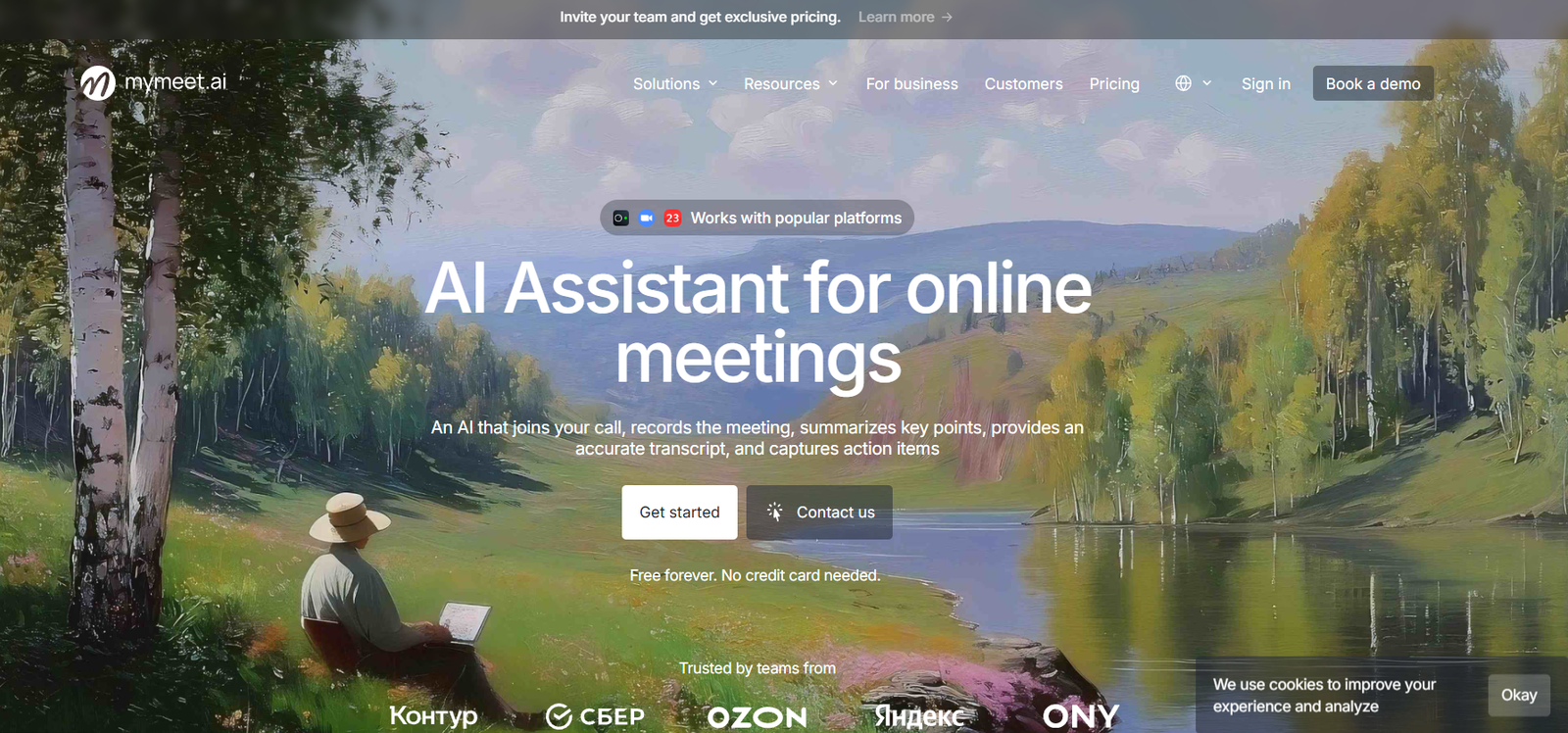
Mymeet.ai is an AI powered meeting assistant designed to reduce the manual work involved in recording, transcribing and reviewing online meetings. It can join online calls, record conversations, generate structured transcripts, summarize important points and identify tasks discussed during meetings.
Users can connect their calendars so the assistant can automatically capture scheduled meetings, invite the Mymeet.ai bot to a video call, or upload an existing audio or video recording for analysis.
The platform goes beyond simple transcription by offering AI Templates and AI Chat. Templates can analyze meetings according to specific business needs, while AI Chat allows users to ask questions about past conversations and quickly find decisions, deadlines, updates and blockers.
Mymeet.ai is suitable for sales teams, managers, recruiters, consultants, project teams and other professionals who regularly conduct online meetings and want an organized record of what was discussed.
Features
AI Meeting Recording
Mymeet.ai can join supported online meetings through its meeting bot and record conversations for subsequent transcription and analysis.
AI Transcription
Every processed meeting can include a complete written transcript. The transcript is organized to make lengthy conversations easier to review without replaying the entire recording.
Speaker Identification
The platform identifies speakers within the transcript, making it easier to understand who contributed specific information during a conversation.
Meeting Chapters
Long conversations can be divided into structured chapters. This helps users navigate directly to relevant topics rather than searching through the entire transcript.
AI Meeting Summaries
Mymeet.ai analyzes conversations and produces summaries highlighting important topics and information. This can reduce the time employees spend preparing meeting notes manually.
Action Items
The AI can identify tasks discussed during meetings, including responsibilities and deadlines when these are clearly mentioned in the conversation.
AI Chat
Users can ask questions about their meetings using AI Chat. For example, they can request important decisions, deadlines, project stages, blockers or other details from a conversation.
AI Chat can also help prepare follow up emails and meeting recaps based on what was actually discussed.
AI Templates
Mymeet.ai provides more than 10 ready made templates for analyzing different types of meetings. These templates can help teams extract information relevant to their particular workflow.
Custom AI Templates
Pro users can create customized AI Templates. Businesses can build analysis formats around their own sales processes, meetings, evaluation requirements or reporting structure.
Document to Template
Users can turn an existing document into an AI Template, making it easier to adapt meeting analysis to established company procedures.
Calendar Integration
Calendars can be connected with Mymeet.ai so scheduled meetings can be captured automatically.
Video Conferencing Integrations
The platform supports integrations with more than 10 video conferencing services. Its official materials specifically mention services such as Google Meet, Zoom, Microsoft Teams and Telemost.
CRM Integration
Mymeet.ai can connect meeting information with CRM workflows. This is particularly useful for sales organizations that want meeting summaries and customer conversation information connected with their sales processes.
Telegram Integration
The platform supports Telegram integration, allowing users to work with meeting related information and voice content through the messaging environment.
Audio and Video Playback
Meeting transcripts can remain synchronized with their source recordings, allowing users to review the original conversation when they need additional context.
Export Options
Meeting reports and transcripts can be exported in formats including DOCX, PDF and Markdown.
API Access
Paid plans provide API access, allowing developers and businesses to connect meeting information with their own applications and automated workflows.
MCP Integration
Mymeet.ai supports Model Context Protocol, or MCP. This allows compatible AI assistants to access meeting data such as transcripts, summaries, participants and tasks.
Through MCP, users can ask a compatible AI assistant questions about previous meetings without repeatedly copying transcripts manually.
Search Across Meetings
Connected AI agents can search meeting information by factors such as dates, participants, meeting names and keywords, helping users locate information across their meeting history.
Business Customization
The Business plan includes options such as customized meeting bots, custom terminology dictionaries, AI Template customization and custom integrations.
On Premise Deployment
For larger organizations with specific security or infrastructure requirements, Mymeet.ai also provides an on premise deployment option.
How It Works
Users first create a Mymeet.ai account and configure the integrations they need.
They can connect their calendar so the platform can identify scheduled meetings automatically.
For an online meeting, users can invite the Mymeet.ai bot to the call. Alternatively, they can upload an existing audio or video recording.
After the meeting, the platform processes the conversation and generates a transcript with speaker information and structured sections.
AI analysis then creates meeting insights, summaries and identified tasks.
Users can select AI Templates according to the type of meeting or create their own templates on supported plans.
Instead of reading the complete transcript, users can open AI Chat and ask questions about decisions, deadlines, project updates or other information discussed during the meeting.
Reports can then be shared through a link or exported in supported formats.
Teams using compatible AI assistants can also connect Mymeet.ai through its API or MCP functionality to access meeting information in other workflows.
Use Cases
Sales Teams
Sales representatives can record customer conversations, review meeting summaries and identify follow up tasks. Managers can also create specialized templates for evaluating sales conversations.
Managers
Managers can use summaries and action items to keep track of team discussions without manually preparing extensive meeting notes.
Project Teams
Project teams can identify decisions, deadlines, responsibilities and blockers discussed during meetings.
Recruiters
Recruiters can maintain organized transcripts of interviews and use customized templates to extract relevant information. Appropriate consent and privacy requirements should always be followed when recording interviews.
Consultants
Consultants can maintain structured records of client conversations and quickly review important requirements, decisions and follow up actions.
Customer Success Teams
Customer facing teams can review conversations to understand client requirements, concerns and agreed next steps.
Remote Teams
Distributed teams can use meeting reports to keep employees informed even when some team members cannot attend every call.
Business Owners
Business owners who participate in numerous meetings can use AI Chat to find information from previous conversations without manually searching through recordings.
Developers
Developers can use API and MCP functionality to integrate meeting information with AI assistants, applications and internal business systems.
Pricing
Mymeet.ai currently provides Free, Lite, Pro and Business plans.
Free
The Free plan costs $0 and is available without requiring a credit card.
It includes:
180 transcription minutes per month
10 AI Chat prompts
Calendar and video call integrations
Audio player
AI Templates
Files up to 1 GB
Lite
The Lite plan is listed at approximately $8 per user per month with longer term billing, while monthly pricing is shown at around $10 per user per month.
It includes 500 processing minutes per month, 10 AI Chat prompts, calendar and video call integrations, AI Templates, an audio player and files up to 1 GB.
Pro
The Pro plan is listed at approximately $28 per user per month with longer term billing, while monthly pricing is around $32 per user per month.
It includes unlimited minutes for supported online meetings, 2,000 minutes for uploaded files, unlimited AI Chat prompts, multiple AI Templates per meeting, custom AI Templates, audio and video playback, recording downloads, files up to 3 GB, integrations and 24/7 support.
Business
Business pricing is available on request and is intended for teams starting from three employees.
It includes Pro functionality along with additional capabilities such as a personal account manager, bot customization, custom terminology dictionaries, SSO, team pricing options and other business oriented services.
Pricing and plan details can change, so prospective users should check the current official pricing information before subscribing.
Strengths
Mymeet.ai combines meeting recording, transcription, summarization and task identification within one workflow.
AI Chat is particularly useful because users can interact with meeting information instead of manually reading long transcripts.
Custom AI Templates allow businesses to adapt meeting analysis to their own workflows rather than relying entirely on generic summaries.
Support for calendar, video conferencing, CRM and Telegram integrations helps the platform fit into existing business processes.
API and MCP support make Mymeet.ai useful beyond its own interface by allowing meeting information to become part of broader AI and automation workflows.
The availability of a free plan with 180 minutes per month also gives individual users and smaller teams an opportunity to test the service before paying.
Drawbacks
The Free plan has a relatively limited monthly transcription allowance and only 10 AI Chat prompts.
Lite users also have a fixed monthly processing allowance, so teams conducting many meetings may need the Pro plan.
Some of the platform’s most useful capabilities, including unlimited AI Chat, custom AI Templates and greater uploaded file capacity, require higher paid plans.
API and MCP functionality require a paid plan for actual access.
Like other AI transcription services, accuracy can be affected by poor audio quality, overlapping speakers, background noise, specialized terminology and unclear speech.
Organizations recording confidential or sensitive meetings should also evaluate their privacy, consent and data handling requirements before automatically recording conversations.
Comparison with Other Platforms
Mymeet.ai competes with AI meeting assistants such as Otter.ai, Fireflies.ai, Fathom, tl;dv and Notta.
While many platforms provide meeting transcription and summaries, Mymeet.ai places considerable emphasis on customizable AI analysis. Its AI Templates allow businesses to extract different information depending on the purpose of a meeting.
Another notable capability is its API and MCP support. Instead of keeping meeting information isolated within the platform, users on paid plans can make transcripts, summaries and meeting data accessible to compatible AI applications.
For organizations that simply need basic transcription, a simpler transcription service may be sufficient. For teams that want to analyze meetings, ask questions about previous conversations and integrate meeting knowledge with other AI workflows, Mymeet.ai offers a broader approach.
Customer Reviews and Testimonials
Customer reviews and testimonials are not clearly available on the official website in a form suitable for presenting as independently verified customer feedback.
Conclusion
Mymeet.ai is a practical AI meeting assistant for professionals and teams that want to spend less time taking notes and more time concentrating on conversations.
The platform handles several important post meeting tasks, including recording, transcription, summaries, action items and structured meeting analysis. AI Chat further helps users retrieve important information without searching manually through long transcripts.
Its AI Templates, calendar and conferencing integrations, API access and MCP connectivity make it particularly interesting for sales teams, managers, consultants and businesses looking to turn meeting conversations into reusable organizational knowledge.
Individual users can begin with the Free plan, while organizations conducting meetings regularly may benefit more from Lite, Pro or Business. For teams looking for more than straightforward transcription, Mymeet.ai provides a useful combination of meeting capture, AI analysis and workflow integration.


