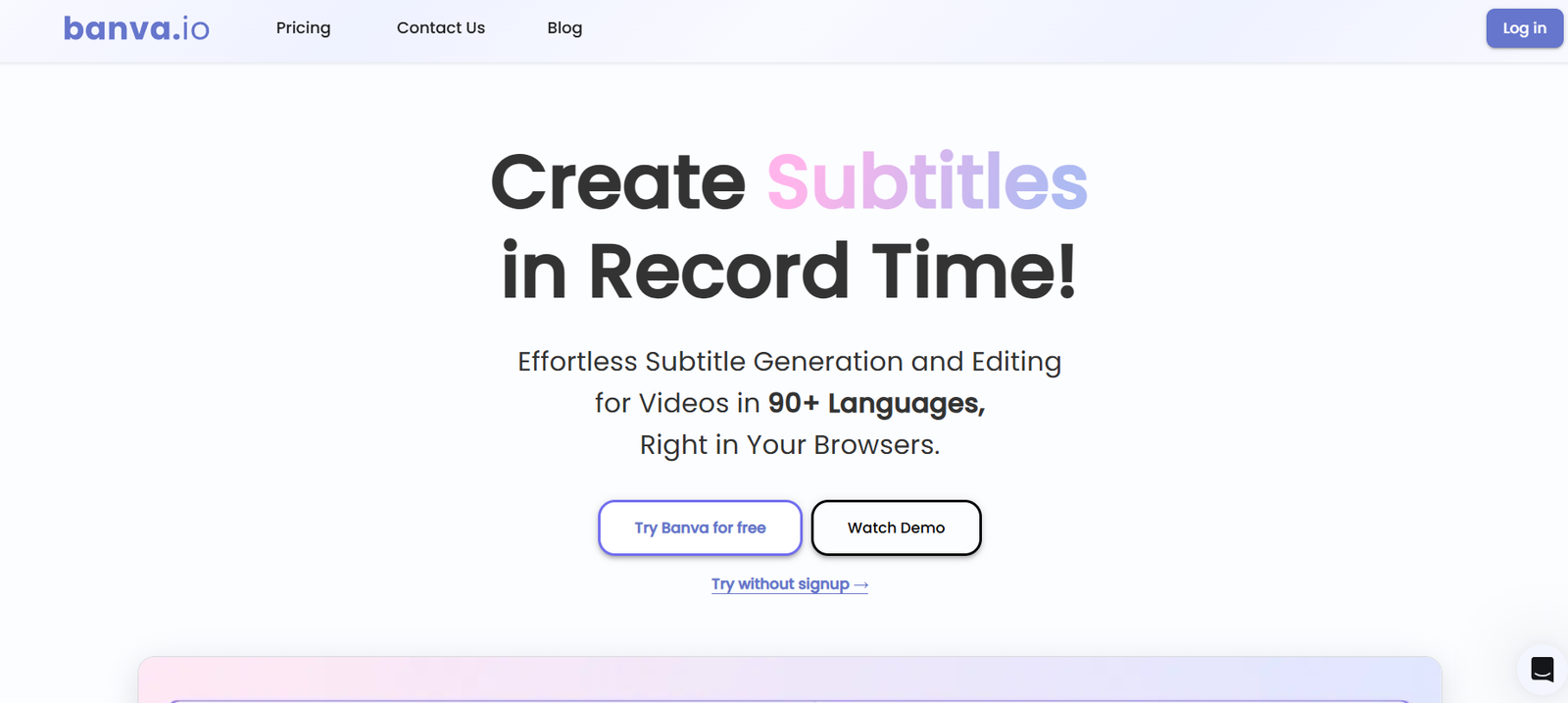
Banva is a browser based AI platform designed to simplify subtitle generation, audio transcription and translation. It allows users to upload video or audio files and automatically convert spoken content into editable text and subtitles.
The platform is particularly useful for video creators, YouTubers, social media professionals, educators, marketers and businesses that regularly work with spoken content. Banva supports more than 90 languages, making it suitable for users who want to create multilingual videos or make their content accessible to audiences in different regions.
Beyond automatic subtitle creation, users can edit subtitle text, adjust its appearance and export it in different file formats. Banva can also burn subtitles directly into a video, allowing creators to produce a finished video without relying on separate subtitle software.
The platform works through a web browser on desktop and mobile devices, so users do not need to install dedicated software.
Features
AI Subtitle Generation
Banva automatically converts speech from videos into timed subtitles using AI. This can significantly reduce the manual work involved in transcribing and synchronizing spoken content.
Audio Transcription
Users can upload audio content and turn spoken words into editable text. This can be useful for interviews, podcasts, lectures, meetings and other audio recordings.
90+ Language Support
Banva supports subtitle generation, transcription and translation across more than 90 languages. Supported languages include English, Hindi, Punjabi, Bengali, Marathi, Tamil, Telugu, Gujarati, Kannada, Spanish, French, German, Japanese and many others.
Subtitle Translation
Existing or newly generated subtitles can be translated into supported languages. This makes it easier for creators and businesses to repurpose the same video for audiences in different countries.
Subtitle Editor
Generated subtitles can be reviewed and edited before publishing. Users can correct transcription errors and refine the text to improve the final result.
Subtitle Styling
Banva includes tools for changing the visual appearance of subtitles. Users can work with fonts, animations, text effects, backgrounds and other styling options to make captions better suited to their videos.
Burn Subtitles into Video
Subtitles can be permanently embedded into a video. This is useful for social media content where viewers may watch videos without enabling a separate caption track.
Multiple Export Formats
Users can export subtitle and transcription content in formats including SRT, VTT, TXT and JSON. This provides flexibility when transferring the content to video editors, websites or other platforms.
Fast Processing
Banva processes larger files in separate parts to speed up subtitle generation. According to its website, an hour of video can typically be processed in less than five minutes.
Desktop and Mobile Access
The platform works through major web browsers on desktop and mobile devices. Users can also move between devices while working on their uploaded files.
How It Works
First, users upload a video or audio file to Banva.
Next, they select the language spoken in the media and choose the language in which they want the subtitles to be generated.
Banva processes the audio using AI and automatically creates timed subtitles or a transcription.
Users can then review the generated text and manually correct any words, timing or other details that require adjustment.
The subtitles can also be customized using available fonts, animations, effects, backgrounds and styling options.
Once editing is complete, users can download subtitles in formats such as SRT or VTT. They can also export other supported text formats or create a video with the subtitles permanently embedded.
Use Cases
YouTube Creators: Creators can generate subtitles for long form videos, tutorials, interviews and other YouTube content without manually transcribing every sentence.
Social Media Creators: Banva can help add visible captions to Reels, Shorts, TikTok style videos and other short form content.
Podcasters: Audio episodes and interviews can be converted into text for transcripts, articles, summaries or repurposed content.
Businesses: Companies can subtitle presentations, product demonstrations, training videos and other business communications.
Educators: Teachers and educational content creators can generate transcripts and subtitles for recorded lectures, courses and learning materials.
Marketers: Marketing teams can translate promotional videos into multiple languages to reach audiences in different markets.
Multilingual Content Creators: Creators working in Indian and international languages can generate and translate subtitles without maintaining a separate workflow for every language.
Researchers and Professionals: Recorded discussions, interviews and other spoken material can be converted into editable text for easier review and documentation.
Pricing
Banva provides 15 minutes of free AI generation credits when users create an account. These credits can be used to generate subtitles and other supported AI generated text.
After the free credits have been consumed, users can purchase additional credits. Credits are generally deducted according to the duration of the uploaded video or audio. Generating content in additional languages consumes credits separately.
For subtitle file translation, Banva calculates credit usage based on the amount of text being translated.
Editing, subtitle styling and burning subtitles into videos are presented as free features on the official website.
Prices may be displayed in the user’s local currency where supported, otherwise in US dollars. Exact current credit package prices are not clearly available on the publicly accessible pricing information reviewed, so users should check Banva’s purchase interface for the latest rates.
Strengths
One of Banva’s strongest features is its broad multilingual support. More than 90 supported languages make it useful for both international and regional content.
The combination of transcription, subtitle generation, translation, editing, styling and video export creates a relatively complete subtitle workflow within one browser based platform.
Support for formats such as SRT, VTT, TXT and JSON also makes it easier to incorporate generated content into existing editing and publishing workflows.
Another advantage is its credit based approach. Users receive initial free generation credits and can purchase more when needed rather than necessarily committing to a traditional subscription.
Its support for both desktop and mobile browsers can also be useful for creators who work across multiple devices.
Drawbacks
AI generated subtitles may still require human review. Accents, unclear speech, background noise, specialist terminology and multiple speakers can affect transcription quality.
Using several output languages can consume credits more quickly because each additional language generation may be charged separately.
Banva is primarily focused on subtitles, transcription and translation. Users seeking a complete AI video production platform may require additional software for advanced video editing or content generation.
The official website states that AI video dubbing or text to speech dubbing is not currently supported, although it is planned as a future feature.
As a browser based service, users also need an internet connection to upload, process and work with their media.
Comparison with Other Platforms
Compared with general transcription platforms, Banva places greater emphasis on the complete subtitle workflow. It combines automatic transcription with subtitle generation, translation, editing, visual styling and burned in video captions.
Compared with larger AI video creation suites, Banva is more specialized. It is primarily designed to solve the practical problem of turning spoken video or audio into subtitles and multilingual text rather than providing a complete AI video production environment.
Its support for more than 90 languages can make it particularly relevant for creators working across international audiences or producing content in Indian regional languages.
Users choosing between Banva and other subtitle platforms should compare language support, transcription accuracy, export options, editing tools and the cost of processing the amount of content they regularly produce.
Customer Reviews and Testimonials
Customer reviews and testimonials are not clearly available on the official website.
Conclusion
Banva is a useful AI powered platform for anyone who regularly needs subtitles, transcripts or translations for video and audio content. Its combination of automatic subtitle generation, multilingual translation, editing, styling and multiple export options can reduce the time involved in preparing accessible video content.
It can be particularly valuable for YouTubers, social media creators, educators, podcasters, businesses and marketing teams that publish content frequently or need to reach audiences speaking different languages.
The availability of initial free credits also gives new users an opportunity to test the subtitle generation workflow before purchasing additional credits. For users whose main requirement is fast multilingual subtitling and transcription rather than full AI video production, Banva offers a focused and practical solution.