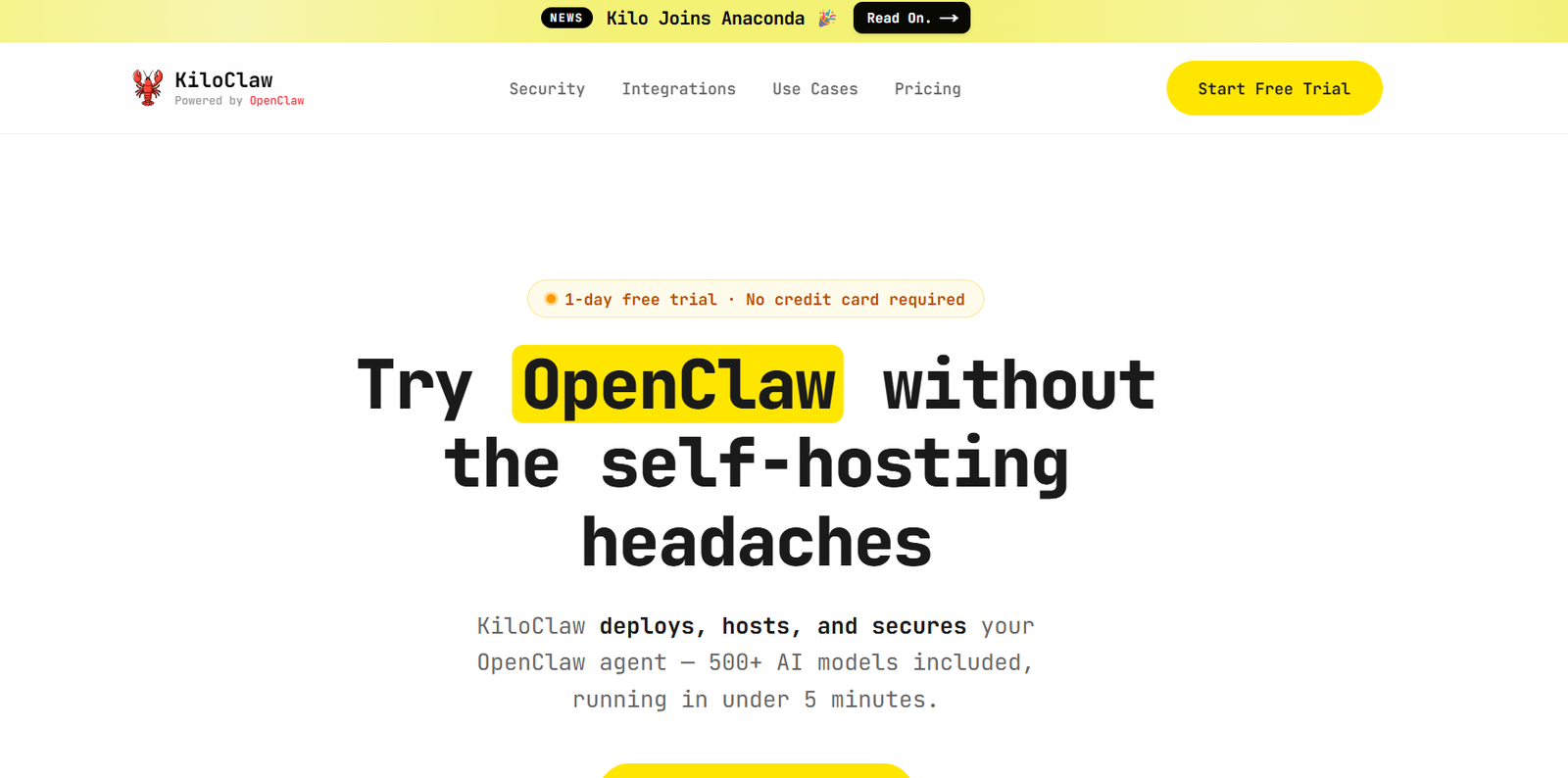
Kilo AI is an open source AI coding assistant built to help developers write, debug, review, and manage code more efficiently. It works across popular development environments, including Visual Studio Code, JetBrains IDEs, the command line, and cloud-based workflows. The platform supports more than 500 AI models, allowing developers to choose frontier models, open source models, or use their own API keys.
Kilo AI is designed for individual developers, engineering teams, and enterprises that want a flexible AI coding solution without being tied to a single AI provider. Its open source approach offers greater transparency, while its model routing and cost management features help users balance performance and expenses.
Features
Open Source AI Coding Assistant
Kilo AI is fully open source, allowing developers to inspect its source code, understand how it works, and even customize or self-host the platform according to their requirements.
Support for 500+ AI Models
The platform gives users access to hundreds of AI models from multiple providers. Developers can select premium models, open source models, local models, or connect their own API keys.
Multi-Platform Availability
Kilo AI works across VS Code, JetBrains IDEs, CLI environments, cloud agents, and collaboration platforms like Slack, allowing developers to continue projects across different workflows.
AI Coding Modes
Specialized modes help developers perform different tasks such as writing code, planning software architecture, debugging issues, reviewing code, and answering technical questions.
Smart Model Routing
Its Auto Model system automatically selects suitable AI models based on performance and cost preferences, helping users optimize coding efficiency without constantly switching models.
Cloud Agents
Cloud agents allow coding tasks to continue even after the local IDE is closed. Developers can run long-running workflows and automations remotely.
Codebase Understanding
Kilo AI understands large codebases through semantic search and project indexing, enabling more accurate code suggestions and contextual assistance.
Team Collaboration
Organizations can manage AI usage across teams, share coding sessions, collaborate on projects, and monitor adoption through centralized management features.
Transparent Pricing
The platform allows developers to use provider pricing without additional AI inference markups and also supports Bring Your Own Key (BYOK) for supported AI providers.
How It Works
Step 1: Install Kilo AI as an extension in Visual Studio Code or a supported JetBrains IDE, or use it through the CLI.
Step 2: Create a Kilo account and choose whether to use Kilo Gateway, local models, or your own API keys.
Step 3: Connect your preferred AI models or use the Auto Model routing system.
Step 4: Open your project and ask the AI assistant to generate code, explain functions, debug issues, or review changes.
Step 5: Continue development across IDEs, cloud agents, or supported collaboration tools while tracking usage and costs.
Use Cases
Software developers can generate, refactor, and debug code faster.
Engineering teams can collaborate on AI-assisted software development across multiple environments.
Open source contributors can inspect and customize the platform for their own workflows.
DevOps professionals can automate coding and scripting tasks using CLI and cloud agents.
Students learning programming can receive AI assistance while understanding complex code.
Technology startups can reduce development time with AI-powered coding workflows.
Enterprise engineering teams can manage AI adoption while controlling model selection and costs.
Pricing
Kilo AI offers free access through its Auto Free model tier with usage limits.
Paid usage is available through Auto Frontier, Auto Balanced, and Auto Efficient model tiers, with costs depending on the selected AI models and provider pricing.
Users can also use their own API keys (BYOK), paying providers directly without additional AI inference markup from Kilo.
Specific subscription pricing varies by selected services and credits, and detailed pricing is available through the official pricing portal.
Strengths
Supports more than 500 AI models from multiple providers.
Fully open source with transparent development.
Works across multiple IDEs, CLI, cloud, and collaboration tools.
Allows developers to use local models or their own API keys.
Smart model routing helps optimize cost and performance.
Strong flexibility for individual developers and enterprise teams.
Transparent pricing without general AI inference markups.
Drawbacks
Advanced cloud and collaboration features may require paid subscriptions.
The large number of supported models may feel overwhelming for beginners.
Developers unfamiliar with AI model selection may need time to choose the most suitable configuration.
Some advanced enterprise capabilities are designed primarily for professional development teams.
Comparison with Other Platforms
Compared with many AI coding assistants that focus on a single AI provider, Kilo AI offers broader flexibility by supporting hundreds of AI models, local deployment, and Bring Your Own Key options. Its open source architecture provides greater transparency than many proprietary coding assistants. Developers who value customization, provider independence, and pricing flexibility may find Kilo AI particularly appealing, while users seeking a simple plug-and-play experience may prefer more tightly integrated alternatives.
Customer Reviews and Testimonials
The official website includes customer testimonials and highlights widespread adoption among developers and engineering teams. Users emphasize its flexibility, open source approach, transparent pricing, and support for multiple AI models. However, comprehensive independently verified customer reviews and ratings are not clearly available on the official website.
Conclusion
Kilo AI is a powerful open source AI coding assistant built for modern software development. By supporting hundreds of AI models, multiple development environments, and transparent pricing, it provides developers with flexibility that many traditional AI coding tools do not offer. It is well suited for individual programmers, development teams, startups, and enterprises looking for an adaptable AI-powered coding platform that integrates naturally into existing workflows.