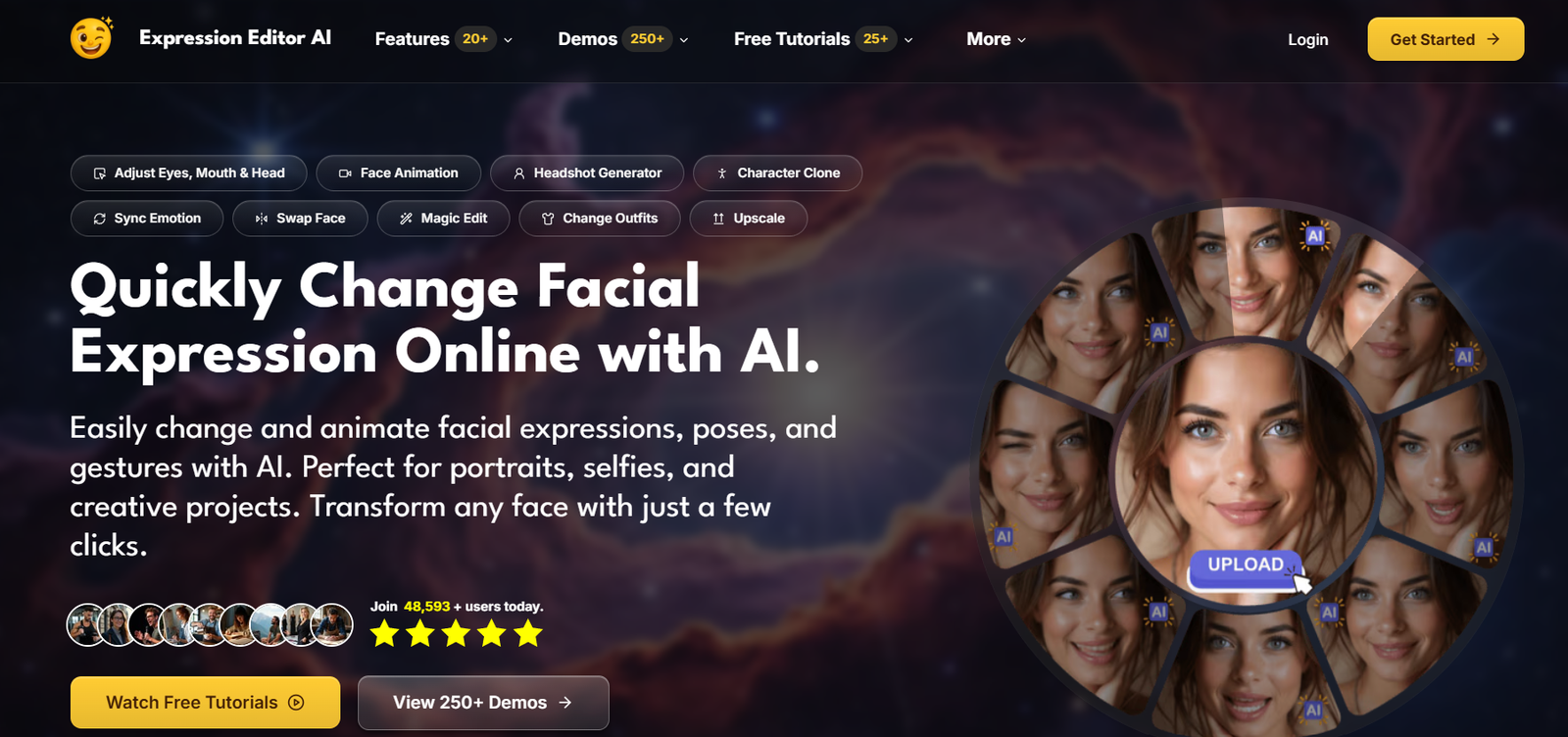
Expression Editor AI is an AI-powered photo editing platform that specializes in facial expression editing, portrait enhancement, and image animation. It enables users to modify facial expressions, adjust head poses, animate static photos, swap faces, change hairstyles, edit backgrounds, and perform a wide range of AI-assisted image transformations through an intuitive web interface.
Designed for photographers, designers, content creators, marketers, and social media users, the platform combines advanced AI models with easy-to-use editing tools, making professional-quality portrait editing accessible without complex software. The platform has expanded into a comprehensive suite of AI image editing features beyond its original facial expression editing capabilities.
Features
AI Facial Expression Editing
Users can modify smiles, eye movements, eyebrow positions, mouth shapes, and overall facial expressions while maintaining realistic facial details and natural-looking results.
AI Portrait Animation
Static portraits can be transformed into animated videos using text prompts. The AI creates natural facial movements and expressions for engaging visual content.
Face Swap and Face Clone
The platform allows users to swap faces between images or generate AI-based face clones while preserving identity and realistic facial features.
Pose and Camera Angle Editing
Users can adjust body poses, hand gestures, camera angles, head rotation, and perspective using AI-generated modifications instead of manually editing images.
Background and Scene Generation
Expression Editor AI enables users to replace backgrounds, generate new environments, and modify scenes with text prompts while keeping the main subject naturally integrated.
AI Image Enhancement
The platform includes image upscaling, colorization, object removal, portrait retouching, smart expansion, and intelligent image repair for improving photo quality.
Virtual Try-On and Style Editing
Users can change clothing, hairstyles, accessories, and headwear using AI while maintaining realistic lighting, proportions, and image quality.
How It Works
- Create an Expression Editor AI account.
- Upload a portrait or photograph.
- Choose an AI editing feature such as facial expression editing, animation, face swap, or scene generation.
- Enter text prompts or adjust the available controls.
- Let the AI process the image.
- Preview, refine if needed, and export the finished image or animation.
Use Cases
Photographers can enhance client portraits and correct facial expressions.
Content creators can generate animated profile pictures and social media visuals.
Marketing teams can create engaging promotional images.
Designers can edit portraits without advanced photo editing skills.
Businesses can produce professional headshots and branded content.
Social media users can create creative portraits, memes, and animated images.
Creative professionals can experiment with different poses, hairstyles, clothing, and backgrounds.
Pricing
Expression Editor AI offers two subscription plans:
- Creator Plan: 500 credits per month, unlimited exports, permanent cloud storage, and access to all core features.
- Pro Plan: 1,500 credits per month with advanced settings, higher-quality exports, additional customization options, and increased usage limits.
Both plans include flexible credit top-ups, unlimited exports, cloud storage, and the ability to cancel at any time. Pricing varies depending on monthly or yearly billing, with annual plans offering additional savings.
Strengths
- Comprehensive collection of AI portrait editing tools.
- Realistic facial expression editing and animation.
- Supports image editing and short video generation.
- Beginner-friendly interface with advanced capabilities.
- Frequent feature updates and platform improvements.
- Unlimited exports with paid subscriptions.
Drawbacks
- Credit-based usage limits apply to subscriptions.
- Some advanced features are available only on the Pro plan.
- Cloud-based processing requires an internet connection.
- Best results depend on the quality of uploaded images.
Comparison with Other Platforms
Unlike many AI photo editors that focus on only one or two editing functions, Expression Editor AI combines facial expression editing, portrait animation, face swapping, pose editing, background generation, virtual try-on, image enhancement, and AI-powered retouching in a single platform. Its specialized facial controls and portrait-focused workflow make it particularly suitable for creators working extensively with people and portrait photography rather than general-purpose image generation.
Customer Reviews and Testimonials
Customer reviews and testimonials are not clearly available on the official website.
Conclusion
Expression Editor AI is a powerful AI portrait editing platform for photographers, designers, marketers, and content creators who want professional-quality facial editing without complex software. Its extensive range of AI tools—including expression editing, portrait animation, face swapping, image enhancement, and scene generation—makes it a versatile solution for both creative and professional image editing workflows.