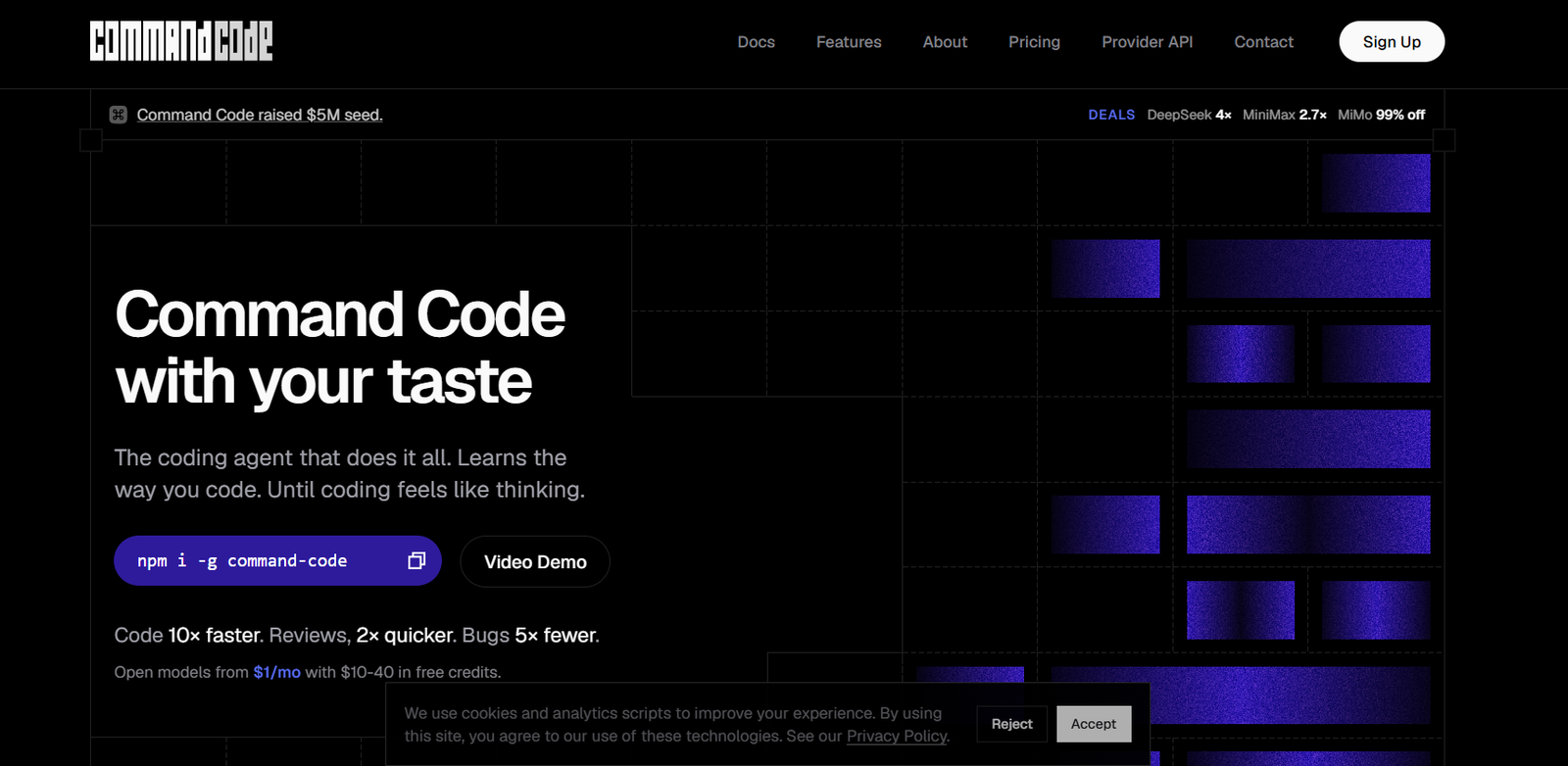
Command Code is an AI-powered coding agent built for developers who want to automate software development while maintaining their own coding style. Unlike traditional AI coding assistants, it continuously learns from your edits, approvals, and coding preferences to produce code that better matches your project’s architecture and standards.
The platform works directly from the command line and supports a wide range of development tasks, including writing new code, fixing bugs, refactoring projects, running tests, reviewing code, and managing repetitive development workflows. It also supports multiple leading AI models, allowing developers to choose the model that best fits their needs while keeping their coding experience consistent.
Features
AI Coding Agent
Command Code can generate code, modify existing projects, fix bugs, perform refactoring, and assist with software development tasks directly from the terminal.
Learns Your Coding Style
The platform continuously learns from accepted, rejected, and edited code. Over time, it adapts to your preferred coding conventions and project standards.
Persistent Memory
Command Code stores reusable project knowledge and personal coding preferences, reducing the need to repeat instructions in future sessions.
Multiple Working Modes
Developers can use interactive terminal sessions, automated command-line execution, background processing, and planning modes depending on their workflow.
Support for Multiple AI Models
The platform works with numerous AI providers, giving developers flexibility to choose from both proprietary and open-source language models.
Built-in Development Tools
Command Code includes shell commands, file operations, search capabilities, testing support, reusable skills, plugins, MCP server integration, and custom commands for advanced workflows.
Team Collaboration
Teams can share learned coding skills and reusable project knowledge, helping maintain consistent coding standards across development teams.
How It Works
- Install Command Code using the provided command-line installer.
- Sign in to your account.
- Connect your preferred AI model or supported provider.
- Open your software project in the terminal.
- Ask the AI to generate code, fix issues, review files, or refactor your project.
- Accept or edit the generated output.
- Command Code learns from your feedback and improves future suggestions automatically.
Use Cases
Software developers can automate coding, debugging, testing, and refactoring tasks.
Development teams can maintain consistent coding standards by sharing learned project skills.
Open-source contributors can speed up pull requests and code reviews.
Startup engineering teams can rapidly build new features while maintaining code quality.
Freelance developers can reduce repetitive coding work and complete projects more efficiently.
Students learning programming can use the tool to understand coding patterns and accelerate development.
Pricing
Command Code offers a free plan for individual developers. Paid plans are also available, including Go, Pro, and Team options that provide additional compute resources, team features, and expanded capabilities. The official website also highlights a Go plan starting from $1 per month, with usage credits for supported AI models. Users should verify the latest pricing on the official website, as plans may change over time.
Strengths
- Learns individual coding preferences over time.
- Works directly from the command line.
- Supports multiple leading AI models.
- Automates coding, testing, debugging, and refactoring.
- Includes persistent memory for improved productivity.
- Offers team collaboration through shared skills.
- Flexible workflow with interactive and automated modes.
Drawbacks
- Primarily designed for command-line users, which may require a learning curve for beginners.
- Most advanced collaboration and compute features are available only in paid plans.
- The platform is focused on software development and is not intended for general-purpose AI writing or content creation.
- Developers unfamiliar with terminal-based tools may need time to become comfortable with the workflow.
Comparison with Other Platforms
Command Code differs from many AI coding assistants by focusing on continuous learning of each developer’s coding preferences rather than providing generic code suggestions. While many coding tools generate code based only on prompts, Command Code builds persistent knowledge from user feedback, remembers project-specific conventions, and emphasizes long-term developer productivity through reusable skills and memory.
Customer Reviews and Testimonials
The official website includes testimonials from developers and technology founders who highlight the platform’s ability to learn coding preferences, improve code quality, and effectively use open AI models for software development. However, the number of detailed customer reviews on the official website is currently limited.
Conclusion
Command Code is a powerful AI coding agent for developers who want more than basic code generation. Its ability to learn coding preferences, remember project knowledge, automate development workflows, and support multiple AI models makes it well suited for individual developers, engineering teams, startups, and open-source contributors. For developers looking to streamline software development while maintaining consistent coding standards, Command Code offers a practical and intelligent solution.