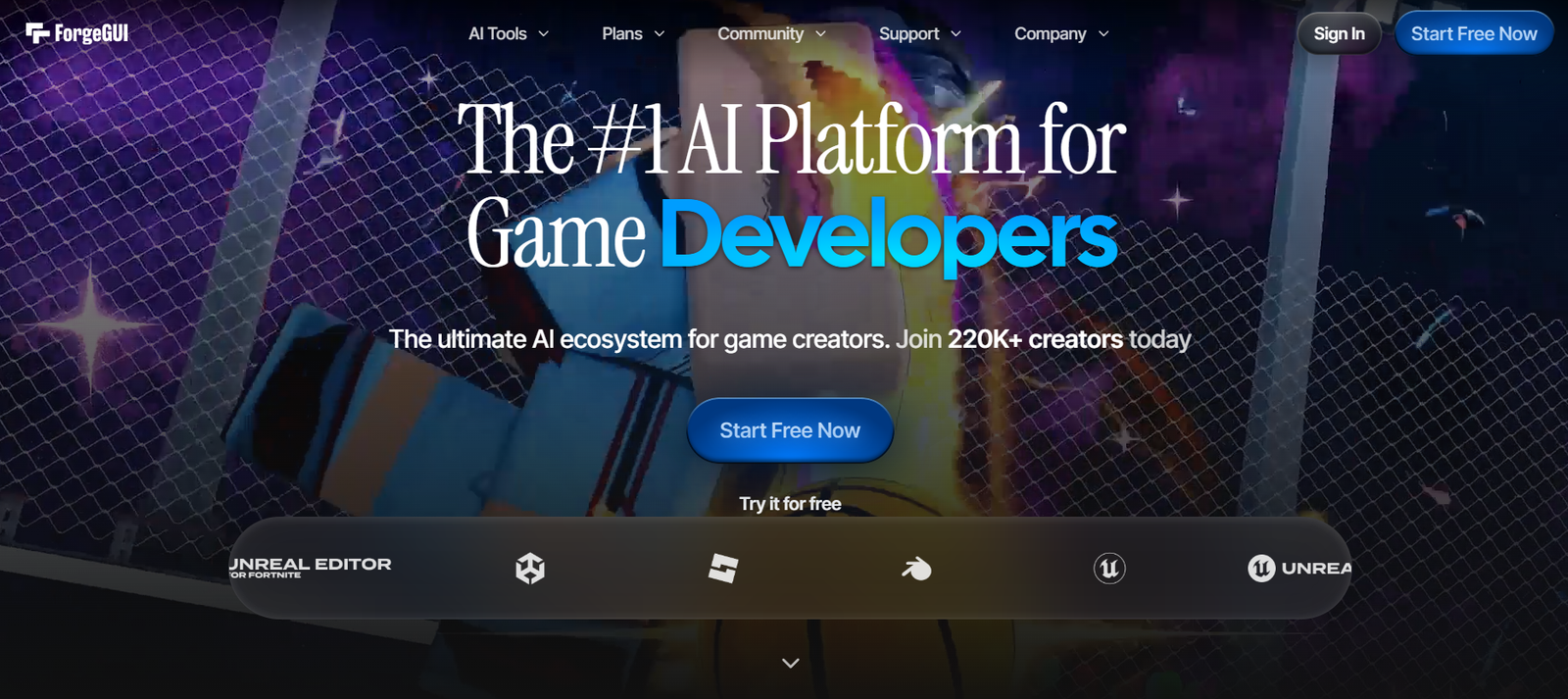
ForgeGUI is an AI-powered platform designed to help game developers generate game assets through simple text prompts. Instead of spending hours creating graphics or interface elements manually, users can describe what they need and let the AI produce assets within seconds. The platform supports a variety of game development workflows, making it suitable for independent creators, studios, hobbyists, and professionals.
The platform focuses on generating assets such as game UI components, icons, thumbnails, graphics, and certain 3D assets. It also allows users to maintain a consistent visual style by using reference images. Generated assets can be exported in formats compatible with popular game development platforms including Roblox Studio, Unity, Unreal Engine, Fortnite UEFN, Minecraft, and Blender.
Features
AI Asset Generation
Users can create game assets by simply describing their ideas in natural language. The AI converts prompts into visual assets without requiring advanced design skills.
Complete UI Generation
ForgeGUI can generate multiple interface elements together, including buttons, health bars, inventory panels, icons, menus, and HUD components while maintaining a consistent appearance.
Style Reference Support
Users can upload existing interface designs or screenshots as style references. The AI uses these references to create assets that match the desired visual theme.
Asset Customization
Generated assets can be refined by adjusting layouts, colors, borders, spacing, and text overlays directly within the platform.
Cross Platform Compatibility
The platform supports developers working with Roblox Studio, Unity, Unreal Engine, Fortnite UEFN, Minecraft, Blender, mobile games, and other game development environments.
Export Options
Finished assets can be exported as PNG images, ZIP packages, GLB files, and other supported formats for integration into game projects.
Commercial Usage Rights
According to the official website, users receive commercial usage rights for assets they generate, allowing them to use, modify, distribute, or sell those assets within their games.
How It Works
- Create a ForgeGUI account.
- Enter a text prompt describing the asset you want to generate.
- Optionally upload a reference image to guide the visual style.
- Allow the AI to generate one or more assets.
- Customize colors, layouts, borders, or other design elements if needed.
- Export the finished assets in supported formats.
- Import the assets into your preferred game development software.
Use Cases
Independent game developers can rapidly create UI assets and promotional graphics without hiring designers.
Roblox creators can generate thumbnails, interface elements, and game icons for their experiences.
Unity and Unreal Engine developers can design interface components for prototypes and production projects.
Game studios can speed up asset creation during early development stages.
Students learning game development can build professional-looking projects without advanced graphic design skills.
Content creators can produce promotional game graphics and store assets for marketing purposes.
Pricing
ForgeGUI offers a free plan with starter credits for new users. Premium subscription plans provide additional credits, faster generation, and access to advanced features. Public pricing information also lists Starter, Pro, and Studio plans with different monthly credit allocations. Pricing may change over time, so users should verify the latest plans on the official website before subscribing.
Strengths
- Easy to use with natural language prompts.
- Speeds up game asset creation significantly.
- Supports multiple game development platforms.
- Generates complete UI sets with consistent styling.
- Offers style reference functionality.
- Includes export formats suitable for game engines.
- Provides commercial usage rights for generated assets.
Drawbacks
- AI-generated assets may still require manual refinement for complex projects.
- Credit-based generation may limit heavy users on lower-tier plans.
- Advanced customization options may not completely replace professional design software.
- Output quality depends on the quality and clarity of user prompts.
Comparison with Other Platforms
ForgeGUI focuses specifically on AI-assisted game asset generation rather than being a general-purpose image generation platform. Unlike broader AI art tools, it is designed around game development workflows with features such as UI generation, style consistency, export options for game engines, and compatibility with platforms like Roblox Studio and Unity. Developers seeking game-specific asset creation may find these specialized capabilities more suitable than general AI image generators.
Customer Reviews and Testimonials
The official website showcases a growing community of game developers using the platform and highlights adoption among developers across multiple game engines. However, detailed customer reviews and individual testimonials are not clearly available on the official website.
Conclusion
ForgeGUI is a practical AI tool for game developers who want to accelerate asset creation without extensive graphic design experience. Its support for text-based generation, reference-guided styling, UI creation, and compatibility with major game development platforms makes it a useful solution for indie developers, studios, students, and content creators. While manually refining generated assets may still be necessary for some professional projects, ForgeGUI can significantly reduce the time required to create high-quality game visuals.