
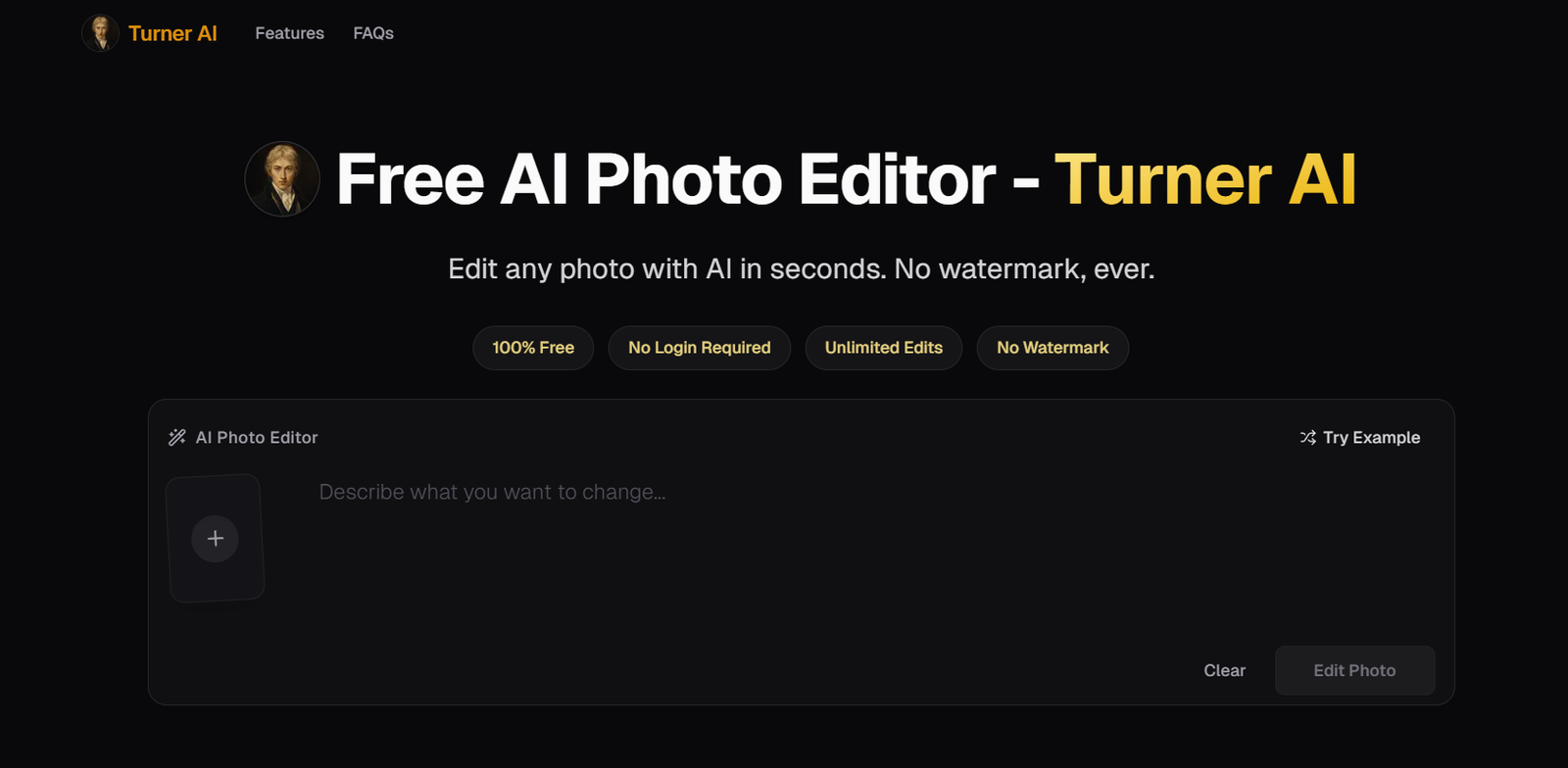
Turner AI is a browser-based AI photo editing tool that enables users to edit existing images using simple text instructions. Instead of relying on traditional editing software, users can upload a photo, describe the changes they want, and let the AI perform localized edits while preserving the overall composition of the image.
The platform focuses on making image editing accessible to everyone, regardless of design experience. It supports common editing tasks such as removing unwanted objects, changing backgrounds, adjusting colors, improving lighting, and adding small visual details. Since Turner AI works directly in a web browser, users do not need to install any software or create an account to get started.
It is suitable for content creators, marketers, small businesses, students, and anyone looking for a fast and straightforward way to edit photos.
Features
AI Photo Editing with Text Prompts
Turner AI allows users to edit photos by simply describing the desired changes in everyday language. There is no need for advanced editing knowledge or complicated prompt writing.
Background Replacement
Users can replace existing backgrounds with new scenes while keeping the main subject recognizable and naturally blended into the new environment.
Object Removal
The platform can remove unwanted objects from photos while maintaining a clean and realistic appearance.
Color Editing
Specific colors within an image can be changed without affecting textures, shapes, or lighting, making targeted edits simple.
Lighting and Mood Enhancement
Users can improve image atmosphere by adjusting brightness, lighting, shadows, or overall mood through natural language instructions.
Text and Detail Editing
Small elements such as labels, logos, icons, or text can be added, modified, or removed without recreating the entire image.
Browser-Based Editing
Turner AI works entirely online, allowing users to edit images from desktops, tablets, or smartphones without downloading software.
Privacy-Focused Processing
According to the official website, anonymous image edits are processed for editing purposes and are not permanently stored.
How It Works
- Visit the Turner AI website.
- Upload the image you want to edit.
- Enter a simple text instruction describing the desired changes.
- Allow the AI to process the image.
- Review the edited result and download it if it meets your requirements.
- Repeat the process if additional refinements are needed.
Use Cases
Content creators can quickly improve images for blogs, social media, and videos.
Marketing teams can edit promotional images without using complex graphic design software.
E-commerce sellers can create cleaner product images by removing backgrounds or unwanted objects.
Small businesses can prepare professional marketing visuals with minimal effort.
Students and educators can enhance project images and presentations.
Freelance designers can use the platform for quick editing tasks before completing final designs.
Personal users can improve travel photos, family pictures, and everyday images for sharing online.
Pricing
According to the official website, Turner AI is free to use for basic photo editing. Users can begin editing without creating an account. The website mentions that anonymous users may experience a short processing queue, but no trial limits are stated for basic editing. Detailed premium pricing information is not clearly available on the official website.
Strengths
Turner AI is free to start with no login required.
The platform uses natural language instructions instead of complex editing tools.
It performs localized edits while preserving the original image structure.
The interface is simple and beginner-friendly.
It works on desktop and mobile browsers without software installation.
Anonymous image processing includes privacy protections for uploaded files.
Drawbacks
The platform is designed primarily for editing existing images rather than generating entirely new artwork.
Advanced editing capabilities and premium options are not fully explained on the official website.
AI-generated edits may vary depending on the complexity of the requested changes.
Anonymous users may experience waiting times during busy periods.
Comparison with Other Platforms
Unlike many AI image editors that focus heavily on generating entirely new images, Turner AI specializes in making controlled edits to existing photos. Its plain-language editing approach removes much of the learning curve associated with professional editing software. Users who need quick, localized modifications rather than complete image generation may find Turner AI particularly useful.
Customer Reviews and Testimonials
Customer reviews and testimonials are not clearly available on the official website.
Conclusion
Turner AI is a practical AI-powered photo editing solution for users who want to make quick and natural-looking changes to existing images. Its browser-based interface, free access, and simple text-prompt editing make it suitable for beginners as well as professionals seeking fast editing workflows. Anyone looking for an easy way to enhance photos without learning traditional editing software may find Turner AI to be a valuable tool.


