
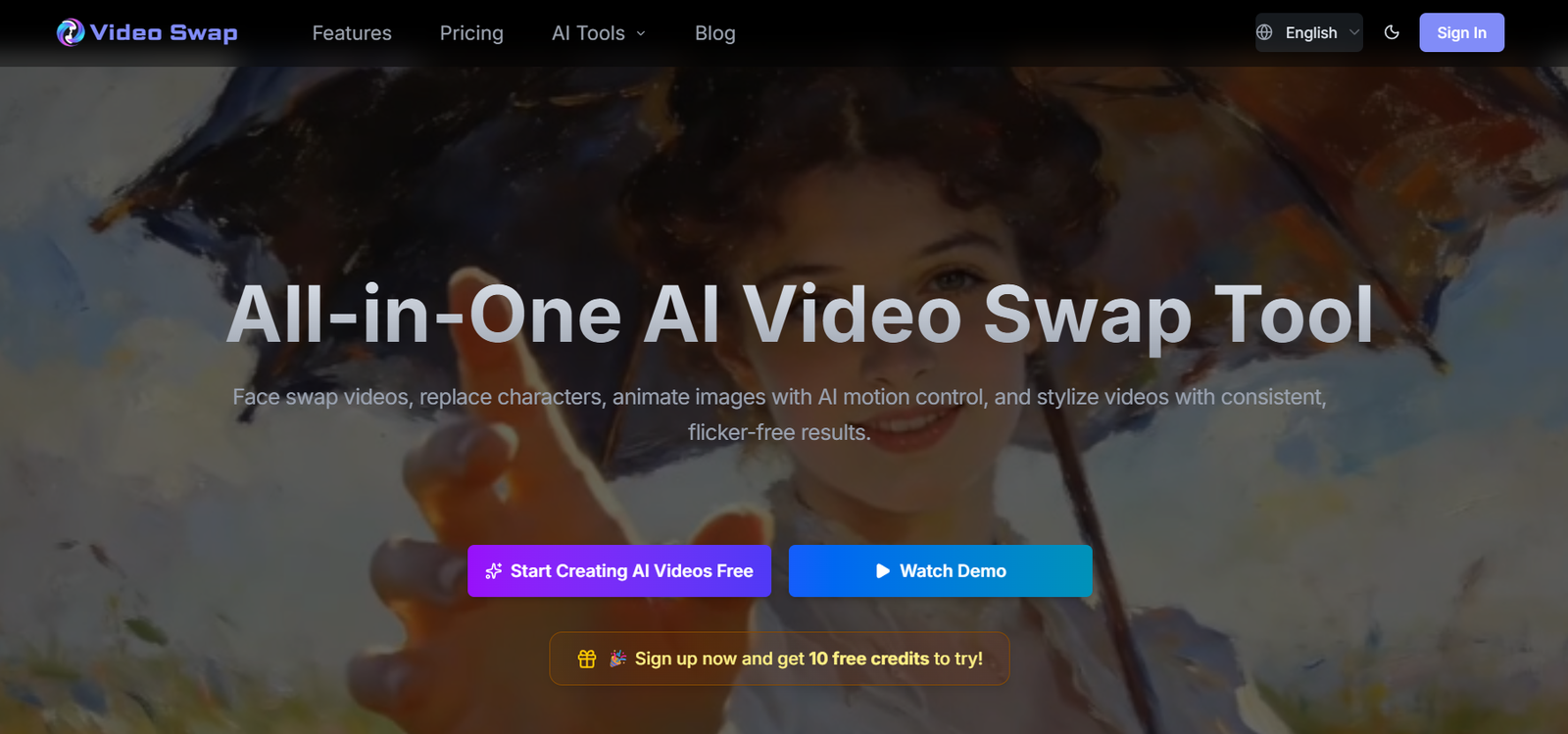
VideoSwap AI is an AI-powered video editing platform that enables users to create realistic face swaps, replace video characters, animate static images, and apply artistic video styles without advanced editing skills. Designed for creators, marketers, businesses, and video professionals, the platform combines multiple AI video tools into a single online workspace.
The platform focuses on producing smooth, high-quality video transformations while preserving facial expressions, lighting, motion, and scene consistency. Instead of requiring manual video editing, users simply upload a reference video and an image, allowing the AI to generate professional-looking results automatically.
Whether creating social media videos, advertising campaigns, entertainment content, or promotional materials, VideoSwap AI simplifies complex video editing tasks and helps users generate engaging visual content more efficiently.
Features
AI Video Face Swap
VideoSwap AI replaces faces in videos while preserving natural facial expressions, movements, lighting, and overall video quality. The AI tracks faces frame by frame to produce realistic results.
Character Replacement
Users can replace an entire character in a video with another person while maintaining the original actions, background, and scene consistency. This is useful for creative storytelling, advertising, and entertainment projects.
AI Motion Control
The platform can animate static images by transferring natural movements, allowing users to create dynamic videos from still photos.
Video Style Transfer
VideoSwap AI applies artistic styles to videos while maintaining temporal consistency and reducing flickering between frames.
High-Quality Video Generation
The platform supports HD video generation, helping users create professional-quality content suitable for commercial and personal projects.
Browser-Based Platform
Users can access all tools directly from a web browser without downloading or installing additional software.
Commercial Use License
Paid plans include commercial usage rights, allowing businesses and creators to use generated content professionally.
How It Works
Users begin by selecting the desired AI tool, such as Face Swap, Character Swap, Motion Control, or Style Transfer. They upload the required images or videos and allow the AI to process the content. The platform automatically analyzes facial features, movements, and scene elements before generating the transformed video. Once complete, users can preview and download the finished result for publishing or further editing.
Use Cases
Content Creators
Produce engaging videos for YouTube, TikTok, Instagram Reels, and other social media platforms.
Digital Marketers
Create promotional videos, advertising variations, and branded marketing campaigns.
Businesses
Generate professional product demonstrations, promotional content, and corporate videos.
Video Editors
Accelerate editing workflows by automating face replacement, animation, and style transfer.
Entertainment Studios
Create creative storytelling, character transformations, and visual effects for film and digital media.
Social Media Managers
Develop attention-grabbing content that increases audience engagement across multiple platforms.
Pricing
VideoSwap AI offers multiple subscription plans.
Free Plan
- 10 free credits for new users.
Pro Plan
- Starts at $36.90 per month
- 1,000 credits
- HD video generation
- Face swap and character replacement
- AI motion control
- Video style transfer
- Commercial use license
- Priority support
Ultimate Plan
- Starts at $148.90 per month
- 4,300 credits
- Includes all Pro features with a larger monthly credit allocation.
Strengths
VideoSwap AI combines multiple AI video editing tools within a single platform, eliminating the need for separate applications. It produces realistic face swaps, maintains scene consistency, supports HD video generation, and includes commercial licensing for professional use. Its browser-based interface makes advanced AI video editing accessible to beginners and experienced creators alike.
Drawbacks
The platform uses a credit-based pricing system, which may require additional credits for larger projects. High-quality video generation can consume credits quickly, and processing times may vary depending on video length and complexity. Some advanced features are only available through paid subscriptions.
Comparison with Other Platforms
Unlike many AI face swap tools that focus solely on facial replacement, VideoSwap AI combines face swapping, character replacement, AI motion control, and video style transfer within one platform. This integrated approach allows creators to complete multiple types of AI video editing without switching between different applications. Its emphasis on consistent video quality and commercial-ready output makes it suitable for both individual creators and professional teams.
Customer Reviews and Testimonials
The official website includes customer testimonials from creators and professionals who highlight the platform’s realistic video quality, ease of use, and efficient AI-powered editing workflow. Users particularly appreciate the natural-looking face swaps, smooth character replacement, and time-saving automation.
Conclusion
VideoSwap AI is a comprehensive AI video editing platform that helps users create realistic face swaps, replace characters, animate images, and transform videos with AI-powered effects. Its combination of multiple creative tools, browser-based accessibility, and commercial licensing makes it suitable for content creators, businesses, marketers, and video professionals.
For users looking to streamline AI-powered video production while maintaining high visual quality, VideoSwap AI offers a practical and feature-rich solution.


