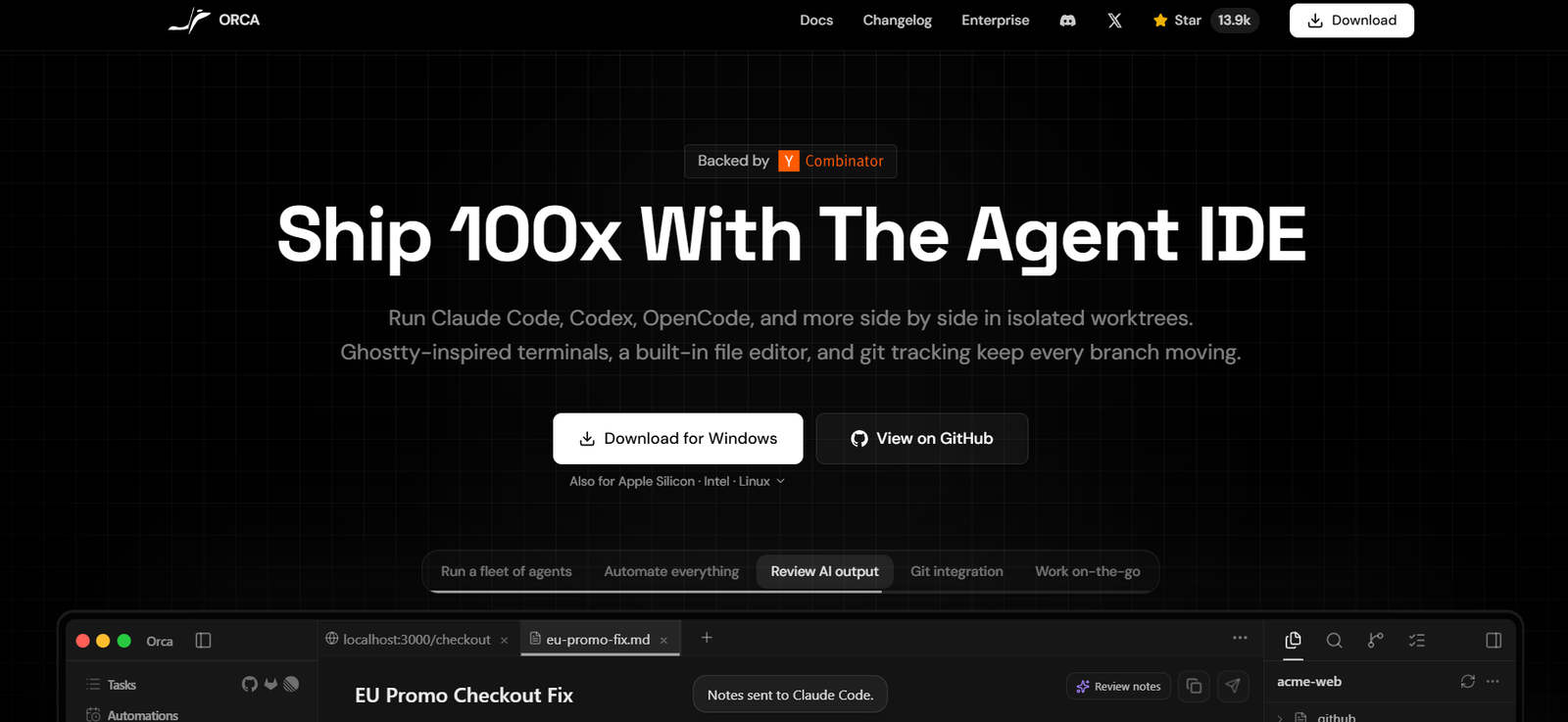
Orca is an AI-powered Agent Development Environment (ADE) built for developers who work with AI coding assistants. Instead of using a traditional IDE, Orca provides a dedicated workspace where multiple AI coding agents can run simultaneously in isolated Git worktrees. This approach enables developers to experiment with different AI models, compare solutions, and accelerate software development without disrupting their existing workflow.
The platform supports popular AI coding agents such as Claude Code, Codex, Gemini, Cursor CLI, GitHub Copilot, OpenCode, and many other CLI-based agents. Developers can bring their own AI subscriptions while using Orca as a centralized environment for coding, reviewing changes, managing Git repositories, and collaborating across projects.
Available for macOS, Windows, Linux, and companion mobile devices, Orca is suitable for individual developers as well as engineering teams looking to improve AI-assisted software development workflows.
Features
Parallel AI Coding Agents
Run multiple AI coding assistants simultaneously, allowing different agents to solve the same problem independently for easy comparison.
Git Worktree Isolation
Each AI task operates within its own Git worktree, preventing conflicts between branches and eliminating the need for constant branch switching.
Support for Multiple AI Models
Use existing subscriptions with Claude Code, Codex, Gemini, Cursor CLI, GitHub Copilot, OpenCode, and many other CLI-based AI coding tools.
Built-in Terminal and File Editor
Access integrated terminals, file editing, Git tracking, and code review tools within a single development environment.
Browser Design Mode
Interact with live web applications through an embedded browser that allows AI agents to inspect and modify web interfaces.
GitHub and Linear Integration
Manage pull requests, issues, and project boards directly inside the application without switching between multiple tools.
Remote Development
Connect to remote servers through SSH while maintaining full access to AI agents, file editing, and Git operations.
Mobile Companion
Monitor AI agent progress, receive notifications, and stay connected to development sessions from mobile devices.
Open Source
The platform is open source, allowing developers to inspect the codebase and contribute to future improvements.
How It Works
Download and install Orca on your preferred operating system. Connect your existing AI coding agent subscriptions and open a software project. Create separate worktrees for different development tasks and assign AI agents to each workspace. Review generated code, compare AI outputs, edit files, test changes, and merge the best solution into your project using the built-in Git tools.
Use Cases
Software Developers
Run multiple AI coding assistants simultaneously to speed up programming tasks.
Engineering Teams
Collaborate on complex projects using isolated workspaces and integrated Git workflows.
Open Source Contributors
Review AI-generated code changes before submitting pull requests.
AI Researchers
Compare outputs from different AI coding models within a single development environment.
Startup Teams
Accelerate product development by automating coding tasks across multiple AI agents.
DevOps Engineers
Manage infrastructure code and automation scripts using AI-assisted development workflows.
Pricing
Orca is free and open source under the MIT License. Users bring their own subscriptions for supported AI coding agents such as Claude Code, Codex, and other compatible services. Enterprise options are also referenced on the official website, but detailed enterprise pricing is not publicly available.
Strengths
- Supports multiple AI coding agents in one environment.
- Isolated Git worktrees improve development workflow.
- Cross-platform support for macOS, Windows, and Linux.
- Built-in Git, browser, terminal, and file editor.
- Open-source under the MIT License.
- Remote development through SSH.
- Integrates with GitHub and Linear.
- Mobile companion for monitoring AI agents.
Drawbacks
- Designed primarily for professional developers.
- Requires separate subscriptions for supported AI coding agents.
- Advanced Git knowledge is beneficial for maximizing productivity.
- Not intended for no-code users.
Comparison with Other Platforms
Unlike traditional IDEs that focus on a single coding assistant, Orca is designed specifically for orchestrating multiple AI coding agents simultaneously. Its isolated Git worktrees, integrated browser, built-in Git review tools, and support for numerous AI coding models make it well suited for developers who regularly use AI-assisted programming. Rather than replacing existing AI services, Orca acts as a unified workspace for managing them efficiently.
Customer Reviews and Testimonials
The official website includes positive community feedback from developers using Orca, highlighting its ability to manage multiple AI coding agents, streamline workflows, and improve software development productivity. However, detailed customer testimonials and formal case studies are limited.
Conclusion
Orca is a modern Agent Development Environment built for developers who rely on AI coding assistants. By supporting multiple AI agents, isolated Git worktrees, integrated development tools, and cross-platform compatibility, it provides an efficient workspace for AI-assisted software development. Developers seeking greater control over AI coding workflows and collaboration will find Orca to be a powerful addition to their development toolkit.