
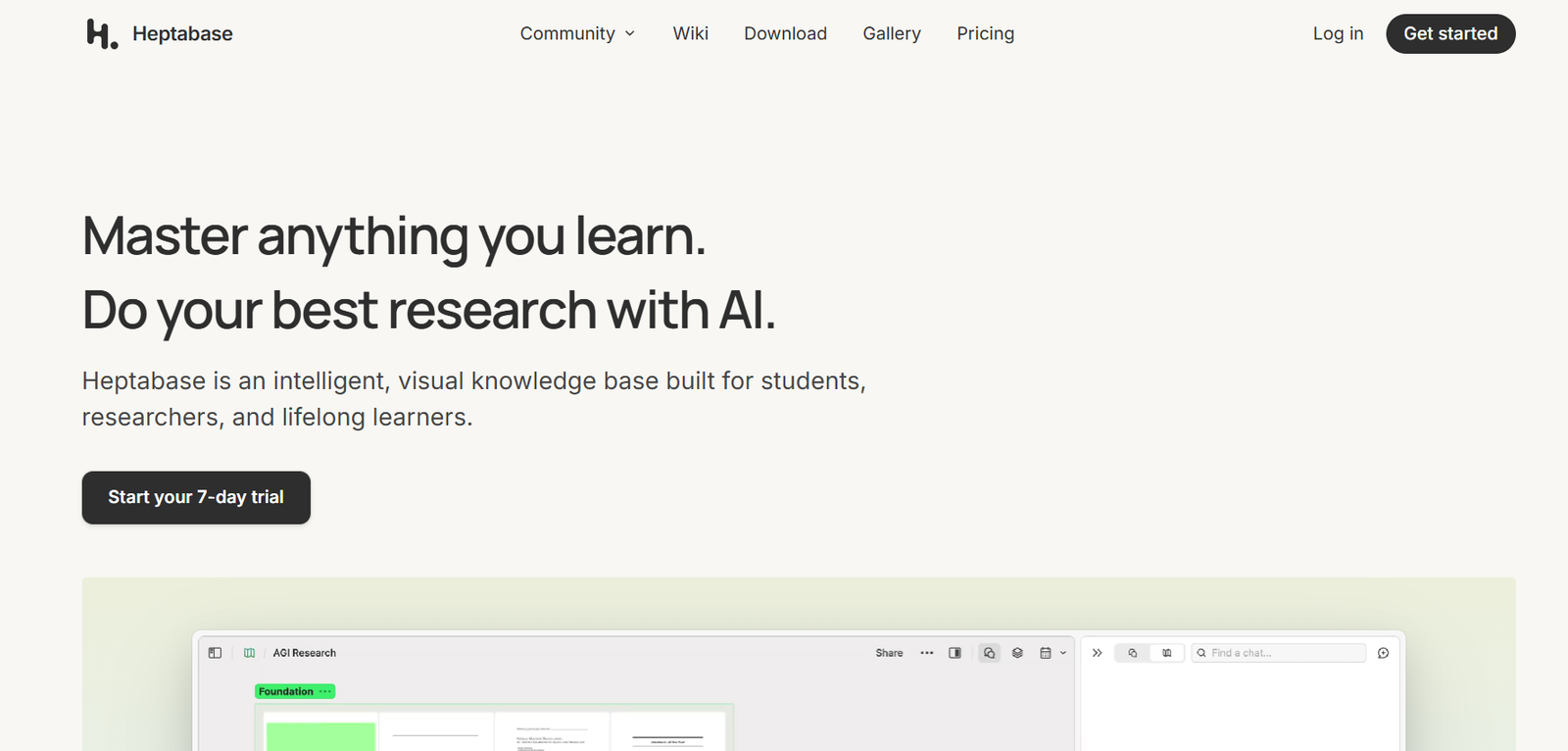
Heptabase is a visual note-taking and knowledge management tool designed to help researchers, thinkers, and professionals deeply understand and organize complex information. Unlike traditional linear note apps, Heptabase uses a spatial interface that lets users visually arrange notes on whiteboards. This allows for non-linear thinking, where ideas, connections, and concepts can be grouped and rearranged dynamically. Whether you are conducting in-depth research, managing long-term projects, or building a personal knowledge base, Heptabase offers a unique environment for structured thinking and visual clarity.
Features
Heptabase combines powerful writing tools with a whiteboard-based interface to support deep work and knowledge development.
Visual Whiteboards
Organize notes, cards, and concepts spatially on infinite canvas-style whiteboards for contextual understanding.
Markdown Note Editor
Create and format notes using markdown with support for headings, lists, tags, backlinks, and embedded media.
Linked Notes
Establish bi-directional links between notes to build a connected knowledge graph.
Tags and Properties
Tag notes for categorization and add custom properties for filtering and organizing large sets of information.
PDF Annotation
Import and highlight PDFs directly inside Heptabase and turn annotations into knowledge cards.
Flashcards
Create flashcards from your notes for spaced repetition and learning retention.
Search and Filters
Quickly find relevant notes or whiteboards using full-text search and tag filters.
Cross-Platform Sync
Available on macOS, Windows, iPad, and mobile devices, with cloud sync for seamless access.
Offline Access
Work offline and sync your data when back online, allowing uninterrupted research or note-taking.
Encrypted and Private
All user data is encrypted to ensure privacy and security of personal knowledge systems.
How It Works
Heptabase centers around two core components: whiteboards and notes. Notes are written in markdown and can be linked together using backlinks or tags. These notes can then be dragged onto whiteboards, where users visually group and arrange them to map out thoughts, research topics, or project outlines.
Each whiteboard functions as a dedicated space for exploration, where users can drop in cards, connect concepts, and cluster related ideas. The spatial interface mimics how people naturally think—visually and relationally—rather than through linear lists. PDFs can be imported, annotated, and broken into key concepts directly within whiteboards.
This system allows users to not only store information but also make sense of it through visual processing, turning fragmented data into structured knowledge.
Use Cases
Heptabase is built for deep thinkers, researchers, and professionals who need more than a simple note-taking app.
Academic Research
Manage research papers, annotations, literature reviews, and build thematic maps using whiteboards.
Personal Knowledge Management
Build a second brain with linked notes and conceptual clusters for long-term understanding.
Writers and Creators
Plan books, articles, or videos using spatial outlines and visual content boards.
Product Managers
Organize user research, roadmaps, and feedback visually for better decision-making.
Students
Take class notes, organize them by subject, and retain knowledge using flashcards and concept maps.
Therapists and Coaches
Map out client journeys, case notes, and therapy models in a visual, private environment.
Pricing
Heptabase offers a free trial and a single premium plan.
Free Trial
Full access to all features for 7 days
No credit card required
Paid Plan
$15 per month or $120 per year
Includes unlimited whiteboards, notes, PDF annotations, flashcards, and full device sync
One subscription covers all platforms including desktop, tablet, and mobile
Detailed pricing is available at https://heptabase.com/pricing
Strengths
Heptabase’s biggest strength is its unique visual approach to knowledge organization. While most note-taking apps follow a linear structure, Heptabase encourages spatial thinking, which helps users better understand relationships between ideas. The interface is designed for clarity and deep focus. Features like PDF annotation, flashcards, and full markdown support make it suitable for both academic and creative use. Its privacy-first, encrypted architecture ensures users can trust it with sensitive information.
Drawbacks
Heptabase may feel unfamiliar to users accustomed to traditional note apps like Evernote or Apple Notes. The learning curve can be steep, especially for users not used to spatial interfaces or whiteboards. Collaboration features are limited, making it less suitable for team-based workflows. The lack of integrations with other productivity tools may also be a limitation for users seeking a connected ecosystem. Currently, it is best suited for individual thinkers rather than large teams.
Comparison with Other Tools
Compared to Notion, Heptabase offers more powerful visual organization but lacks Notion’s database and collaboration features. Against Obsidian, Heptabase provides a more intuitive spatial UI, while Obsidian focuses on text-based linking and plugin extensibility. Compared to tools like Miro or Milanote, Heptabase has stronger support for structured writing and long-term knowledge building. While Miro is great for real-time whiteboarding, Heptabase is better for individual research and note development. It bridges the gap between structured writing tools and visual thinking platforms.
Customer Reviews and Testimonials
Heptabase has been well-received by researchers, creators, and students who value deep thinking and visual clarity. Users praise its ability to help them make connections between complex ideas, manage research intuitively, and improve their understanding of topics. Testimonials often highlight the usefulness of whiteboards in organizing projects and the focus-driven interface that avoids distraction. Many describe Heptabase as a transformational tool for how they think and plan. The community around Heptabase is also active, with regular updates and improvements based on user feedback.
Conclusion
Heptabase is a standout tool in the world of knowledge management. By combining markdown note-taking, whiteboard-based organization, and linked thinking, it offers a fresh and effective way to manage complex ideas. Ideal for researchers, writers, and professionals who need more than linear notes, Heptabase promotes deep understanding through spatial clarity. While it may not be for everyone, users who adopt its unique approach often find it irreplaceable. If you are seeking a visual, structured, and private environment to think, learn, and create, Heptabase is a powerful and thoughtful choice.


