
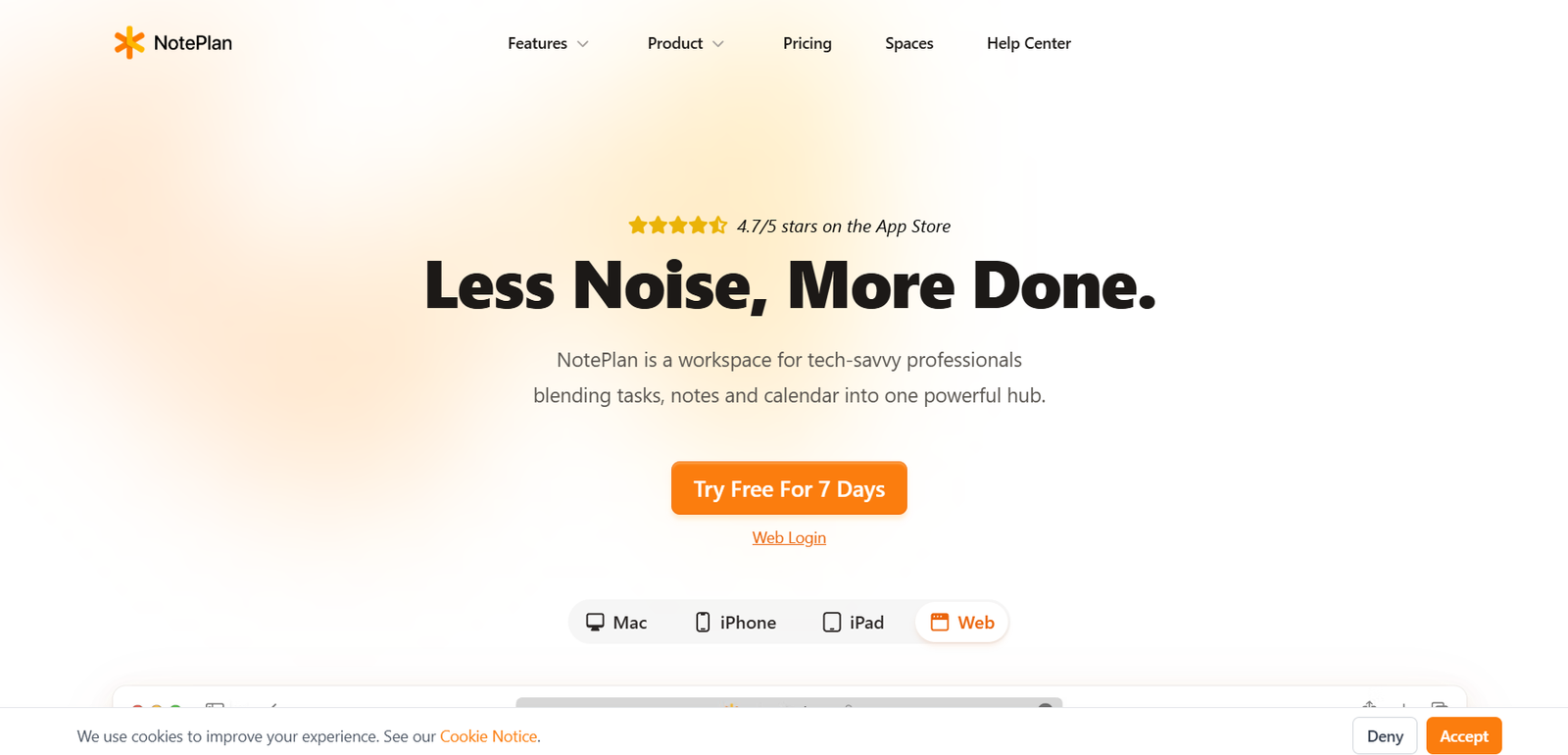
NotePlan is a productivity app that combines markdown note-taking, calendar integration, and task management into one seamless interface. Designed for macOS, iPad, and iPhone users, NotePlan helps professionals, writers, and planners keep everything organized in one place. Unlike apps that separate notes and tasks into different modules, NotePlan unifies them around daily planning. With a focus on simplicity, offline-first access, and markdown formatting, NotePlan is ideal for those who want a fast, distraction-free way to take control of their time and ideas.
Features
NotePlan includes a wide range of features designed to support intentional daily planning and long-term organization.
Markdown Notes
Create and format notes using markdown with support for headings, checkboxes, bullet points, and inline tags.
Calendar Integration
Syncs with Apple Calendar and Reminders so events, deadlines, and tasks appear in your planning view.
Task Management
Schedule tasks within daily notes, link them to projects, and track them across different timeframes.
Daily Planning
Each day has its own note page where you can combine meetings, tasks, and journal entries.
Backlinking and Linking Notes
Create a connected network of notes using internal links, enabling a personal knowledge management system.
Smart Filters and Queries
Use tags and filters to find tasks, overdue items, and project-specific content.
Project Notes
Keep long-form documentation and project plans linked directly to actionable tasks.
Apple Ecosystem Sync
Real-time sync across macOS, iPhone, and iPad using iCloud, with offline support.
Plugins and Customizations
Extend functionality with community plugins or use AppleScript and Shortcuts for automation.
Encrypted and Local Data
NotePlan keeps your data private, storing everything locally or securely synced via iCloud.
How It Works
NotePlan operates through a calendar-based interface where each day is a dedicated markdown note. Users can write down thoughts, create checklists, and plan meetings all in one place. Tasks can be scheduled for today or deferred to future dates. Events from Apple Calendar appear alongside your written plans, providing a complete view of your day.
Notes can also be created outside the daily calendar for meeting logs, research, or long-term projects. You can link these notes together, tag them for easy filtering, and even reference them directly inside your daily plan. Notes are stored as plain text markdown files, ensuring portability and privacy.
Tasks can be recurring, moved forward automatically, and filtered using smart queries. Everything stays in sync across Apple devices with iCloud, giving you access to your planning system wherever you are.
Use Cases
NotePlan is versatile and supports a wide range of productivity needs.
Daily Planning
Start each day with a clean page for notes, tasks, and appointments.
Writers and Creators
Use markdown to outline ideas, track writing progress, and manage content calendars.
Students
Organize assignments, lecture notes, and exam prep using tags and calendar scheduling.
Freelancers
Track client projects, meetings, and personal goals from a unified workspace.
Project Managers
Manage multiple projects using linked notes, scheduled tasks, and progress tracking.
Personal Knowledge Management
Build a network of connected notes to capture and retrieve long-term insights and ideas.
Pricing
NotePlan offers subscription-based pricing with a free trial available.
Free Trial
Full access for 14 days
Includes all premium features for testing before purchase
Subscription
$6.99 per month or $59.99 per year
Includes all core features, sync across Apple devices, and ongoing updates
NotePlan is only available on Apple platforms. There is no version for Windows or Android.
You can subscribe or start a free trial at https://noteplan.co/pricing
Strengths
NotePlan’s biggest strength is the way it blends notes, tasks, and calendar views into a single, intuitive workflow. Its use of markdown allows for fast, clean editing, while real-time calendar syncing makes it easy to plan your day in context. The app’s offline-first design and local file storage provide privacy and data ownership. Its flexibility also means it works for both daily task planning and long-term knowledge management. Integration with Apple Reminders and Shortcuts adds automation potential without unnecessary complexity.
Drawbacks
NotePlan is currently limited to Apple devices, which excludes Windows or Android users. It also lacks built-in collaboration features, making it less suitable for teams or shared projects. While its markdown-first design is great for power users, beginners unfamiliar with markdown may need time to adjust. Advanced project management features like Gantt charts or resource tracking are not included. Users looking for cross-platform support or built-in team functionality may find the app limited.
Comparison with Other Tools
Compared to Notion, NotePlan is faster and simpler, with less setup required and better support for daily planning. While Notion offers more flexibility and team features, NotePlan is better for solo users who want speed and offline access. Compared to Obsidian, NotePlan includes built-in calendar and task management, whereas Obsidian focuses more on note linking and plugin-based customization. Compared to Things 3 or Todoist, NotePlan provides more freedom in how tasks and notes are structured but lacks recurring reminders or detailed project hierarchy seen in dedicated task managers.
Customer Reviews and Testimonials
NotePlan has received consistently high praise from productivity-focused users and Mac enthusiasts. Users highlight the seamless integration with Apple Calendar, fast performance, and the clean experience of working in markdown. Many solo entrepreneurs, writers, and academics report improved focus and better organization with daily note-based planning. The community around NotePlan is active, with users creating and sharing plugins, templates, and productivity systems tailored to the tool.
Conclusion
NotePlan is a powerful productivity app that helps users take control of their time by merging tasks, notes, and calendars into one cohesive workflow. Its markdown foundation and Apple-native design make it ideal for professionals who value clarity, speed, and data privacy. Whether you’re planning your day, managing multiple projects, or building a personal knowledge system, NotePlan provides a clean and effective environment to get things done. If you’re an Apple user looking for a fast and flexible planner, NotePlan is an excellent choice.


